
Employee ID Card Maker
免費卡片與標籤Add a photo and the company name, job title, department and employee number. Pick vertical for lanyards or horizontal for card holders.
- 可直接列印的 PDF
- Letter 或 A4
- 未上傳任何內容
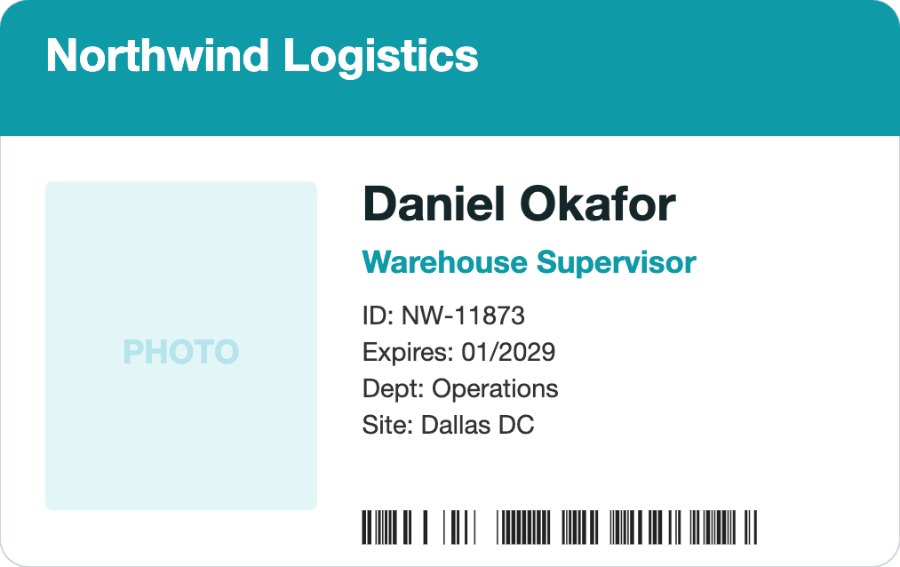
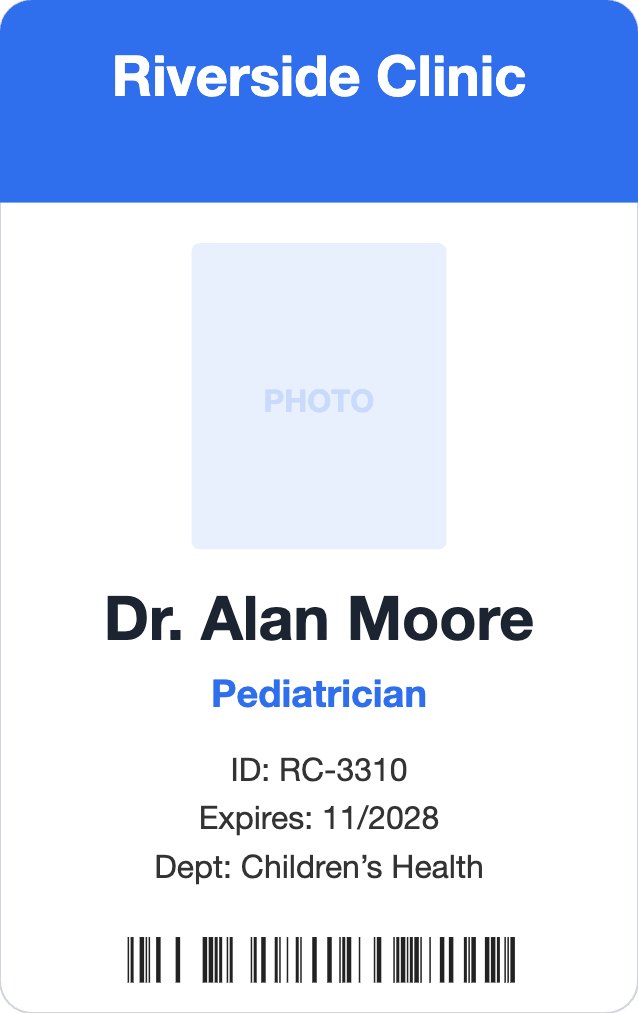
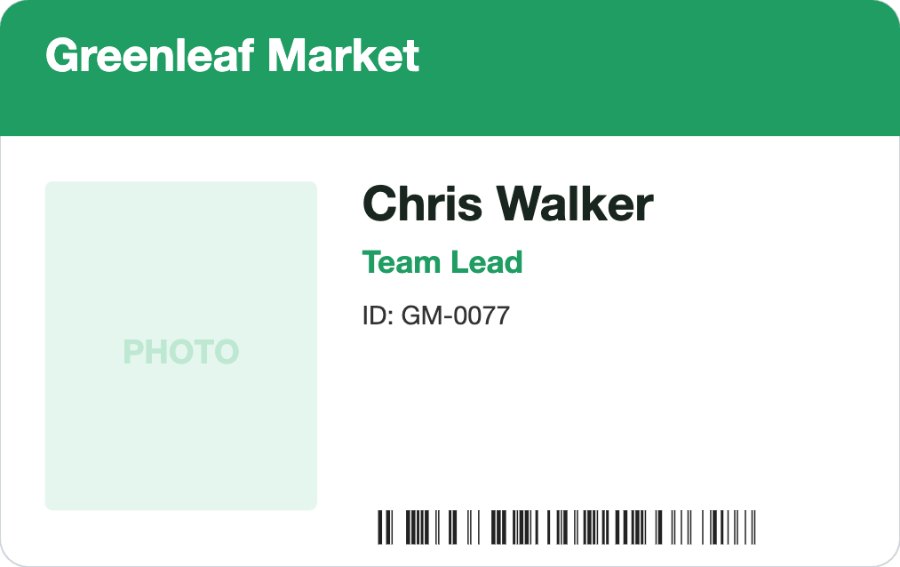
如何使用 Employee ID Card Maker
- 01
Add the photo and fill in the details.
- 02
Pick vertical or horizontal, and company colors.
- 03
Download one card as a PNG, or a sheet to print.
大家用來做什麼
Small businesses
Staff badges without a badge printer.
Events
Crew and staff passes.
New hires
A badge on day one.
提升結果的建議
- Use the same photo style for everyone.
- Laminate or use PVC badge sheets.
- Put the department on a second line.
- Keep a list of ID numbers issued.
常見問題
Can I use it as a door access card?
No. It prints a badge to show; access cards need a chip from your security provider.
What size is it?
CR80, 3.375 × 2.125 inches.
Can it be a door access card?
No. Access cards need a chip from your security provider.
Does Employee ID Card Maker upload what I type?
No. Employee ID Card Maker draws the page in your browser from what you type, so it works offline once the page has loaded and nothing is sent anywhere.
更多工具
Business Card Template
Make a business card and print 10 on a Letter or A4 sheet.
ID Card Maker
Make a photo ID card at the standard credit card size.
Place Card Maker
Print folding place cards with guest names and table numbers.
Punch Card Maker
Print loyalty punch cards with 3 to 12 stamp spots, 10 per sheet.
Student ID Card Maker
Make a student ID card with photo, grade and student number.
File Folder Labels
Printable file folder tab labels, 30 per sheet.