
Social media
Research audiences, plan content and manage social workflows.
Explore Social media ↗Explore Lemon8 topics and compare public posts before planning your next content idea.
Explorar Skills ↓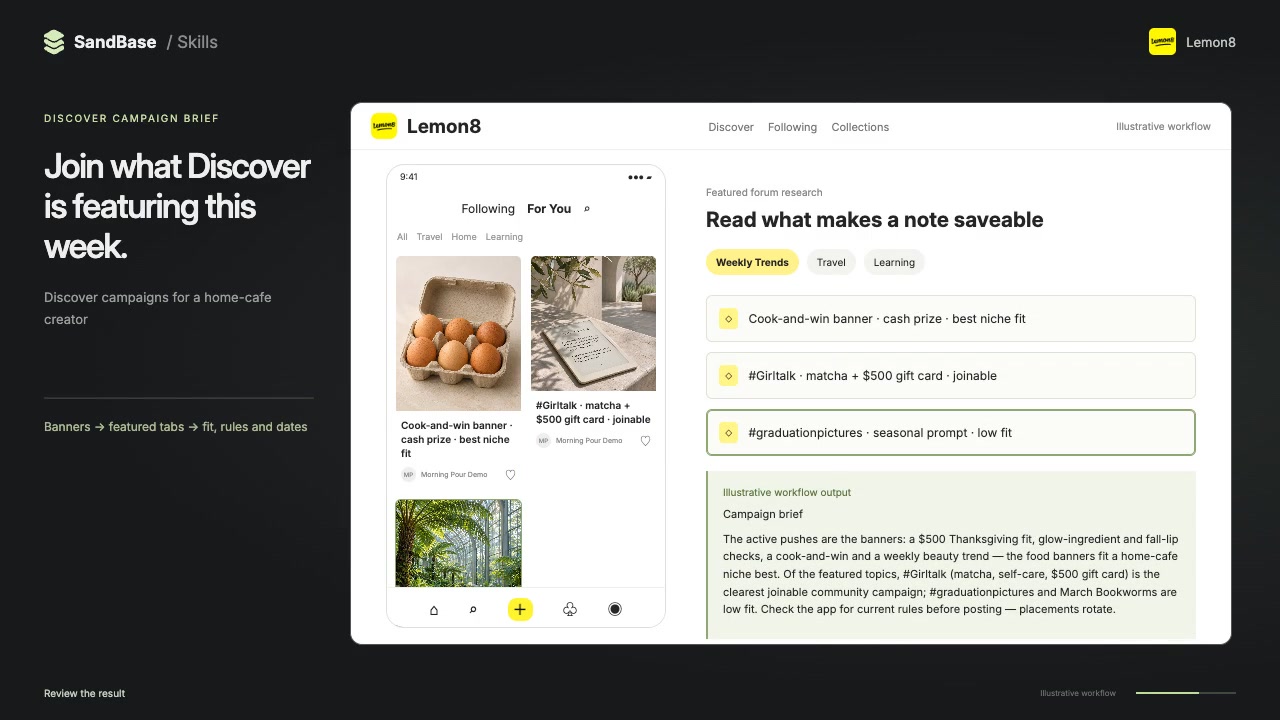
Find the campaigns Lemon8 is promoting on Discover right now.
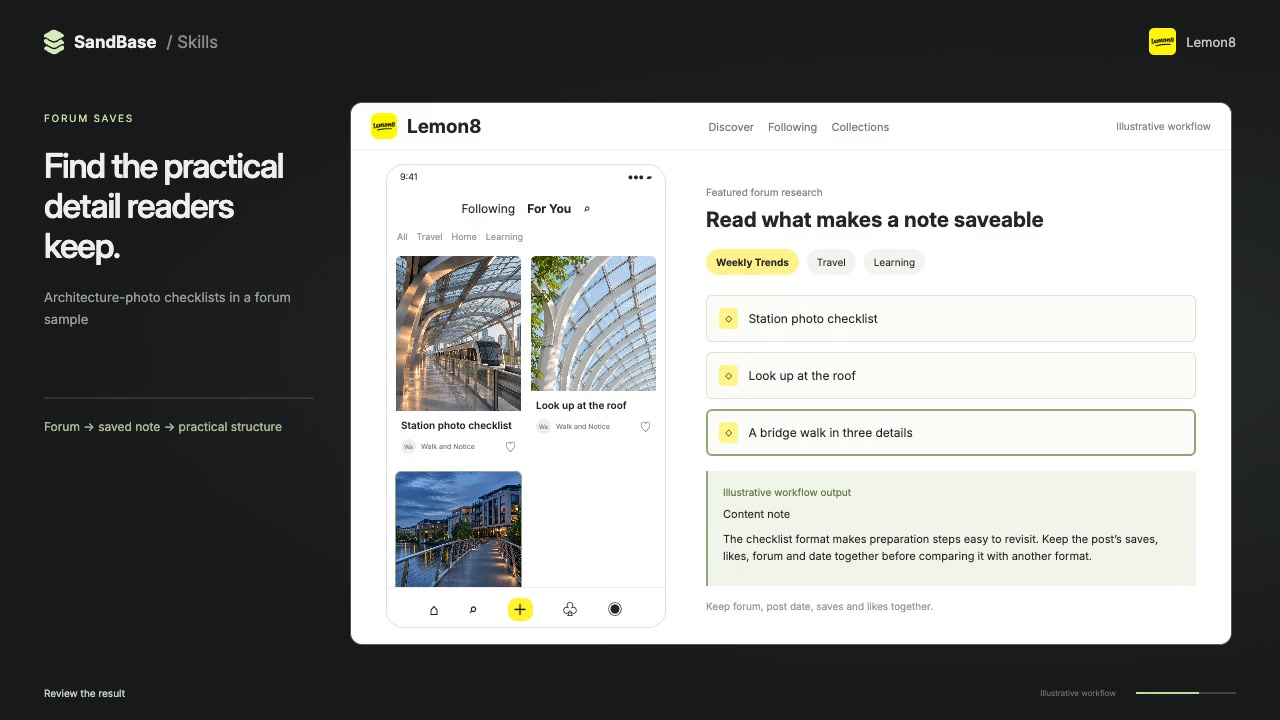
See which kind of Lemon8 post people save for later, not just like, and which featured forum to post in.
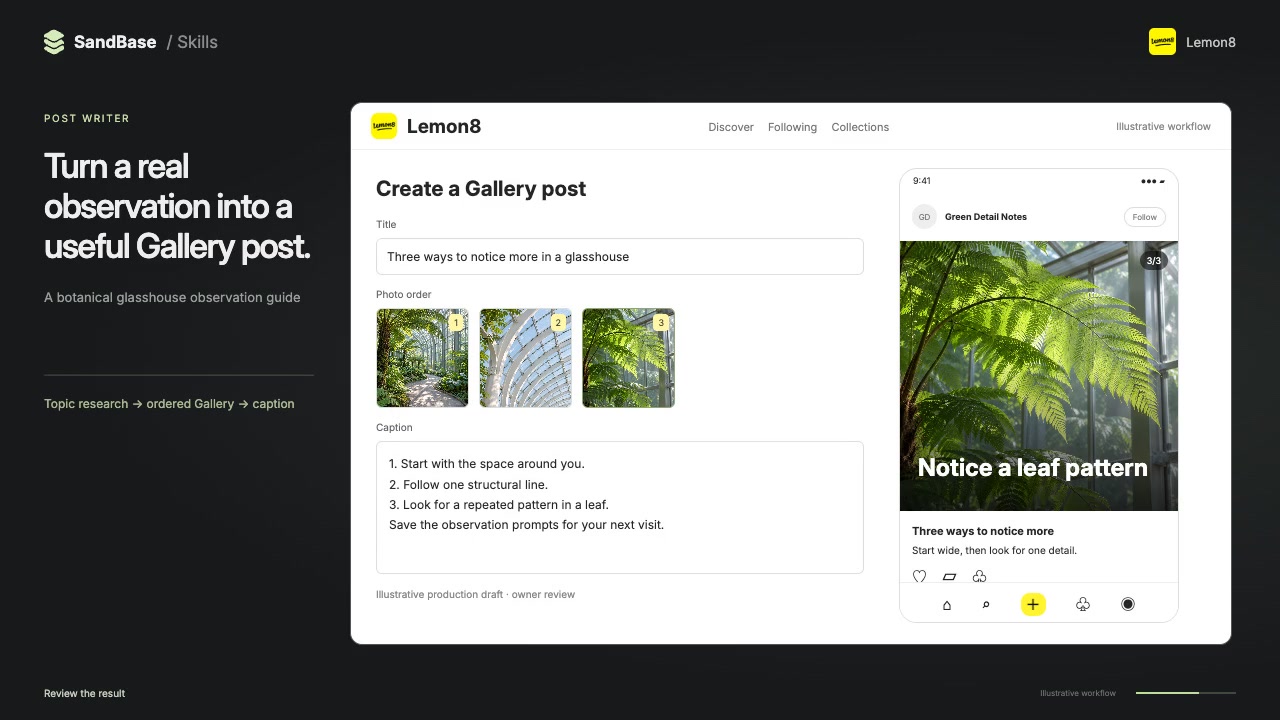
Write a Lemon8 post in the format that gets saved for your topic, from your own routine or product facts.
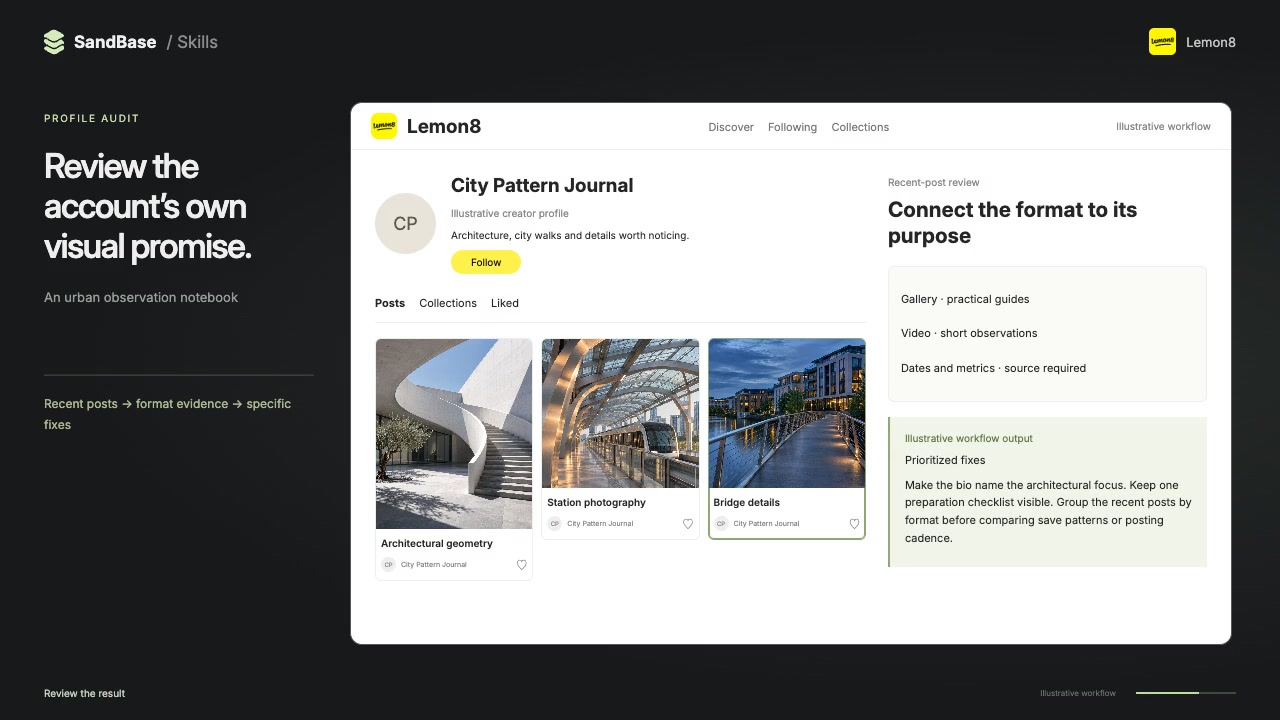
See how a Lemon8 account's recent posts are really doing and get five fixes tied to the numbers.
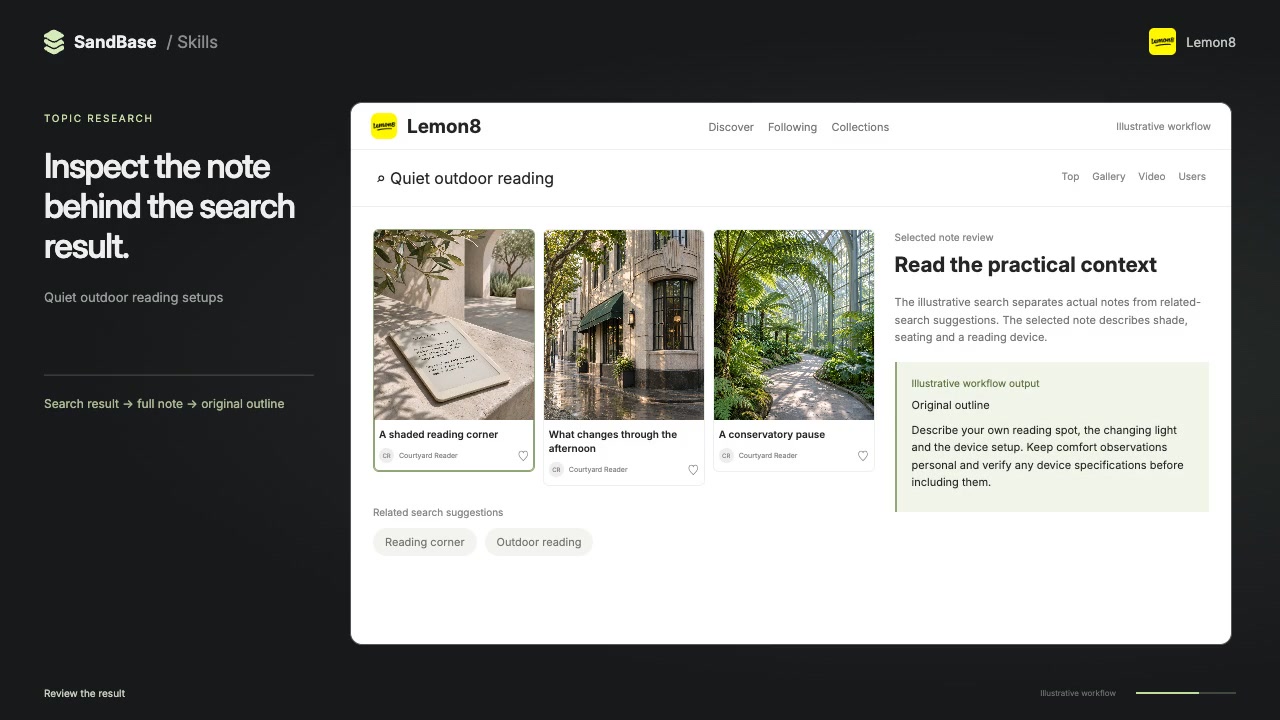
Explore Lemon8 topics and compare public posts before planning your next content idea.
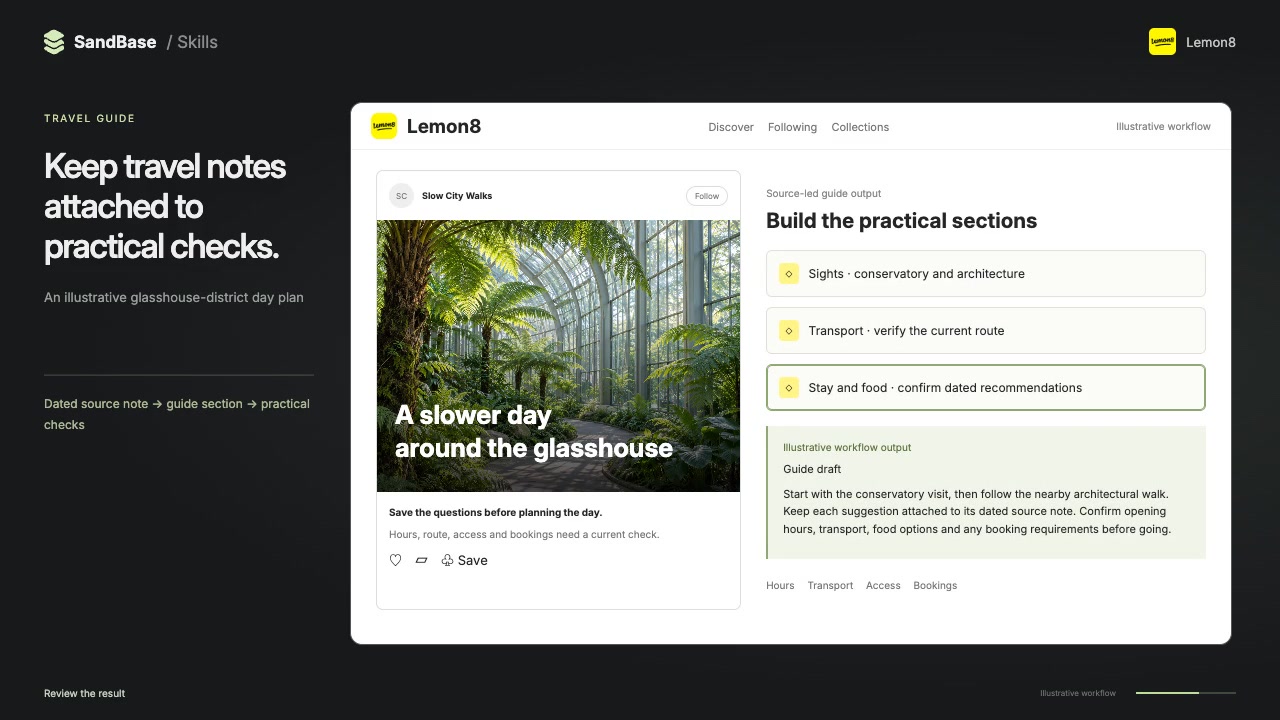
Turn what Lemon8 posters actually wrote about a destination into a guide you can use, with every line linked to the post it came from.
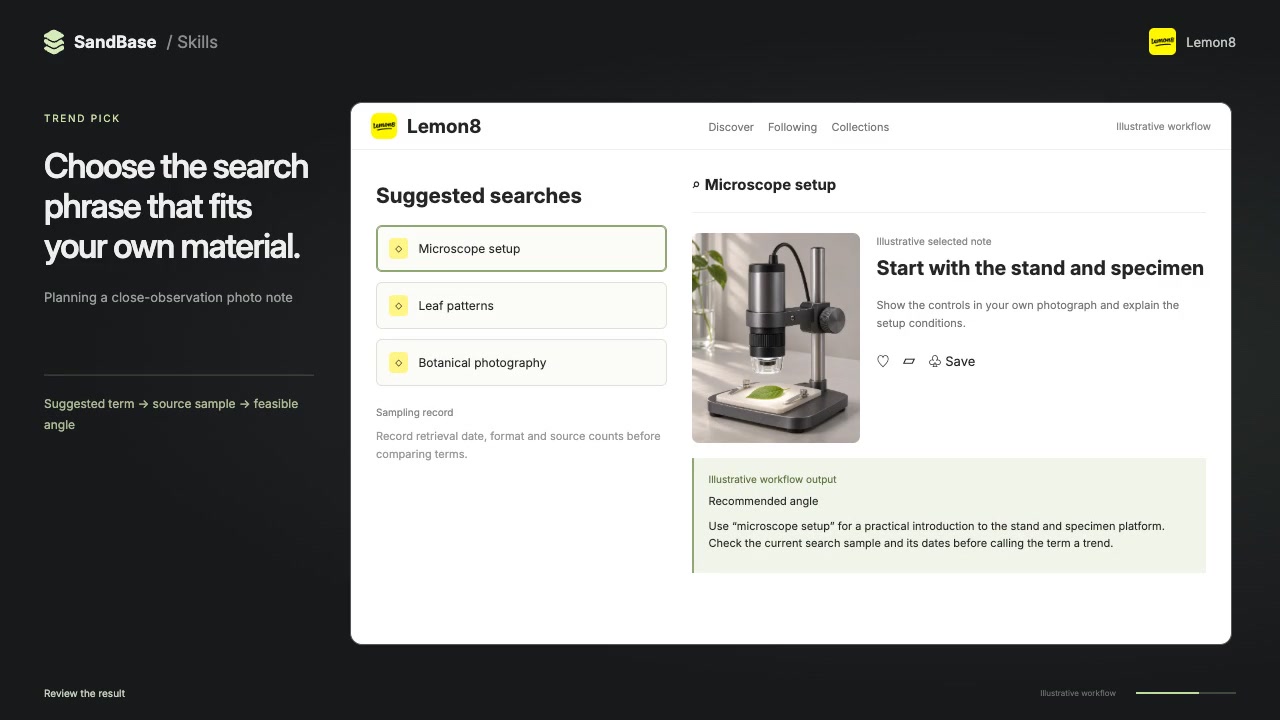
Decide which Lemon8 search term is worth your next post, in which format and from which angle.
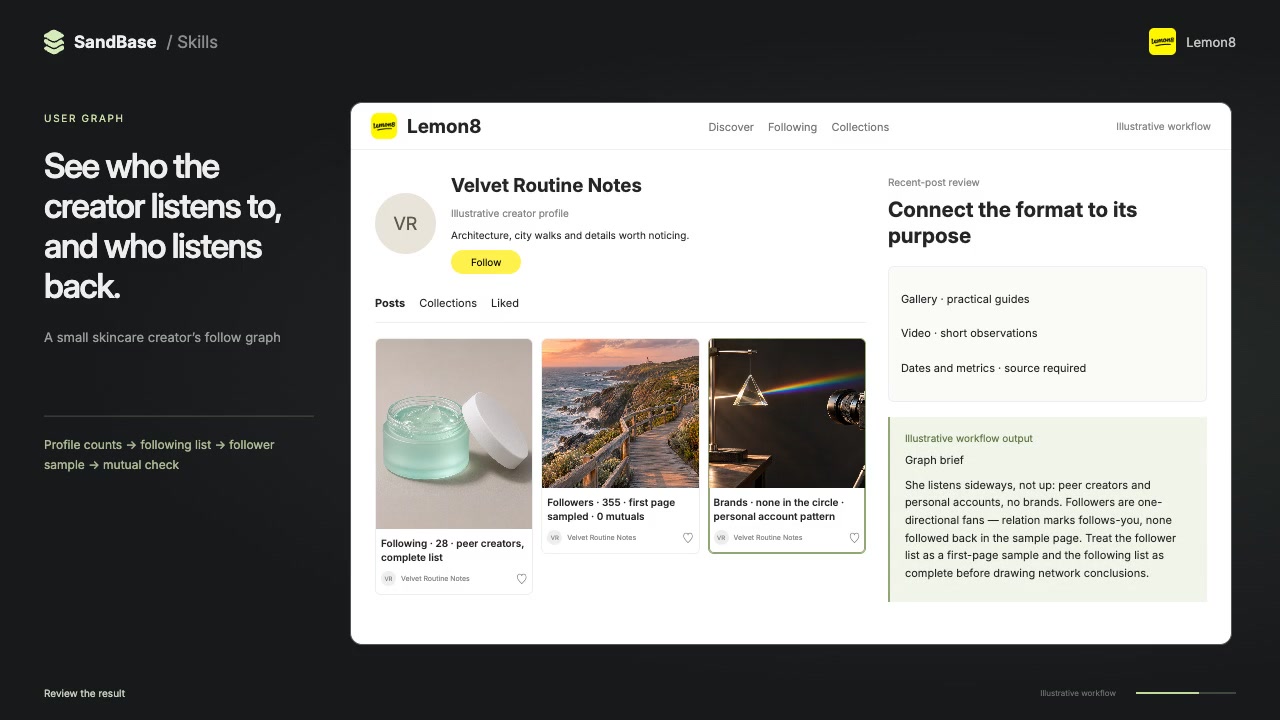
Map one Lemon8 account's follow graph through SandBase
Explore Lemon8 topics and compare public posts before planning your next content idea.
A topic or keyword and an intended audience.
Start with a task, then explore the possibilities.
Research audiences, plan content and manage social workflows.
Explore Social media ↗Compare the inputs and deliverables before you begin.
| What you have | What to look for | Next step |
|---|---|---|
| A clear brief | A topic or keyword and an intended audience. | Browse this collection ↗ |
| A connected agent | Follow the installation instructions on the Skill page and connect your agent to SandBase. API calls are billed to your SandBase organization. | Read the Skills guide ↗ |
| A different output | Research audiences, plan content and manage social workflows. | Social media ↗ |
Follow the Skill page: download and unpack its complete folder, or use the provided installation command. Choose an Agent that supports its requirements.
Connect your agent to SandBase so the Skill can call its data APIs.
Describe what you need, then check the sources in the output before you use it.
Search Lemon8 posts and creators
A set of instructions your agent follows to call SandBase data APIs, such as search, social or business data, and turn the results into a sourced answer.
You need a SandBase account connected to your agent. SandBase API calls are billed to your SandBase organization.
SandBase Agent, Codex, Claude and Cursor. Check each Skill page for its runtime requirements and installation method.