
Tier Notes
- Skill de Lab
- v1.0.3
- Motion
Build an ordered trapezoid hierarchy with paced headings and aligned explanatory notes.
Ejemplos · 2
Ejecutar online
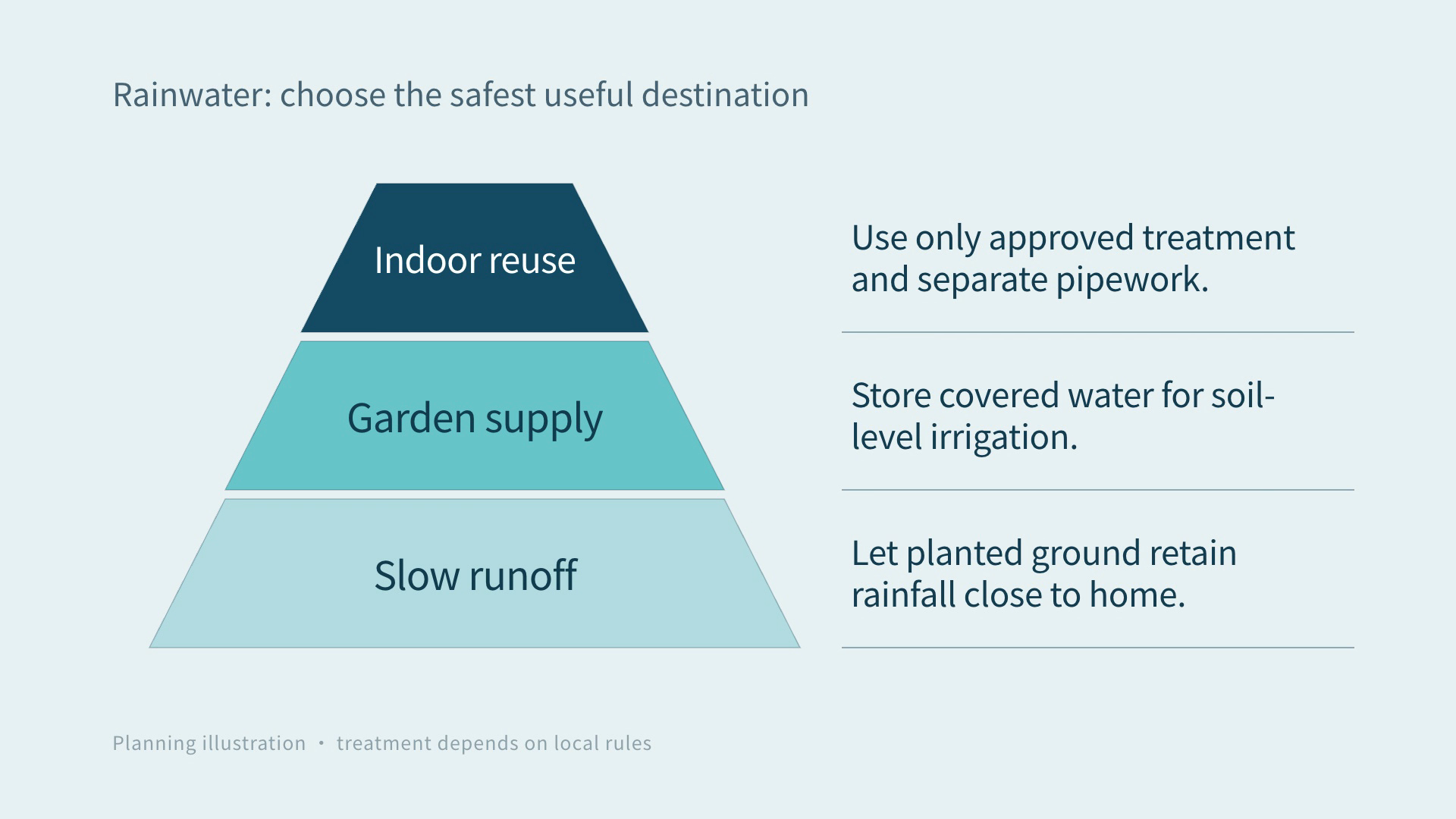
Ejecuta el ejemplo de Tier Notes en un Sandbox de SandBase y mira el resultado aquí mismo.
Cómo funciona
- 01
Author the hierarchy
Tier Notes accepts two to four ordered levels, each with an authored label and an explanation. An Agent writes and checks the JSON brief following the authoring guide. The tool does not infer priorities, validate domain advice or turn prose into scenes, so the order and wording of the tiers are decisions you make before rendering.
- 02
Build the trapezoid
A narrow upper tier expands toward the base, and the shapes arrive from the top. Then each heading and its aligned explanatory note become readable in sequence, and the finished diagram holds for reading. Width represents hierarchy only, never a measured quantity, so the shape should not be read as a chart.
- 03
Render and inspect
The render uses Node.js 22.14.0, FFmpeg and pinned HyperFrames 0.8.30 with one worker, stopping after four minutes with an error on failure. Videos are 1920 by 1080, 30 fps and 7.2 seconds, and silent. Inspect native-size frames, label joins, text bounds and backward and forward seeks including zero.
Preguntas frecuentes
What does Tier Notes make?
Tier Notes makes a 7.2-second diagram of an ordered trapezoid hierarchy whose headings and aligned notes appear in sequence. The demos show a rainwater reuse hierarchy and a community food storage plan. It suits short motion explainers about priorities, ranks or stages.
Does Tier Notes width mean size?
No. Tier Notes uses width only to show hierarchy, with a narrow top expanding toward the base. It never encodes a measured quantity. If your levels have real amounts, a chart Skill is the better choice, so viewers do not misread the shape as data.
How much text fits in Tier Notes?
Tier Notes fits dense labels and notes down to 24 pixels after local fonts load. Keep each explanation concise, then inspect the encoded frames at native size to confirm text bounds and the joins between labels and notes. Overlong text should be shortened rather than squeezed.
Is Tier Notes editable after rendering?
Yes. Tier Notes writes a project containing editable SVG, HTML, GSAP motion and a timing record. Keep topics and finished example media outside the installed Skill, so each project stays separate from the reusable package.
Does Tier Notes need a model service?
Tier Notes states that no model service or API key is needed. GSAP and fonts are bundled, and the render fetches the pinned HyperFrames release with npx when it is missing, so producing a diagram is not billed.
Más Skills
Todos los Skills de Motion →
Image Blaster
Turn one frozen moment into a camera-orbit concept video.
Sketchbook Film
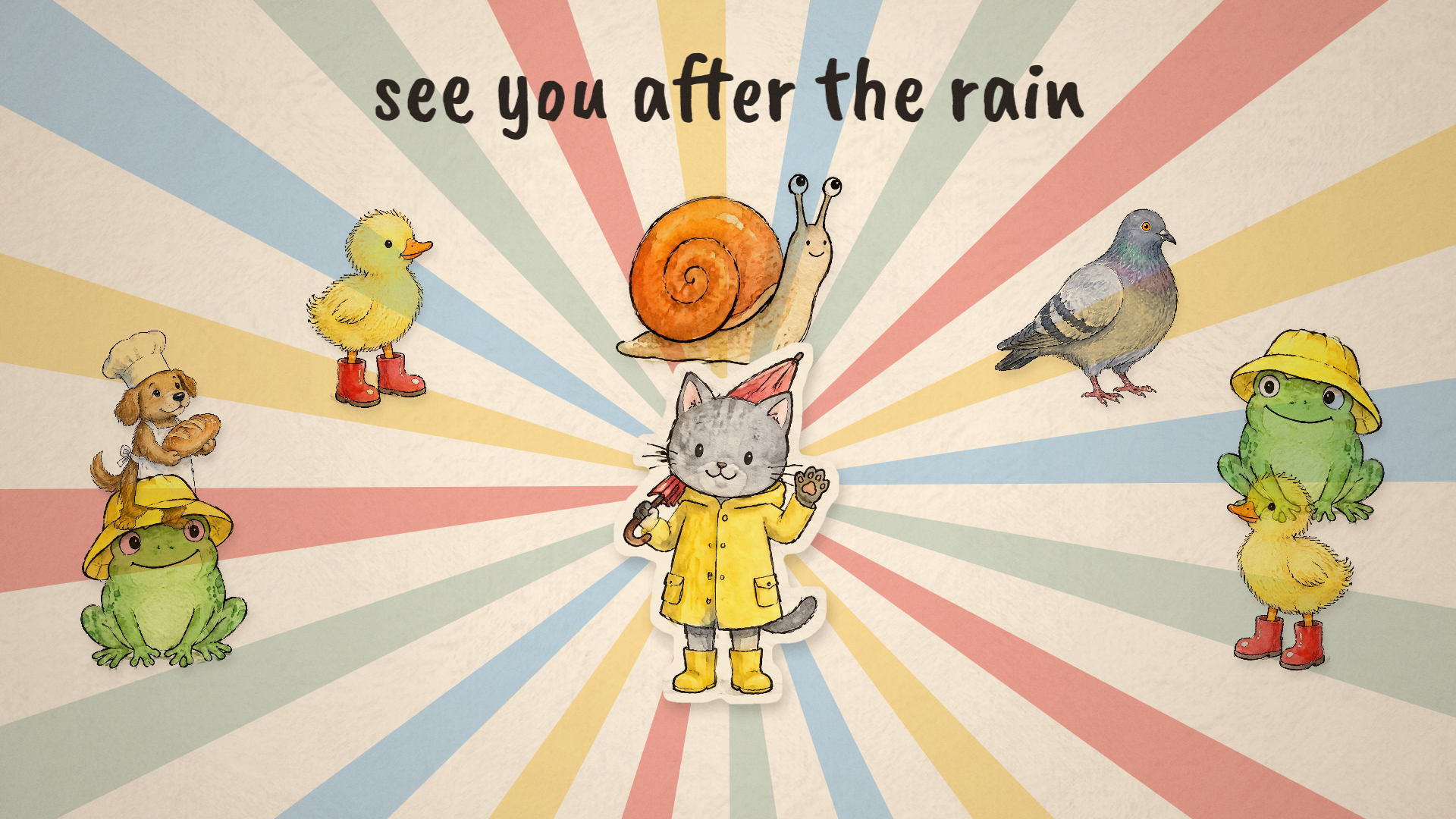
Bring photographed sketchbook drawings to life as a short film with cut-out characters, ink lettering and a score.

SVG Paint Stages
Show a picture being painted: construction marks, contours, flat colour and finer patches, as a layered SVG and a short film.
Network Tally
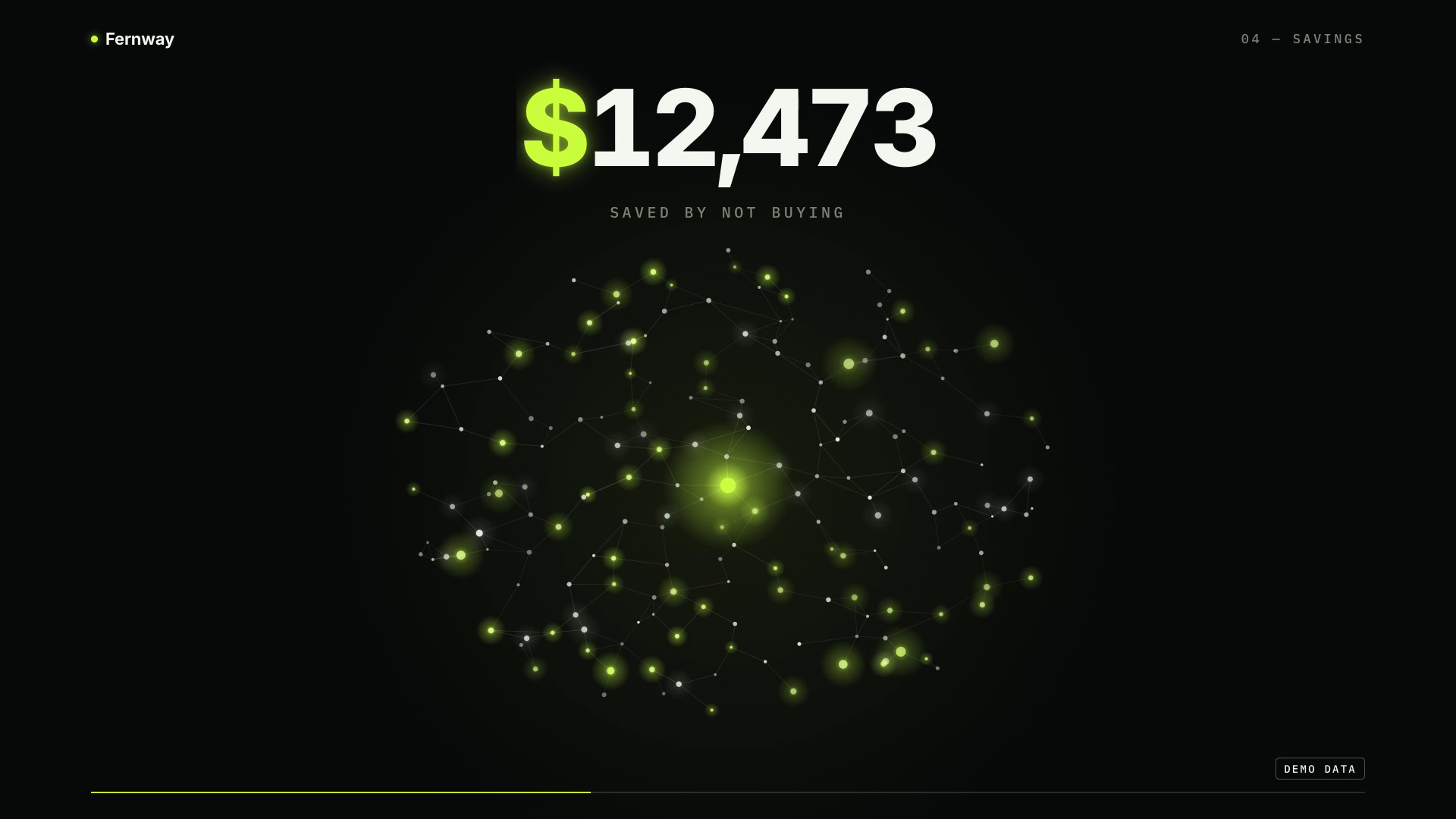
Tell a growth story with real numbers: one node network grows with each counter, flashes, dims behind a spike chart and closes on an end card.
Radiograph Reel: Bumble Ledger
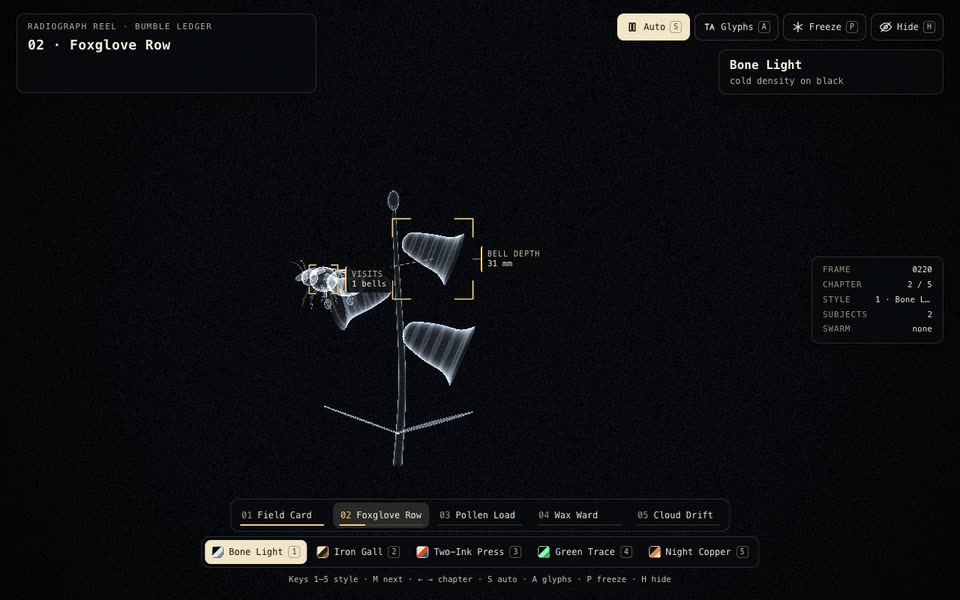
A specimen film reel: procedural bees, flowers and a wax comb glow as X-ray density, print in five switchable film styles with tracking labels, and a swarm morphs between formations.
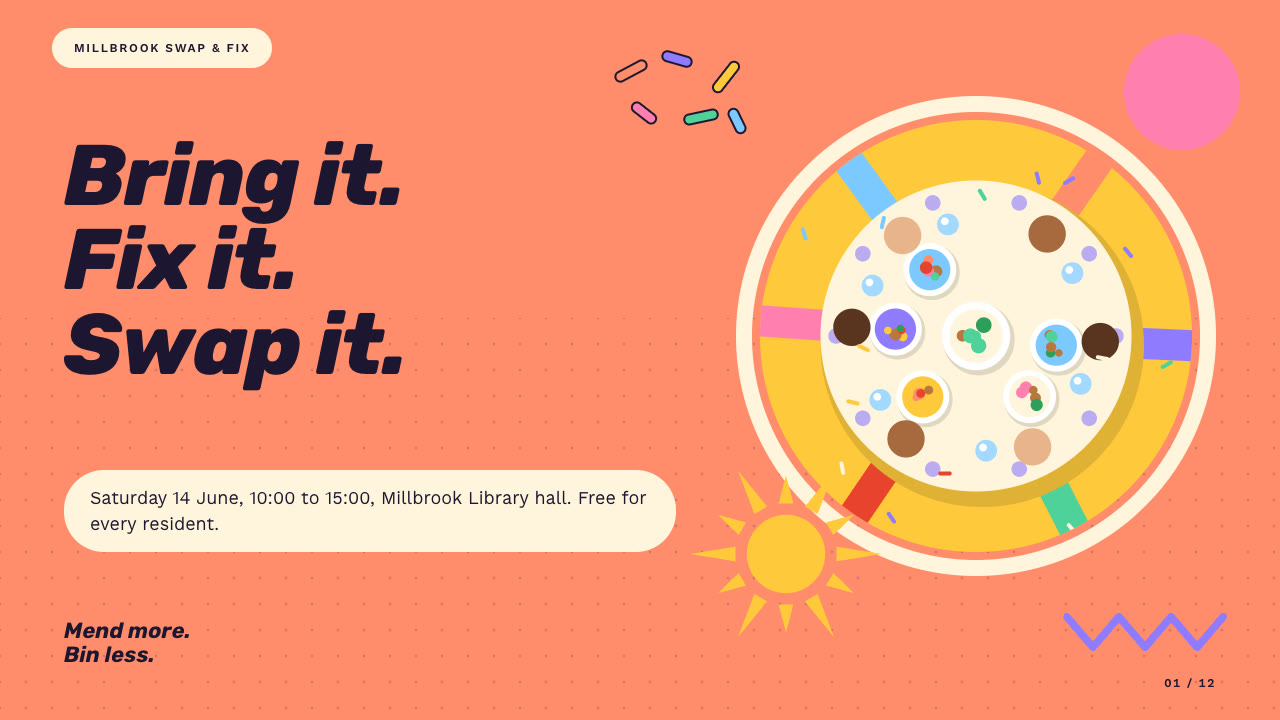
Festival Grid Slides
Invite people to a fair, open day or club season, or pitch one, in a bright festival deck: whole-page colour fields with a fine dot grid, heavy slanted headlines, cream cards and tickets, round pictures, and suns, rosettes, rings, bunting and sprinkles.