
Whole to Units
- Skill de Lab
- v1.0.8
- Motion
Contract one photograph into a stable anchor, then reveal its counted image studies in order.
Ejemplos · 2
Ejecutar online
Ejecuta el ejemplo de Whole to Units en un Sandbox de SandBase y mira el resultado aquí mismo.
Cómo funciona
- 01
Brief the images
Whole to Units takes one licensed overview photograph, one to sixteen local raster pieces, short captions, a relation symbol and a palette. Inputs must be JPEG, PNG or WebP; video subjects are unsupported. Read the brief contract, secure image rights and use a new subject and image set for each piece. Media files are excluded from the reusable download.
- 02
Contract, relate, count
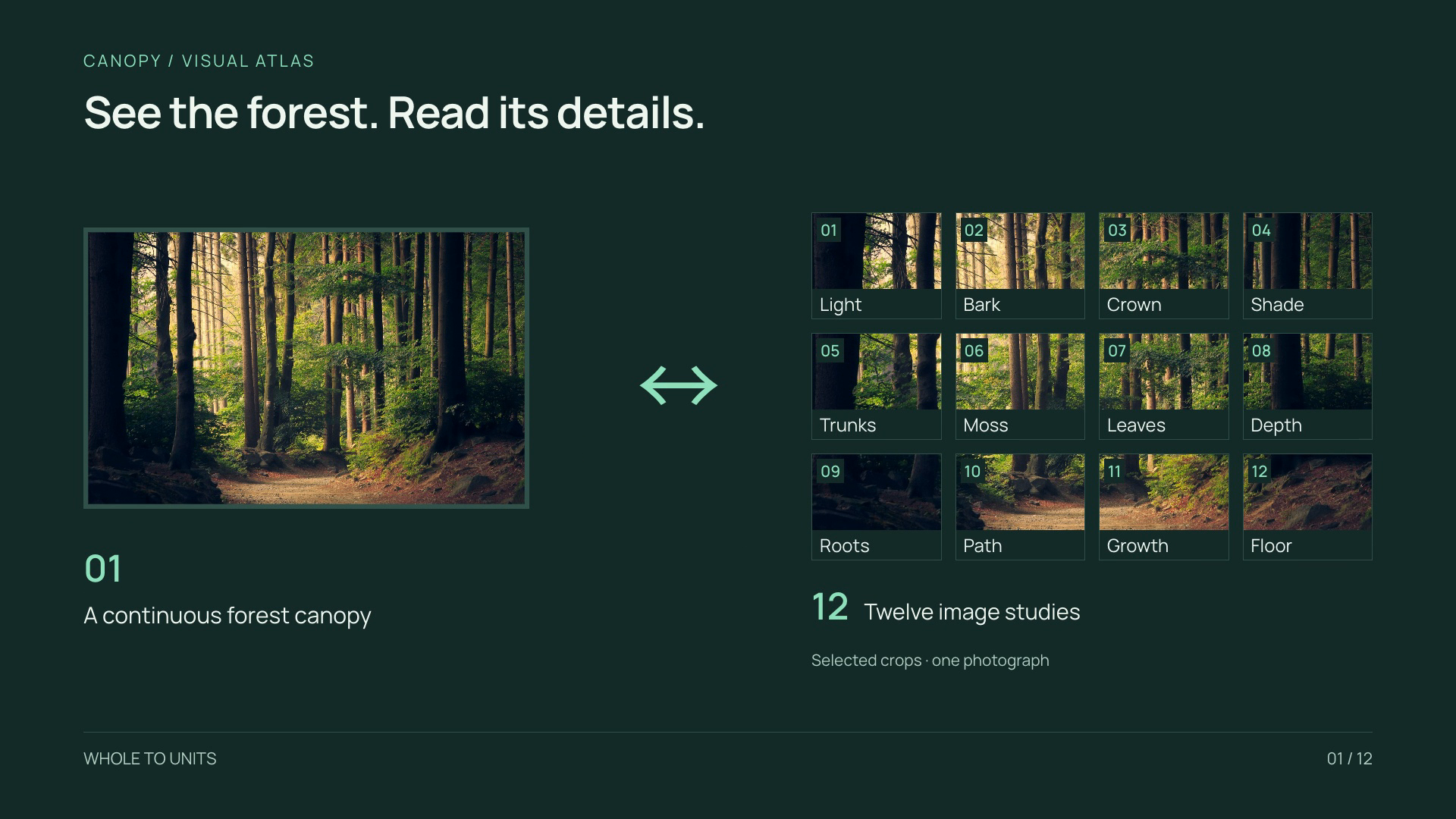
GSAP moves the large overview into its final anchor position, contracting it so it stays stable on screen. The relation symbol then appears, expressing the brief's intended claim, and the individually numbered image studies are revealed in order beside it. Verify what the symbol means rather than letting the animation imply a factual equivalence.
- 03
Compose and render
Run npm ci, then compose.mjs with the brief, a project folder and the fern, porcelain, copper or carbon palette, and render.mjs with one worker at 1920 by 1080 and 30 fps. Inspect the large image, the contraction, first and last units, count, labels and final hold, and check a backward seek to zero and both sides of each handoff.
Preguntas frecuentes
What does Whole to Units make?
Whole to Units makes a short comparison that contracts one photograph into a stable anchor, then reveals its counted image studies in order. The demos pair a forest canopy with 12 crop windows and a coffee roast with 6 texture studies. It suits visual inventories and object-versus-detail comparisons.
Does Whole to Units generate images?
No. Whole to Units uses only the licensed raster images you supply and never generates imagery or interprets arbitrary prompts. Its layout is bounded: one overview and up to sixteen pieces. Choosing images and writing copy are the author's job.
What does the Whole to Units symbol mean?
Whole to Units shows the relation symbol you choose, such as one suggesting that the pieces make up the whole. The symbol states the brief's intended claim. Check that it is accurate, because the animation alone does not prove any equivalence between the photograph and its parts.
Can I edit a Whole to Units project?
Yes. Whole to Units keeps the generated HTML, local assets, brief and render record editable. Preserve any supplied third-party font notices when sharing projects, and keep each subject's images with its own project rather than inside the Skill.
Is Whole to Units billed?
Whole to Units installs locked dependencies once and then uses local fonts, images and GSAP for every project. Rendering runs through HyperFrames on your machine with no model call, so a film is not billed.
Más Skills
Todos los Skills de Motion →
Image Blaster
Turn one frozen moment into a camera-orbit concept video.
Sketchbook Film
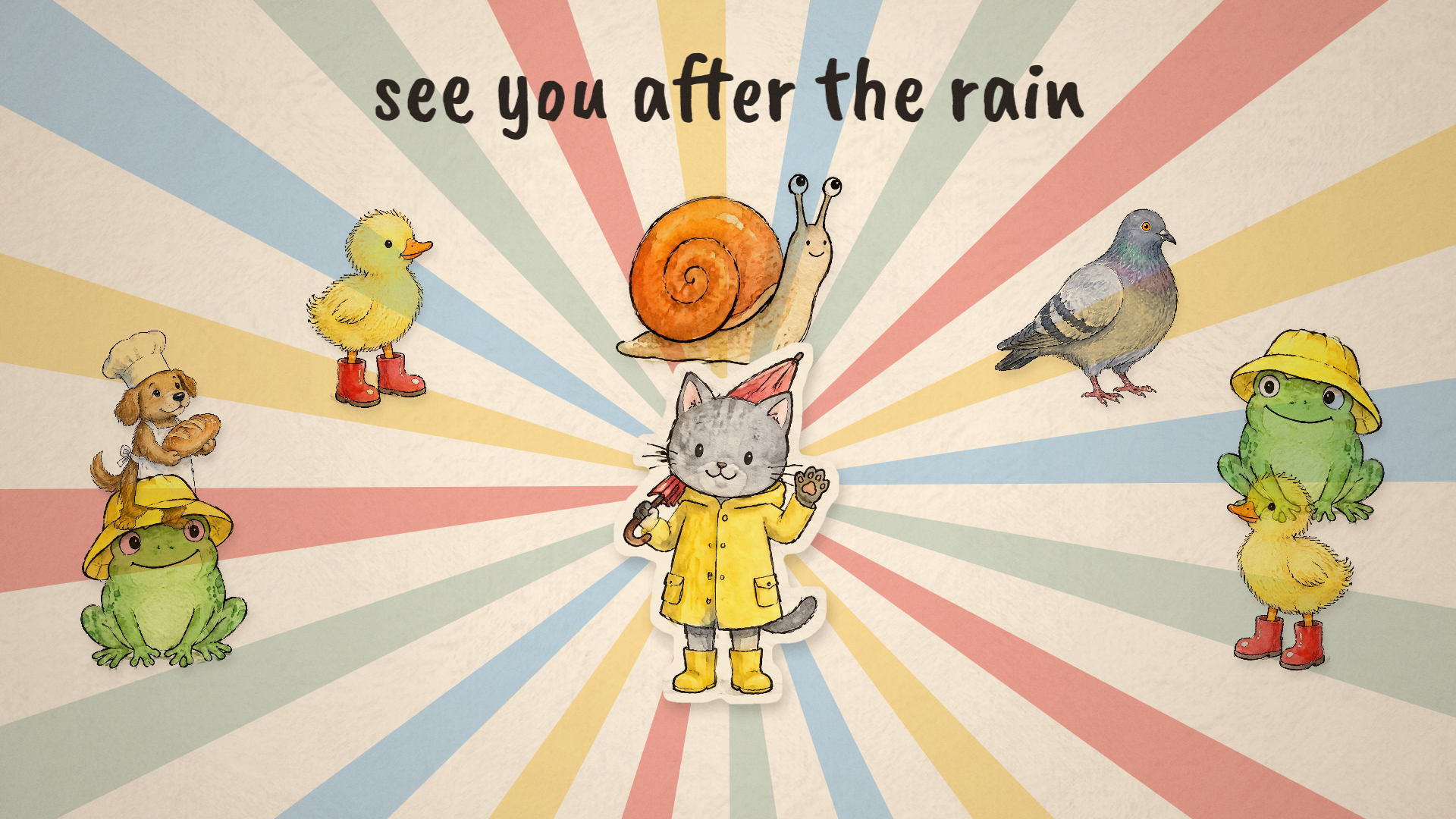
Bring photographed sketchbook drawings to life as a short film with cut-out characters, ink lettering and a score.

SVG Paint Stages
Show a picture being painted: construction marks, contours, flat colour and finer patches, as a layered SVG and a short film.
Network Tally
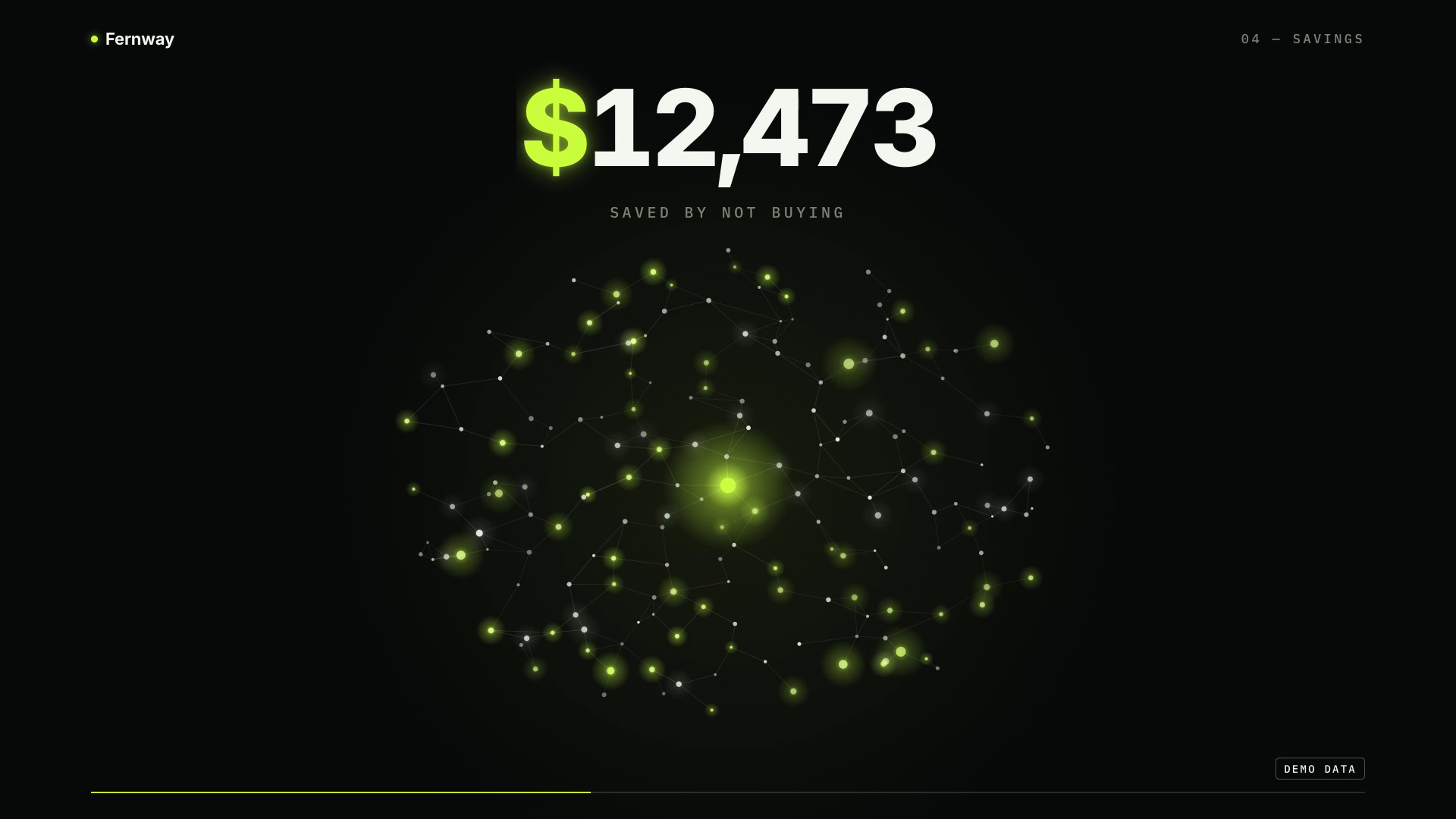
Tell a growth story with real numbers: one node network grows with each counter, flashes, dims behind a spike chart and closes on an end card.
Radiograph Reel: Bumble Ledger
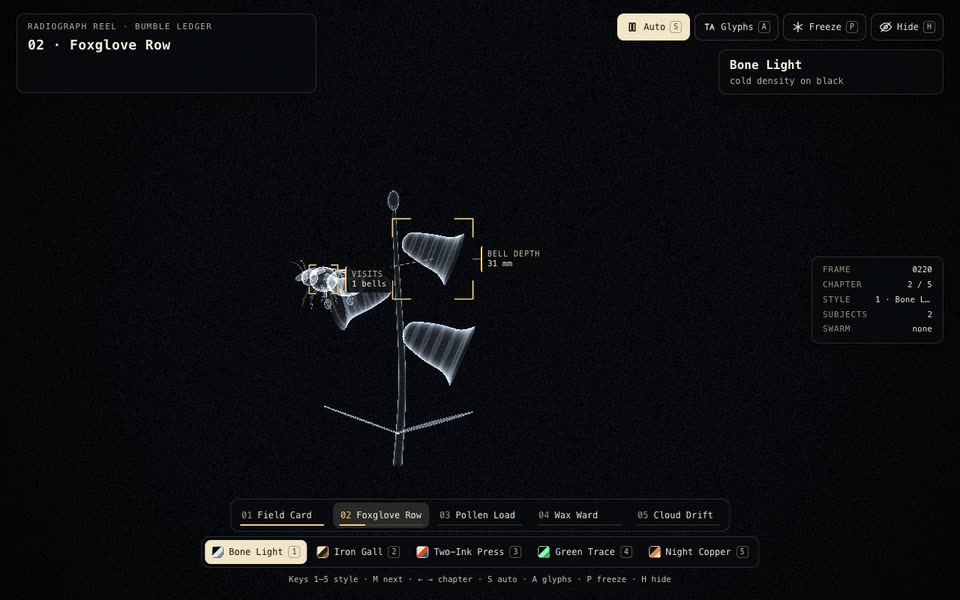
A specimen film reel: procedural bees, flowers and a wax comb glow as X-ray density, print in five switchable film styles with tracking labels, and a swarm morphs between formations.
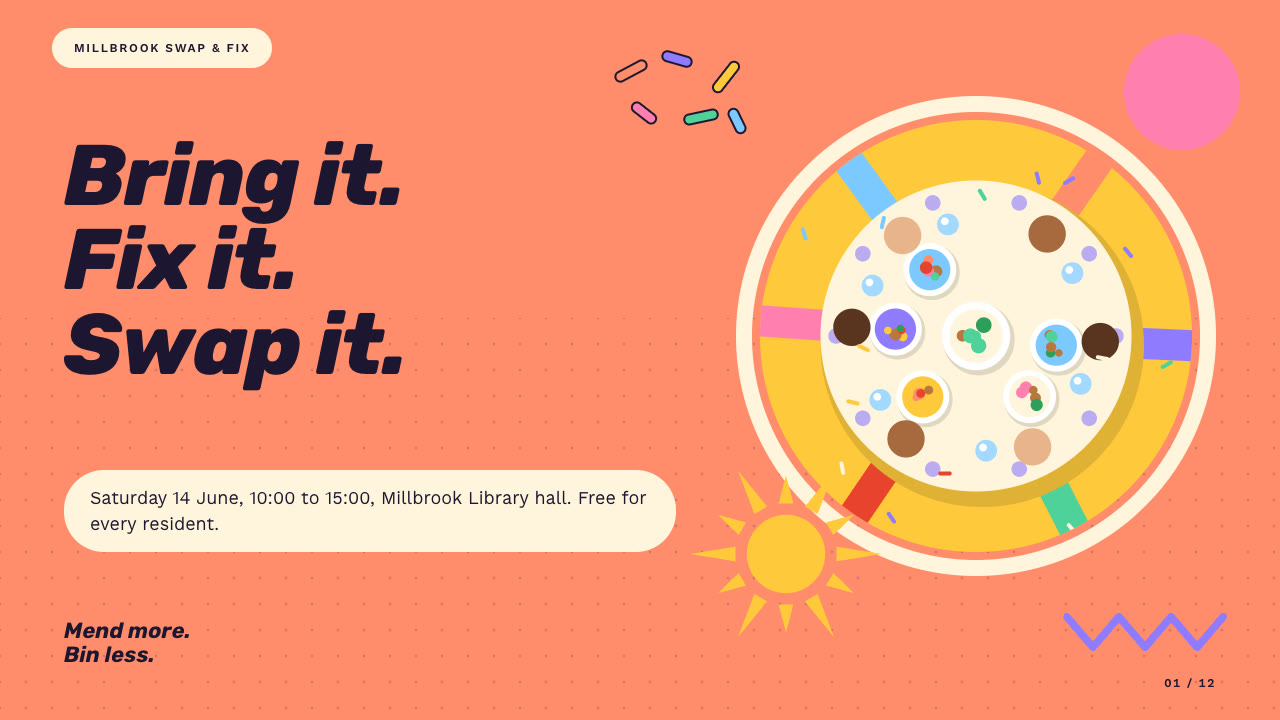
Festival Grid Slides
Invite people to a fair, open day or club season, or pitch one, in a bright festival deck: whole-page colour fields with a fine dot grid, heavy slanted headlines, cream cards and tickets, round pictures, and suns, rosettes, rings, bunting and sprinkles.