
Figure Inspect
- Skill de Lab
- v1.0.0
- Business reporting
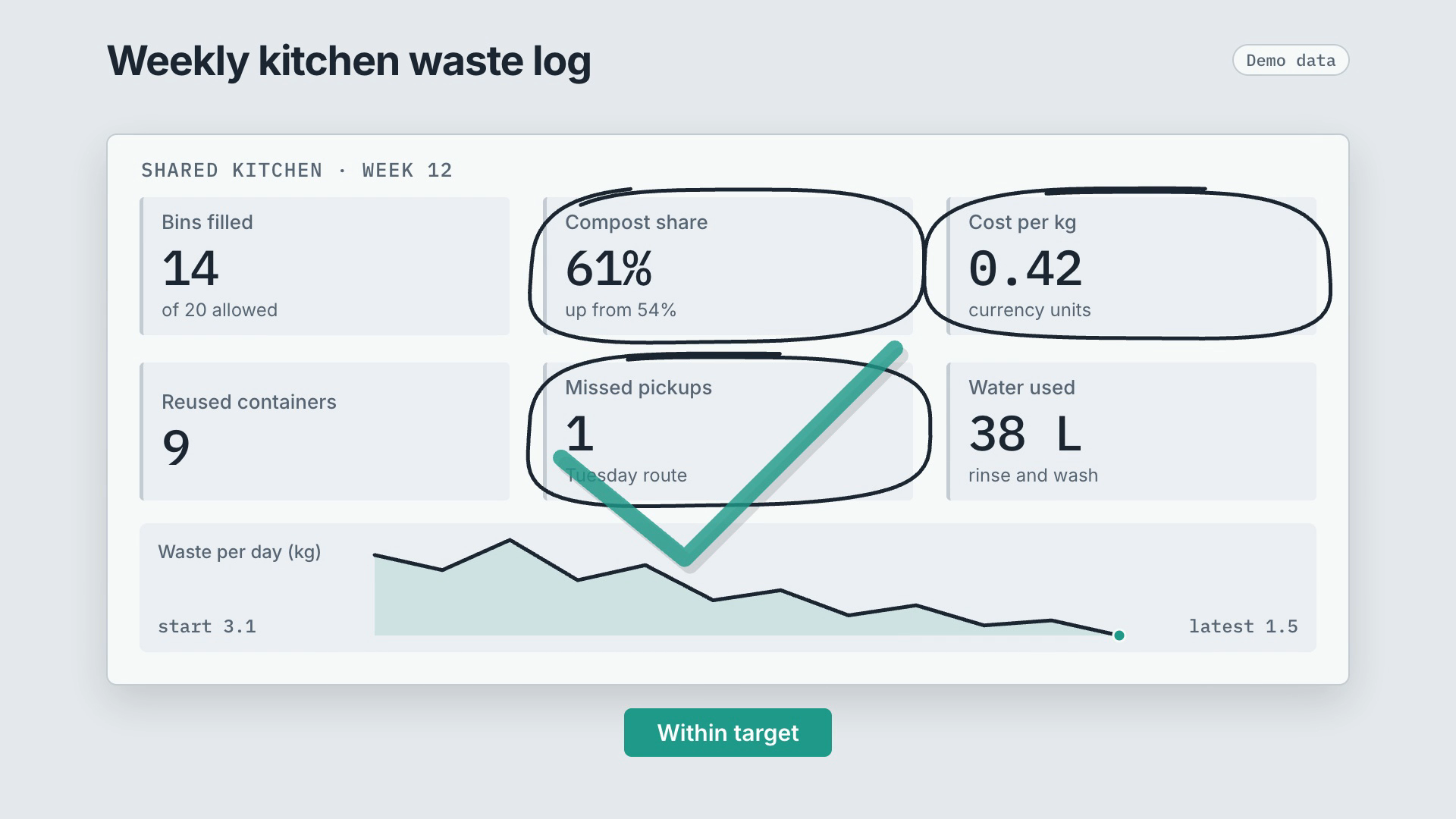
Review a data panel figure by figure. Pen-style loops close around the numbers you pick, one after another, then a single large check stroke and a status tag confirm the review. 1920x1080 HyperFrames video with optional synthesised cue sounds.
Ejemplos · 2
Ejecutar online
Ejecuta el ejemplo de Figure Inspect en un Sandbox de SandBase y mira el resultado aquí mismo.
Qué obtienes
Bring explore two recorded examples. The Skill returns two recorded films, measured scope and dependency notices.
Cómo funciona
- 01
Pick the readouts to circle
Figure Inspect reads a brief with heading, panelTitle and three to six readouts of label, value and optional note, plus optional trendSeries of 4 to 60 numbers, inspectOrder, verdictText, demoNote, lang, palette and sound. Screenshot mode replaces readouts with a PNG or JPEG and one to six marks in 0 to 1 coordinates. Mark invented numbers with demoNote such as Demo data.
- 02
Create the evidence panel
Figure Inspect needs Node 22+, ffmpeg and ffprobe and a Chrome that HyperFrames can drive; it uses no API key and only fetches the pinned renderer through npx. Run node scripts/create.mjs --brief brief.json --out ./project --palette pewter, night-desk or fig-leaf. Loops are fitted to the figures they surround, so no hand calibration is needed.
- 03
Render with synthesised cues
Run node scripts/render.mjs ./project ./project/film.mp4, which runs hyperframes check first. It writes film.mp4 with H.264 and a 48 kHz stereo AAC cue track, plus film.video-only.mp4; --silent writes picture only. The demos run 8 seconds. Check frames mid-loop, at the end of the check stroke and in the hold, compare numbers with the brief, and measure loudness and true peak.
Preguntas frecuentes
What does Figure Inspect animate?
Figure Inspect reviews a data panel figure by figure. A heading wipes in, the panel rises, pen-style loops close around the numbers you pick in order, a large check stroke is drawn and a status tag confirms the review, followed by a hold of at least 1.6 seconds. The demos log kitchen waste and inspect shared bikes.
Does Figure Inspect need an API key?
No. Figure Inspect needs no API key and makes no network call except npx fetching the pinned renderer. It draws loops and synthesizes cues locally, so rendering a review carries no usage charge.
What sound does Figure Inspect add?
Figure Inspect adds synthesised cues from the visible events in cues.json: a pencil scratch per loop, a rising line while the check is drawn and a stamp for the tag. It uses no samples or recordings. Call it synthesised cues, not a mixed soundtrack.
Can Figure Inspect circle numbers on a screenshot?
Yes. Figure Inspect has a screenshot mode: give a PNG or JPEG path and one to six marks as x, y, w and h in 0 to 1 image coordinates, and these replace the readouts. Other layouts, such as several panels or a moving camera, need new authoring.
Which files does Figure Inspect write?
Figure Inspect writes film.mp4, with H.264 video and a 48 kHz stereo AAC cue track, and film.video-only.mp4 with the same picture and no audio. With --silent, --audio off or sound enabled set to false, it writes only the picture-only file. Both are 1920 by 1080 at 30 fps.
Más Skills
Todos los Skills de Business reporting →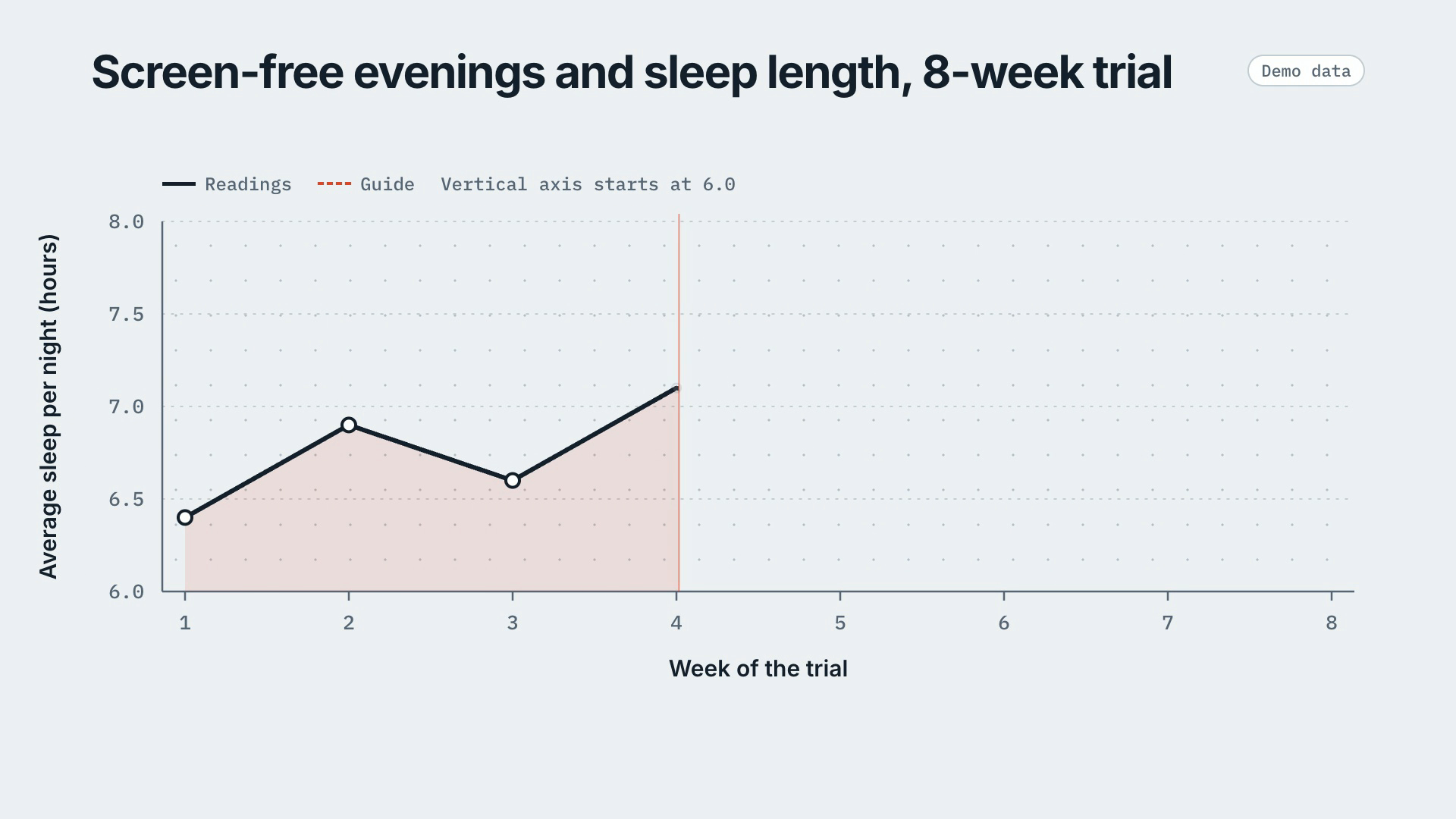
Trend Line
Reveal measured readings, a separate dashed guide and a final takeaway on an editable chart.

Advisory Thread Slides
Argue one recommendation to a committee or board with action titles, a storyline tracker, evidence charts and a bounded decision ask.
Civic Bars Slides
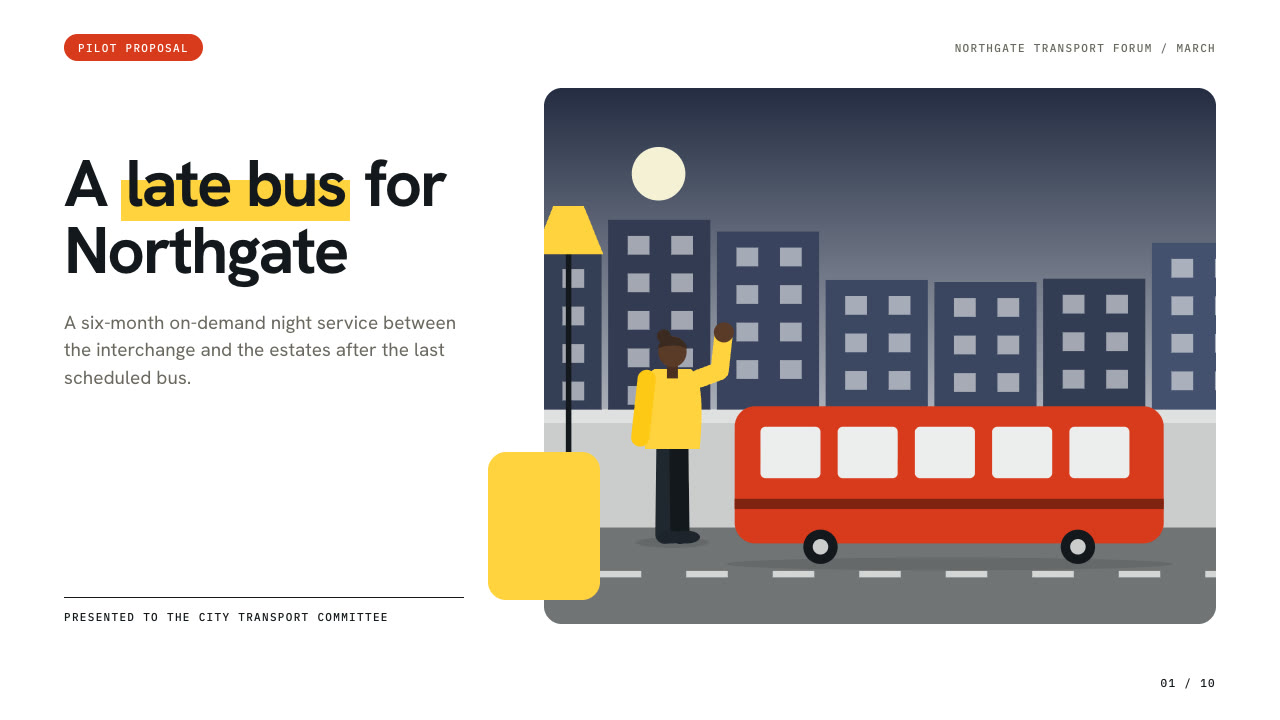
Make the case for a public or community service decision with picture cards, thin bar charts, stat tiles and a clear ask.
Site Sequence Slides
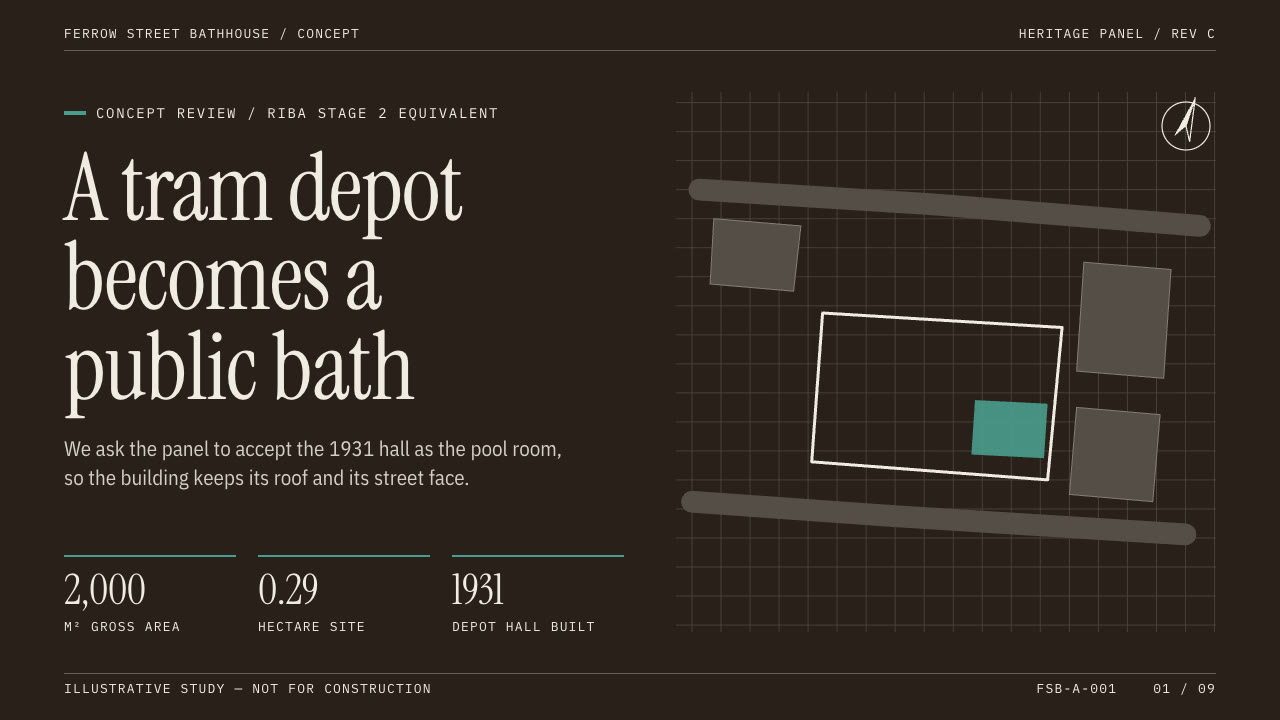
Take an architecture or site-design proposal to a review panel like a drawing sheet: site, massing, plan and section, program, phasing and one clear decision.

Deepframe Company Slides
Present a company, practice or member organisation calmly: white pages, offset colour blocks behind pictures, service cards, ring figures, value bars and a portrait row.
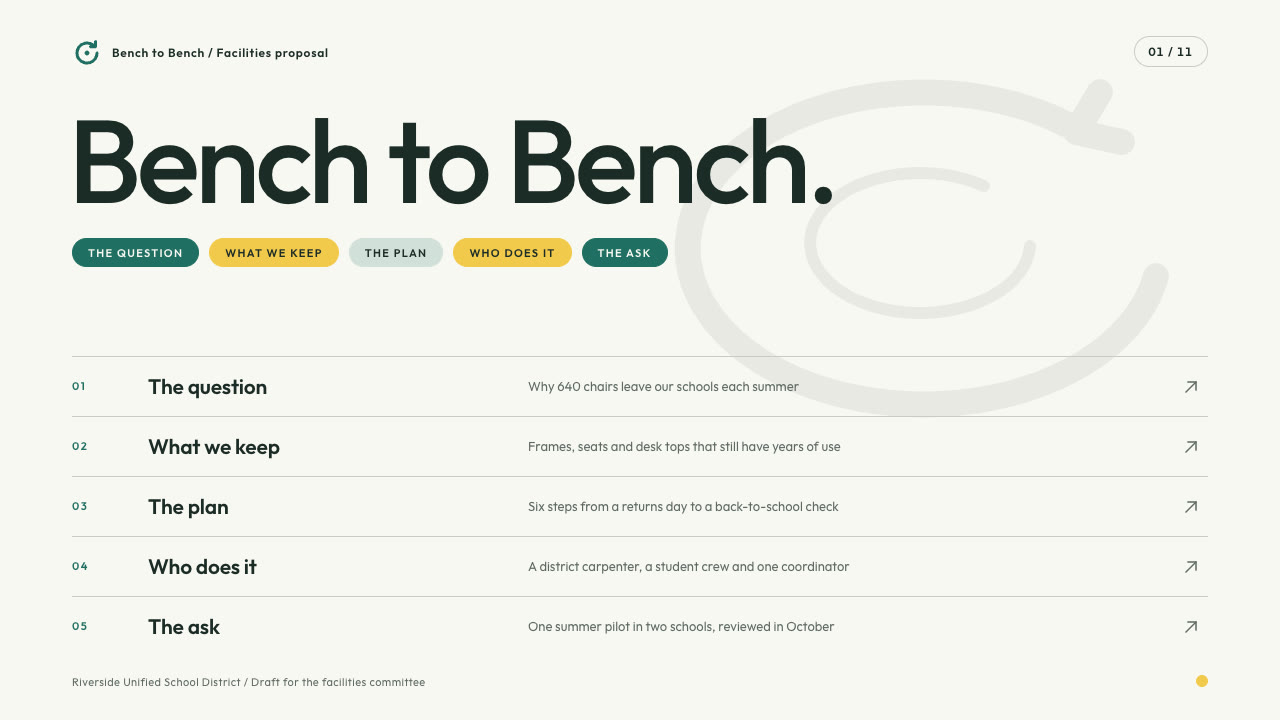
Circular Module Slides
Propose a repair, reuse or take-back step in a light modular deck: rounded cards and pill capsules, an open-ring motif, notched principle cards, a six-step grid and a capsule bar chart.