
Operations Pulse Slides
- Skill de Lab
- v1.0.0
- Business reporting
Make operations report decks, such as quarterly operations reviews, service performance updates and programme status for a board or committee: cover and close on a strong theme colour, a tall drawn building whose corner is notched around a round arrow, bright utility cards with one big figure, short capsule tags, editable index bars and growing stage circles, with Urbanist headlines.
Ejemplos · 2

Qué obtienes
Bring the service or programme, the audience, the period, the figures to use exactly and the page count; your own pictures are optional. The Skill returns one offline HTML deck that edits in the browser and exports editable PowerPoint.
Cómo funciona
- 01
Brief the period and owners
Operations Pulse Slides asks for the organisation and period, the audience such as a board or committee, the decision to land, sourced figures, owner role titles, page count, language and pictures you may use. Its nine layouts are cover, brief, signals, field, roles, atrium, index, stages and close. A layout may repeat, but not on neighbouring pages.
- 02
Draw towers and set palette
Each slot gets an entry in art.json, and python3 scripts/pulse-art.py art.json --out art/ draws towers in four forms, glazed roofs, foliage fields, faceless round portraits and table tops. plan.json sets text, pictures and bar heights in css. Then kit.py compose and apply-palette.py deck.json --palette pulse run on the Python 3 standard library.
- 03
Review at 1280 by 720
The pulse report is built into presentation.html and verify-deck.py lists any unreplaced sample copy. At 1280 by 720 the Agent checks headline breaks, the capsule inside the brief notch, card copy against card height, bar values above their bars, circle labels and the closing value capsules. A signal card is edited and undone before the report is saved, reopened and presented; verify-pptx.py checks any export.
Preguntas frecuentes
What reports suit Operations Pulse Slides?
Operations Pulse Slides suits quarterly operations reviews, service performance updates and programme status for a board or committee. It covers the period in brief, signals, how work flows between teams, owners, a flagship piece of work, one trend as an index and a staged plan, ending on the decision. The demos are a water utility quarter and a ferry winter review.
Where do Operations Pulse Slides pictures come from?
Your own pictures come first in Operations Pulse Slides. Otherwise pulse-art.py draws flat vector pictures, is deterministic and refuses to draw the same picture twice. Its portraits are faceless illustrations and must never be presented as photographs of real staff.
Does Operations Pulse Slides use a paid API?
No. Operations Pulse Slides draws its pictures with a standard-library Python script that calls no model or image service, and builds the deck locally, so it is not billed.
Do the Operations Pulse Slides circles show quantities?
No. Operations Pulse Slides sizes the circles on the stages layout to show order, not quantity, and the notes should say so. Bars are real shapes whose height is set in css, and every number is native text.
Which palettes does Operations Pulse Slides offer?
Operations Pulse Slides offers four palettes: pulse, reef, ember and graphite. Zest marks the utility card, arrows and bars, and the theme colour marks the last bar and the largest circle.
What should I watch for in Operations Pulse Slides exports?
Operations Pulse Slides draws the notched corner as a separate rounded shape in the page colour, so recolour it too if you change the PowerPoint background. The field and atrium layouts put one picture across the whole page, which a picture checker counts as full-slide. LibreOffice sets type slightly wider than Chrome.
Más Skills
Todos los Skills de Business reporting →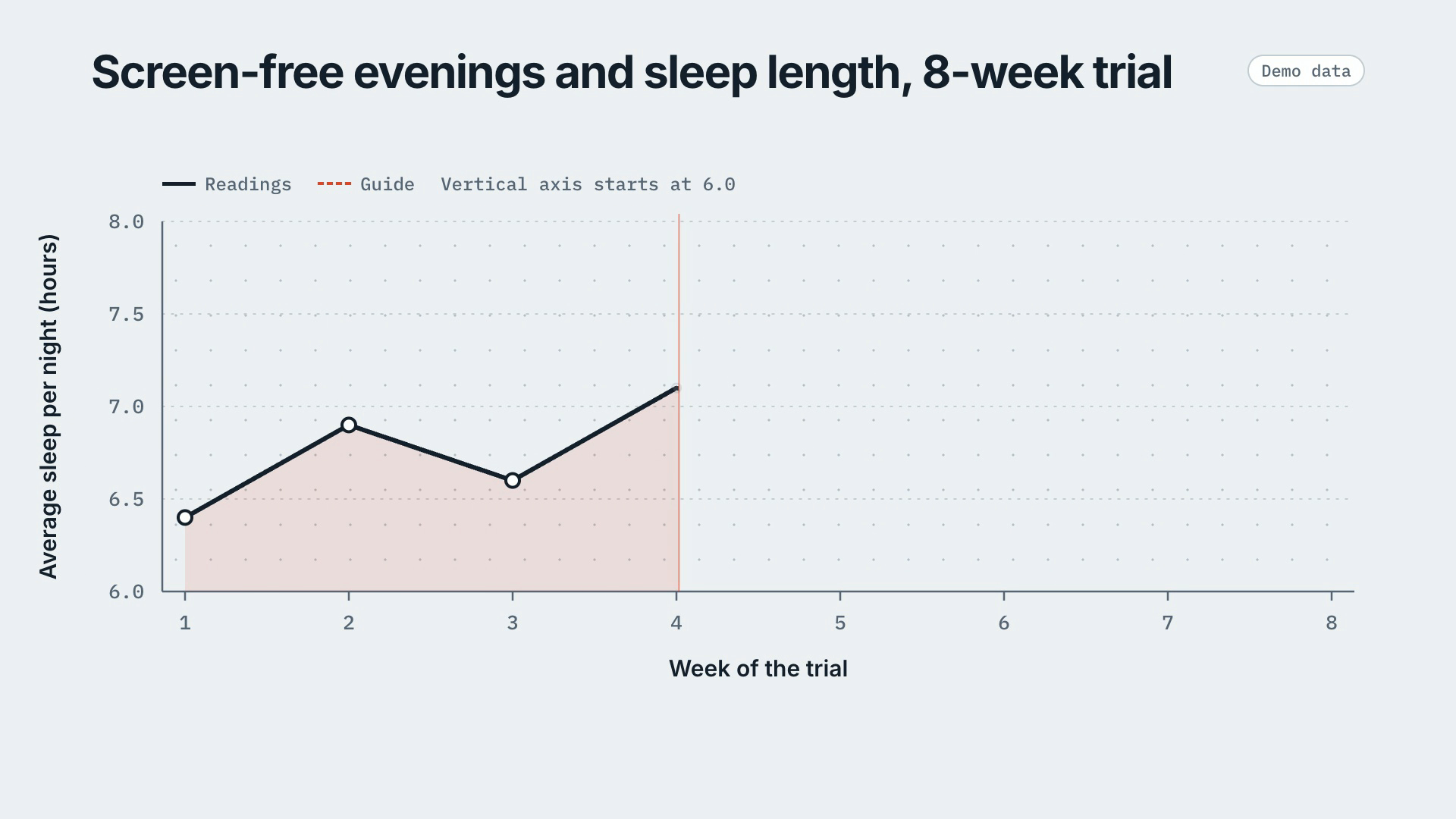
Trend Line
Reveal measured readings, a separate dashed guide and a final takeaway on an editable chart.

Advisory Thread Slides
Argue one recommendation to a committee or board with action titles, a storyline tracker, evidence charts and a bounded decision ask.
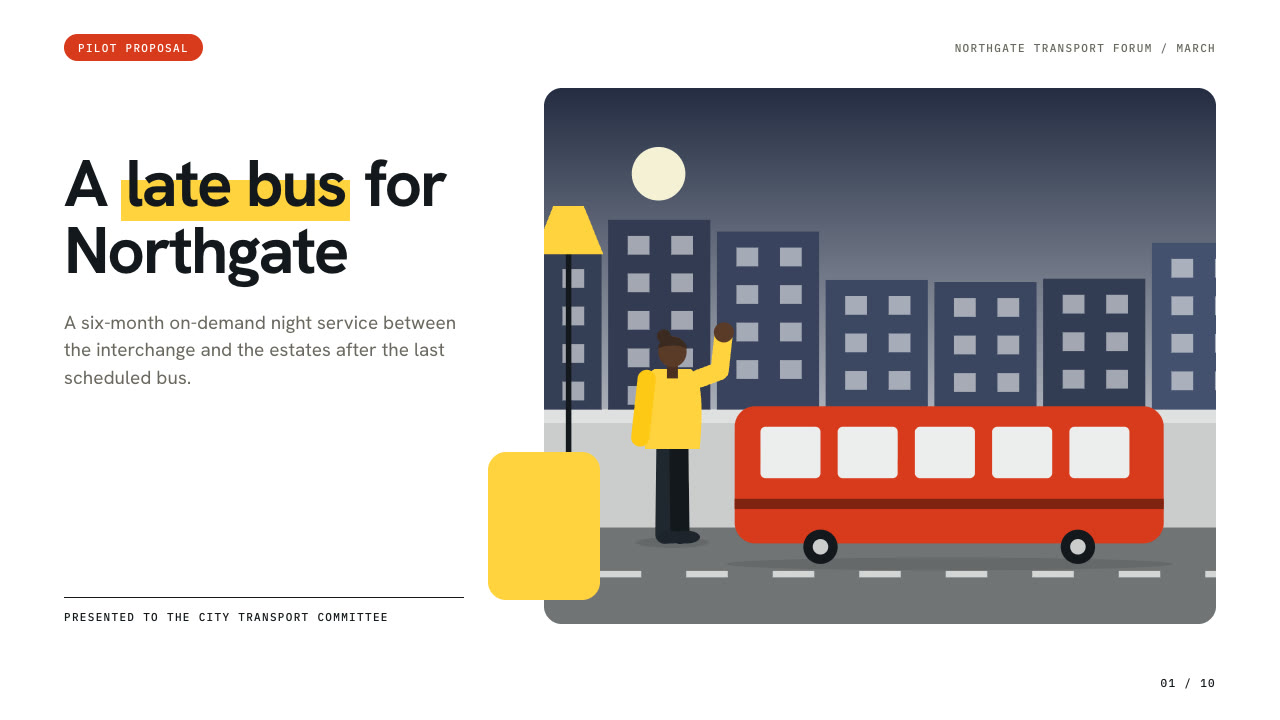
Civic Bars Slides
Make the case for a public or community service decision with picture cards, thin bar charts, stat tiles and a clear ask.
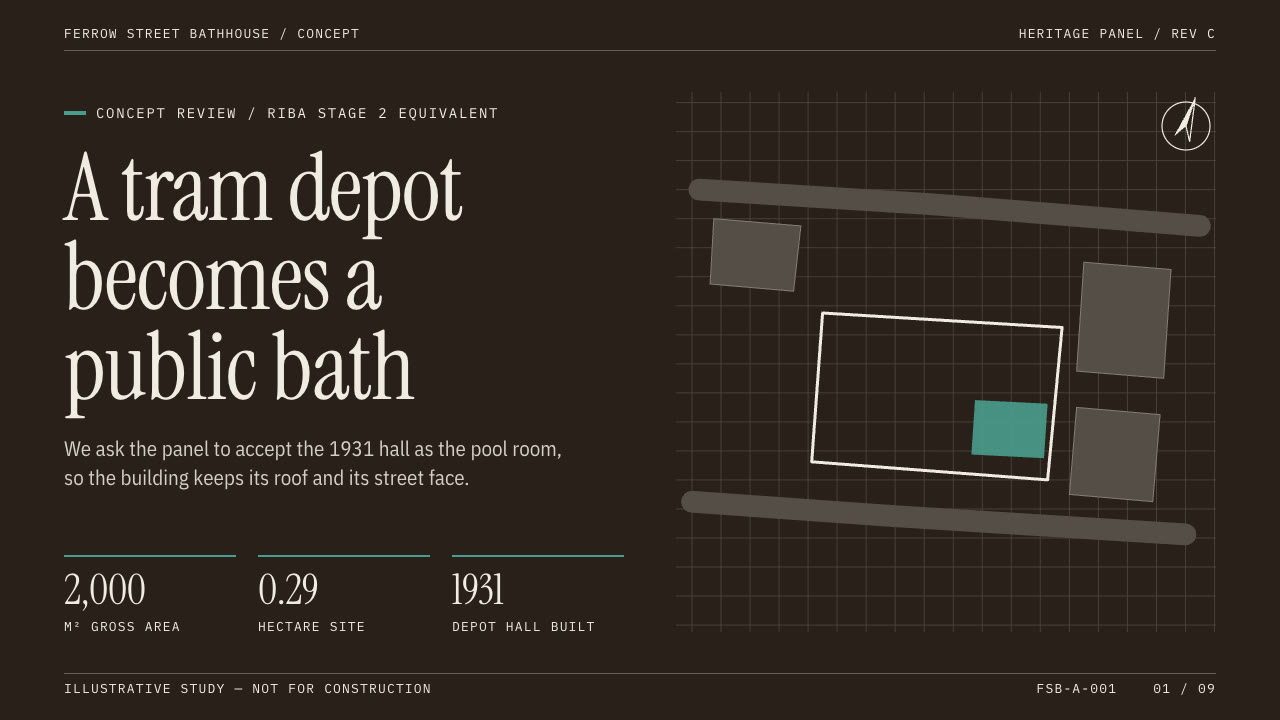
Site Sequence Slides
Take an architecture or site-design proposal to a review panel like a drawing sheet: site, massing, plan and section, program, phasing and one clear decision.

Deepframe Company Slides
Present a company, practice or member organisation calmly: white pages, offset colour blocks behind pictures, service cards, ring figures, value bars and a portrait row.
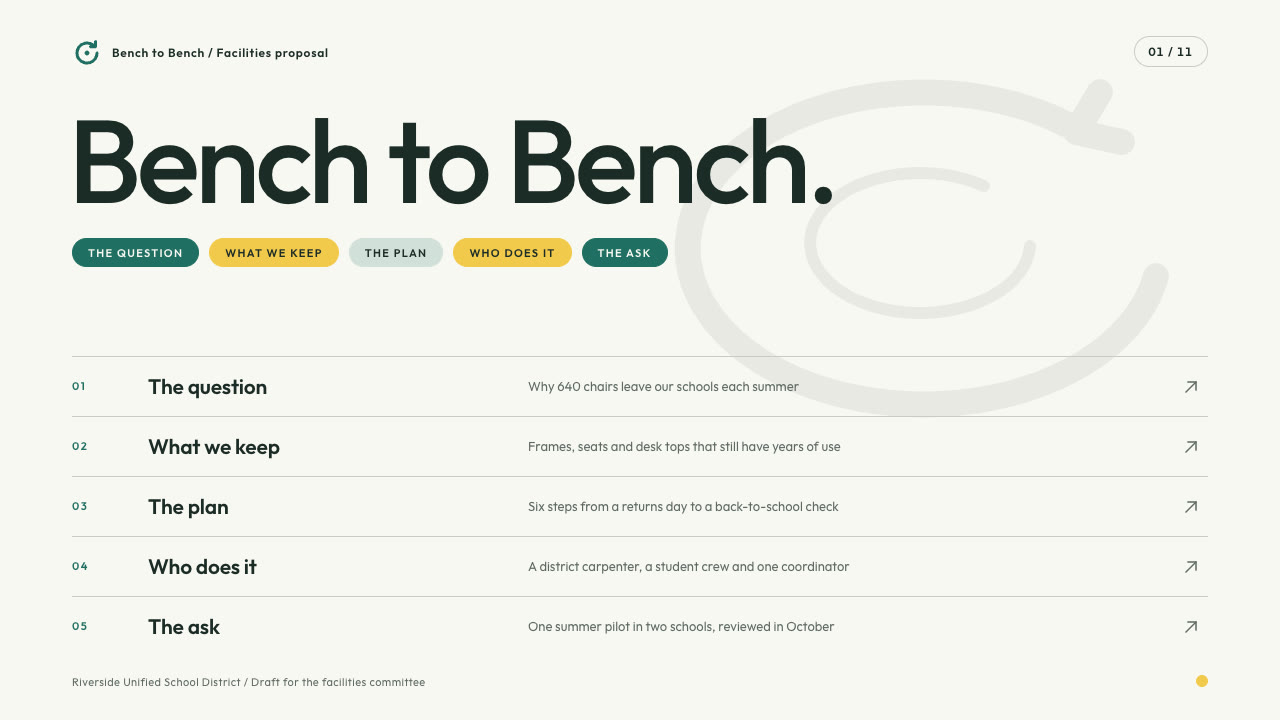
Circular Module Slides
Propose a repair, reuse or take-back step in a light modular deck: rounded cards and pill capsules, an open-ring motif, notched principle cards, a six-step grid and a capsule bar chart.