
Tier List Maker
GratisGráficos y diagramasType up to 12 tiers and 200 items, with items after a colon, like "S: Pancakes, Waffles". Quote names containing commas. Items wrap onto additional lines instead of disappearing. Add uniquely named pictures to match items; unplaced pictures appear in Unranked. Review the tier data table before downloading.
- Tus números exactos
- Descarga en PNG
- No se sube nada
View tier data (8 items)
Order follows your input. Repeated items are kept. Unplaced pictures are added to Unranked; no ranking is calculated automatically.
| Tier | Items in order |
|---|---|
| S |
|
| A |
|
| B |
|
| C |
|
| D |
|
Ejemplos
Hecho con esta herramienta. Abre uno para partir de él y cambiar lo que quieras.
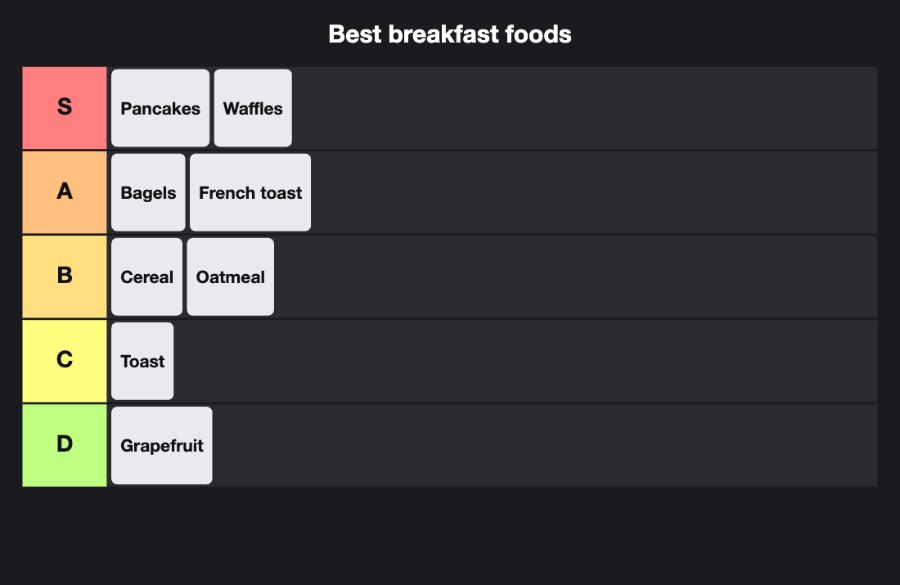
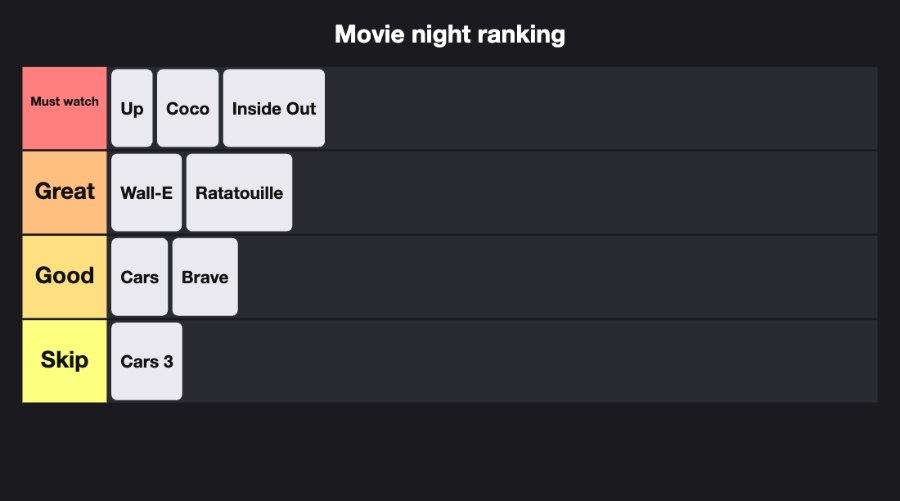
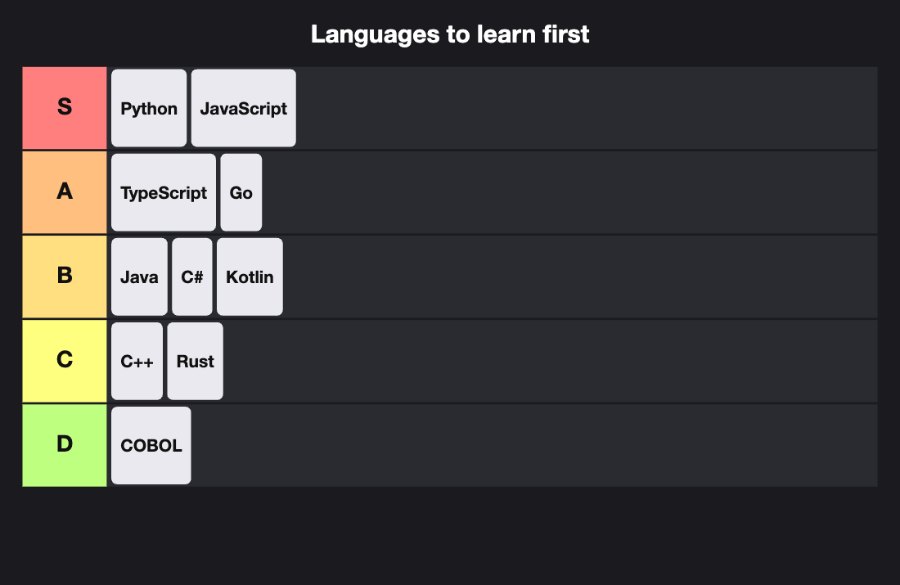
Cómo usar Tier List Maker
- 01
Type one tier per line, like "S: item, item", or add pictures.
- 02
Pick colors; the diagram redraws as you type.
- 03
Download it as a PNG.
Para qué lo usa la gente
Debates with friends
Rank snacks, movies, games or teams and share the picture.
Content for social media
Export a ranking image to include in a post, discussion or presentation.
Decisions
Sort options, vendors or ideas from best to worst.
Consejos para un mejor resultado
- Add pictures and name items the same as the files to show them as tiles.
- Rename tiers to anything: "Must try", "Maybe", "Never".
- Use up to 12 tiers and 200 items. Tier names can contain 40 characters; item names 80. The image grows to keep every item.
- Unplaced pictures automatically join Unranked. If you already have that tier, they are added to its end.
Preguntas frecuentes
How do I put pictures in a tier?
Add pictures with unique file names, then type their names without the extension in the tier you want. Matching ignores case; hyphens and underscores become spaces. For example, red-apple.png matches Red apple. Unplaced pictures go in Unranked. Full pictures and name captions are retained.
Can I rename the tiers?
Yes. Anything before the colon is the tier name, so "Must watch: ..." works too.
What does S tier mean?
S conventionally labels the highest tier, above A. You can rename tiers to fit your own ranking criteria.
Can I drag items between tiers?
Move an item by cutting it from one line and pasting it into another; the picture redraws as you type.
What are the picture limits?
Add up to 60 browser-readable pictures. Each file must be at most 10 MB and 16 megapixels, with at most 40 megapixels combined. Duplicate normalized file names are rejected so one picture cannot silently replace another. Resize large photos before adding them.
How do I include a comma in an item name?
Wrap the item in double quotes: S: "Peaches, cream", Waffles. Use two double quotes inside a quoted name to include a literal quote. Keep one tier per line.
Is my diagram generated locally?
Your inputs are drawn in your browser, and the PNG is created locally. No diagram-generation API is used.
Más herramientas
Bracket Maker
Make a printable single-elimination bracket for 2 to 64 teams.
Comparison Chart Maker
Compare products or plans in a table with check marks.
Family Tree Maker
Draw a family tree from an indented list of names and dates.
Flowchart Maker
Turn a list of steps into a flowchart with decisions.
Gantt Chart Maker
Turn tasks with start and end dates into a Gantt chart.
Timeline Maker
Turn dates and events into a horizontal or vertical timeline.