
300 DPI Converter
GratisHerramientas de imagenType the print size, and the picture is resized to the pixels it needs at 300 DPI and saved with 300 DPI in the file.
- Se ejecuta en tu navegador
- No se sube nada
- Sin marca de agua
Cómo usar 300 DPI Converter
- 01
Drop the image for 300 DPI Converter, or pick one from your device.
- 02
Type the print size in inches or centimeters.
- 03
Download the result.
Para qué lo usa la gente
Printing
Print-ready photos.
Publishers
Images at 300 DPI.
Forms
DPI requirements.
Consejos para un mejor resultado
- Type the print size you want.
- Small photos are scaled up; upscale first for detail.
- Check the result pixels.
8 × 10 in in pixels
| Selected density | Output dimensions |
|---|---|
| 150 DPI | 1200 × 1500 px |
| 300 DPI | 2400 × 3000 px |
| 600 DPI | 4800 × 6000 px |
| Size | 8 × 10 in = 20.3 × 25.4 cm |
| Aspect ratio | 4:5 |
These are calculated pixel dimensions, not a sharpness guarantee. The tool exports a single center-cropped JPG. Outputs above 12,000 pixels on either side are disabled; choose a lower density or smaller print size. Use actual-size printing to avoid a second resize.
Preguntas frecuentes
Can it make a small photo print sharply?
No. It increases the pixel count when needed, but enlargement cannot recover missing detail. Use a sharper, larger original or choose a smaller physical print size.
Does 300 DPI Converter upload my image?
No. 300 DPI Converter crops and sizes the image in your browser, so the picture never leaves your device.
SandBase APIs para este trabajo
El mismo tipo de datos en tu propio código o Agent: una sola API key, cobro por llamada.
Más herramientas
Change Image DPI
Change print density while preserving pixel dimensions.
 Gratis
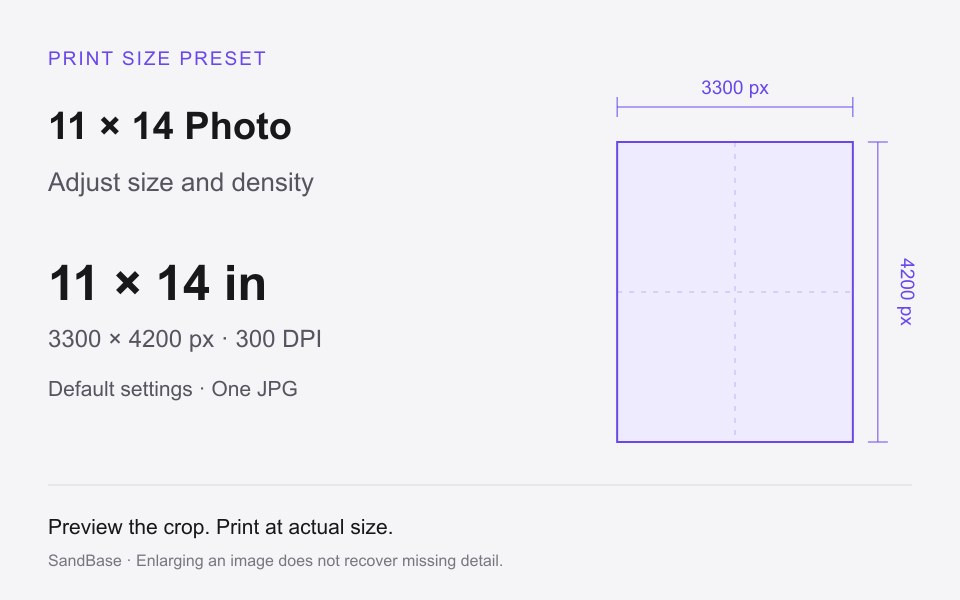
11 × 14 Photo Maker
Start with 11 × 14 in at 300 DPI; adjust the print size and density before saving.
 Gratis
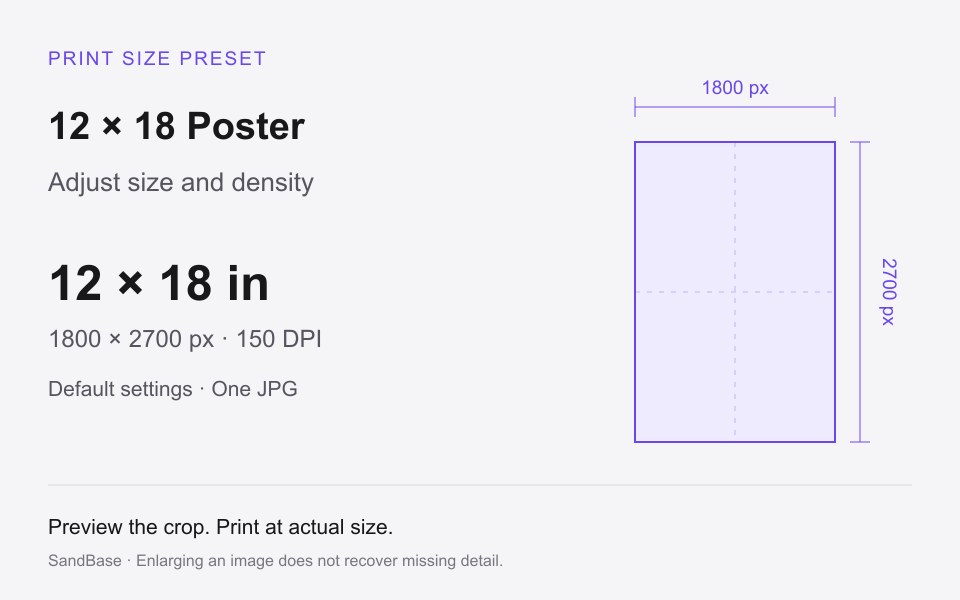
12 × 18 Poster
Start with 12 × 18 in at 150 DPI; adjust the print size and density before saving.
 Gratis
16 × 20 Poster
Start with 16 × 20 in at 150 DPI; adjust the print size and density before saving.
 Gratis
18 × 24 Poster
Start with 18 × 24 in at 150 DPI; adjust the print size and density before saving.
 Gratis
3 × 5 Photo Maker
Start with 3 × 5 in at 300 DPI; adjust the print size and density before saving.