
seedinteger
Random seed for reproducibility.
alibaba/qwen-image-edit/2511/multiple-anglesQwen Image Edit 2511 Multiple Angles by Alibaba - AI-powered image editing, style transfer, and transformation. Edit photos with natural language instructions, remove backgrounds, change styles, and enhance images effortlessly.
Probar el modelo
PNG, JPEG, WebP, or GIF · 20 MiB maximum each
¿Qué le gustaría hacer después?
Seleccione un ejemplo para cargar sus entradas y el resultado en el playground.
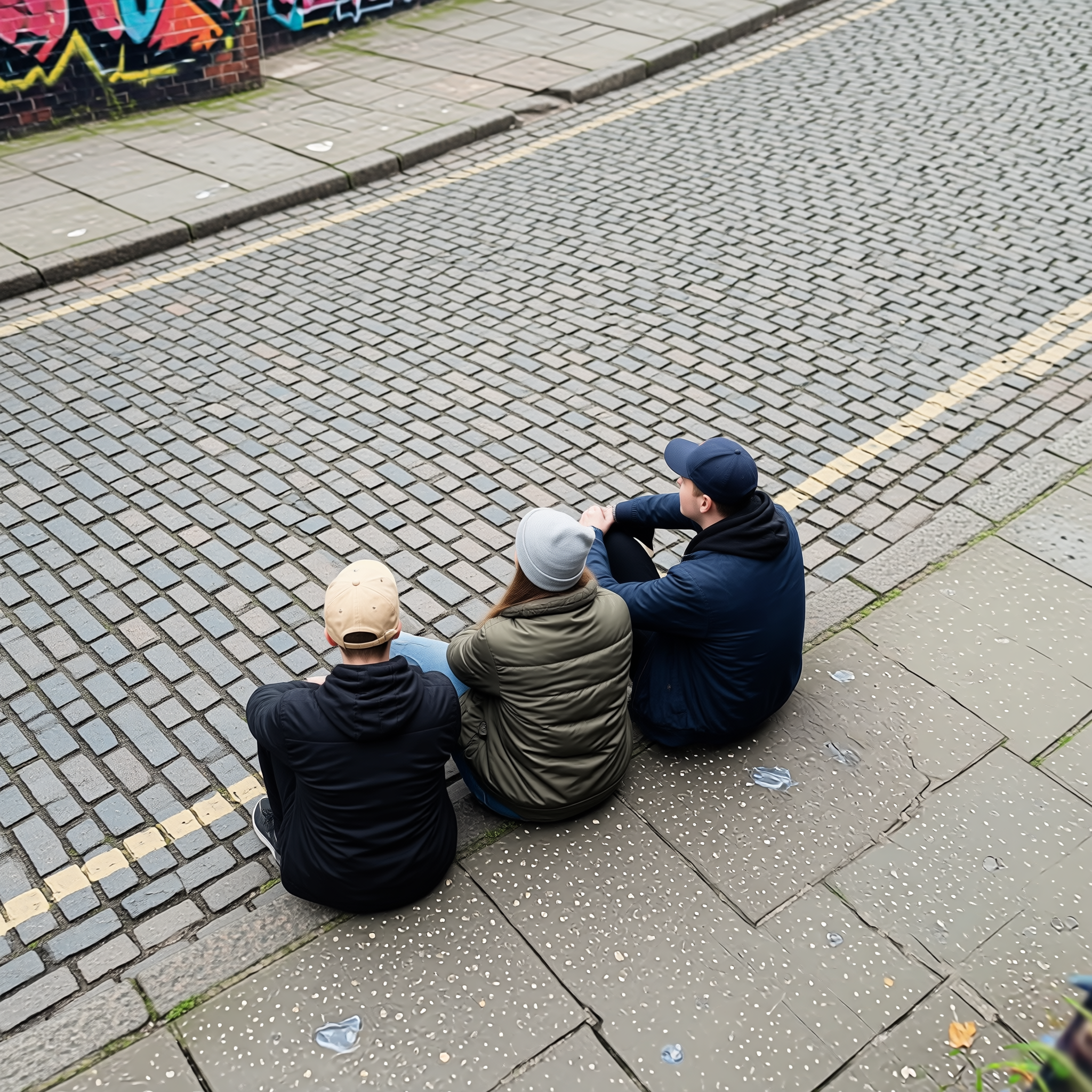
{}Re-render a subject from a new camera angle. Set the rotation, tilt, and zoom and Qwen Image Edit 2511 infers the unseen sides while keeping shape, color, and branding consistent; useful for product turnarounds and character sheets.
| Field | Type | Default | Notes |
|---|---|---|---|
images | image URL[] | — | Image(s) of the subject. |
output_format | png / jpeg | png | Output file format. |
vertical_angle | number -30–90 | 0 | Camera tilt in degrees (−30 to 90). |
horizontal_angle | number 0–360 | 0 | Camera rotation around the subject in degrees (0–360). |
zoom | number 0–10 | 5 | 0 is far, 10 is close. |
additional_prompt | string | — | Optional extra instruction. |
aspect_ratio | 21:9 / 16:9 / 3:2 / 4:3 / 5:4 / 1:1 / 4:5 / 3:4 / 2:3 / 9:16 | — | Output shape. |
seed | integer | random | Fix it to compare prompt changes. |
$0.035 per output image.
| Request | Price |
|---|---|
| One view | $0.035 |
Failed runs are not charged.
seed fixed for a consistent set.additional_prompt.Related: alibaba/qwen-image-edit, alibaba/qwen-image-edit/2511.
Empiece a construir
Envíe este modelo a través de la API de ejecución unificada de SandBase.
# The quoted heredoc keeps Unicode and shell metacharacters unchanged.
result=$(curl --fail-with-body --silent \
  -X POST "https://api.sandbase.ai/v1/run" \
  -H "Authorization: Bearer $SANDBASE_API_KEY" \
  -H "Content-Type: application/json" \
  --data-binary @- <<'SANDBASE_JSON'
{
  "model": "alibaba/qwen-image-edit/2511/multiple-angles",
  "zoom": 5,
  "images": [
    "https://static.sandbase.ai/examples/alibaba/qwen-image-edit/2511/multiple-angles/input_images_0.png"
  ],
  "output_format": "png",
  "vertical_angle": 0,
  "horizontal_angle": 0
}
SANDBASE_JSON
)
run_id=$(printf '%s' "$result" | jq -r .id)
for attempt in $(seq 1 120); do
  status=$(printf '%s' "$result" | jq -r .status)
  case "$status" in completed|failed|timeout) break ;; esac
  sleep 2
  result=$(curl --fail-with-body --silent \
    -H "Authorization: Bearer $SANDBASE_API_KEY" \
    "https://api.sandbase.ai/v1/run/$run_id")
done
status=$(printf '%s' "$result" | jq -r .status)
[ "$status" = completed ] || { echo "Generation ended: $status" >&2; exit 1; }
printf '%s\n' "$result"Cree una clave de API de SandBase y configúrela en el entorno de su servidor. Todas las solicitudes usan autenticación Bearer.
export SANDBASE_API_KEY="YOUR_API_KEY"Conserve la clave en el servidor. No la exponga en código del navegador ni la confirme en un repositorio.
Haga un POST a /v1/run con este ID de modelo y sus entradas. El ejemplo de solicitud anterior incluye el envío y el sondeo.
Use el ID de ejecución devuelto para sondear hasta que el estado sea completed, failed o timeout. Lea la salida solo después de completed.
curl "https://api.sandbase.ai/v1/run/$RUN_ID" \
-H "Authorization: Bearer $SANDBASE_API_KEY"Proporcione una URL de archivo accesible públicamente en el campo de imagen, video o audio del modelo. Los formatos y límites admitidos se muestran junto a cada entrada de Playground.
Use el control de subir o reemplazar en los campos de imagen admitidos en Playground. Los campos de URL de video aceptan un video de conducción alojado; no implican compatibilidad con la subida de video.
seedintegerRandom seed for reproducibility.
zoomnumberCamera zoom/distance. 0=wide shot (far away), 5=medium shot (normal), 10=close-up (very close).
Valor predeterminado: 5
Mínimo: 0
Máximo: 10
imagesarrayThe URL of the image to adjust camera angle for.
aspect_ratiostringThe aspect ratio of the generated image.
Valores posibles: "21:9", "16:9", "3:2", "4:3", "5:4", "1:1", "4:5", "3:4", "2:3", "9:16"
output_formatstringThe format of the output image
Valor predeterminado: "png"
Valores posibles: "png", "jpeg"
vertical_anglenumberVertical camera angle in degrees. -30°=low-angle shot (looking up), 0°=eye-level, 30°=elevated, 60°=high-angle, 90°=bird's-eye view (looking down).
Valor predeterminado: 0
Mínimo: -30
Máximo: 90
horizontal_anglenumberHorizontal rotation angle around the object in degrees. 0°=front view, 90°=right side, 180°=back view, 270°=left side, 360°=front view again.
Valor predeterminado: 0
Mínimo: 0
Máximo: 360
additional_promptstringAdditional text to append to the automatically generated prompt.
{
  "model": "alibaba/qwen-image-edit/2511/multiple-angles",
  "zoom": 5,
  "images": [
    "https://static.sandbase.ai/examples/alibaba/qwen-image-edit/2511/multiple-angles/input_images_0.png"
  ],
  "output_format": "png",
  "vertical_angle": 0,
  "horizontal_angle": 0
}Una ejecución completada expone su resultado en la salida. Lo siguiente es el ejemplo guardado del modelo, no una nueva generación.
[
  {
    "source": "Alibaba Model Studio schema mirror",
    "source_url": "https://www.alibabacloud.com/help/en/model-studio/",
    "url": "https://static.sandbase.ai/examples/18b21c05-764f-43eb-9262-274fc14e03d9/output/368ca32c-f20e-480b-9170-02fa12467b67.png"
  }
]