
Herramientas

Herramientas de IA gratis, sin registro
Elimina fondos, mejora fotos, crea fotos de perfil y logotipos, convierte imágenes y GIF, y obtén transcripciones de vídeo. Gratis con o sin cuenta.

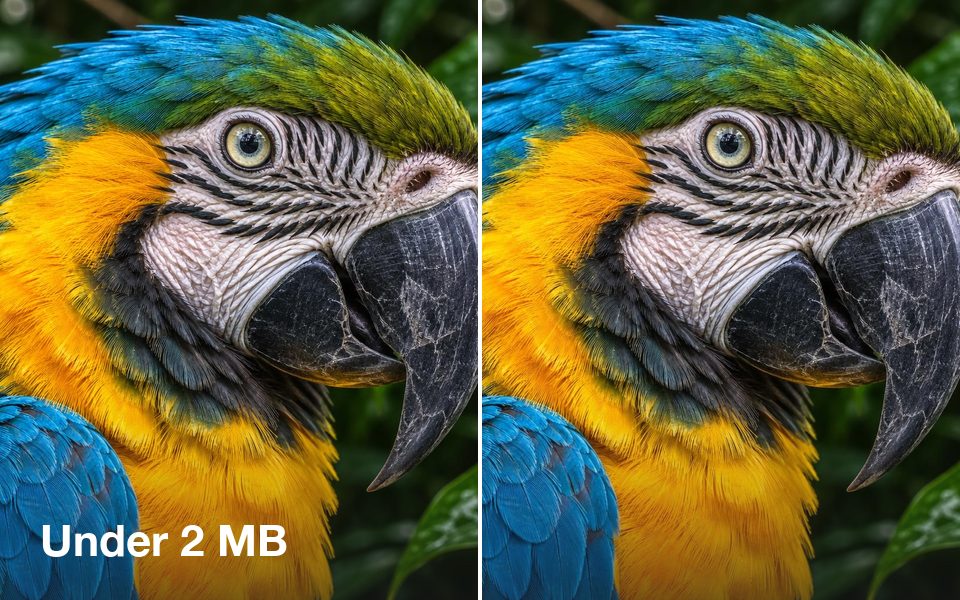
Compress Image to 2 MB
Compress a photo to under 2 MB, keeping the best quality that fits.
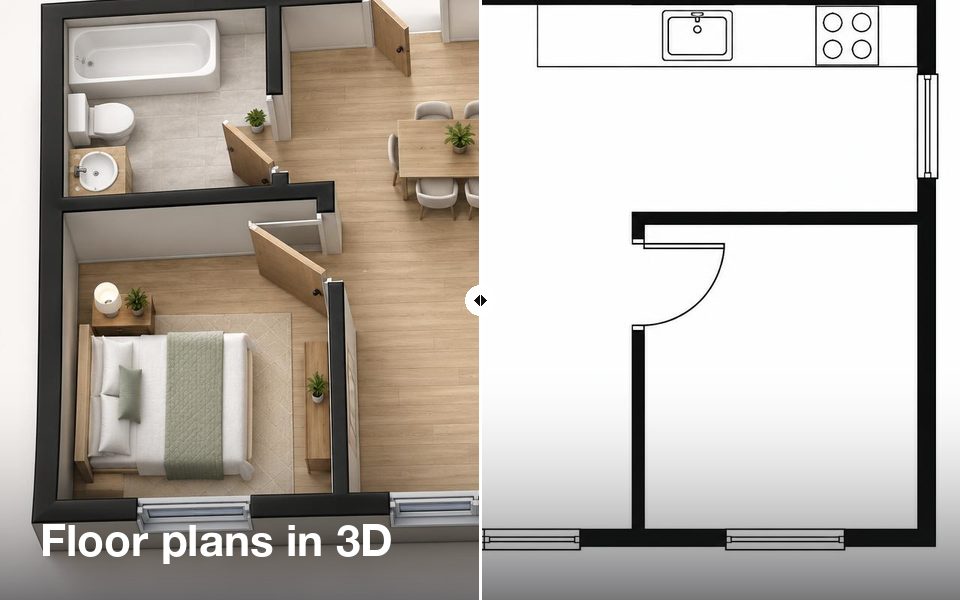
AI Floor Plan Renderer
Turn a 2D floor plan into a furnished 3D isometric view in four styles.

Amazon Opportunity Scanner
Read price bands, ratings and market competition
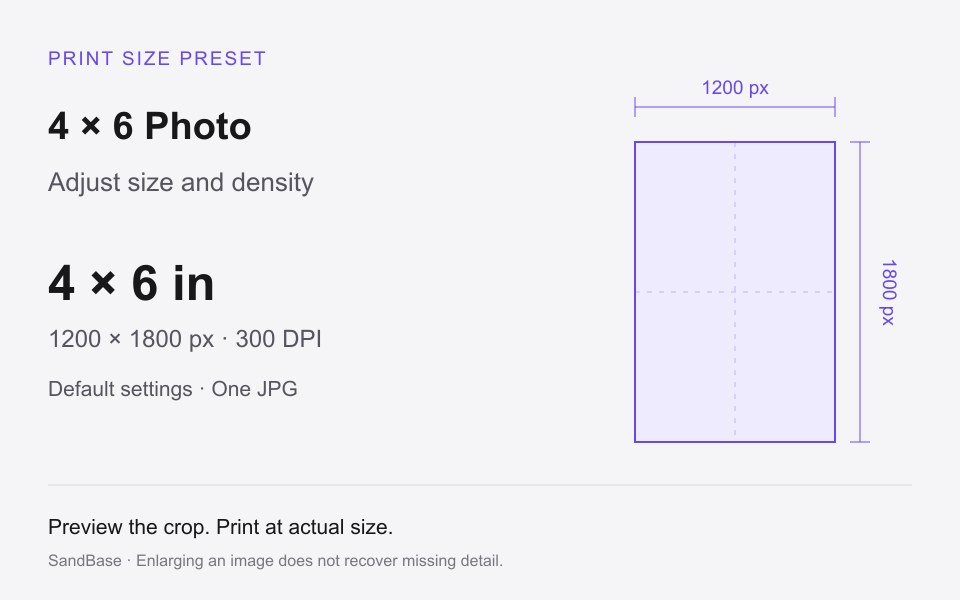
4 × 6 Photo Maker
Start with 4 × 6 in at 300 DPI; adjust the print size and density before saving.
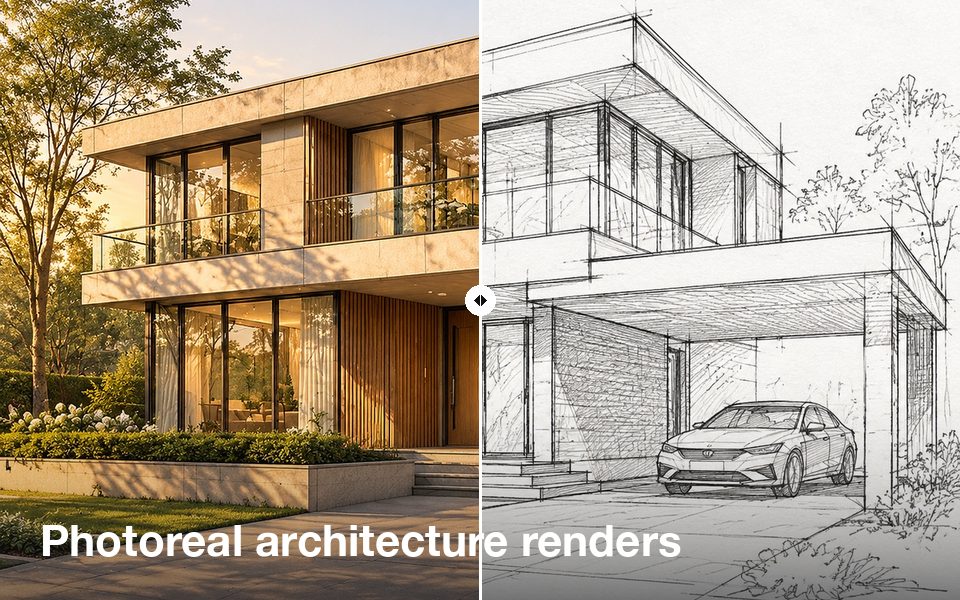
AI Architecture Render
Turn a building sketch or photo into a photoreal render with your light and materials.

1688 Product Finder
Find wholesale products and compare supplier signals
5 × 7 Photo Maker
Start with 5 × 7 in at 300 DPI; adjust the print size and density before saving.
PNG to SVG
Convert a PNG into a scalable SVG made of flat vector shapes, in four vector looks.

Product Review Analyzer
Turn customer feedback into product decisions
8 × 10 Photo Maker
Start with 8 × 10 in at 300 DPI; adjust the print size and density before saving.
JPG to SVG
Convert a JPG into an SVG made of flat vector shapes, with solid colors and crisp edges.

Shopping Price Comparison
Compare live offers across stores and markets
A4 Size Image
Start with 21 × 29.7 cm at 300 DPI; adjust the print size and density before saving.
Image to SVG
Turn any image into an SVG with up to six solid colors.

eBay Price Checker
Live eBay listings, prices and conditions
Resize Image in Inches
Start with 4 × 6 in at 300 DPI; adjust the print size and density before saving.
Convert Image to SVG
Convert a PNG, JPG or WebP image to an SVG online, in four vector looks.

Target Product Search
Target prices, ratings and reviews
Change Image DPI
Change print density while preserving pixel dimensions.
SVG Converter
Convert PNG and JPG images to SVG online, in four vector looks.

Bing Shopping Search
Compare offers from Bing Shopping
300 DPI Converter
Resize a picture for printing at 300 DPI in any size.
Image Vectorizer
Vectorize any image into an SVG with up to eight solid colors.

AutoZone Parts Finder
Prices and availability on an AutoZone category page
Preguntas frecuentes
- ¿Cuánto cuestan estas herramientas?
- Las herramientas gratuitas no cuestan nada, con o sin cuenta. Las herramientas de datos ejecutan una API de SandBase en tu propia cuenta: las herramientas marcadas como Cuota diaria gratuita usan APIs dentro de la cuota diaria gratuita compartida (100 llamadas por organización al día), y el resto se facturan al precio de lista de la API, normalmente una fracción de centavo hasta unos pocos centavos. Las pruebas de modelos llaman al endpoint que estás probando con tu propia clave.
- ¿Necesito una cuenta en cada plataforma?
- No. Las herramientas leen datos públicos a través de las APIs de SandBase, así que no necesitas una cuenta de Reddit, Amazon o LinkedIn. Las ejecuciones de pago solo requieren iniciar sesión en SandBase.
- ¿Puedo llamar los mismos datos desde mi propio código?
- Sí. Cada herramienta de datos muestra la API que llama y un ejemplo de cURL. Usa tu clave de API de SandBase para llamar la misma API desde tu código o Agent.