
seedinteger
Random seed for reproducibility.
alibaba/qwen-image-edit/2511/multiple-anglesQwen Image Edit 2511 Multiple Angles by Alibaba - AI-powered image editing, style transfer, and transformation. Edit photos with natural language instructions, remove backgrounds, change styles, and enhance images effortlessly.
Essayer le modèle
PNG, JPEG, WebP, or GIF · 20 MiB maximum each
Que souhaitez-vous faire ensuite ?
Sélectionnez un exemple pour charger ses entrées et son résultat dans le playground.
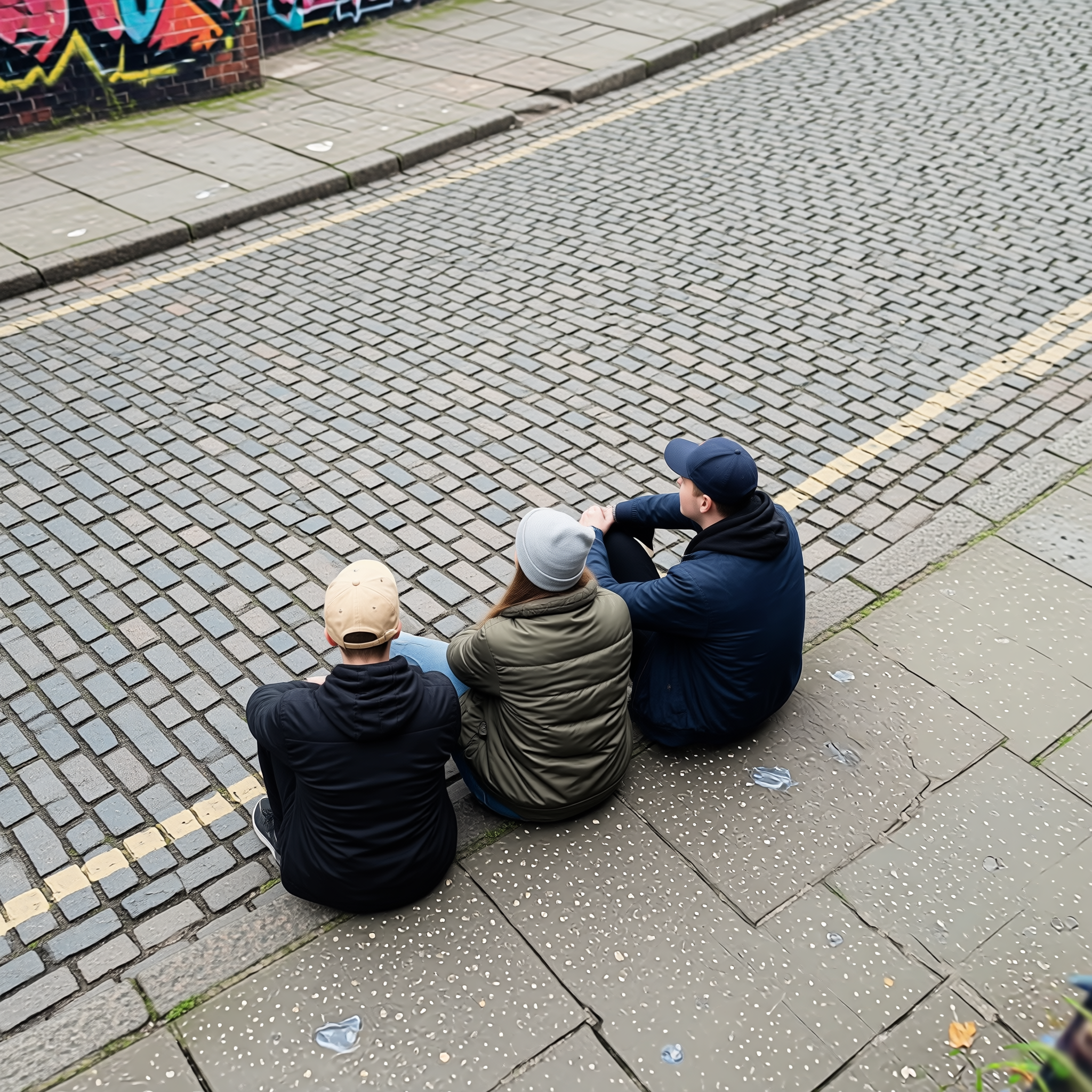
{}Re-render a subject from a new camera angle. Set the rotation, tilt, and zoom and Qwen Image Edit 2511 infers the unseen sides while keeping shape, color, and branding consistent; useful for product turnarounds and character sheets.
| Field | Type | Default | Notes |
|---|---|---|---|
images | image URL[] | — | Image(s) of the subject. |
output_format | png / jpeg | png | Output file format. |
vertical_angle | number -30–90 | 0 | Camera tilt in degrees (−30 to 90). |
horizontal_angle | number 0–360 | 0 | Camera rotation around the subject in degrees (0–360). |
zoom | number 0–10 | 5 | 0 is far, 10 is close. |
additional_prompt | string | — | Optional extra instruction. |
aspect_ratio | 21:9 / 16:9 / 3:2 / 4:3 / 5:4 / 1:1 / 4:5 / 3:4 / 2:3 / 9:16 | — | Output shape. |
seed | integer | random | Fix it to compare prompt changes. |
$0.035 per output image.
| Request | Price |
|---|---|
| One view | $0.035 |
Failed runs are not charged.
seed fixed for a consistent set.additional_prompt.Related: alibaba/qwen-image-edit, alibaba/qwen-image-edit/2511.
Commencer à construire
Soumettez ce modèle via l'API Unified Run de SandBase.
# The quoted heredoc keeps Unicode and shell metacharacters unchanged.
result=$(curl --fail-with-body --silent \
  -X POST "https://api.sandbase.ai/v1/run" \
  -H "Authorization: Bearer $SANDBASE_API_KEY" \
  -H "Content-Type: application/json" \
  --data-binary @- <<'SANDBASE_JSON'
{
  "model": "alibaba/qwen-image-edit/2511/multiple-angles",
  "zoom": 5,
  "images": [
    "https://static.sandbase.ai/examples/alibaba/qwen-image-edit/2511/multiple-angles/input_images_0.png"
  ],
  "output_format": "png",
  "vertical_angle": 0,
  "horizontal_angle": 0
}
SANDBASE_JSON
)
run_id=$(printf '%s' "$result" | jq -r .id)
for attempt in $(seq 1 120); do
  status=$(printf '%s' "$result" | jq -r .status)
  case "$status" in completed|failed|timeout) break ;; esac
  sleep 2
  result=$(curl --fail-with-body --silent \
    -H "Authorization: Bearer $SANDBASE_API_KEY" \
    "https://api.sandbase.ai/v1/run/$run_id")
done
status=$(printf '%s' "$result" | jq -r .status)
[ "$status" = completed ] || { echo "Generation ended: $status" >&2; exit 1; }
printf '%s\n' "$result"Créez une clé API SandBase et définissez-la dans l'environnement de votre serveur. Toutes les requêtes utilisent l'authentification Bearer.
export SANDBASE_API_KEY="YOUR_API_KEY"Conservez la clé sur votre serveur. Ne l'exposez pas dans le code du navigateur et ne la committez pas dans un dépôt.
Faites un POST sur /v1/run avec cet ID de modèle et ses entrées. L'exemple de requête ci-dessus inclut la soumission et le polling.
Utilisez l'ID d'exécution renvoyé pour interroger jusqu'à ce que le statut soit completed, failed ou timeout. Ne lisez la sortie qu'une fois completed.
curl "https://api.sandbase.ai/v1/run/$RUN_ID" \
-H "Authorization: Bearer $SANDBASE_API_KEY"Passez une URL de fichier accessible publiquement dans le champ image, video ou audio du modèle. Les formats pris en charge et les limites sont indiqués à côté de chaque entrée du Playground.
Utilisez le contrôle upload ou replace sur les champs image pris en charge dans le Playground. Les champs URL vidéo acceptent une vidéo de conduite hébergée ; cela n'implique pas la prise en charge de l'importation vidéo.
seedintegerRandom seed for reproducibility.
zoomnumberCamera zoom/distance. 0=wide shot (far away), 5=medium shot (normal), 10=close-up (very close).
Par défaut : 5
Minimum : 0
Maximum : 10
imagesarrayThe URL of the image to adjust camera angle for.
aspect_ratiostringThe aspect ratio of the generated image.
Valeurs possibles : "21:9", "16:9", "3:2", "4:3", "5:4", "1:1", "4:5", "3:4", "2:3", "9:16"
output_formatstringThe format of the output image
Par défaut : "png"
Valeurs possibles : "png", "jpeg"
vertical_anglenumberVertical camera angle in degrees. -30°=low-angle shot (looking up), 0°=eye-level, 30°=elevated, 60°=high-angle, 90°=bird's-eye view (looking down).
Par défaut : 0
Minimum : -30
Maximum : 90
horizontal_anglenumberHorizontal rotation angle around the object in degrees. 0°=front view, 90°=right side, 180°=back view, 270°=left side, 360°=front view again.
Par défaut : 0
Minimum : 0
Maximum : 360
additional_promptstringAdditional text to append to the automatically generated prompt.
{
  "model": "alibaba/qwen-image-edit/2511/multiple-angles",
  "zoom": 5,
  "images": [
    "https://static.sandbase.ai/examples/alibaba/qwen-image-edit/2511/multiple-angles/input_images_0.png"
  ],
  "output_format": "png",
  "vertical_angle": 0,
  "horizontal_angle": 0
}Une exécution terminée expose son résultat dans output. Ce qui suit est l'exemple enregistré du modèle, et non une nouvelle génération.
[
  {
    "source": "Alibaba Model Studio schema mirror",
    "source_url": "https://www.alibabacloud.com/help/en/model-studio/",
    "url": "https://static.sandbase.ai/examples/18b21c05-764f-43eb-9262-274fc14e03d9/output/368ca32c-f20e-480b-9170-02fa12467b67.png"
  }
]