
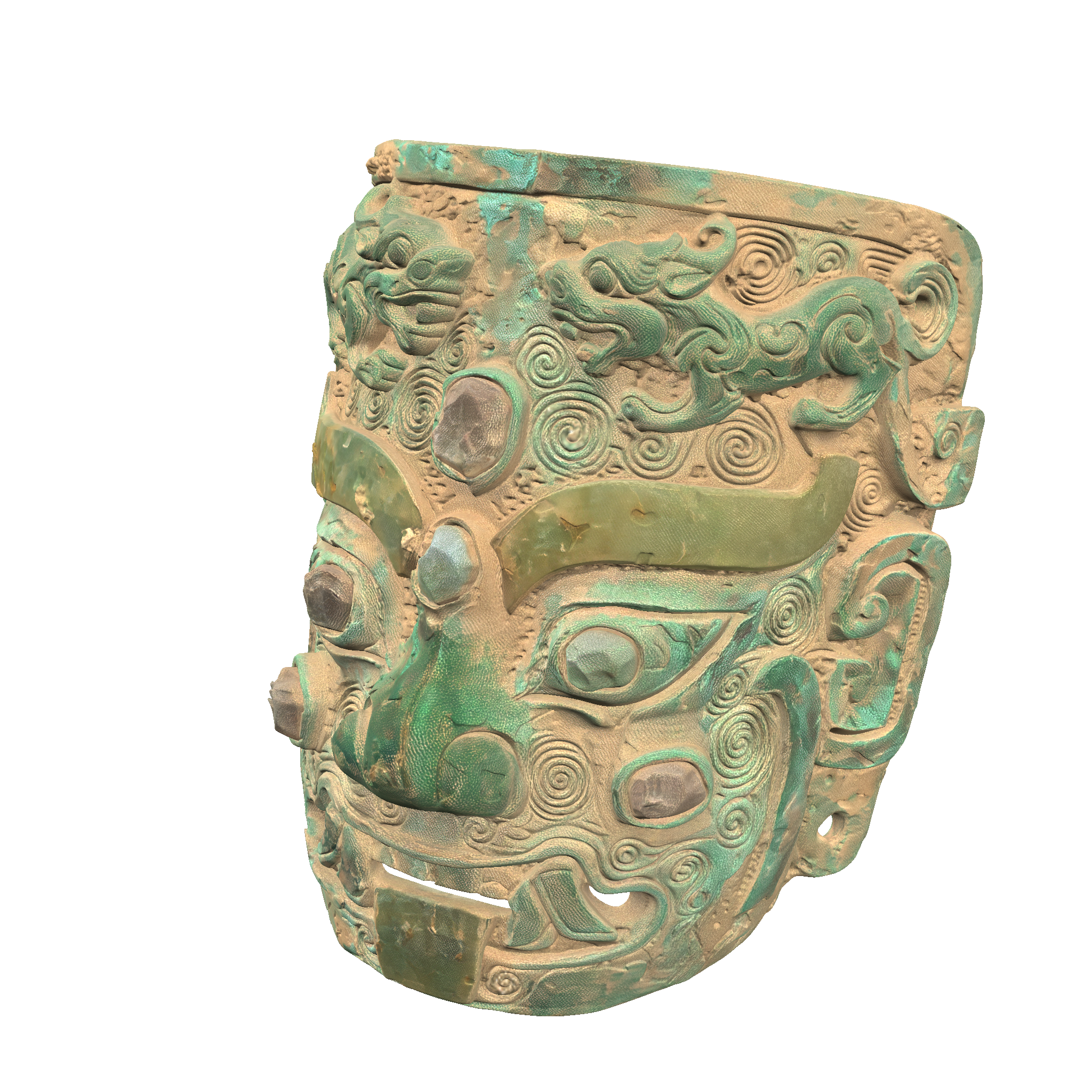
imagestringobligatoire
Front view image, file or URL. Resolution 128-5000px, max 8MB, JPG/PNG/WEBP. Tips: simple background, single object, object >50% of frame.
tencent/hunyuan-3d/3.6/image-to-3dHunyuan 3D 3.6 (Hy3D 3.6) is Tencent's newest native 3D generation model. Turn a reference image, with optional extra views, into a detailed high-poly 3D model with PBR materials, up to 2,000,000 faces.
Essayer le modèle
PNG, JPEG, WebP ou GIF · 20 MiB maximum
PNG, JPEG, WebP ou GIF · 20 MiB maximum
PNG, JPEG, WebP ou GIF · 20 MiB maximum
PNG, JPEG, WebP ou GIF · 20 MiB maximum
PNG, JPEG, WebP ou GIF · 20 MiB maximum
PNG, JPEG, WebP ou GIF · 20 MiB maximum
PNG, JPEG, WebP ou GIF · 20 MiB maximum
PNG, JPEG, WebP ou GIF · 20 MiB maximum
Que souhaitez-vous faire ensuite ?
Sélectionnez un exemple pour charger ses entrées et son résultat dans le playground.
{
  "image": "https://static.sandbase.ai/examples/bc53910c-b5b6-4d6a-9ad9-bda31001c29d/input/8d834435-c74e-4336-b85b-a5541823c030.png"
}{
"enable_pbr": true,
"image": "https://static.sandbase.ai/examples/969c0d7f-c0a7-412d-9105-c7529b10613c/input/6ccaedf3-6b17-48d3-85a1-f6f14e544aa2.png"
}Hunyuan 3D 3.6 (Hy3D 3.6) is Tencent's newest native 3D model, released 2026-11-27. It learns geometry, textures and materials directly from 3D assets, with cleaner surfaces, sharper hard-surface structure and higher-quality PBR textures than 3.1. It turns an image (plus up to six extra views) into a textured or geometry-only model of up to 2,000,000 faces.
| Field | Type | Default | Notes |
|---|---|---|---|
image | image file or URL, required | — | Front view. JPEG, PNG, or WebP. |
top_image | image file or URL | — | Optional extra view. |
back_image | image file or URL | — | Optional extra view. |
enable_pbr | boolean | false | PBR materials. |
face_count | integer 40000–2000000 | — | Target face count. |
left_image | image file or URL | — | Optional extra view. |
right_image | image file or URL | — | Optional extra view. |
bottom_image | image file or URL | — | Optional extra view. |
generate_type | Normal / Geometry | Normal | Normal textured or Geometry (untextured). |
left_front_image | image file or URL | — | Optional extra view. |
right_front_image | image file or URL | — | Optional extra view. |
| Request | Price |
|---|---|
| Single image, textured | $1.40 |
| Single image, geometry only | $0.60 |
| With extra views, textured | $2.00 |
| With extra views, geometry only | $0.80 |
| PBR materials and a custom face count do not change the price. Failed runs are not charged. |
Other Hunyuan 3D endpoints: tencent/hunyuan-3d/3.6/text-to-3d, tencent/hunyuan-3d/3.1/pro/image-to-3d.
Commencer à construire
Soumettez ce modèle via l'API Unified Run de SandBase.
# The quoted heredoc keeps Unicode and shell metacharacters unchanged.
result=$(curl --fail-with-body --silent \
  -X POST "https://api.sandbase.ai/v1/run" \
  -H "Authorization: Bearer $SANDBASE_API_KEY" \
  -H "Content-Type: application/json" \
  --data-binary @- <<'SANDBASE_JSON'
{
  "model": "tencent/hunyuan-3d/3.6/image-to-3d",
  "image": "https://static.sandbase.ai/examples/tencent/hunyuan-3d/3.1/pro/image-to-3d/input_image_0.png",
  "enable_pbr": false,
  "generate_type": "Normal"
}
SANDBASE_JSON
)
run_id=$(printf '%s' "$result" | jq -r .id)
for attempt in $(seq 1 120); do
  status=$(printf '%s' "$result" | jq -r .status)
  case "$status" in completed|failed|timeout) break ;; esac
  sleep 2
  result=$(curl --fail-with-body --silent \
    -H "Authorization: Bearer $SANDBASE_API_KEY" \
    "https://api.sandbase.ai/v1/run/$run_id")
done
status=$(printf '%s' "$result" | jq -r .status)
[ "$status" = completed ] || { echo "Generation ended: $status" >&2; exit 1; }
printf '%s\n' "$result"Créez une clé API SandBase et définissez-la dans l'environnement de votre serveur. Toutes les requêtes utilisent l'authentification Bearer.
export SANDBASE_API_KEY="YOUR_API_KEY"Conservez la clé sur votre serveur. Ne l'exposez pas dans le code du navigateur et ne la committez pas dans un dépôt.
Faites un POST sur /v1/run avec cet ID de modèle et ses entrées. L'exemple de requête ci-dessus inclut la soumission et le polling.
Utilisez l'ID d'exécution renvoyé pour interroger jusqu'à ce que le statut soit completed, failed ou timeout. Ne lisez la sortie qu'une fois completed.
curl "https://api.sandbase.ai/v1/run/$RUN_ID" \
-H "Authorization: Bearer $SANDBASE_API_KEY"Passez une URL de fichier accessible publiquement dans le champ image, video ou audio du modèle. Les formats pris en charge et les limites sont indiqués à côté de chaque entrée du Playground.
Utilisez le contrôle upload ou replace sur les champs image pris en charge dans le Playground. Les champs URL vidéo acceptent une vidéo de conduite hébergée ; cela n'implique pas la prise en charge de l'importation vidéo.
imagestringobligatoireFront view image, file or URL. Resolution 128-5000px, max 8MB, JPG/PNG/WEBP. Tips: simple background, single object, object >50% of frame.
top_imagestringOptional top view image file or URL for multi-view reconstruction.
back_imagestringOptional back view image file or URL for multi-view reconstruction.
enable_pbrbooleanGenerate PBR materials (metallic, roughness, normal). Ignored for Geometry output.
Par défaut : false
face_countintegerTarget polygon face count, 40,000 to 2,000,000.
Minimum : 40000
Maximum : 2000000
left_imagestringOptional left view image file or URL for multi-view reconstruction.
right_imagestringOptional right view image file or URL for multi-view reconstruction.
bottom_imagestringOptional bottom view image file or URL for multi-view reconstruction.
generate_typestringNormal: textured model. Geometry: geometry-only white model.
Par défaut : "Normal"
Valeurs possibles : "Normal", "Geometry"
left_front_imagestringOptional left-front view image file or URL for multi-view reconstruction.
right_front_imagestringOptional right-front view image file or URL for multi-view reconstruction.
{
  "model": "tencent/hunyuan-3d/3.6/image-to-3d",
  "image": "https://static.sandbase.ai/examples/tencent/hunyuan-3d/3.1/pro/image-to-3d/input_image_0.png",
  "enable_pbr": false,
  "generate_type": "Normal"
}Une exécution terminée expose son résultat dans output. Ce qui suit est l'exemple enregistré du modèle, et non une nouvelle génération.
[
  {
    "format": "glb",
    "poster": "https://static.sandbase.ai/examples/bc53910c-b5b6-4d6a-9ad9-bda31001c29d/output/675b1ce0-5c0f-48b7-a253-ea39297d9a31.png",
    "thumbnail": "https://static.sandbase.ai/examples/bc53910c-b5b6-4d6a-9ad9-bda31001c29d/output/675b1ce0-5c0f-48b7-a253-ea39297d9a31.png",
    "url": "https://static.sandbase.ai/examples/bc53910c-b5b6-4d6a-9ad9-bda31001c29d/output/8ca3969e-68b1-4b13-9011-c14b4e63be93.glb"
  }
]