
Social media
Research audiences, plan content and manage social workflows.
Explore Social media ↗Research video topics and compare public performance to plan your next Bilibili tutorial.
Parcourir les Skills ↓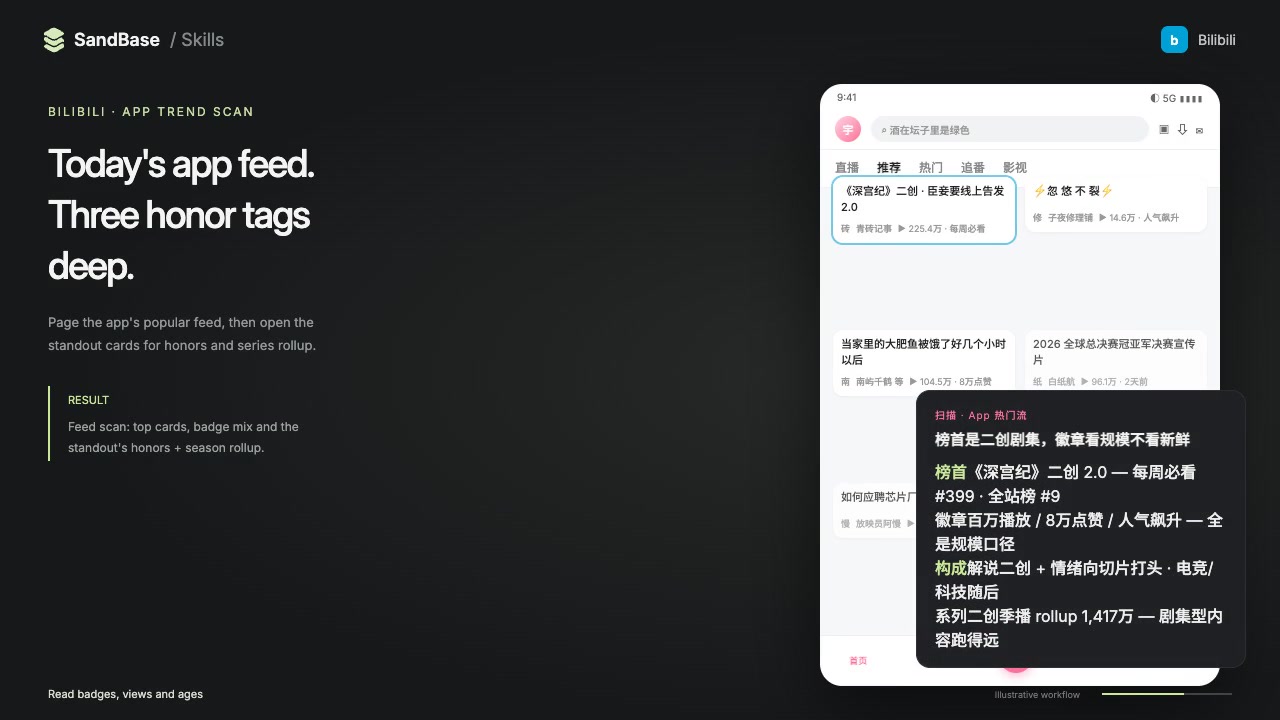
Scan what the Bilibili app's popular feed is serving right now through SandBase
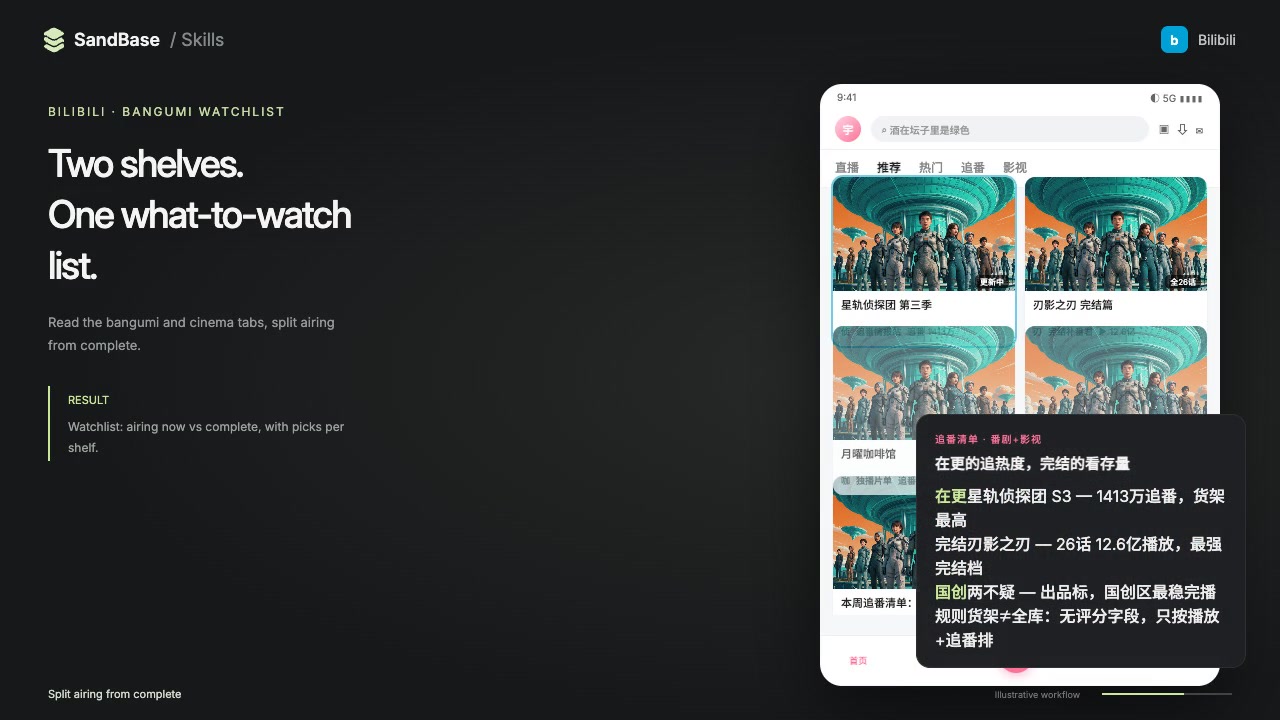
Build a what-to-watch list from Bilibili's own anime and cinema shelves — update text, views, follows, badges — split into airing vs complete.
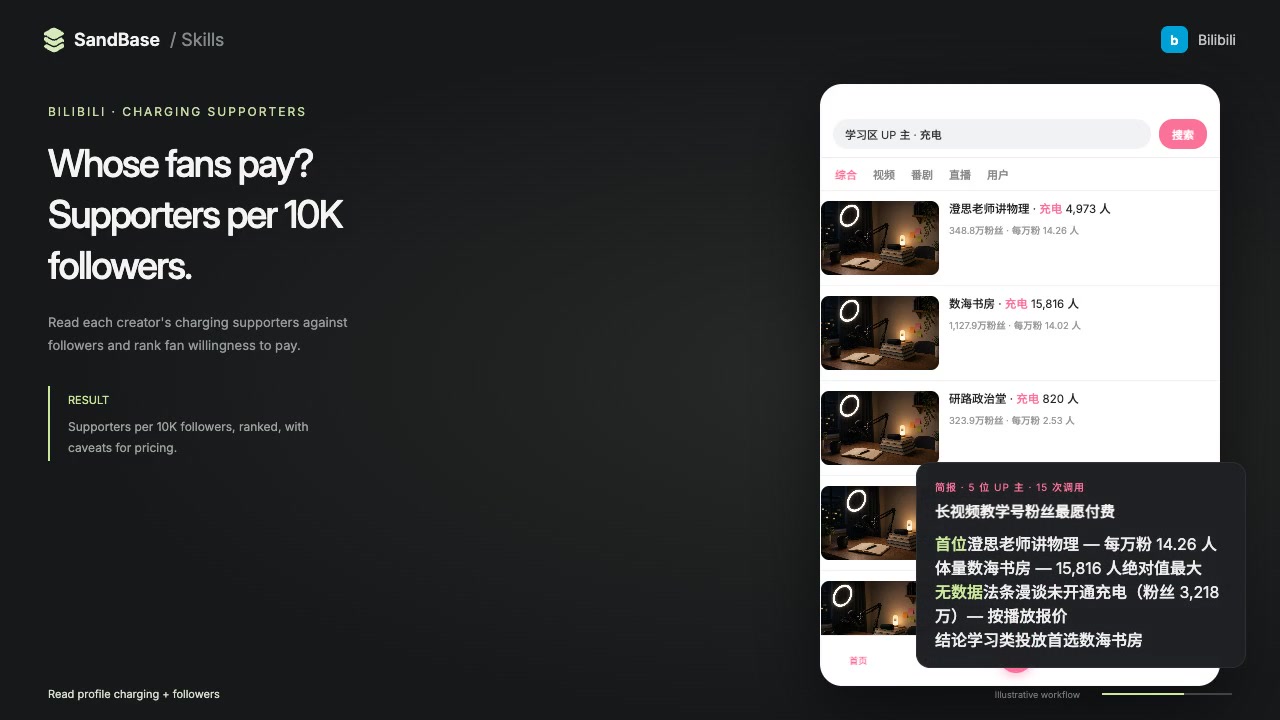
Compare how willing Bilibili creators' fans are to pay.
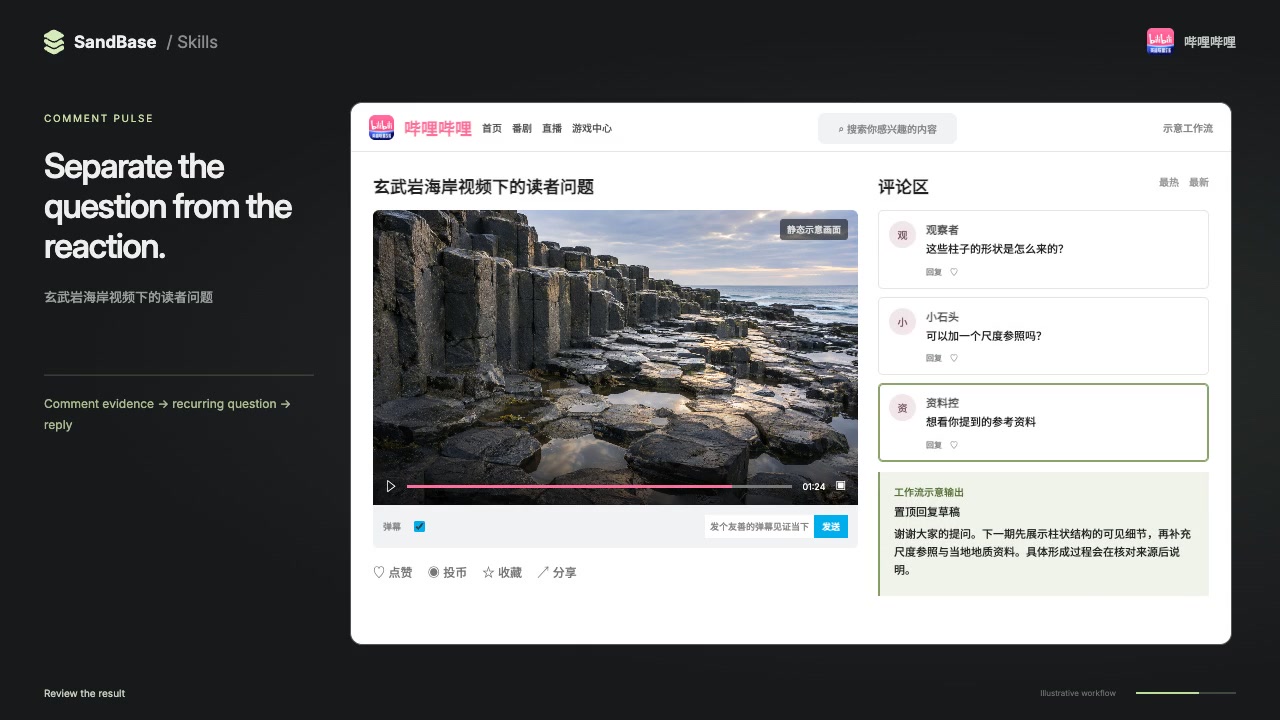
Read the comments under a Bilibili video: what people say, which comments pull replies, what could go wrong, and what to answer.
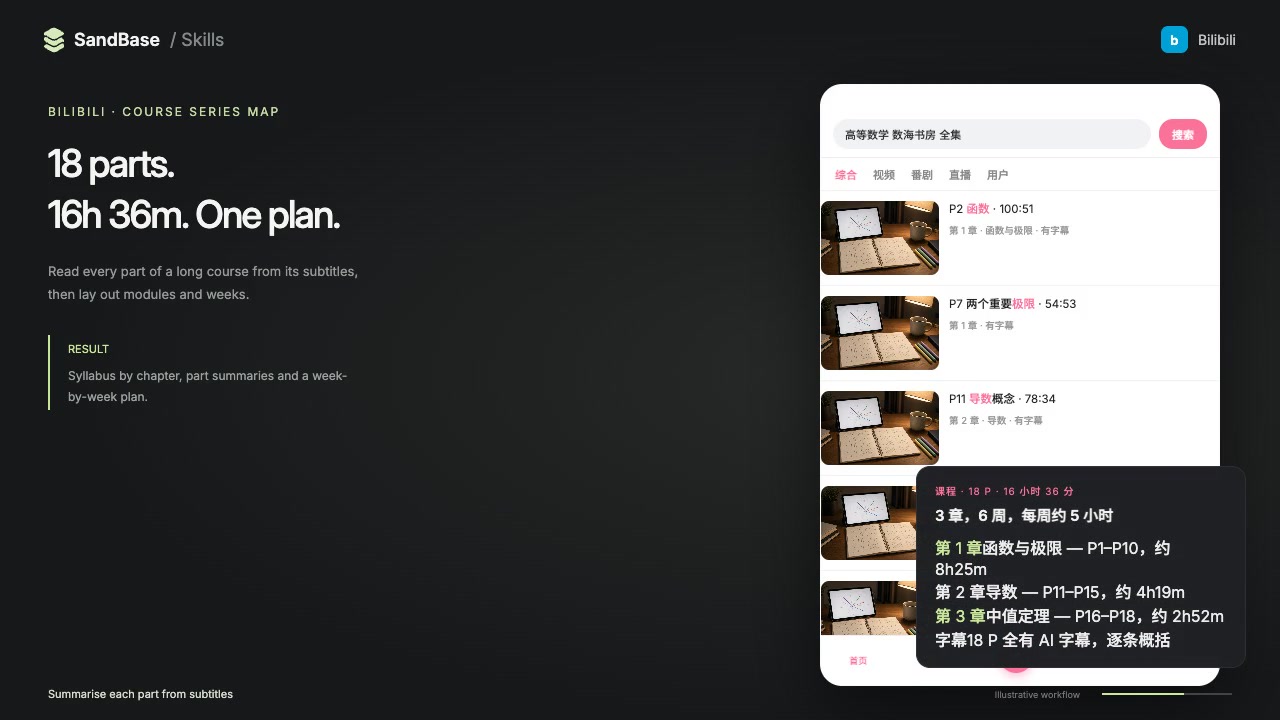
Turn a long multi-part Bilibili course into a study plan.

Build study notes for a multi-part Bilibili lecture or long video through SandBase by fusing three signals
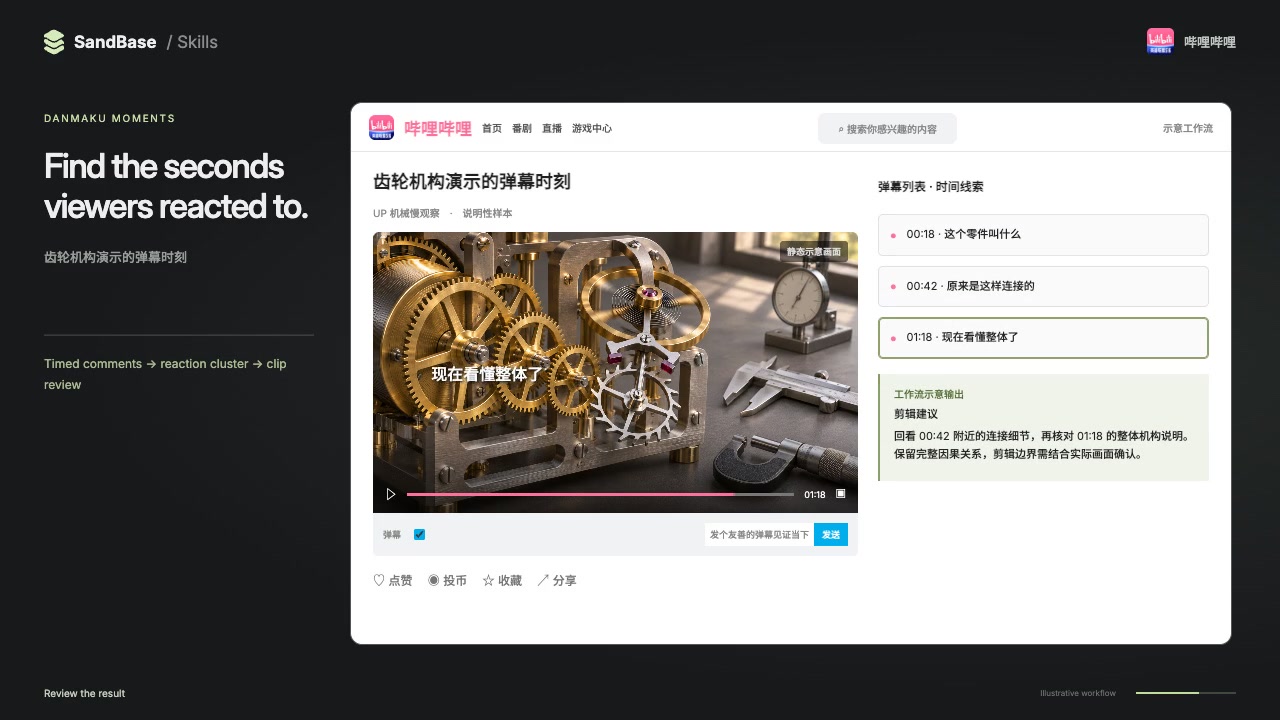
Find the moments in a Bilibili video where viewers react, so you know what to clip and what the audience calls the scene.
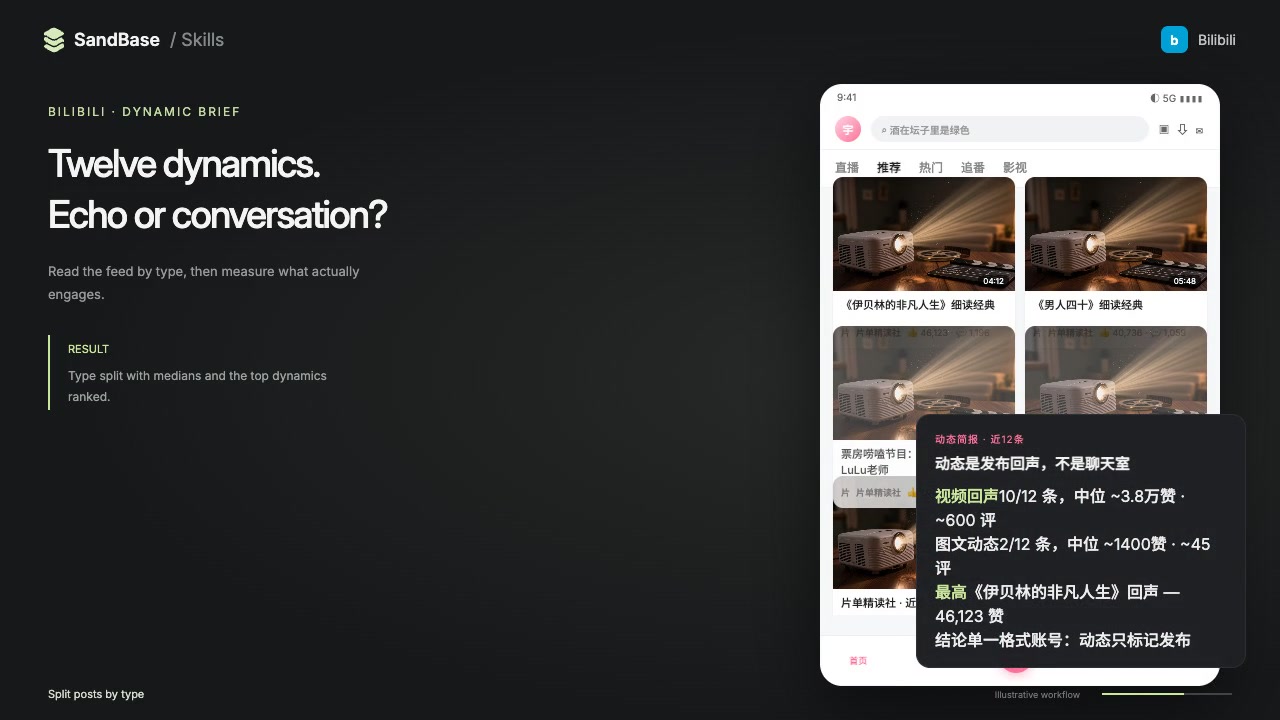
Read an UP主's dynamic feed — the posts between videos — and say which pull real conversation versus which are just release echoes.
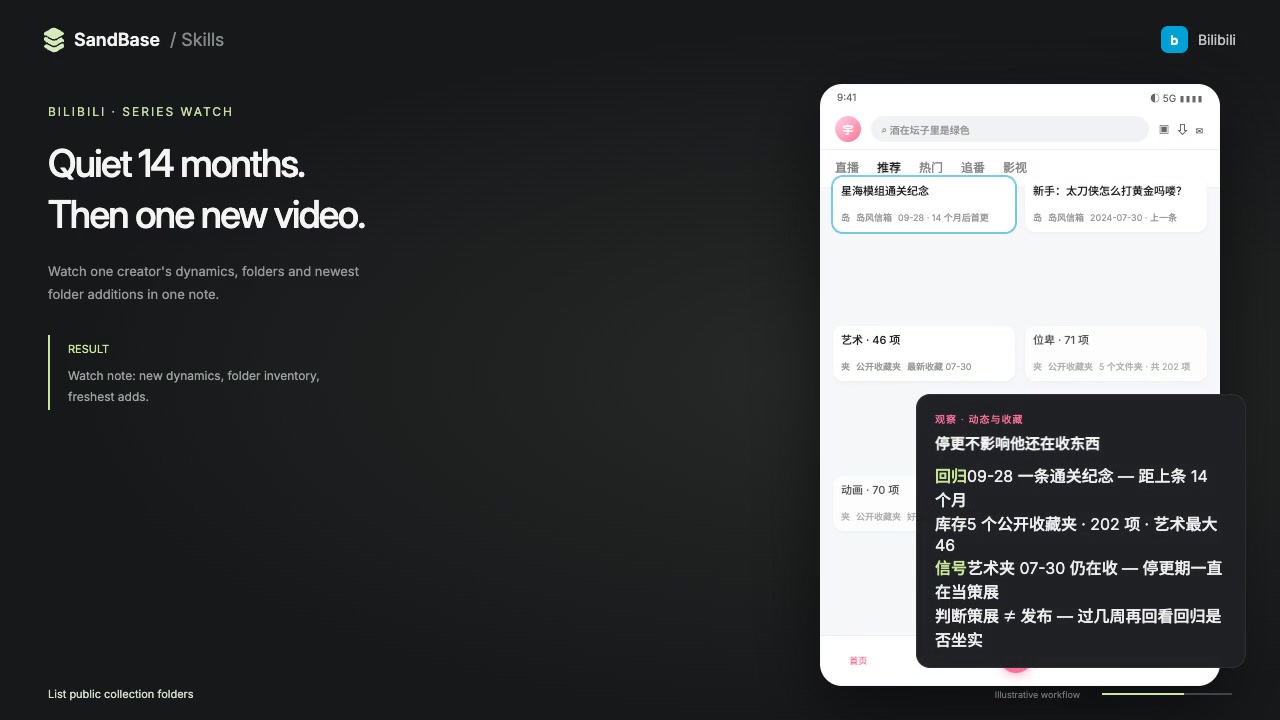
Watch what a Bilibili UP主 publishes and curates
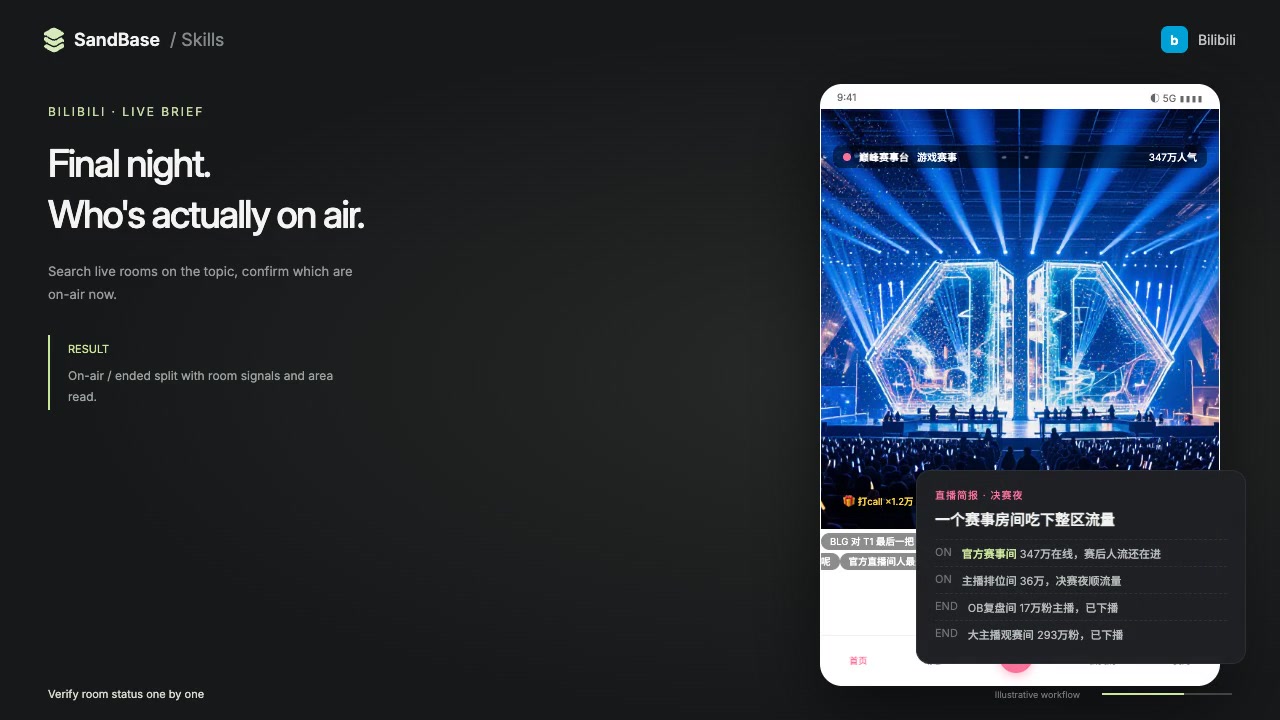
Answer which Bilibili live rooms are worth watching right now — per area, with online counts and anchor followings — not a static directory.
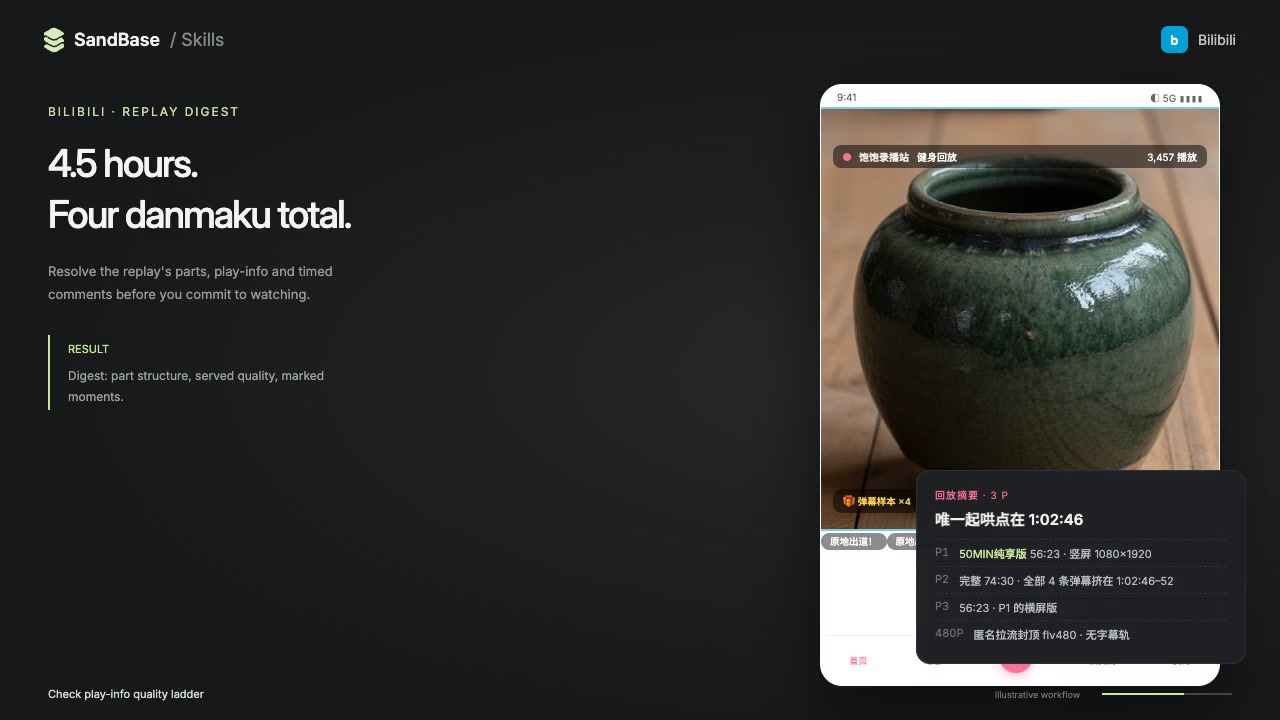
Digest a Bilibili live-replay upload (直播回放录播) through SandBase
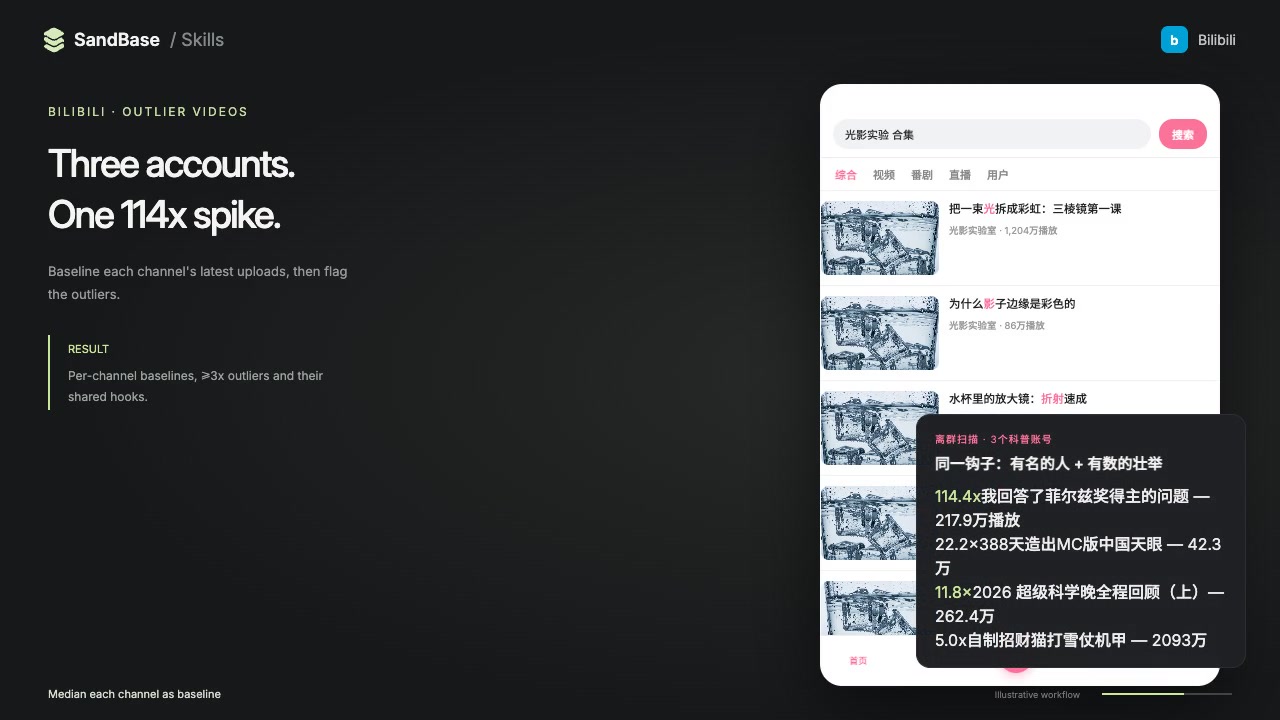
Find the videos that far outperformed their own channel's median — and name the hooks they share — instead of comparing raw view counts across channels.
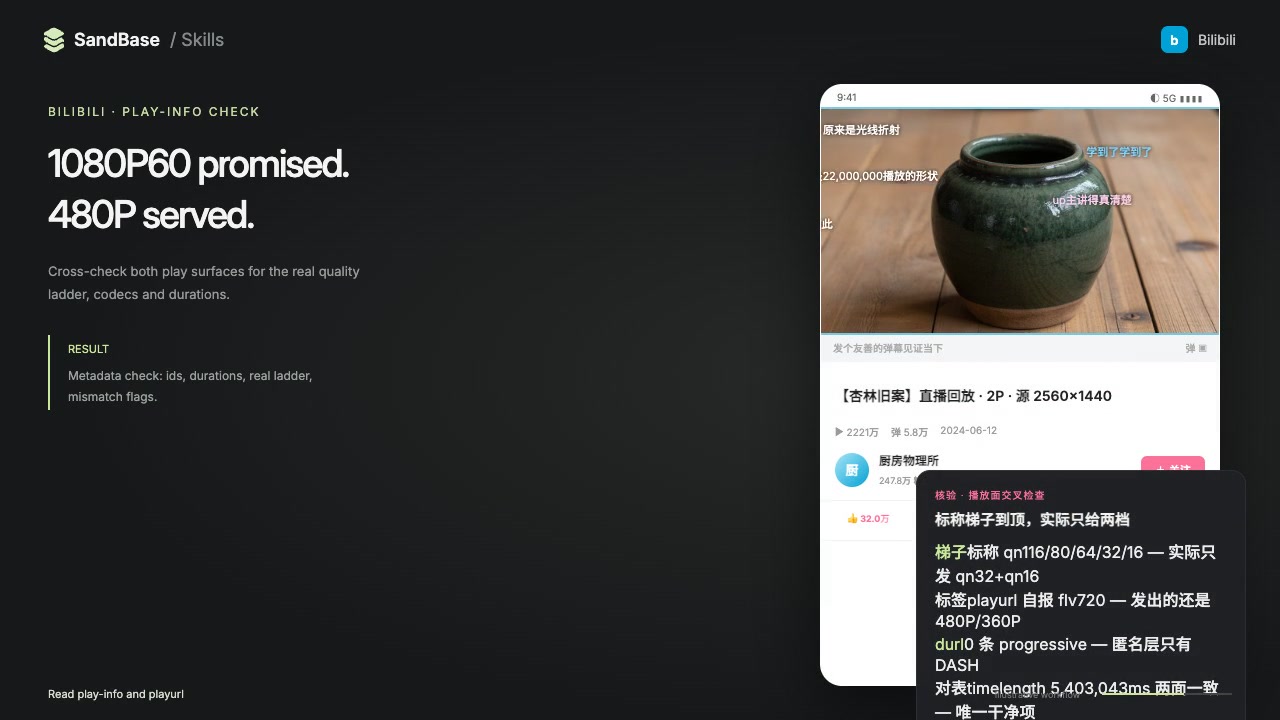
Verify a Bilibili video's technical playback facts through SandBase
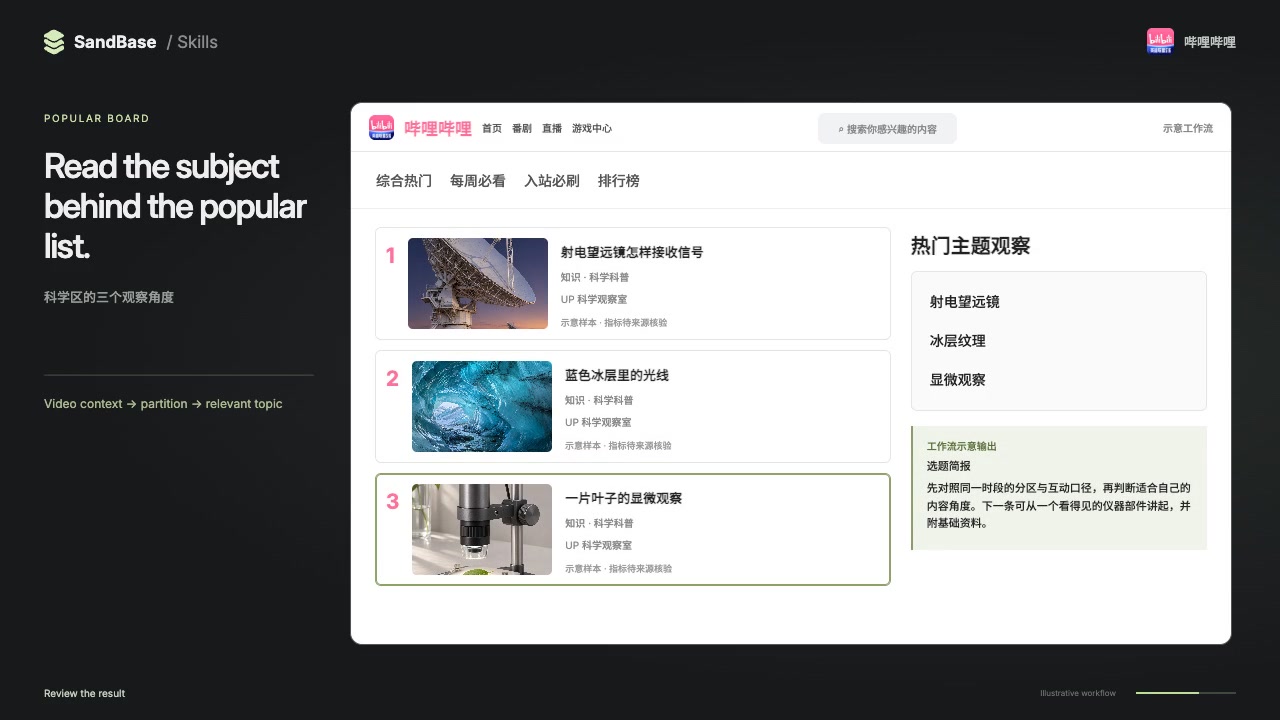
See what is on Bilibili’s popular list today, which kinds of video get the most engaged viewers, and which hot words you can join.
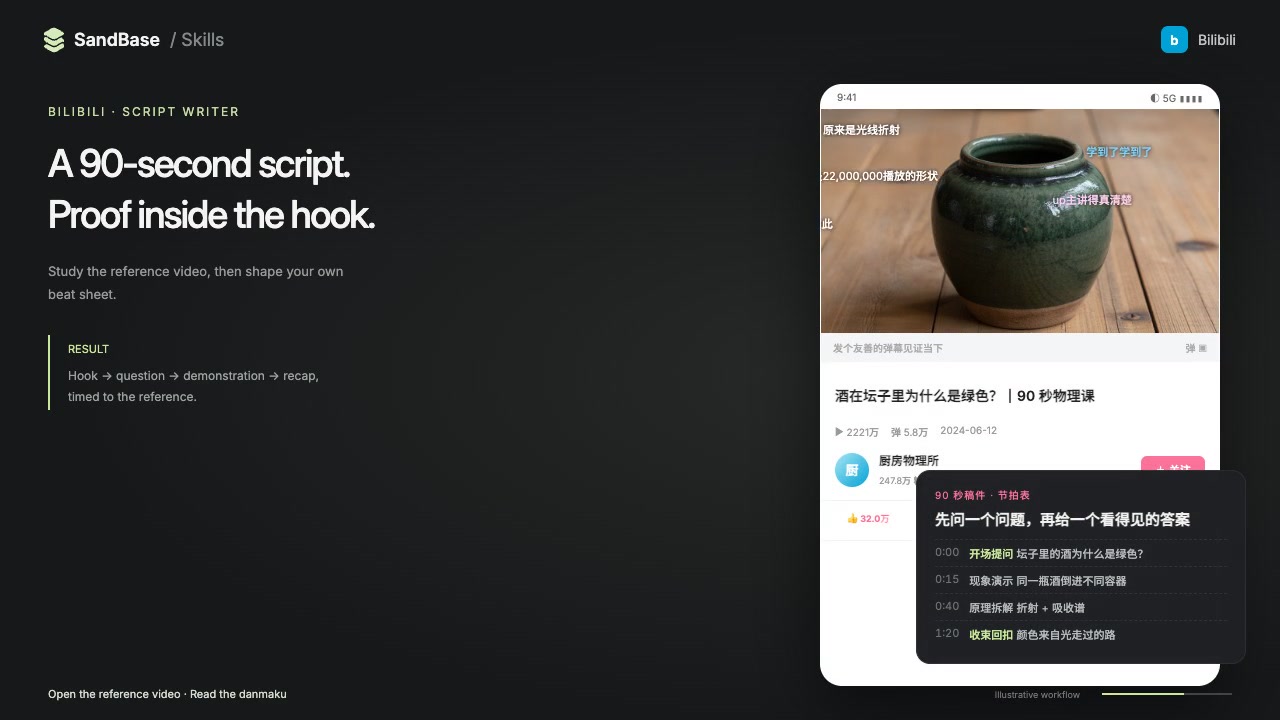
Write a filmable Bilibili script modelled on a real video's proven mechanics — the subtitle's hook and beats, the danmaku peaks, what the comments took away — not a generic template.
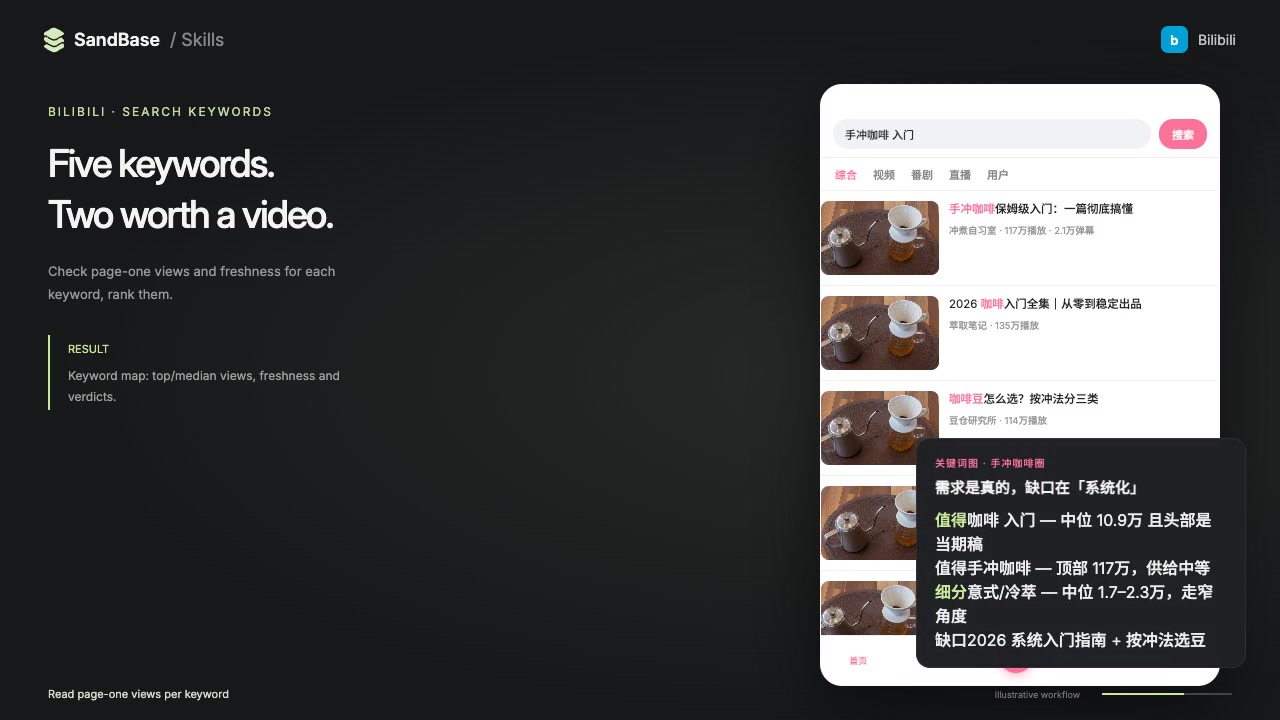
Map a niche's keyword landscape — which words have real demand but weak first-page supply — instead of picking a title by feel.
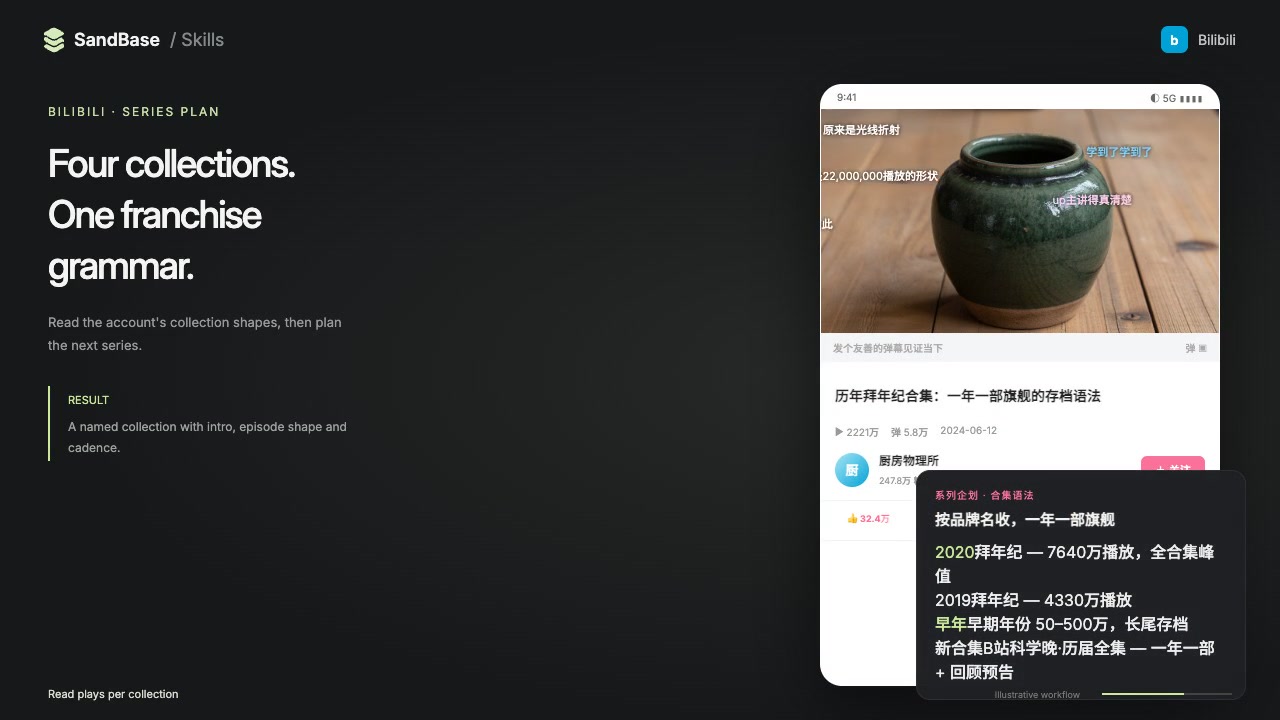
Read how an uploader's public collections actually work — naming, episode counts, whether views are even or head-loaded — then plan a new one in the same grammar.
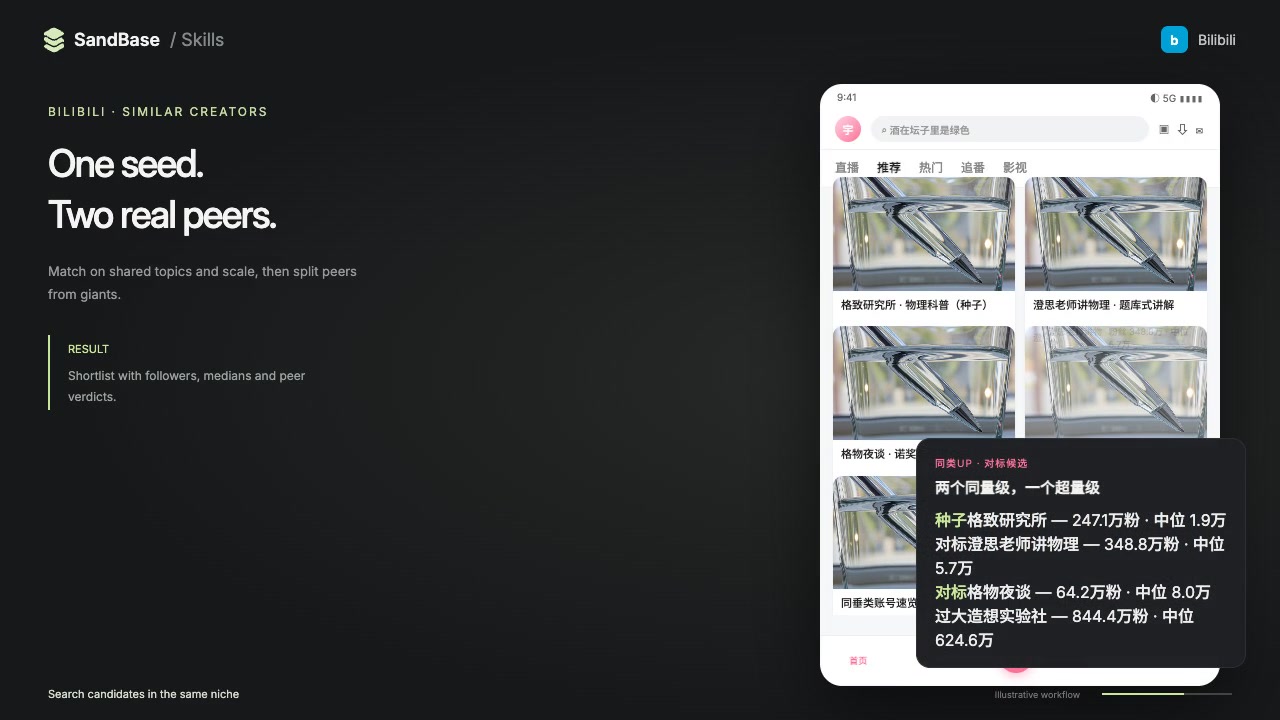
Find UP主 who make similar content at a comparable scale — scored on recent-title overlap plus follower and per-video-median distance — not just whoever shares the niche name.
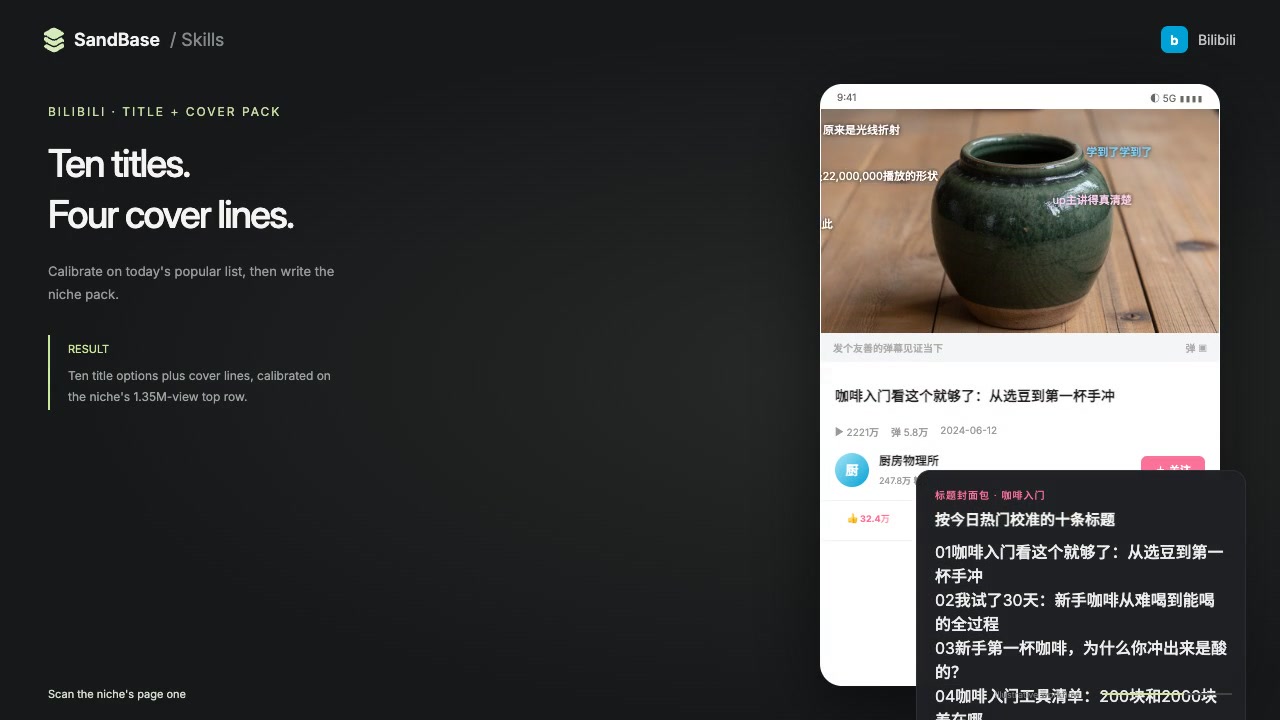
Get ten title options plus cover copy for a Bilibili video, calibrated on today's popular list and the niche's own page-one titles — not a generic formula.
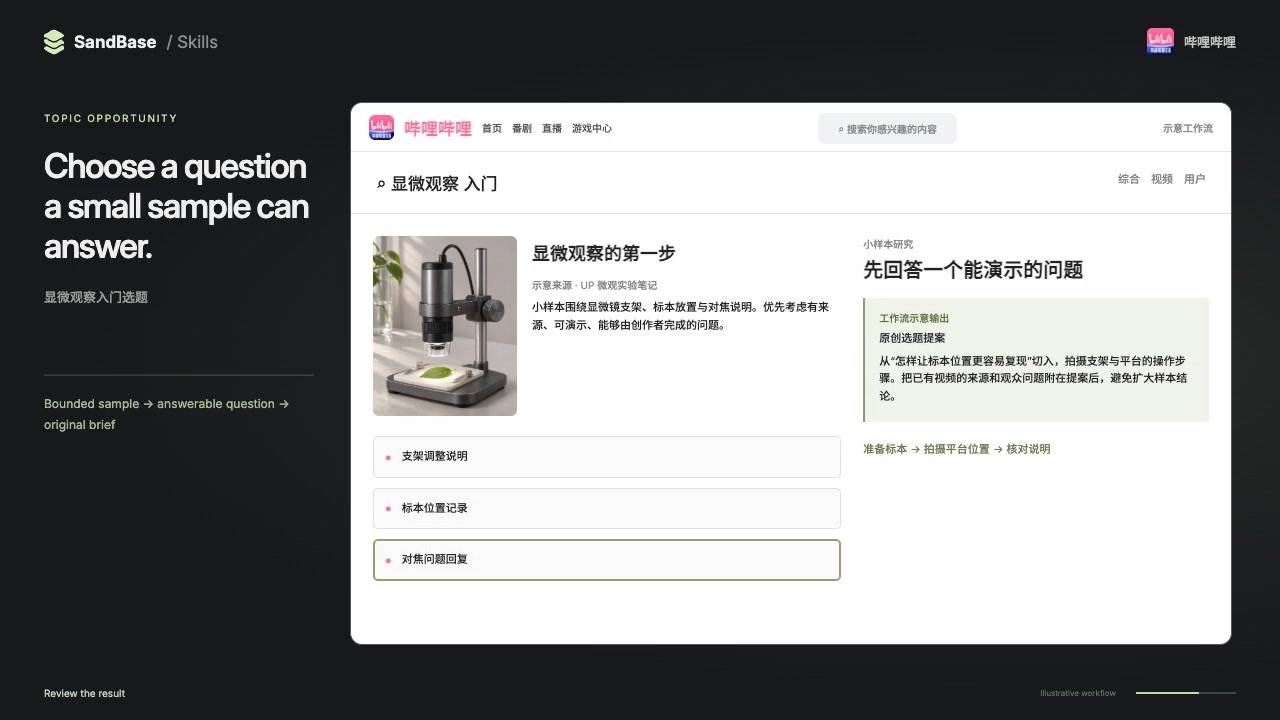
Research video topics and compare public performance to plan your next Bilibili tutorial.
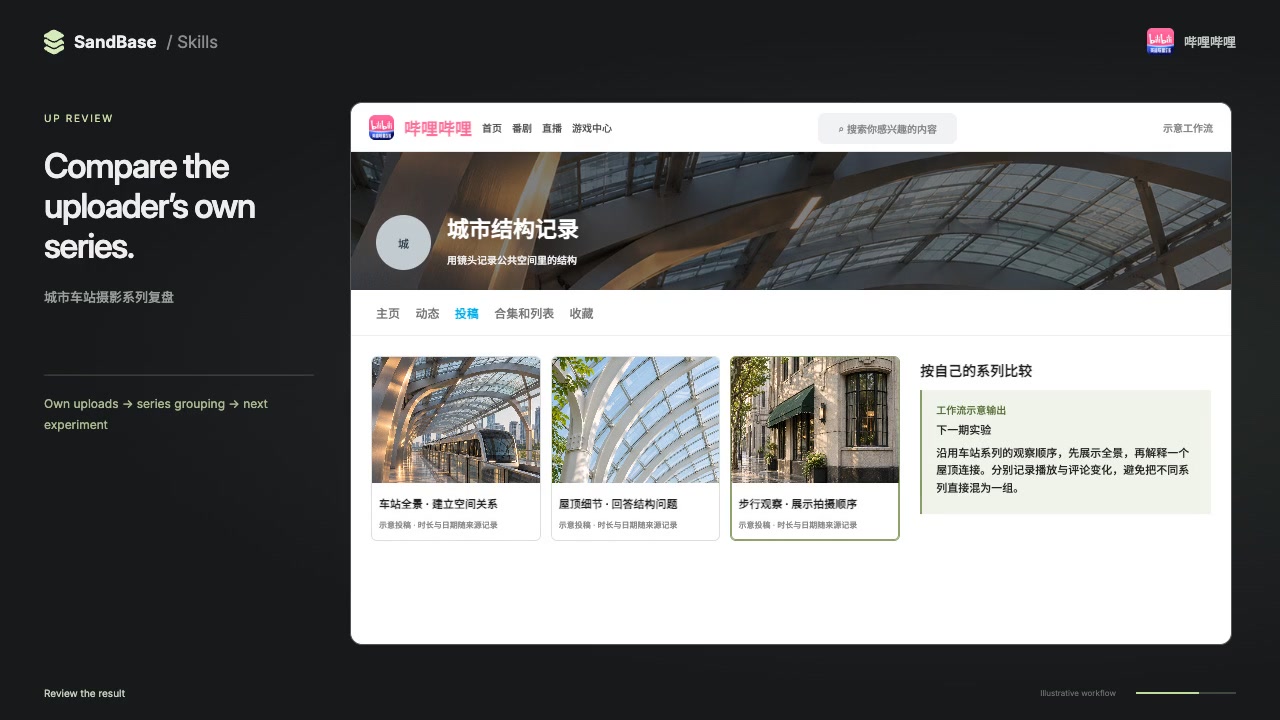
Compare a Bilibili uploader’s own recent videos to see which kind gets views and which gets comments, then decide what to make next.
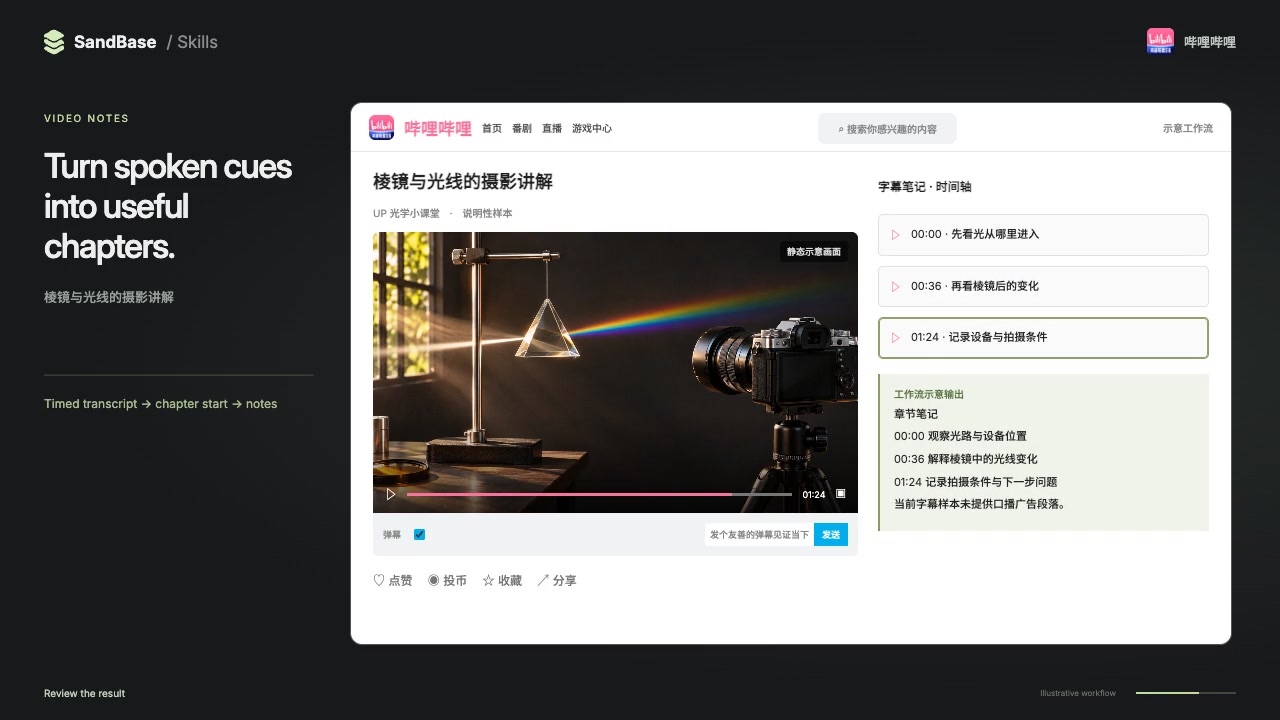
Turn a long Bilibili video into chapters with start times, sponsor-read times and key points, so you know which part to watch or clip.
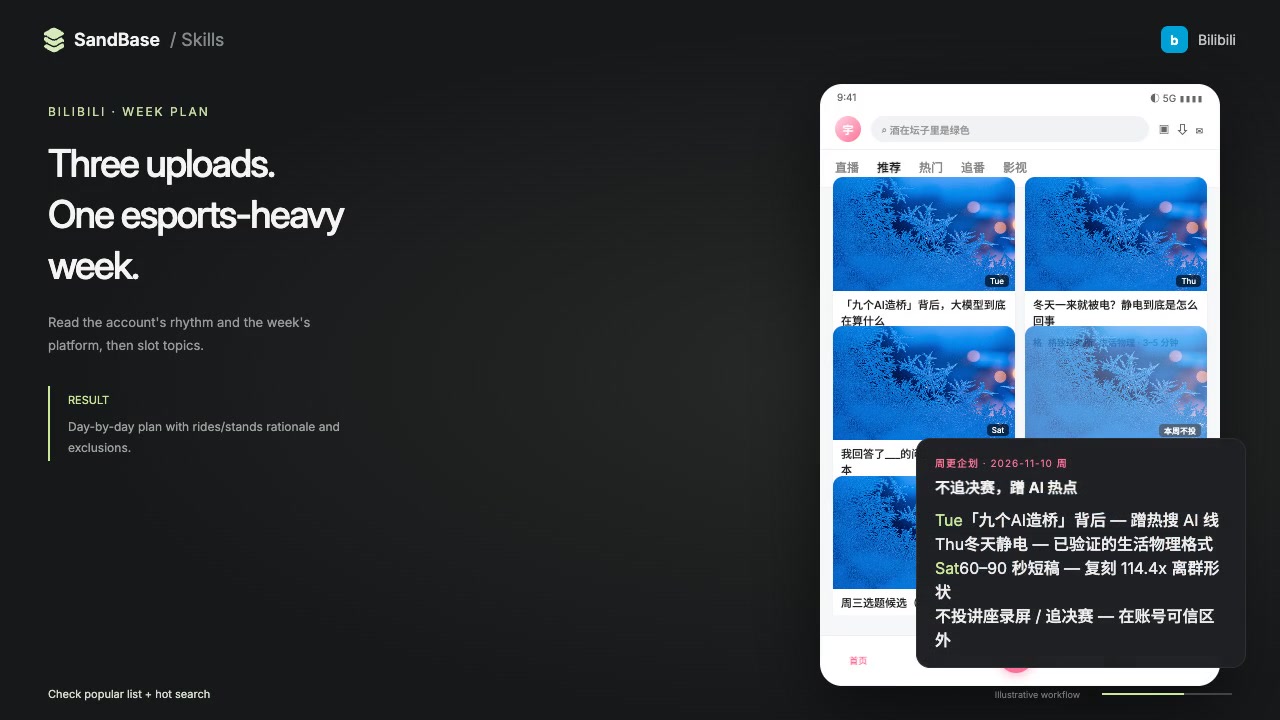
Plan one dated posting week for an uploader — their own rhythm and median, this week's popular list and hot search — instead of a generic content calendar.
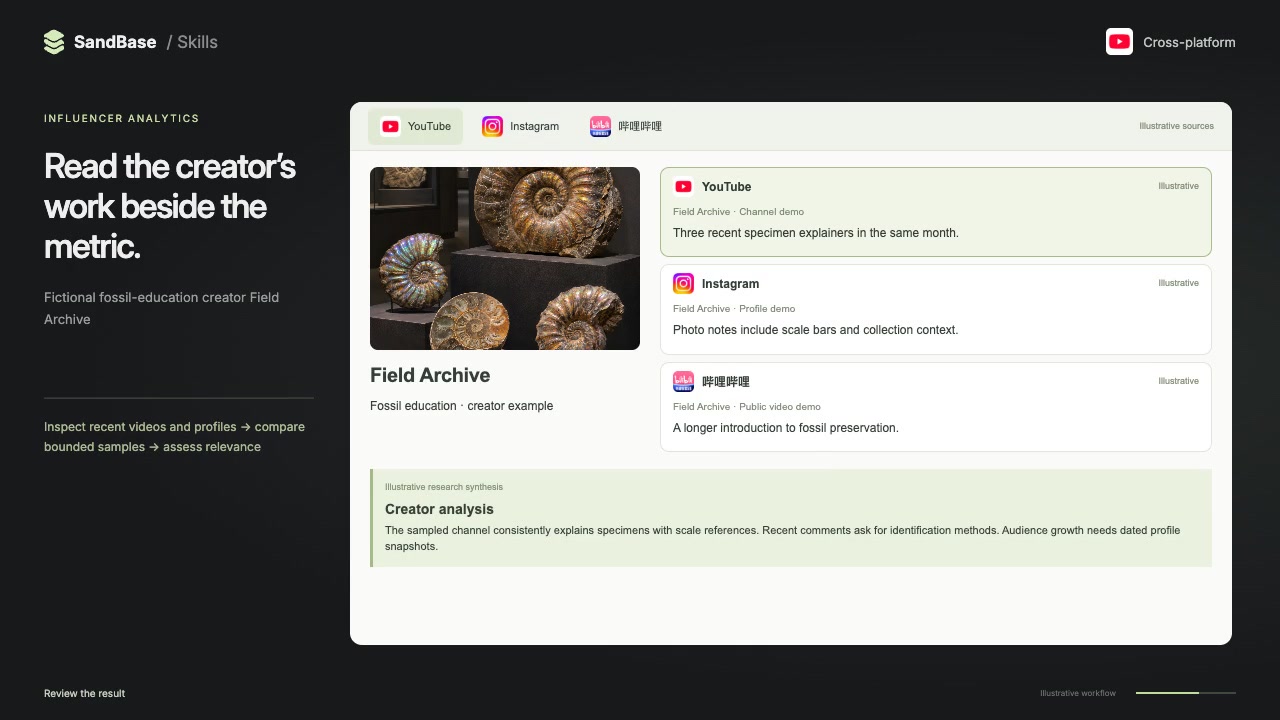
Analyze influencer performance metrics across TikTok, Instagram, YouTube, Bilibili, and Kuaishou. Compare engagement rates, audience growth, content consistency, and cross-platform presence for data-driven partnership decisions.
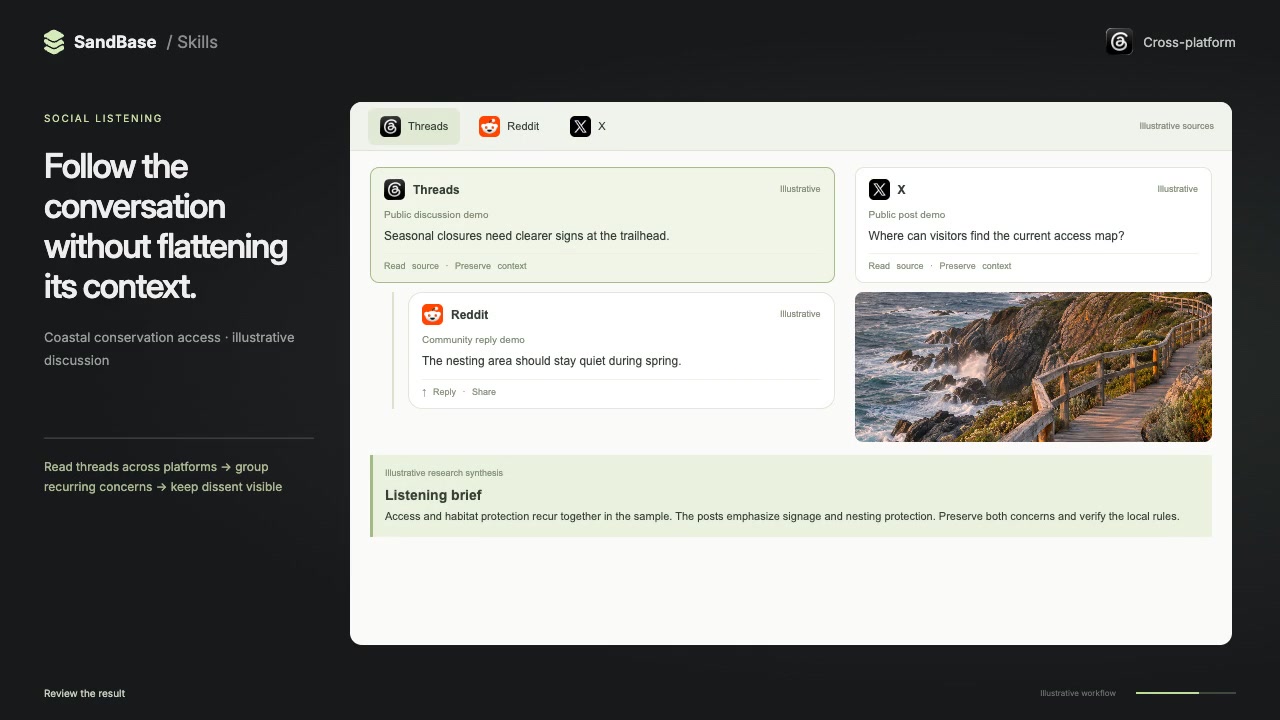
Monitor conversations about any topic, brand, or keyword across Twitter, Reddit, Threads, Weibo, and community platforms simultaneously. Aggregates volume, sentiment, key voices, and emerging narratives across the global social web.
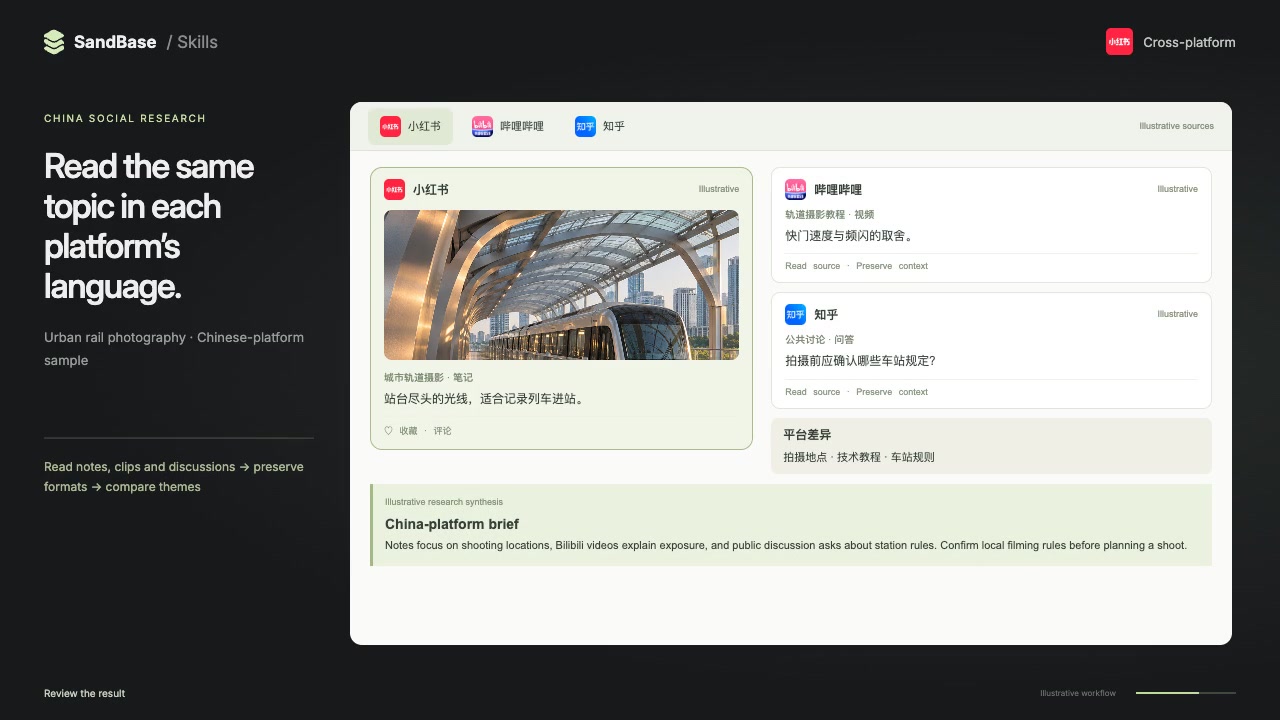
Research any topic across China's major social platforms — Weibo, Douyin, Xiaohongshu, Bilibili, and Zhihu — simultaneously. Aggregates discussion volume, sentiment, key opinion leaders, and platform-specific trends for comprehensive China market intelligence.
Research video topics and compare public performance to plan your next Bilibili tutorial.
A topic or video link, intended audience and research question.
Start with a task, then explore the possibilities.
Research audiences, plan content and manage social workflows.
Explore Social media ↗Compare the inputs and deliverables before you begin.
| What you have | What to look for | Next step |
|---|---|---|
| A clear brief | A topic or video link, intended audience and research question. | Browse this collection ↗ |
| A connected agent | Follow the installation instructions on the Skill page and connect your agent to SandBase. API calls are billed to your SandBase organization. | Read the Skills guide ↗ |
| A different output | Research audiences, plan content and manage social workflows. | Social media ↗ |
Follow the Skill page: download and unpack its complete folder, or use the provided installation command. Choose an Agent that supports its requirements.
Connect your agent to SandBase so the Skill can call its data APIs.
Describe what you need, then check the sources in the output before you use it.
Search Bilibili videos with plays, danmaku and likes
A set of instructions your agent follows to call SandBase data APIs, such as search, social or business data, and turn the results into a sourced answer.
You need a SandBase account connected to your agent. SandBase API calls are billed to your SandBase organization.
SandBase Agent, Codex, Claude and Cursor. Check each Skill page for its runtime requirements and installation method.