
LinkedIn Post Writer
- Lab Skill
- v0.2.0
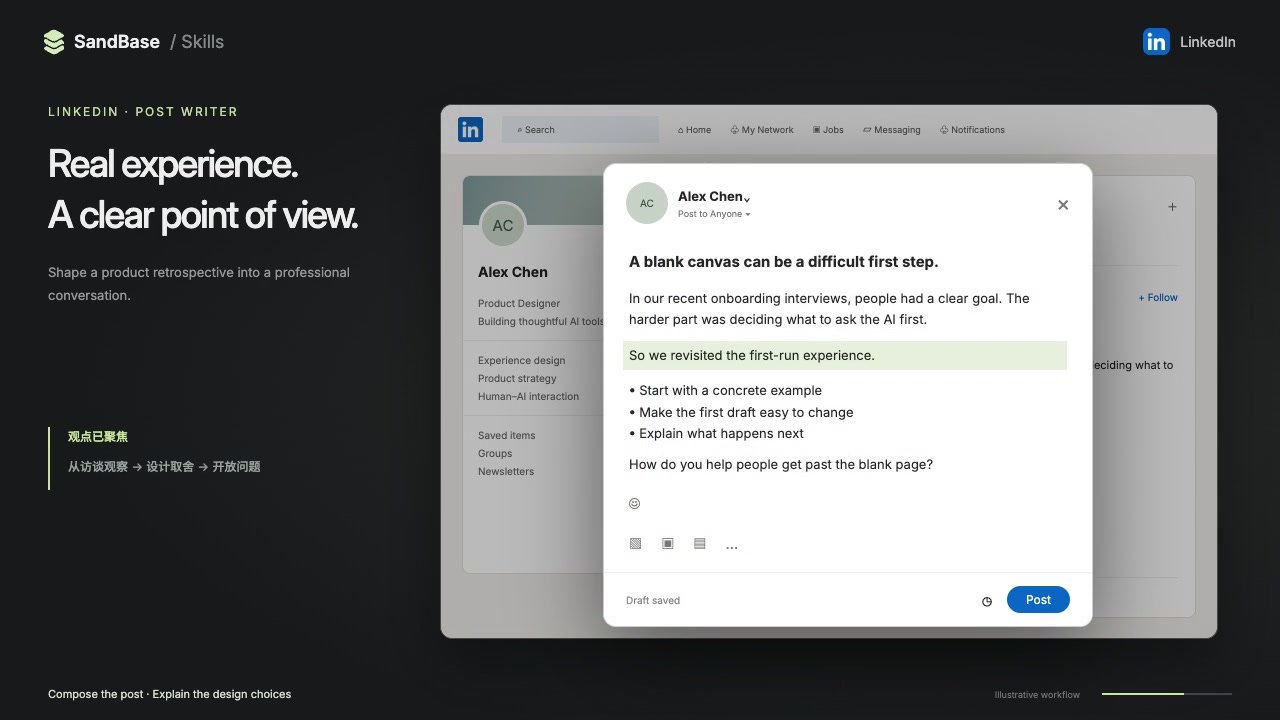
Turn supplied facts and a point of view into a post with a fact map and counted length.
カバー
得られるもの
Bring viewpoint, audience and verified sources or URLs. The Skill returns one LinkedIn post, alternative opening and fact map.
仕組み
- 01
Build the fact sheet
From your topic and viewpoint in your own words, the facts the post may use with their sources and the audience and one response you want, the Agent numbers usable items F1, F2 and so on. Linked articles or posts can be read through SandBase to turn sources into usable facts.
- 02
Set one point and one ask
The post's point is written as one sentence, and a single ask is chosen, such as answers to a question. The hook is an opening the fact sheet can carry, such as a specific number. In the body, each sentence either states an F item or reads as your view, in short paragraphs.
- 03
Check and deliver
The post ends with the single ask, and any link you supply goes where you choose. Characters are counted with code against LinkedIn's three-thousand-character cap. The post comes with a fact map showing where every claim came from. You review and publish it by hand.
FAQ
What does LinkedIn Post Writer write?
LinkedIn Post Writer writes one LinkedIn post from your topic, viewpoint and verified facts: one hook, one point, one ask, plus a fact map showing where every claim came from. It drafts only; you publish the post yourself. It writes one post per run.
Can it add statistics I don't have?
No. LinkedIn Post Writer states no fact that your material does not contain. Every factual sentence maps to a numbered item on the fact sheet. If the hook needs a number you do not have, a different hook is chosen.
Are the source lookups billed?
LinkedIn Post Writer needs no calls when you paste your facts. Reading linked articles, posts or your profile posts through SandBase is billed usage, though most posts need none. The Agent inspects each tool before running it so the price shows; see https://www.sandbase.ai/pricing.
How long will the post be?
LinkedIn Post Writer keeps posts well under LinkedIn's three-thousand-character cap and counts characters with code rather than estimating. Short paragraphs keep it easy to read in the feed. The character count is reported with the draft, so you can see how much room is left if you want to add a line of your own before posting.
Why only one ask?
LinkedIn Post Writer ends with a single ask because several requests compete and readers tend to do none of them. One clear ask, such as answering a question, gives the post a better chance of the response you want. The ask is placed last.
その他の Skills
すべての LinkedIn Skills →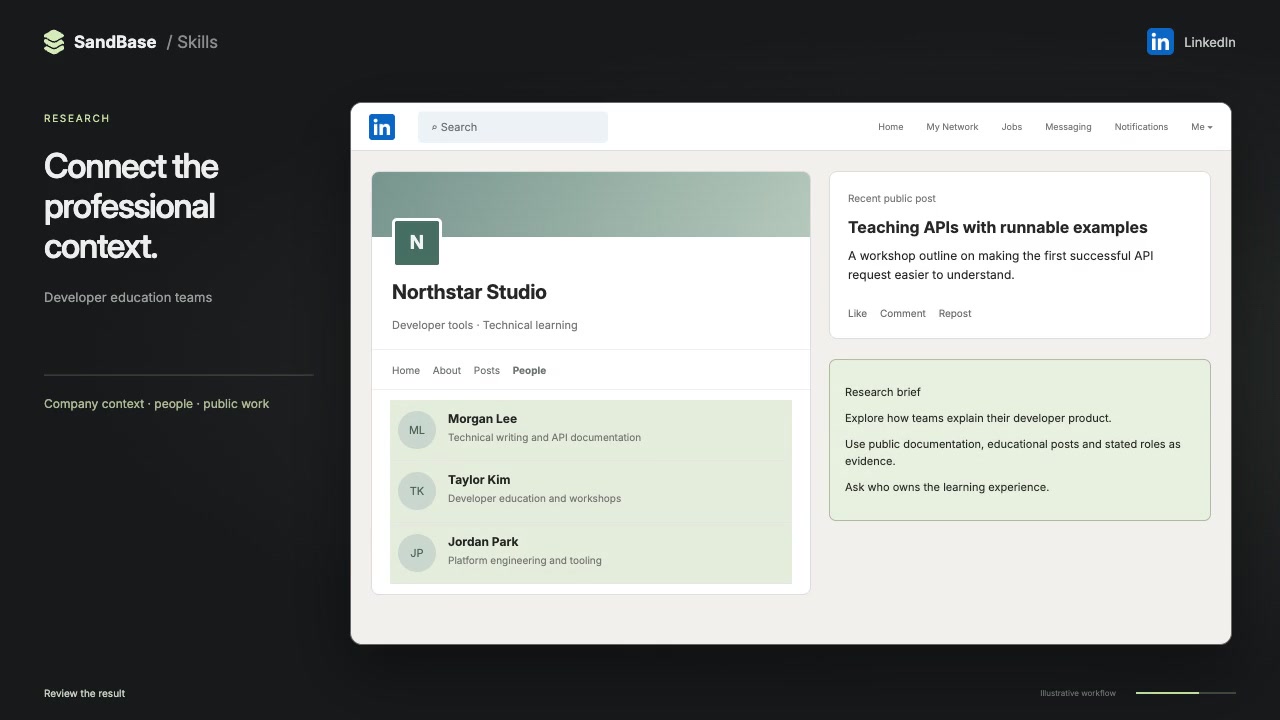
LinkedIn Research
Research companies, professionals, job markets, and industry content on LinkedIn through SandBase. Use when asked for LinkedIn research, company analysis, professional profiling, job market research, or B2B competitive intelligence.
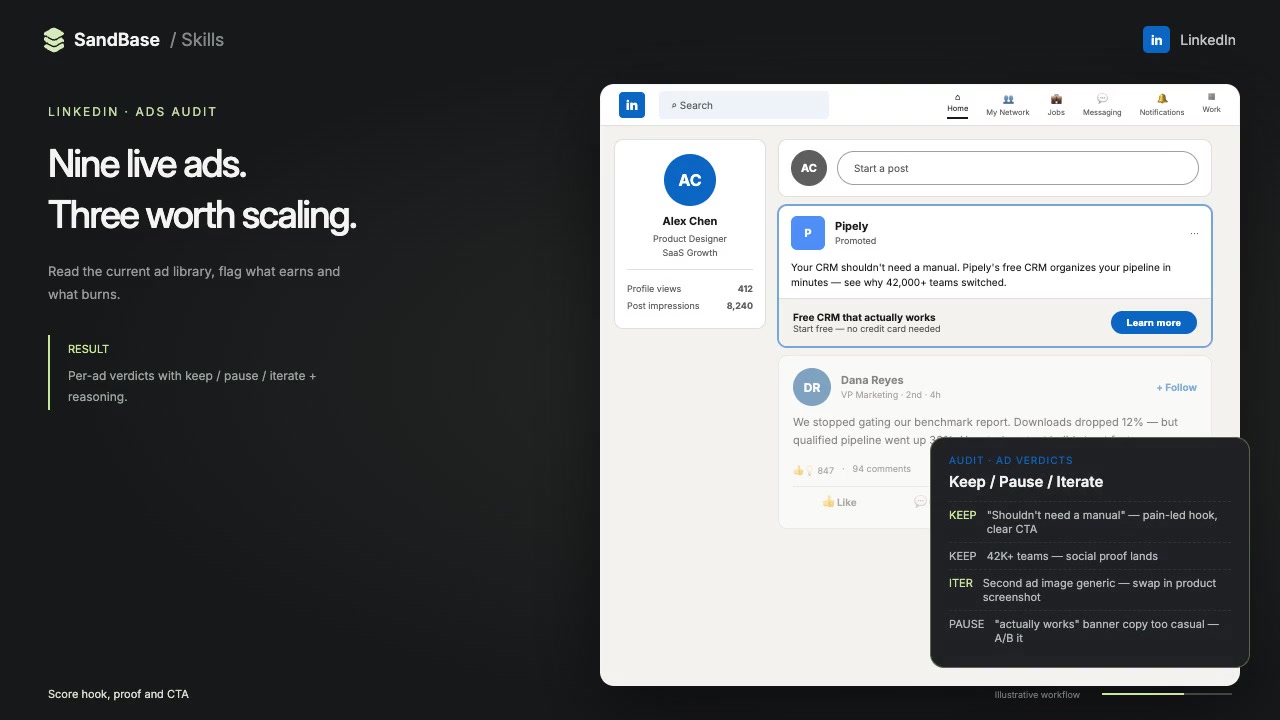
LinkedIn Ads Audit
Read what an advertiser is really running on LinkedIn — the creative copy, formats, CTAs and landing pages — and sharpen the creative.
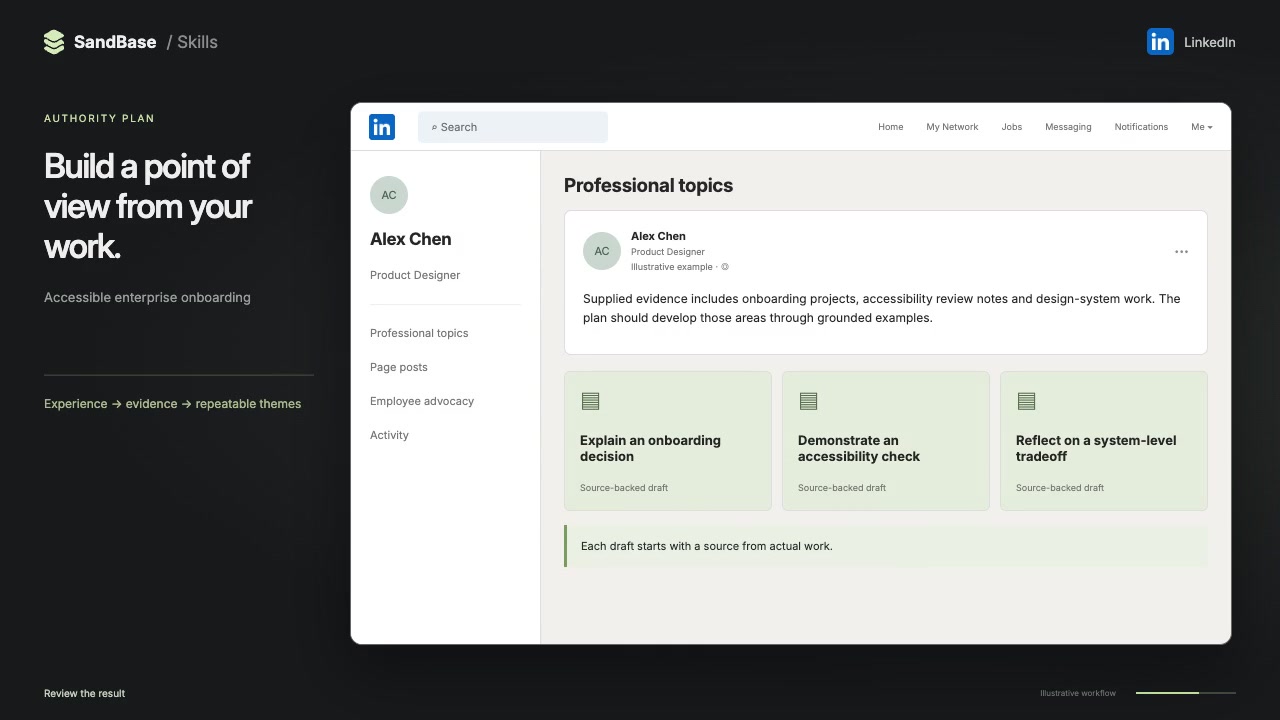
LinkedIn Authority Plan
Make your professional experience credible and understandable to a chosen audience.
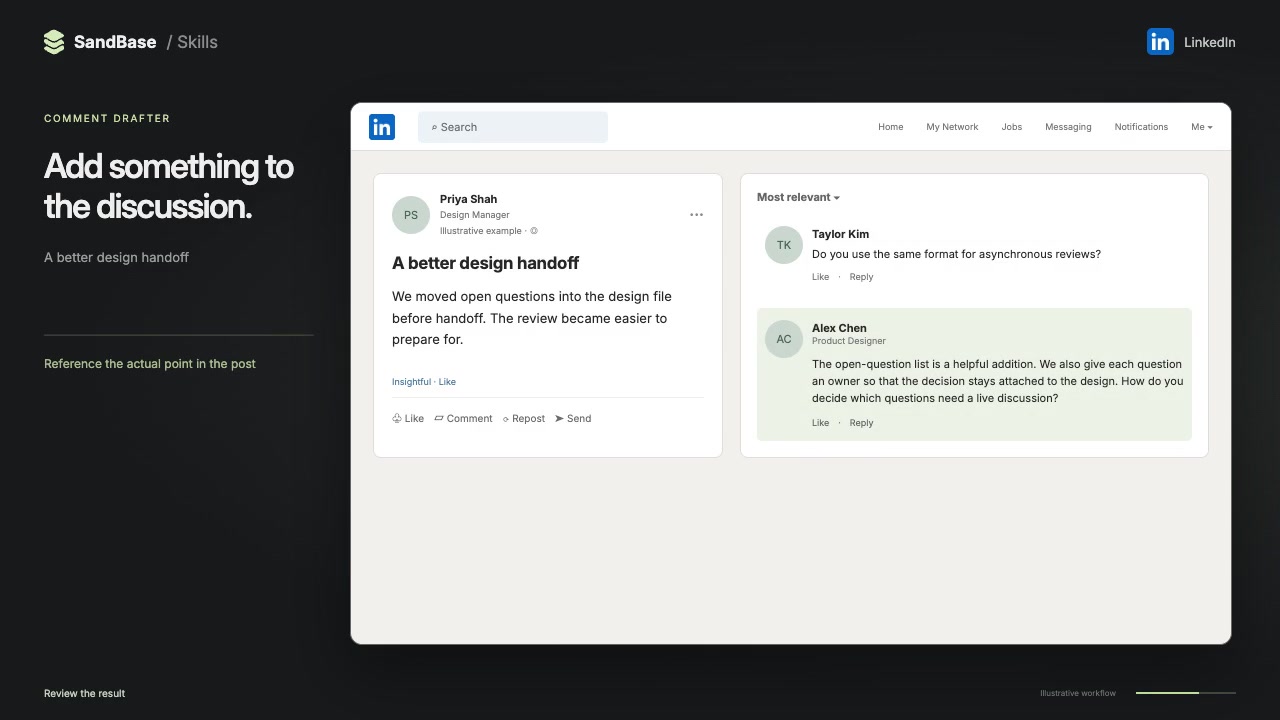
LinkedIn Comment Drafter
Write a specific comment using only the post and what you can support.
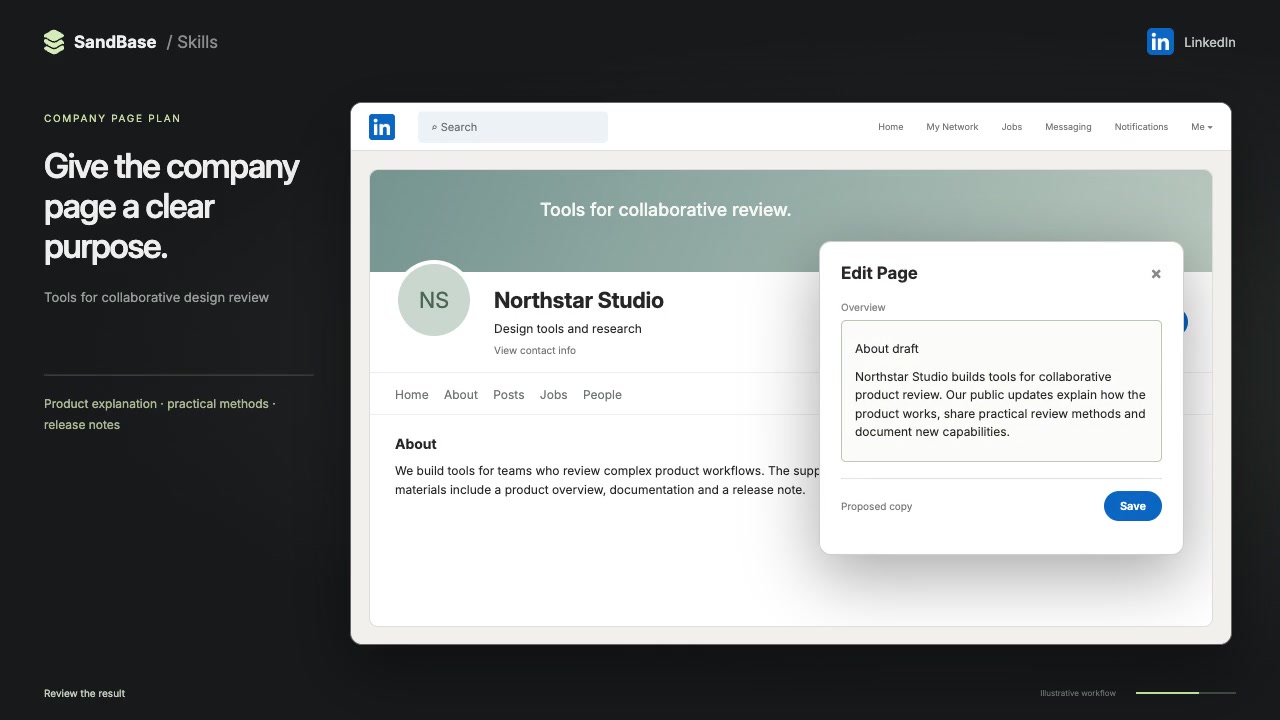
LinkedIn Company Page Plan
Clarify the company page and fill a realistic schedule with approved, usable copy.
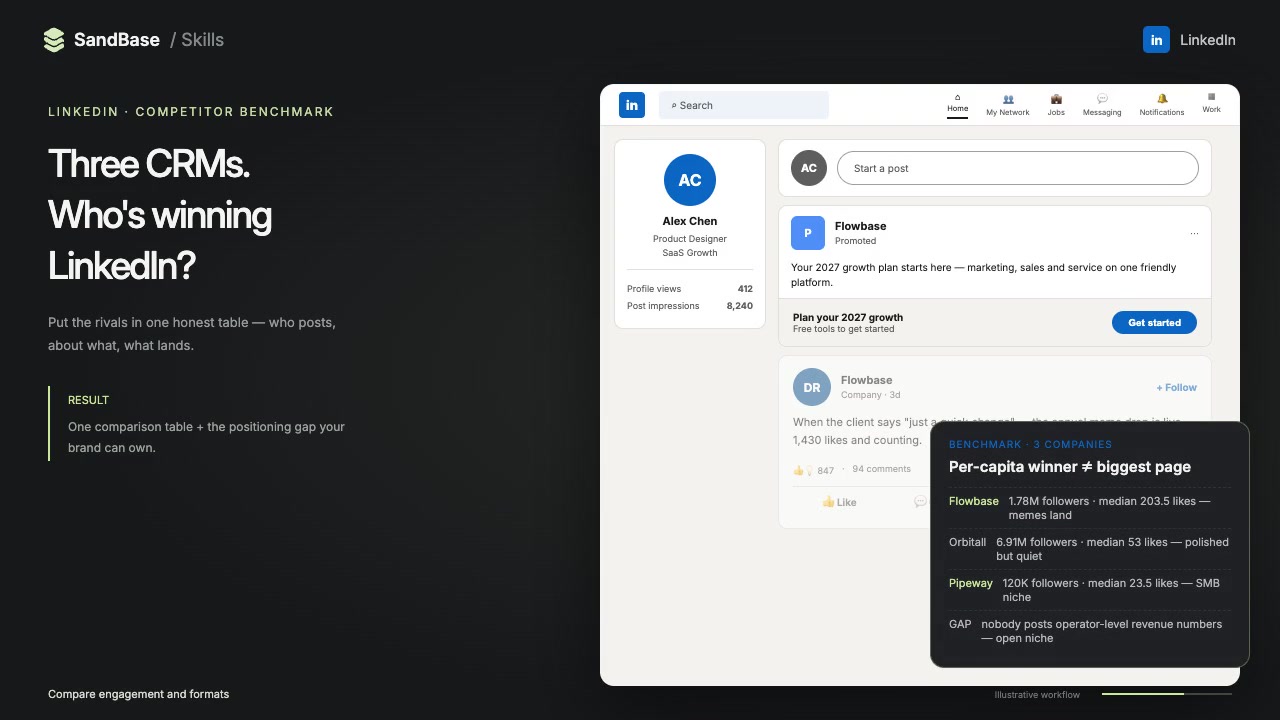
LinkedIn Competitor Benchmark
See who is actually winning on LinkedIn among 2–4 rivals — posting cadence, themes, formats and engagement — and where the gap is.