
Floating analytics dashboard
- Lab Skill
- v0.1.1
- Product marketing
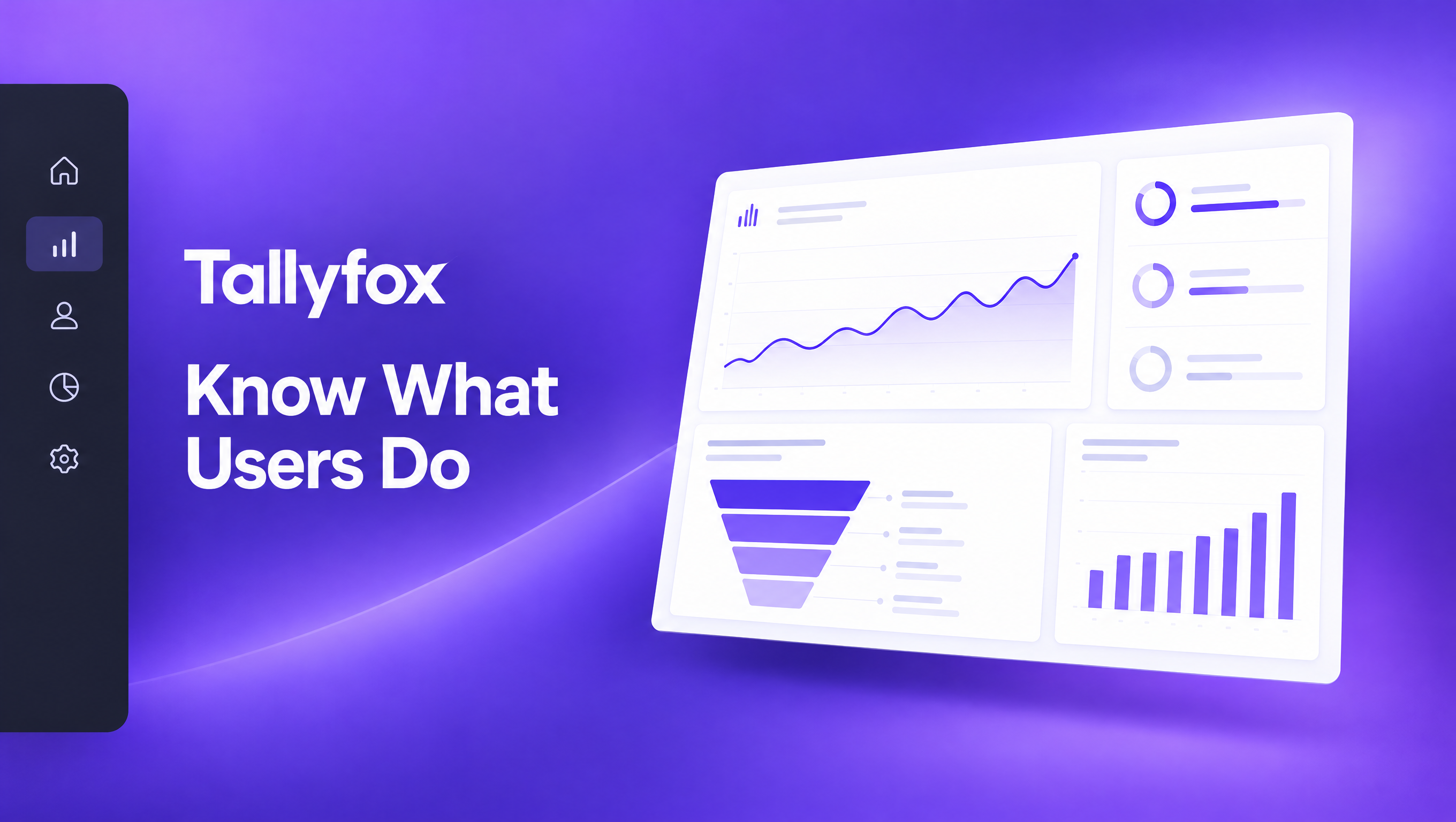
Turn a brand, one headline and context into a split-column card: a narrow charcoal brand column anchoring a large white analytics dashboard that floats across a vivid violet gradient field.
例
Floating analytics dashboard
オンラインで実行
SandBase sandbox で実行し、結果を Lab で確認できます。
Lab で開く ↗得られるもの
Bring a brand, one headline and context. The Skill returns a 16:9 card and a bilingual run report.
仕組み
- 01
Fill in brand and headline
Floating Analytics Dashboard needs a brand, a headline, a context, an optional tone and a language. The sample is Tallyfox with the headline "Know What Users Do", for a product analytics tool launching funnel reports for growth teams, in an insightful, confident tone. The brand prints exactly as supplied, so check its spelling before you approve the brief.
- 02
Render the split-column card
Floating Analytics Dashboard composes a narrow charcoal brand column beside a large white analytics dashboard floating across a vivid violet gradient. It runs on Node.js 18 or newer in SandBase Sandbox, or through the Lab hosted entrypoint. generate.mjs run makes one openai/gpt-image-2.5-flare image at 2k, 16:9 PNG, with no silent resize or crop afterwards.
- 03
Verify text and safe area
Floating Analytics Dashboard writes og.png and the run reports. validation.ok confirms the PNG file contract, while text_accuracy stays at needs_review for you. Read the brand and headline against the brief character by character, and check that the dashboard keeps the 6% safe area clear and stays legible at 320 by 180.
FAQ
What does a Floating Analytics Dashboard card look like?
Floating Analytics Dashboard draws a split layout: a narrow charcoal column carrying your brand on one side and an oversized white dashboard floating over a bright violet gradient on the other. The dashboard is original artwork rather than a screenshot of your product, which suits analytics and growth-tool launches.
Does Floating Analytics Dashboard use my real product screenshots?
No. Floating Analytics Dashboard takes text only, so the dashboard in the image is generated and does not show your data or interface. Only the brand and headline you supply should appear as copy.
What is billed when Floating Analytics Dashboard runs?
Floating Analytics Dashboard spends one openai/gpt-image-2.5-flare generation per approved brief, charged to your SandBase account. The plan command has no network call. The run command compares the inspected estimate with your --budget flag before submitting and stops when it is higher. See current rates at https://www.sandbase.ai/pricing.
Can Floating Analytics Dashboard make a second version automatically?
No. Floating Analytics Dashboard allows one submission per approved brief and never buys a replacement on its own. If the card is wrong, decide on a revised brief and start a new output directory. Re-running in the old directory with a changed brief is rejected.
Does Floating Analytics Dashboard support Chinese cards?
Yes. Floating Analytics Dashboard accepts language set to zh-CN for the card copy, and the --lang flag separately picks the CLI and report language. Both default to en, zh maps to zh-CN, and other locales fall back to English.
その他の Skills
すべての Product marketing Skills →
Pixel Story
Turn a product brief into a pixel film with clear actions, scene traversal and a memorable payoff.

Device fan
Turn a brand, one headline and context into a calm device-showcase card.

Floating phones
Turn a brand, one headline and context into a warm-ivory card with floating phone screens and playful, friendly doodles.
Minimal handheld product
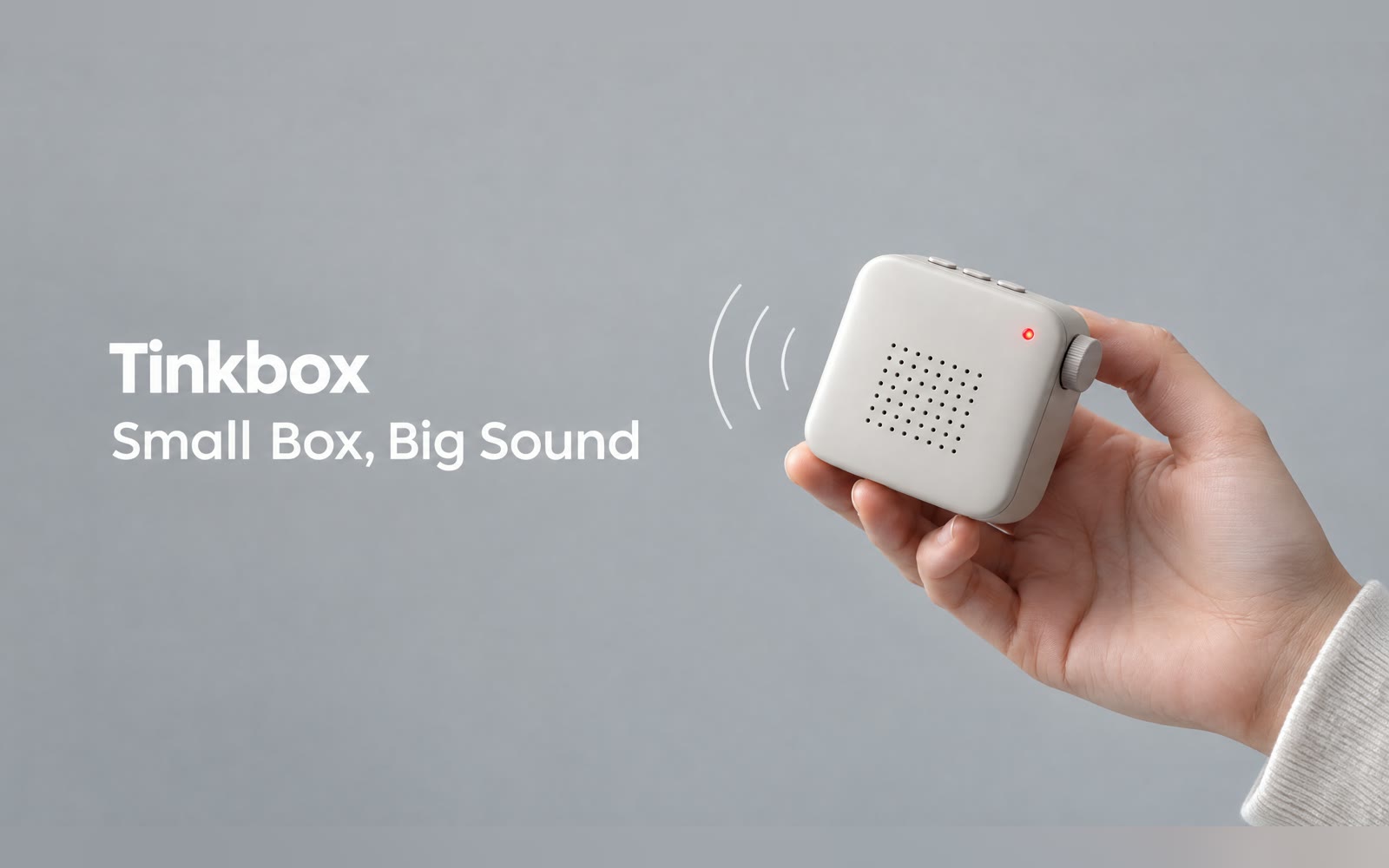
Turn a brand, one headline and context into a high-key studio card: a softly lit hand holding an original compact pale device against a seamless gray background, with broad empty space and a tiny red light as the only accent.
Appliance exploded poster
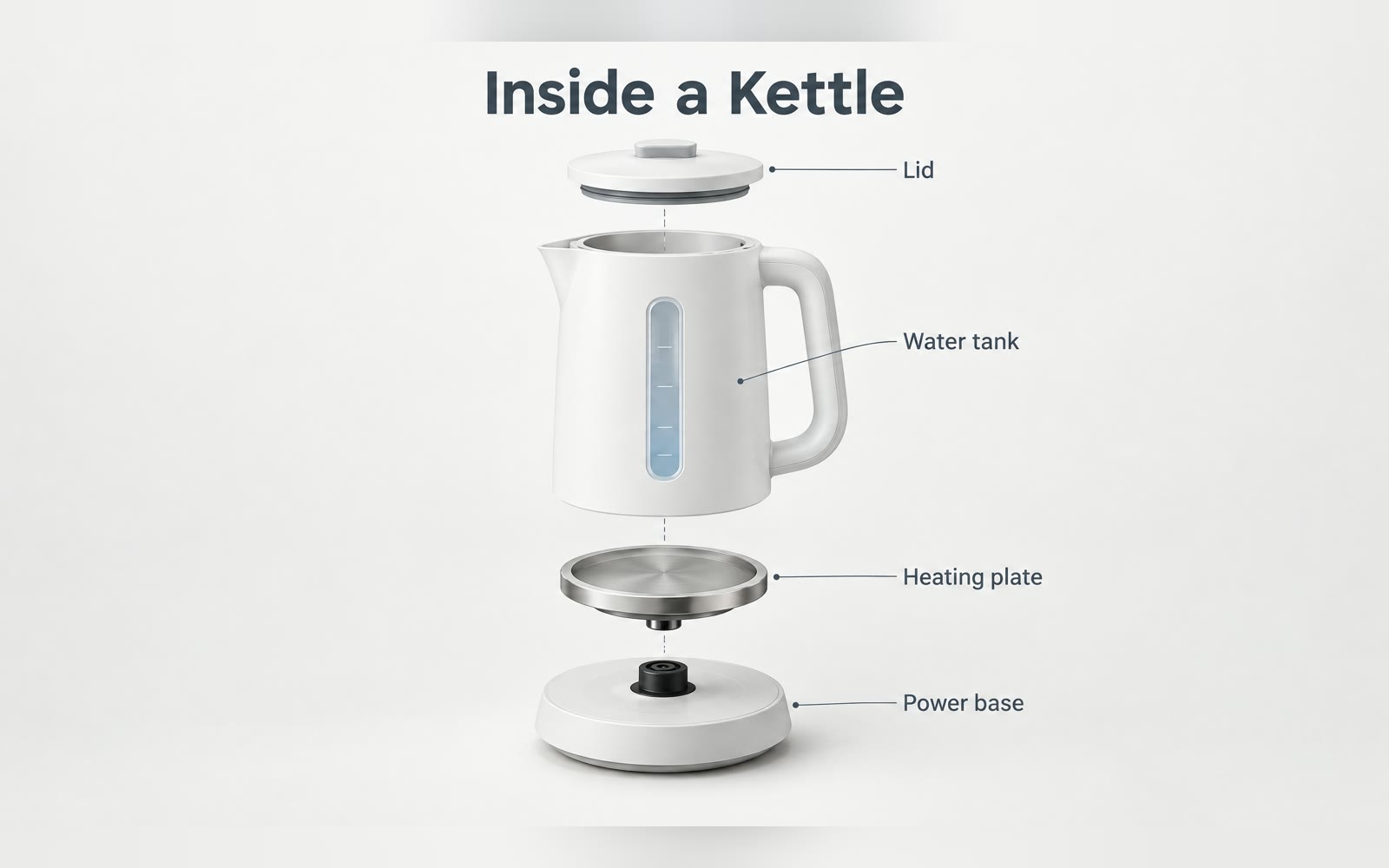
Turn a household appliance into a polished 16:9 exploded-view poster: part groups separated along one axis, with a title and three to five exact labels.
Layered material cutaway
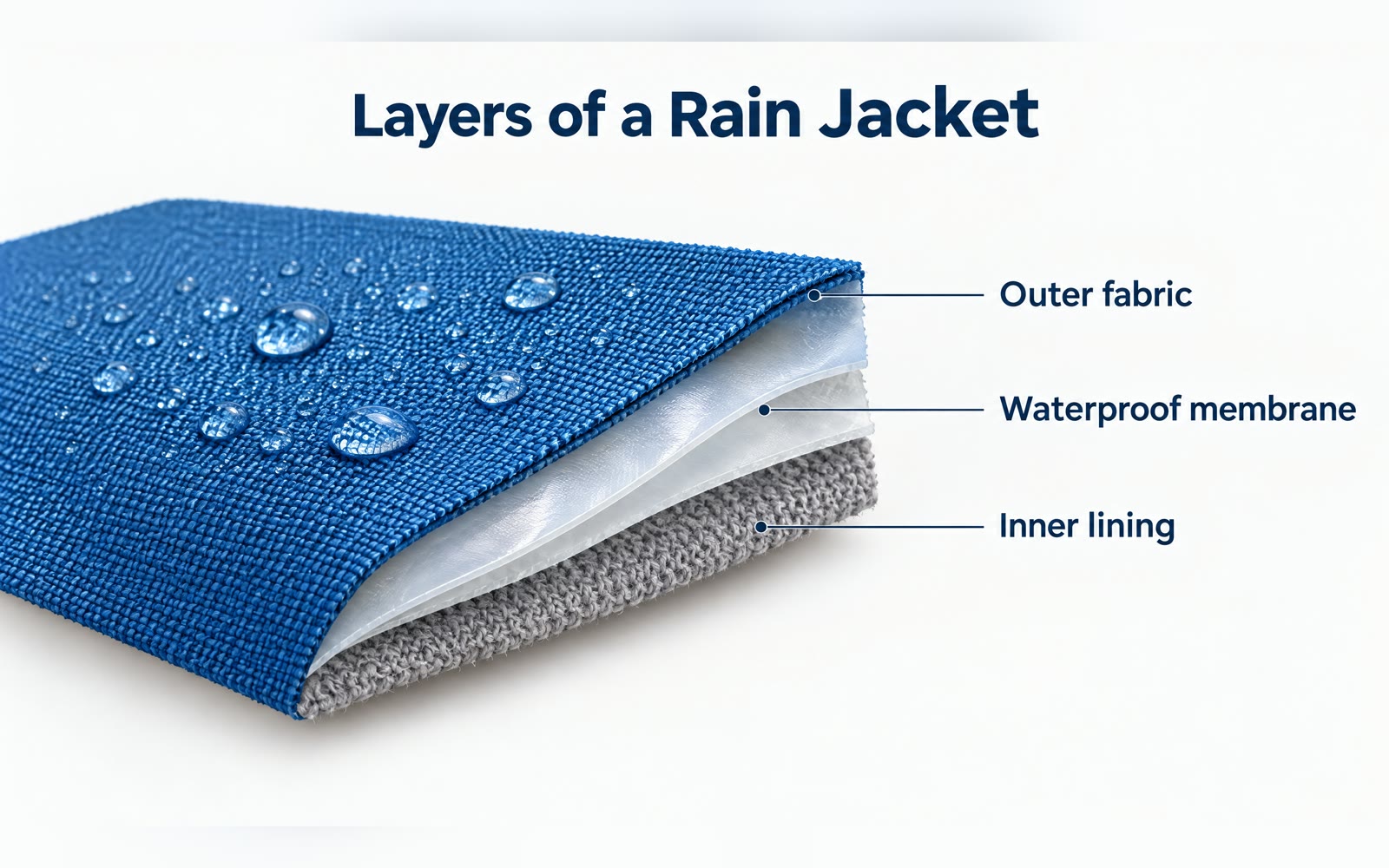
Turn a material's layer stack into a clear 16:9 cutaway: every layer exposed in order, with a title and three to five exact layer labels.