
Pixel Story
- Lab Skill
- v2.1.2
- Product marketing
Turn a product brief into a pixel film with clear actions, scene traversal and a memorable payoff.
例 · 2

オンラインで実行
SandBase sandbox で Pixel Story のサンプルを実行し、結果をここで確認できます。
得られるもの
Bring a product brief and story direction. The Skill returns a downloadable Skill, editable story and locally rendered film.
仕組み
- 01
Derive the story from the brief
Pixel Story starts by reading the brief for the product's real action, what changes for its user and one identifiable subject that carries across scenes. The Agent writes DESIGN.md, story.json and custom scenes.js outside the Skill, documenting palette, each shot's action, carried object, framing, transition, reading hold and sound palette. Every new brief gets a different causal story.
- 02
Build and lock the picture
The required stack is JavaScript Canvas scenes on a paused GSAP timeline in an HTML composition, previewed and rendered with HyperFrames. The scaffold sets up an editable project; 28 scene behaviors and neutral sprites are building blocks, and hero moments get custom code. Headings and UI text render on a full-resolution layer above the pixel buffer, so labels stay crisp.
- 03
Check, render and finish sound
Run the project checks, take snapshots at both sides of joins, reading holds and the ending, scrub backwards and forwards, then render the picture lock and watch it whole. A cue sheet is generated from story.json. With ChatCut connected, the Agent imports the lock, creates an original instrumental bed and places effects at the exact cue times before exporting the final MP4.
FAQ
What does Pixel Story make?
Pixel Story makes editable pixel-art product films, about 40 to 50 seconds, with tangible actions, scene traversal and a clear payoff. The demos are Night Roast, a coffee story of 42.2 seconds, and Sun Reserve, a home-energy story of 45 seconds, both rendered at 1080p and 30 fps with sound.
Can Pixel Story tell my product's story?
Yes. Pixel Story derives the subject, brand and causal chain from your brief, so each film gets a different story while the pixel visual grammar stays reusable. For example, a recipe tool might follow a marked ingredient to an editable recipe, an invitation to a friend and two people cooking the same dish.
Is Pixel Story a one-click generator?
No. Pixel Story is not instant upload-to-film generation and does not use a generated-video model. The Agent writes the story, design notes and scene code, and you can edit the HTML, JavaScript and JSON afterwards. It is also not meant for photoreal footage or long-form movies.
Does Pixel Story's sound cost anything?
Pixel Story's picture renders locally at no charge. The finished sound pass uses ChatCut through your own signed-in ChatCut account, and generating music or bespoke effects there spends ChatCut credits; the Agent tells you before spending them and uses the effects library first. Without ChatCut you receive a silent picture lock plus cue sheets.
What does Pixel Story need installed?
Pixel Story needs Node.js 22 or later, Canvas, GSAP, HyperFrames and Chrome. The music and effects finish needs an authenticated ChatCut connection, which in Claude Code is installed as a plugin and signed in through the browser. Account credentials are never stored in the project or the Skill.
What has been checked in Pixel Story?
Pixel Story's two demos are 1080p, 30 fps browser renders that passed project and HyperFrames checks, with different scenes and actions. Their audio is a review mix from existing generated music and procedural action effects, not a refined ChatCut export, so no reference-quality sound is claimed. The Skill download contains no product media.
その他の Skills
すべての Product marketing Skills →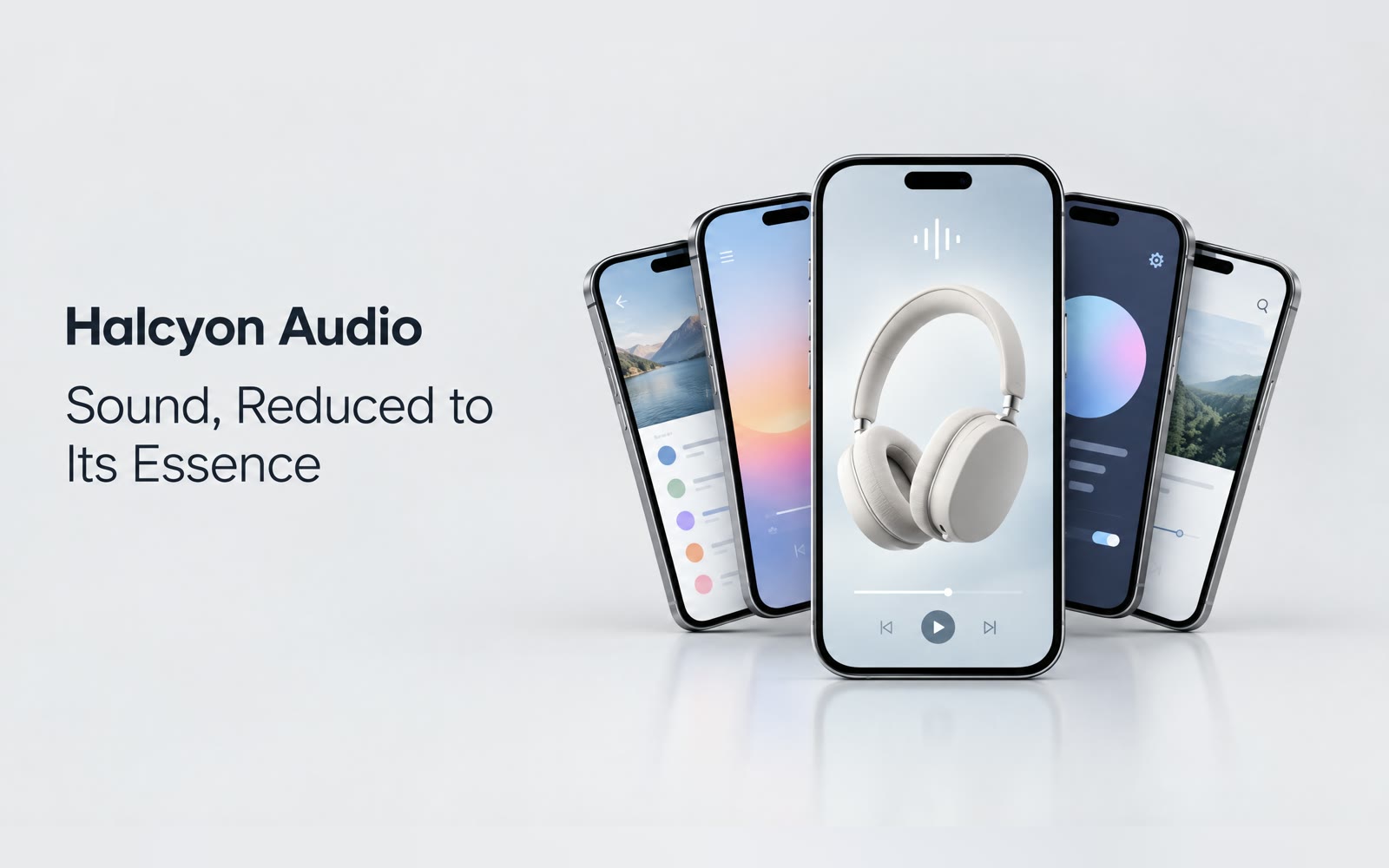
Device fan
Turn a brand, one headline and context into a calm device-showcase card.
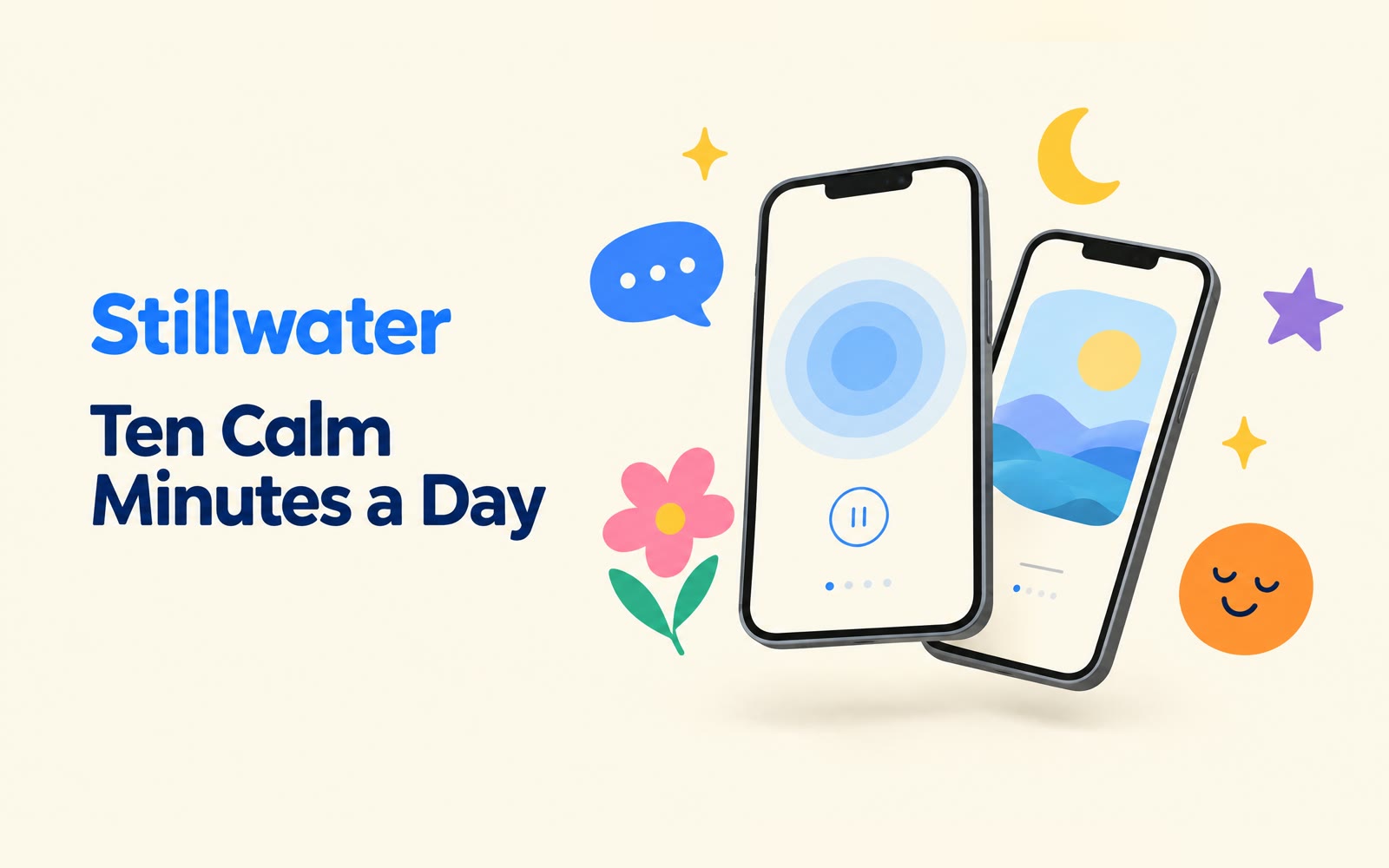
Floating phones
Turn a brand, one headline and context into a warm-ivory card with floating phone screens and playful, friendly doodles.

Floating analytics dashboard
Turn a brand, one headline and context into a split-column card: a narrow charcoal brand column anchoring a large white analytics dashboard that floats across a vivid violet gradient field.
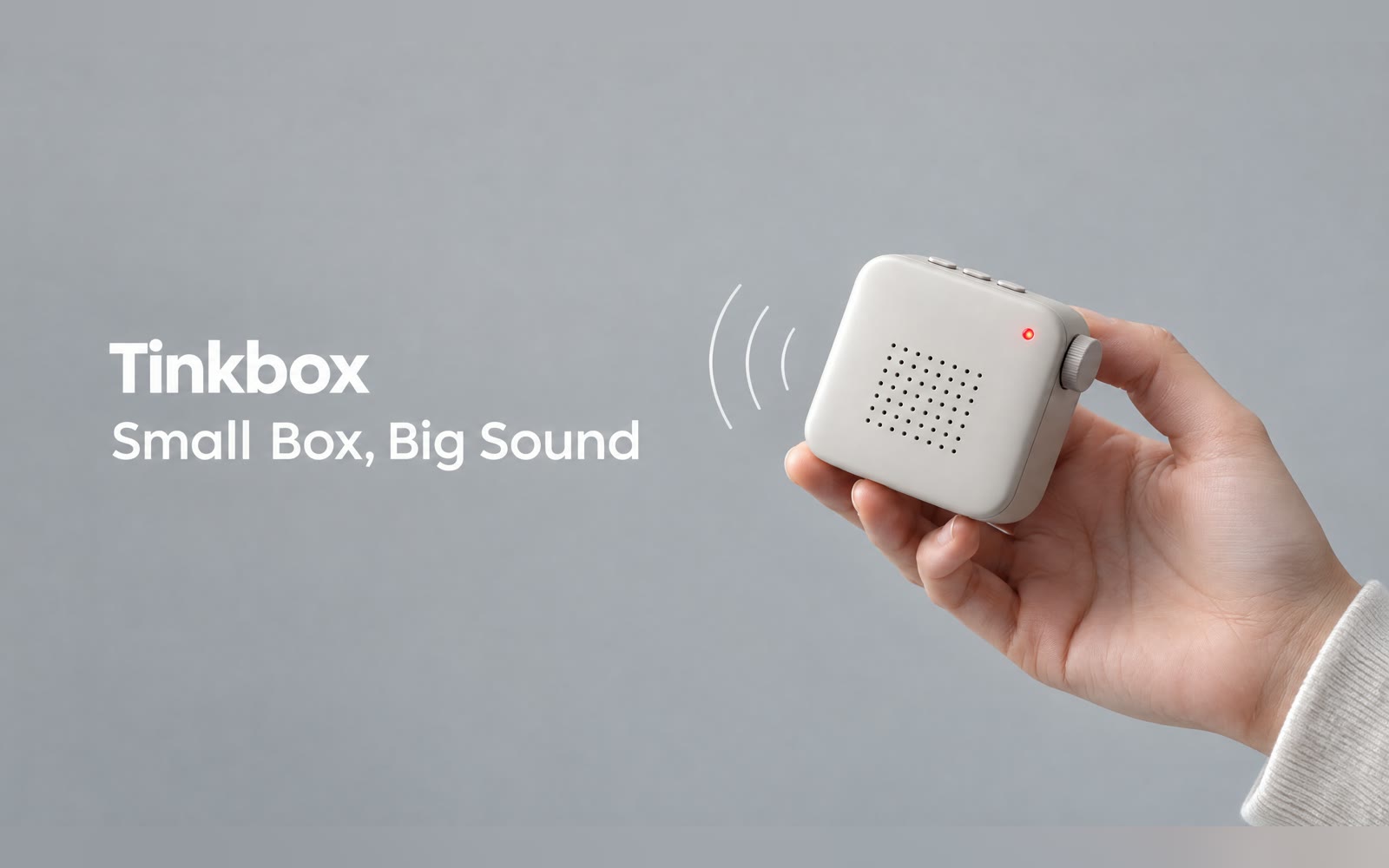
Minimal handheld product
Turn a brand, one headline and context into a high-key studio card: a softly lit hand holding an original compact pale device against a seamless gray background, with broad empty space and a tiny red light as the only accent.
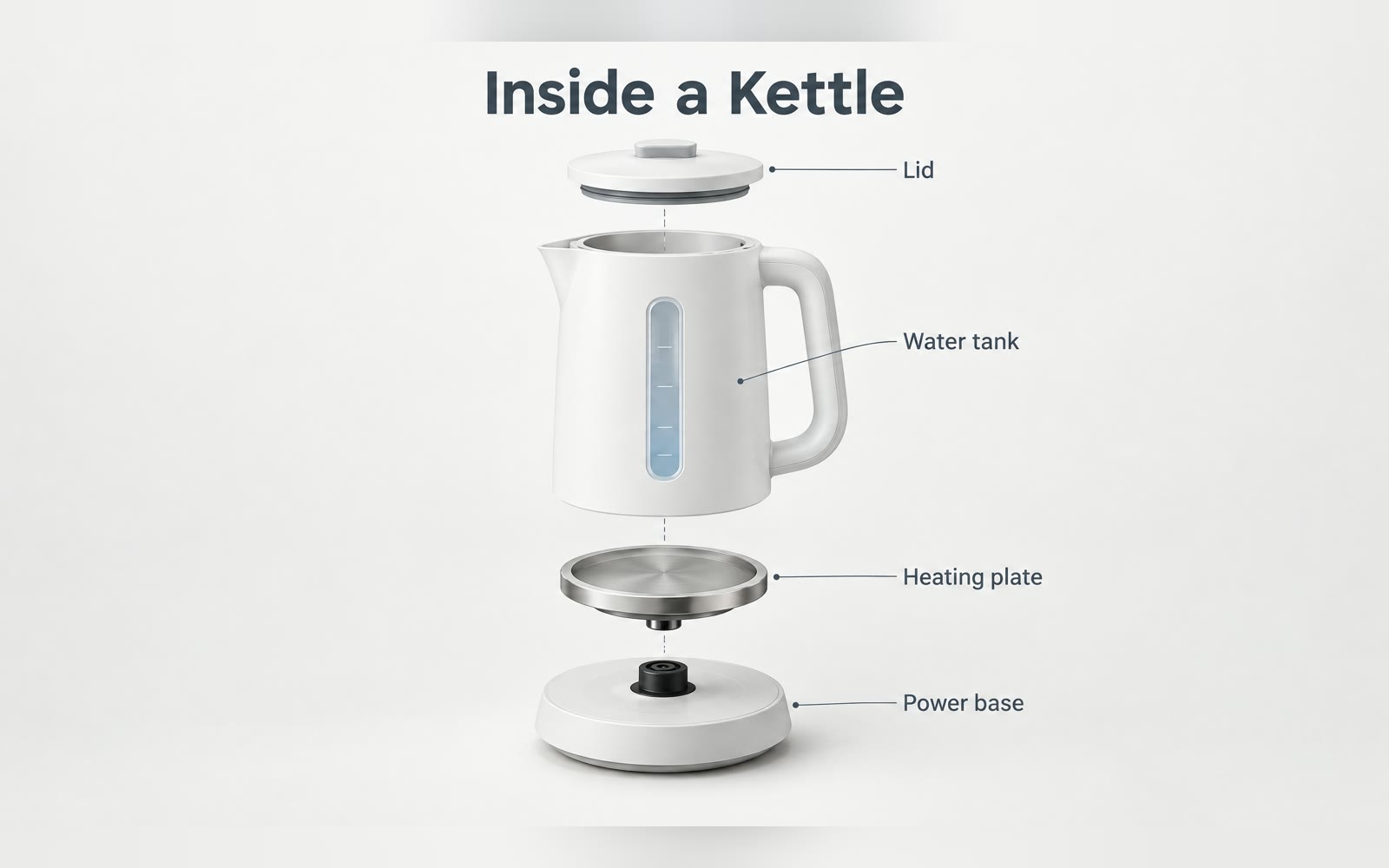
Appliance exploded poster
Turn a household appliance into a polished 16:9 exploded-view poster: part groups separated along one axis, with a title and three to five exact labels.
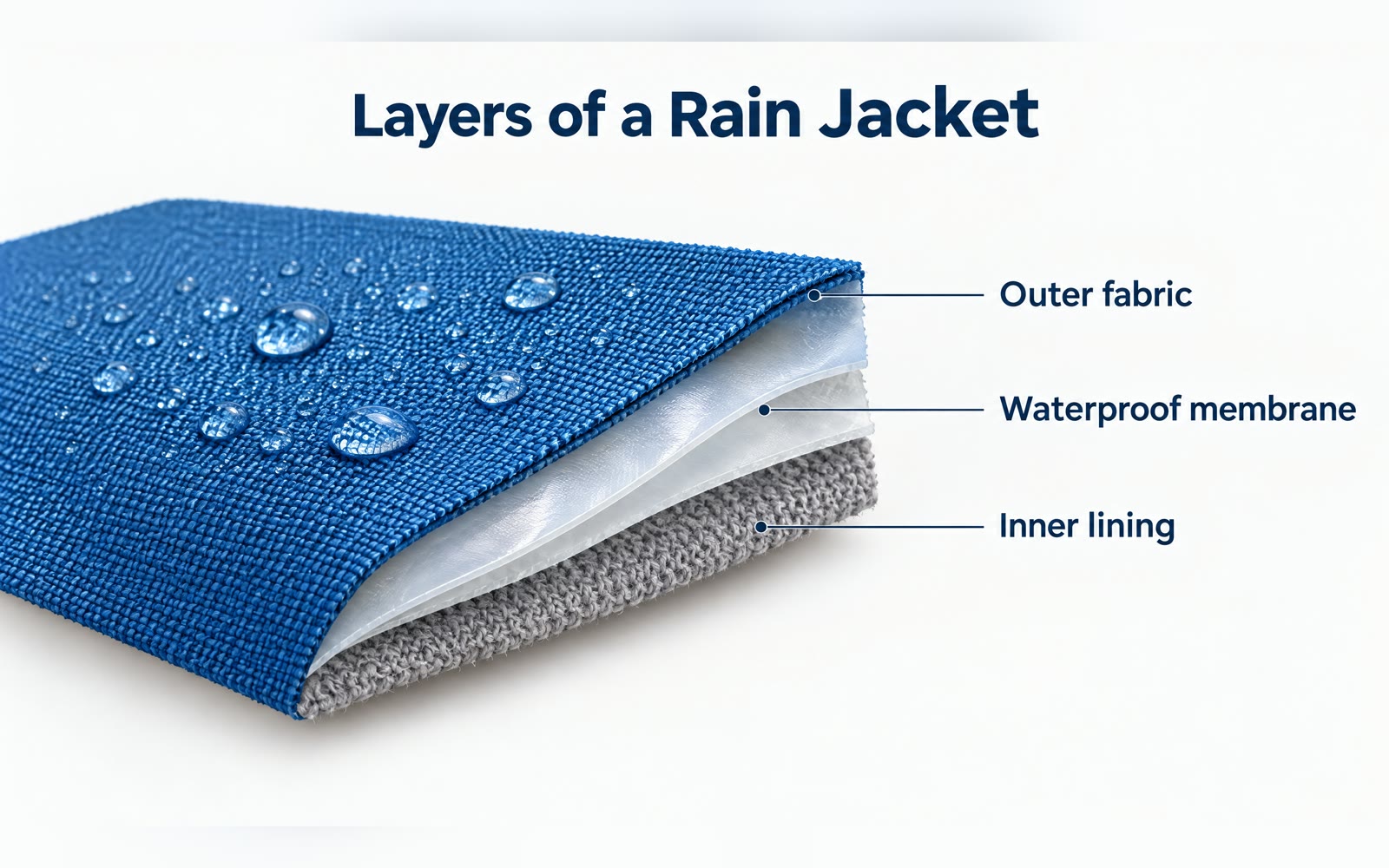
Layered material cutaway
Turn a material's layer stack into a clear 16:9 cutaway: every layer exposed in order, with a title and three to five exact layer labels.