
Neon productivity statement
- Lab 스킬
- v0.1.1
- Illustration
Turn a brand, one headline and context into a dark neon card: a purple-red glow framing a translucent command interface while a giant italic gradient word overlaps heavy white display type.
예시
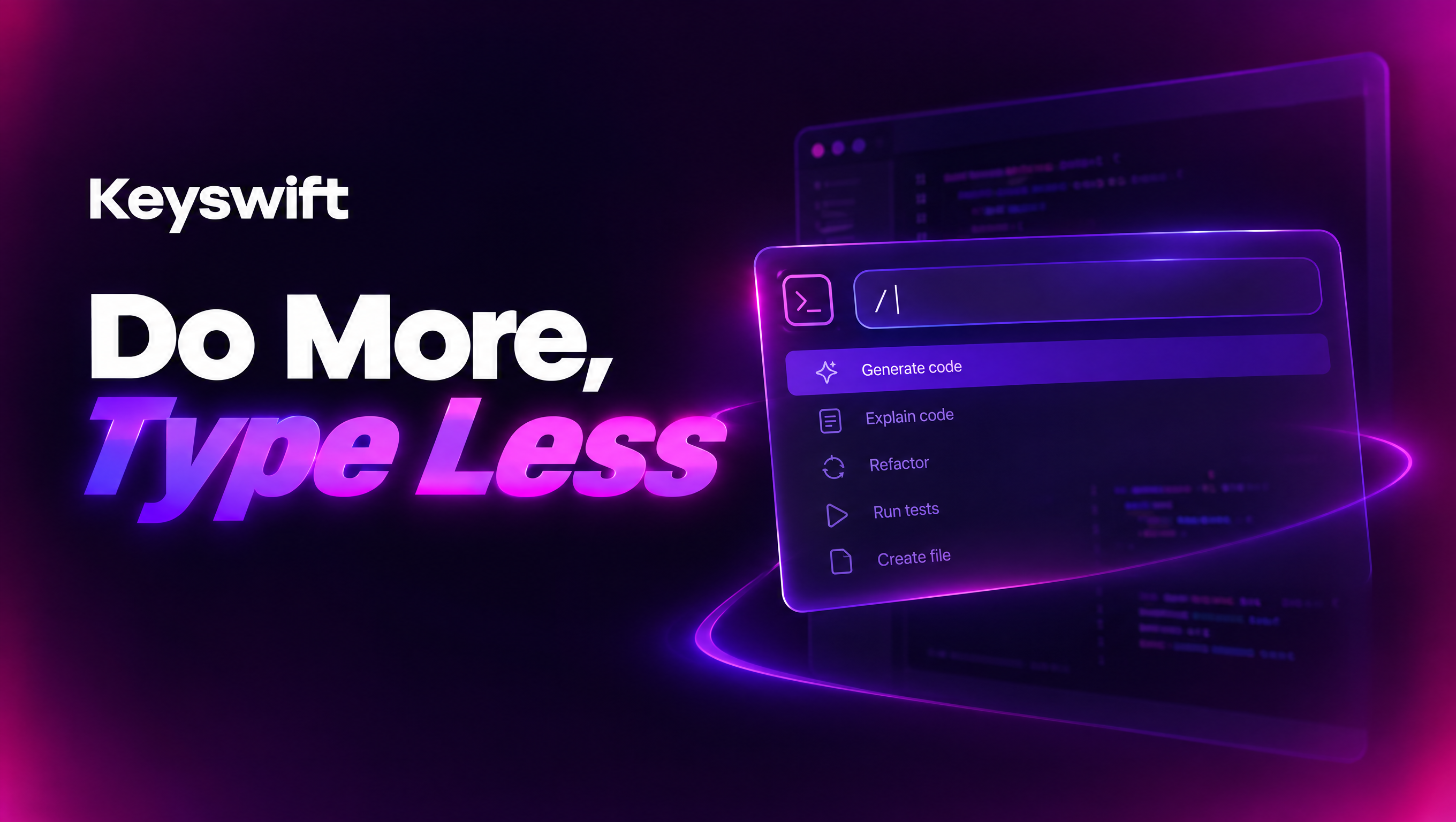
Neon productivity statement
온라인에서 실행
SandBase sandbox에서 실행하고 결과를 Lab에서 확인하세요.
Lab에서 열기 ↗얻을 수 있는 것
Bring a brand, one headline and context. The Skill returns a 16:9 card and a bilingual run report.
작동 방식
- 01
Write the brand, headline and context
Neon Productivity Statement needs three required fields, brand, headline and context, and accepts an optional tone of up to 120 characters. Brand and headline are each limited to 80 characters and are printed exactly as supplied. The bundled brief uses a fictional launcher called Keyswift with the headline Do More, Type Less, for a keyboard app adding AI commands for developers, and a fast, punchy tone.
- 02
Render the neon card through SandBase
The Skill runs in SandBase Sandbox on Node.js 18 or later and needs no installed dependencies. The plan step makes no network call; node scripts/generate.mjs run --brief assets/sample-brief.en.json --out /tmp/card-run --lang en then sends one request to openai/gpt-image-2.5-flare at high quality, 2k and 16:9. The card shows a purple-red glow around a translucent command interface, with a giant italic gradient word over heavy white type.
- 03
Check the lettering on og.png
The run produces og.png with report.json and English and Chinese HTML reports showing dimensions, execution ID and recorded cost. Compare the brand name and headline character by character with the approved brief, then inspect the 6% safe area, contrast and composition at full size and at 320 by 180. validation.ok confirms the PNG contract only; lettering stays marked needs_review until a person approves it.
FAQ
What kind of image does Neon Productivity Statement make?
Neon Productivity Statement makes one dark 16:9 Open Graph card for a product or page link. A purple-red glow frames a translucent command interface, while a giant italic gradient word overlaps heavy white display type carrying your brand and headline.
Does Neon Productivity Statement spell my headline correctly every time?
Not always. Neon Productivity Statement asks openai/gpt-image-2.5-flare to print the brand and headline exactly, but model lettering can still fail. That is why the report keeps text_accuracy at needs_review and asks for a character-by-character comparison. Keep the headline short, since the field allows 80 characters but a short line reads better at link-preview size.
How is Neon Productivity Statement billed?
Neon Productivity Statement bills one openai/gpt-image-2.5-flare image per approved brief to your SandBase account. Before spending, the plan command lays out the request offline, and run compares the inspected estimate with the --budget flag, refusing to submit above it. The finished report records the cost of the execution. See the current model rates at https://www.sandbase.ai/pricing.
Can Neon Productivity Statement use a real company's logo?
No. Neon Productivity Statement refuses to reproduce a protected logo, mascot, campaign asset, recognizable person, proprietary interface or trademarked product design. You may describe a visual direction, but the card artwork is invented for every brief. Review also flags any generated card that keeps a source logo or trademarked silhouette as a defect.
Does Neon Productivity Statement run outside Lab?
Yes. Neon Productivity Statement runs locally with Node.js 18 or later, ideally inside SandBase Sandbox, and through the hosted Lab entrypoint. Locally it reads SANDBASE_API_KEY from the process environment only; never place the key in a brief, argument or file. The hosted path claims a short-lived credential, runs the same pipeline and returns both report languages.
더 많은 Skills
모든 Illustration Skills →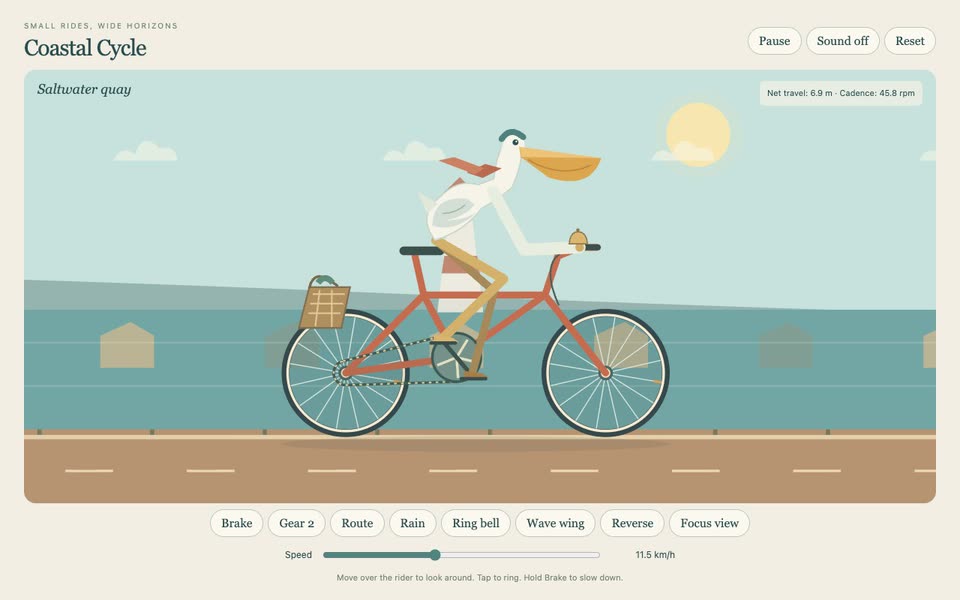
Coastal Cycle: Harbor Pelican
An authored SVG pelican rides a coral bicycle beside the sea. Measured travel drives the wheels, gear ratio drives the crank, and solved joints keep both feet on their actual pedals. Brake, reverse and explore three coastal palettes offline.
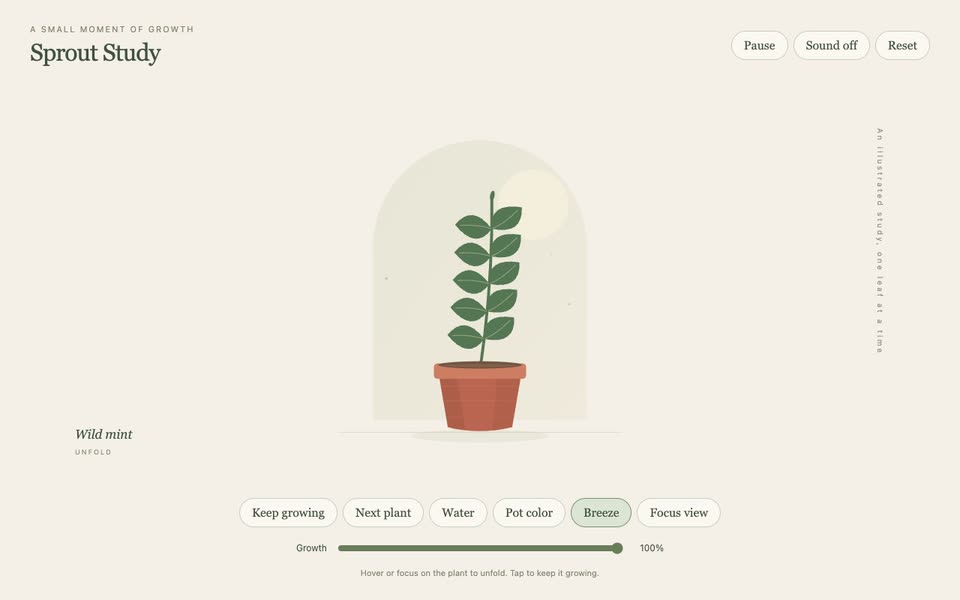
Sprout Study: Terracotta Mint
A quiet SVG botanical illustration. Hover or focus to grow the continuous stem, unfold leaves in sequence and fold them again. Touch hold, exact growth scrubbing and editable plants in one offline HTML.
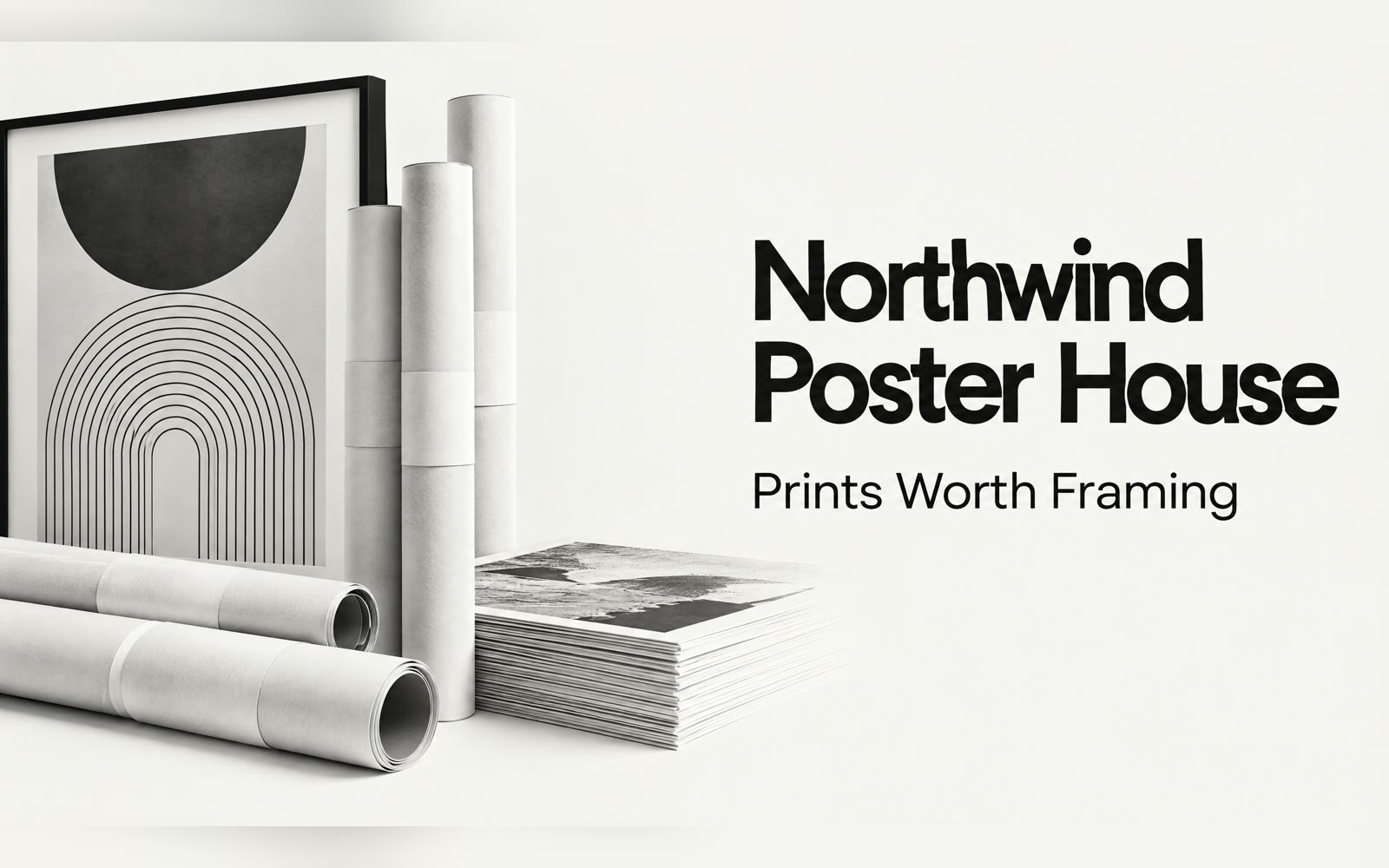
Monochrome editorial
Turn a brand, one headline and context into a high-key monochrome editorial card.
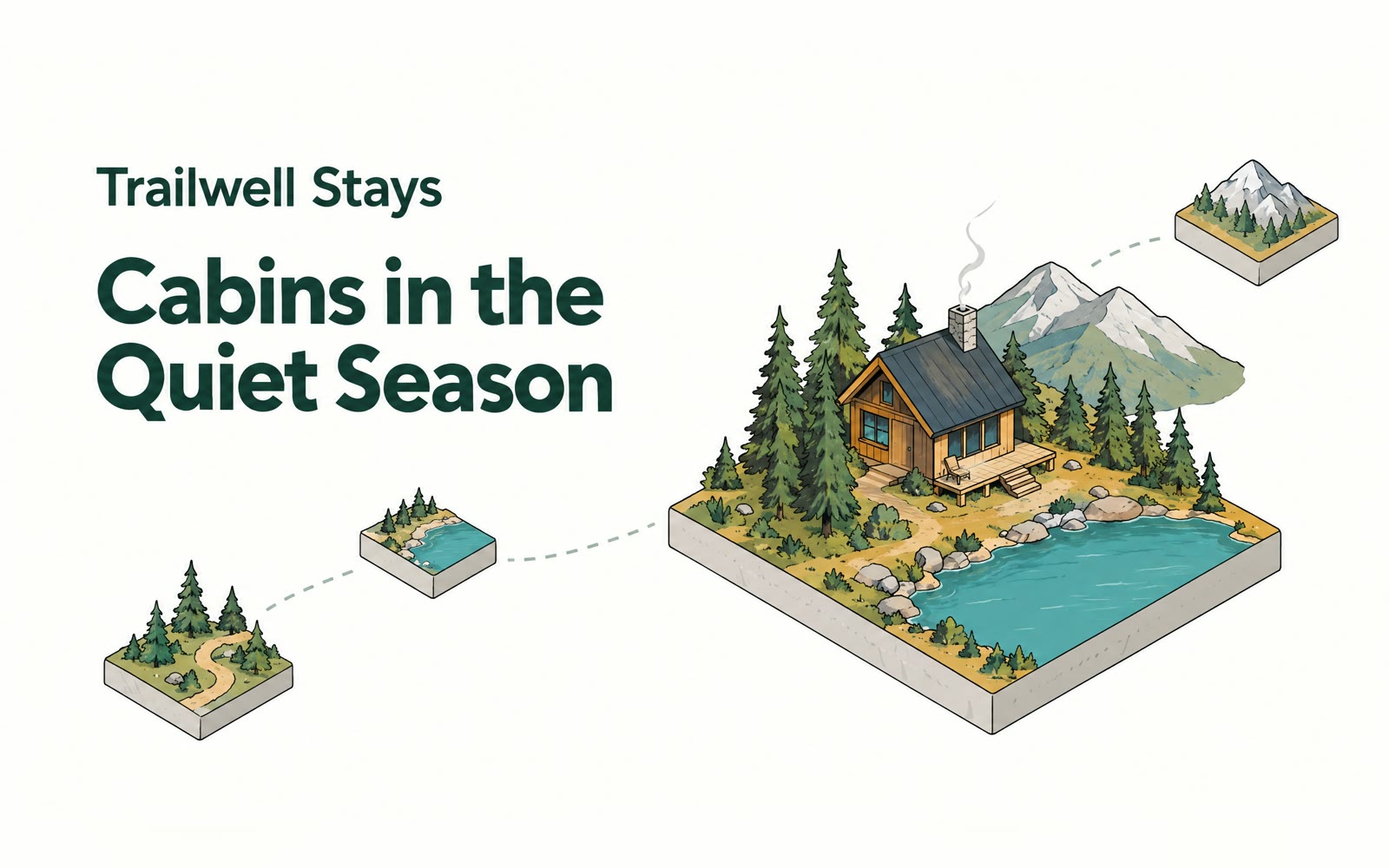
Isometric diorama
Turn a brand, one headline and context into a modular isometric card.
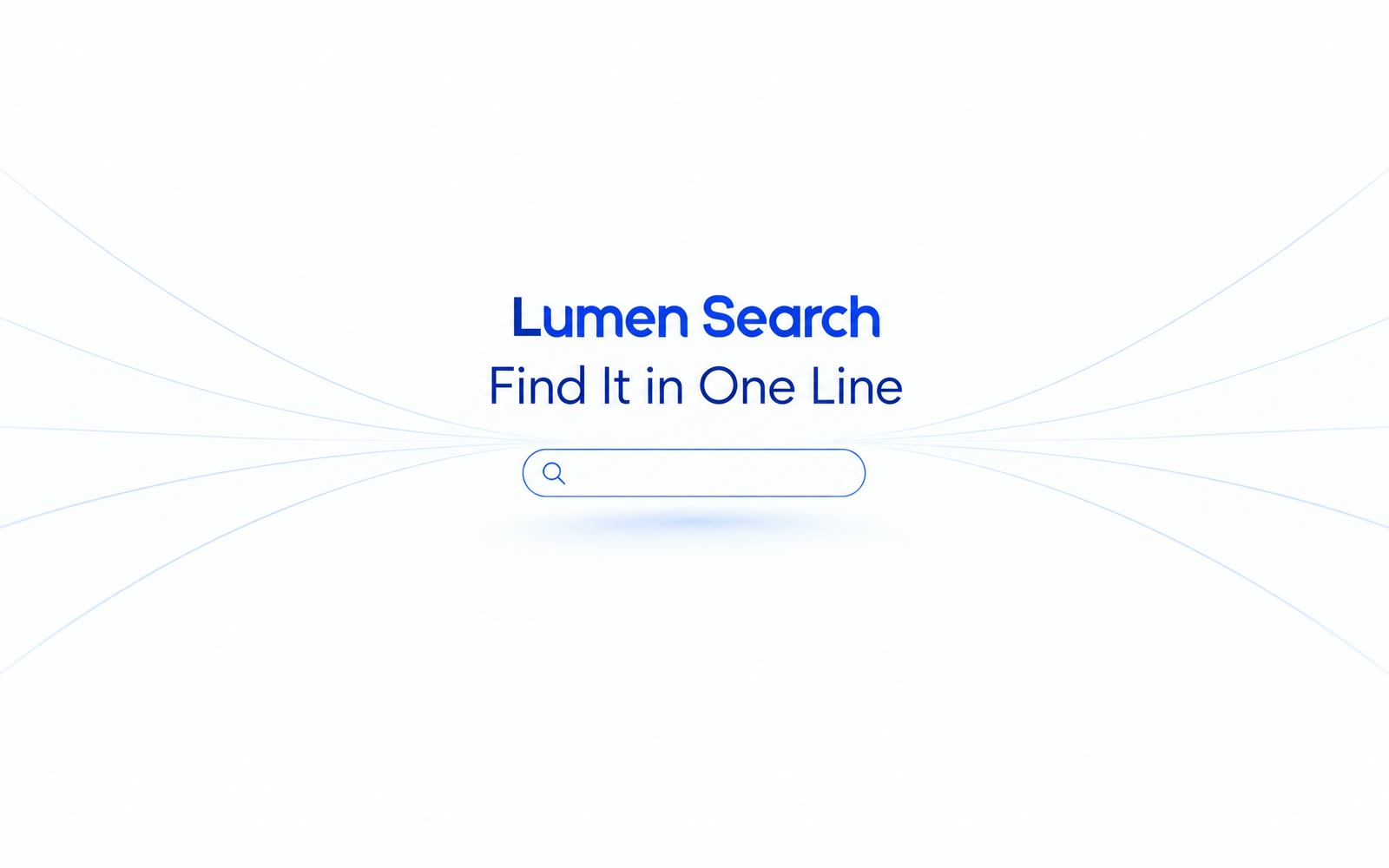
Converging lines
Turn a brand, one headline and context into a precise line-convergence card.
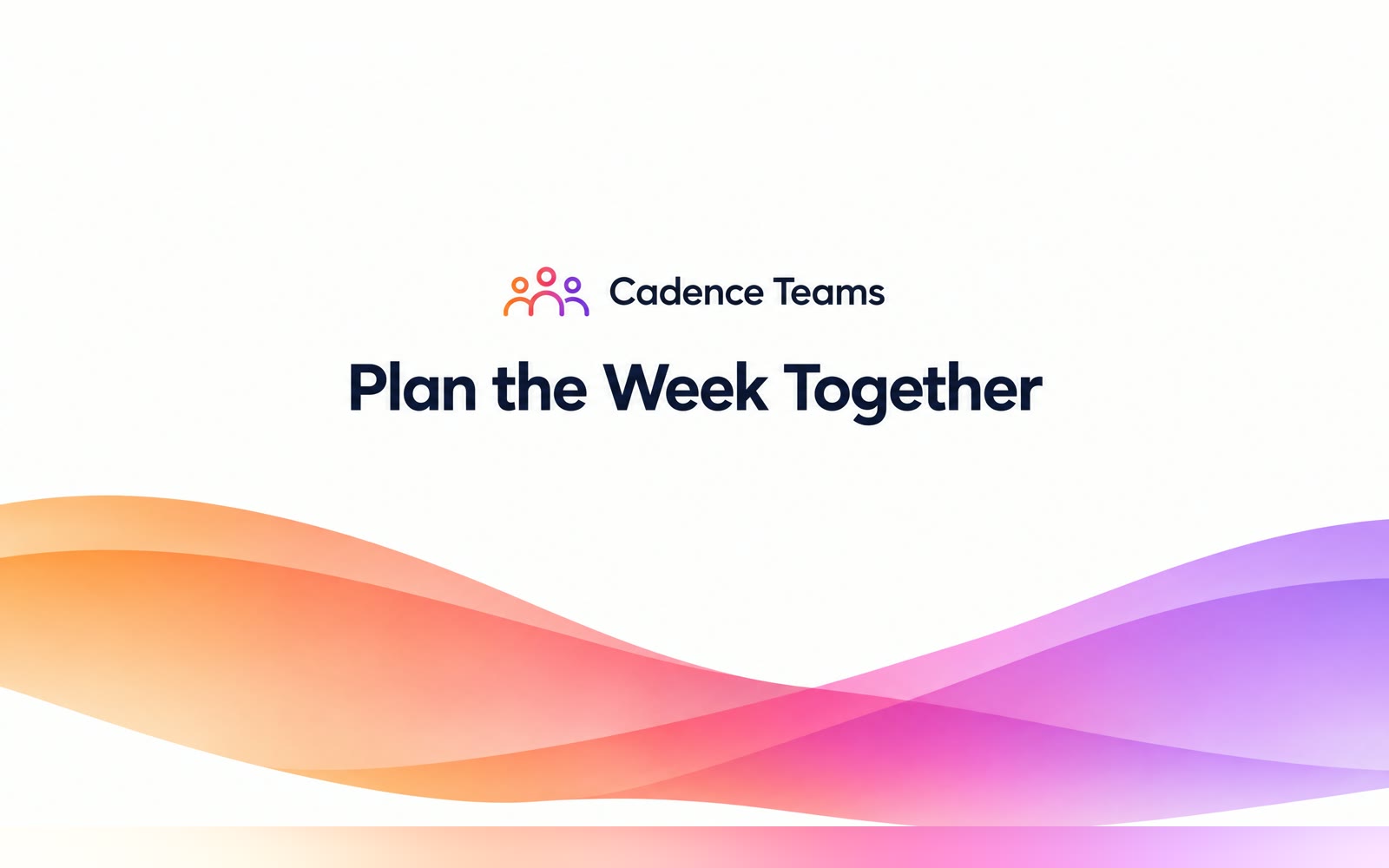
Gradient horizon
Turn a brand, one headline and context into a warm gradient-horizon card.