
Multi-device workspace mockup
- Lab 스킬
- v0.1.1
- Illustration
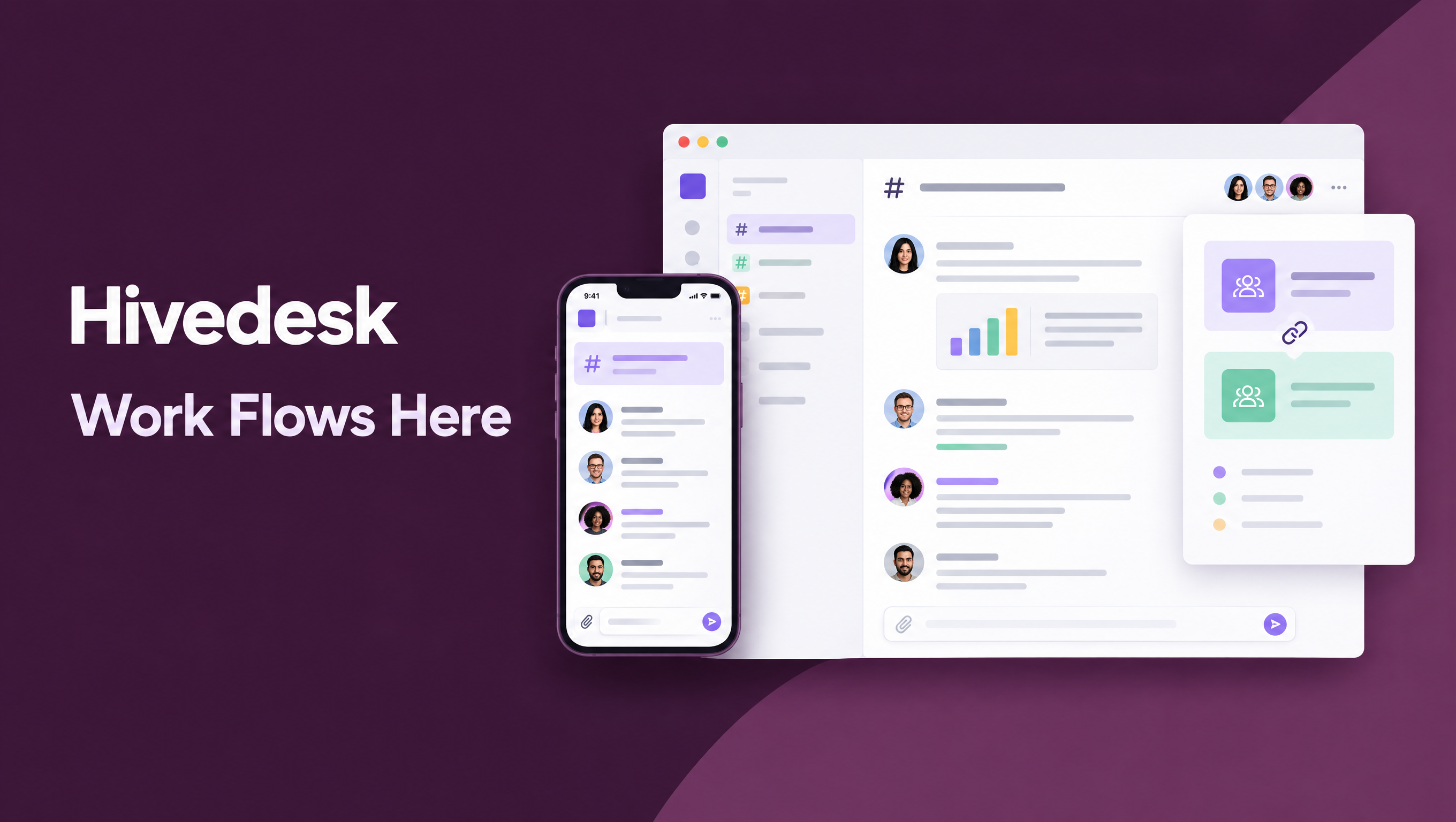
Turn a brand, one headline and context into a deep-plum card: an original phone overlapping a large desktop workspace on a two-tone background, with crisp white panels, compact avatars and colorful interface accents.
예시
Multi-device workspace mockup
온라인에서 실행
SandBase sandbox에서 실행하고 결과를 Lab에서 확인하세요.
Lab에서 열기 ↗얻을 수 있는 것
Bring a brand, one headline and context. The Skill returns a 16:9 card and a bilingual run report.
작동 방식
- 01
Write the workspace card brief
Multi-Device Workspace Mockup takes a JSON brief with brand and headline of up to 80 characters each, a context of up to 400 characters, an optional tone and the card language. The bundled English brief is Hivedesk, headline Work Flows Here, for a team chat app launching shared channels between partner companies. The brand name is kept exactly as you type it.
- 02
Plan, then render the plum scene
Under Node.js 18 or newer in SandBase Sandbox, with nothing to install, generate.mjs plan --brief assets/sample-brief.en.json --out /tmp/card-plan writes the plan offline. The run command then sends one openai/gpt-image-2.5-flare request at high quality and 2k for a 16:9 PNG: an original phone overlapping a large desktop workspace on a two-tone plum background.
- 03
Check og.png against the brief
The run writes og.png beside report.json, report.en.html and report.zh-CN.html, which record actual dimensions, execution ID and recorded cost. Signature, chunks, CRCs and the pixel stream are verified. Then compare the Hivedesk-style brand and headline letter by letter, and look at the white panels, compact avatars and the 6% safe area at full size and at 320 by 180.
FAQ
What does Multi-Device Workspace Mockup put on the card?
Multi-Device Workspace Mockup draws a phone overlapping a large desktop workspace on a deep-plum two-tone background. Crisp white interface panels, compact avatars and colourful accents fill the screens, and your brand and headline sit on the card. The devices and interface are invented for your brand, never copied from a real product.
Does Multi-Device Workspace Mockup cost anything to run?
Yes. Multi-Device Workspace Mockup makes one openai/gpt-image-2.5-flare call per approved brief, billed to your SandBase account. The plan command shows the job without any network call, and run checks a preflight budget you set with --budget before it submits. Model rates are at https://www.sandbase.ai/pricing.
Where does Multi-Device Workspace Mockup run?
Multi-Device Workspace Mockup runs on Node.js 18 or newer inside SandBase Sandbox, with no packages to install. It reads SANDBASE_API_KEY only from the environment, and SANDBASE_API_BASE can point at another allowed SandBase HTTPS address. Lab also offers a hosted run that uses the same pipeline and returns both report languages.
What size is the Multi-Device Workspace Mockup image?
Multi-Device Workspace Mockup returns one 16:9 PNG called og.png, rendered at 2k. The model may round the size away from exact 16:9 by up to 2%, and the report states the real dimensions. The Skill never resizes, crops or overlays fixed text on the image afterwards.
Will the Hivedesk text on a Multi-Device Workspace Mockup card always be spelled right?
No. Multi-Device Workspace Mockup asks the model to draw the brand and headline exactly, but generated lettering can still go wrong. The report keeps text_accuracy at needs_review, and validation.ok only proves the file contract. Check every character, and keep the headline short enough to read at link-preview size.
더 많은 Skills
모든 Illustration Skills →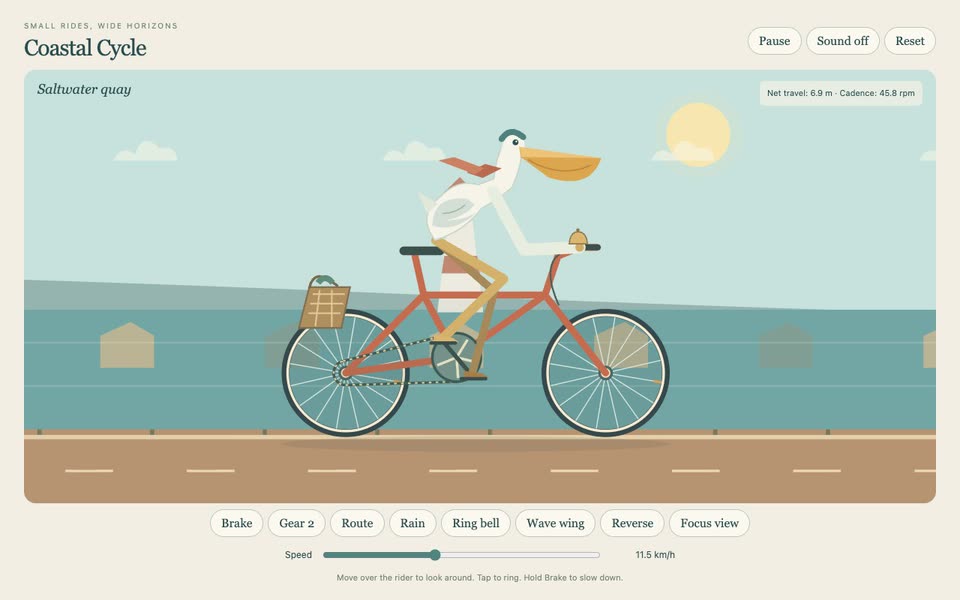
Coastal Cycle: Harbor Pelican
An authored SVG pelican rides a coral bicycle beside the sea. Measured travel drives the wheels, gear ratio drives the crank, and solved joints keep both feet on their actual pedals. Brake, reverse and explore three coastal palettes offline.
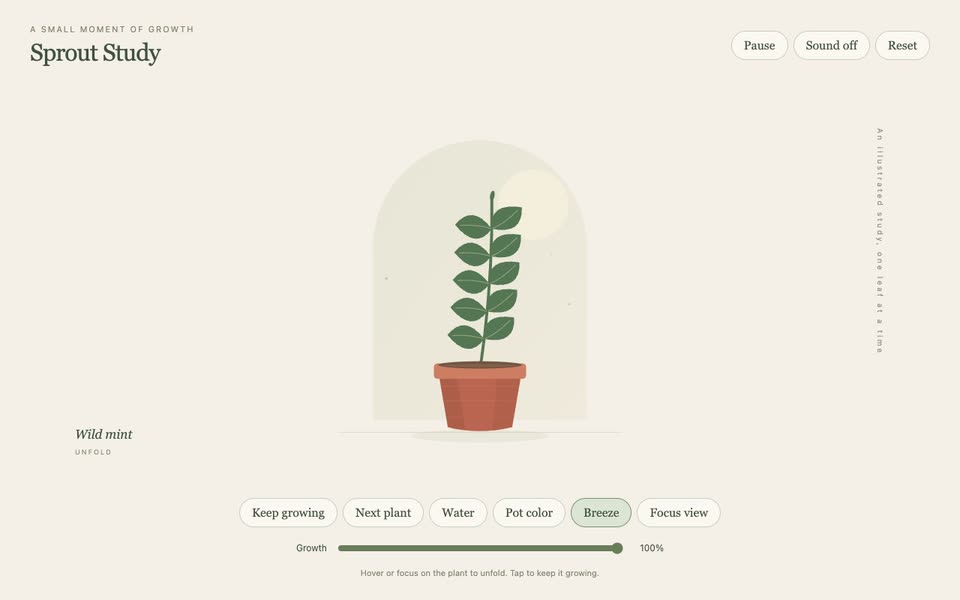
Sprout Study: Terracotta Mint
A quiet SVG botanical illustration. Hover or focus to grow the continuous stem, unfold leaves in sequence and fold them again. Touch hold, exact growth scrubbing and editable plants in one offline HTML.
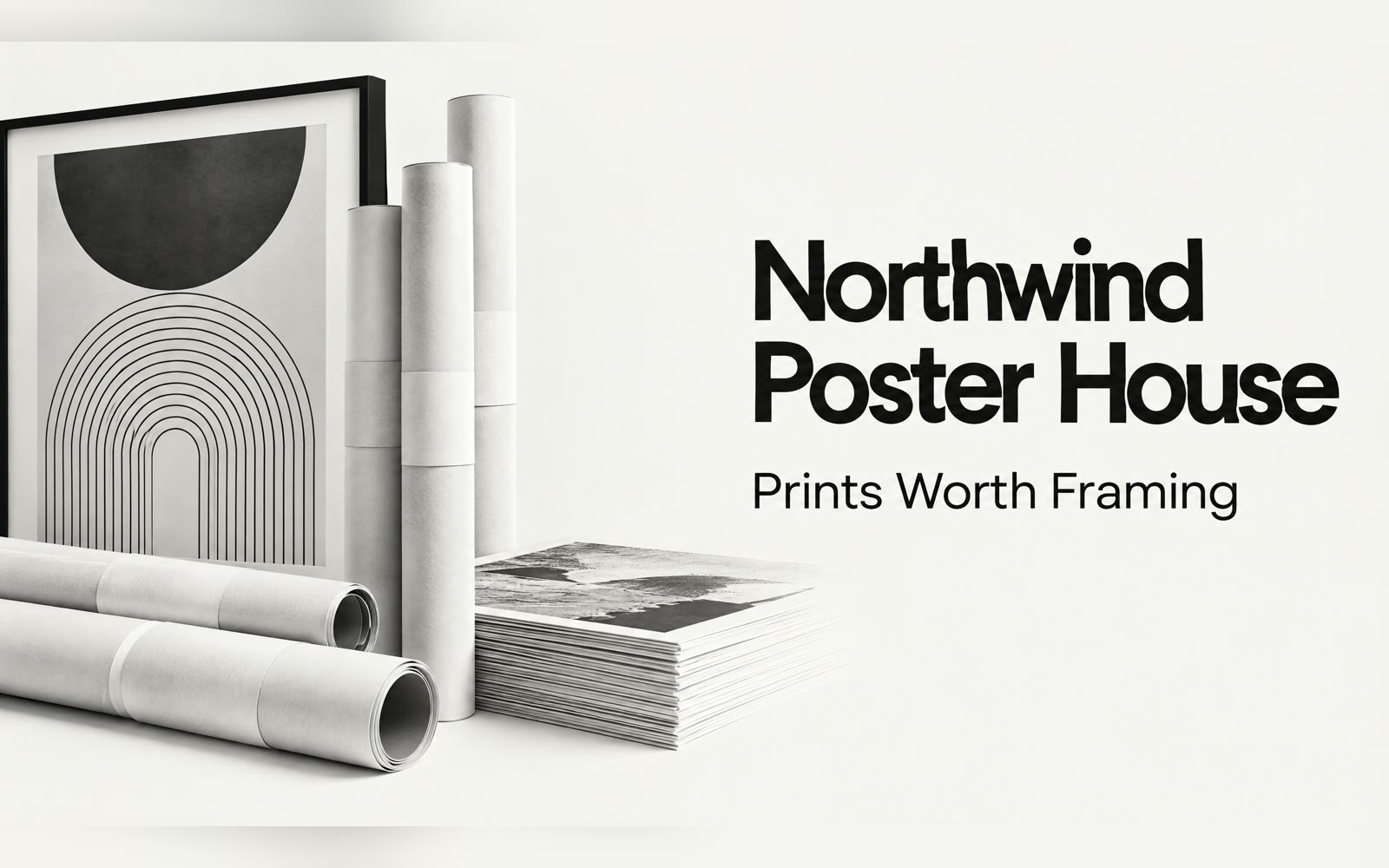
Monochrome editorial
Turn a brand, one headline and context into a high-key monochrome editorial card.
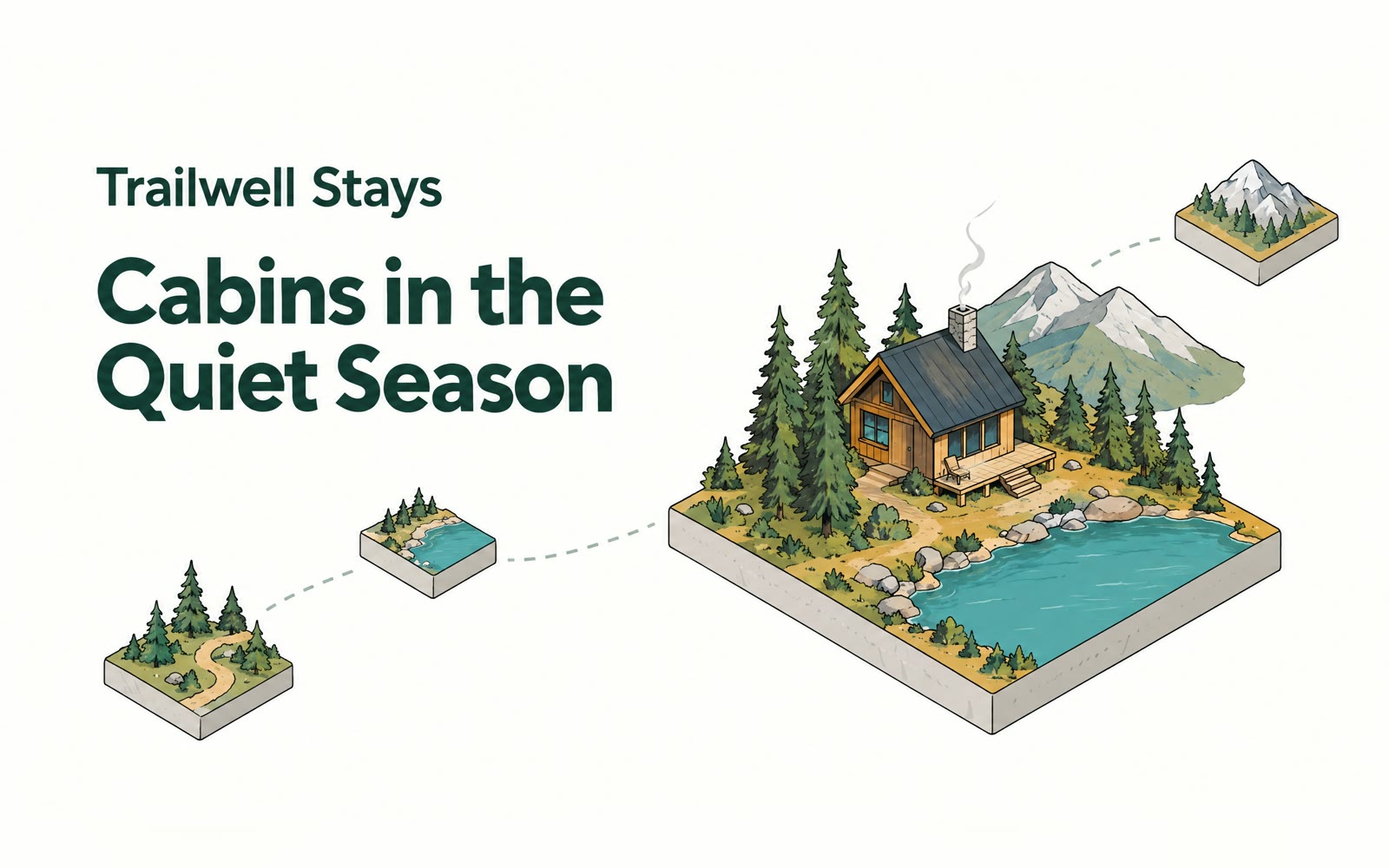
Isometric diorama
Turn a brand, one headline and context into a modular isometric card.
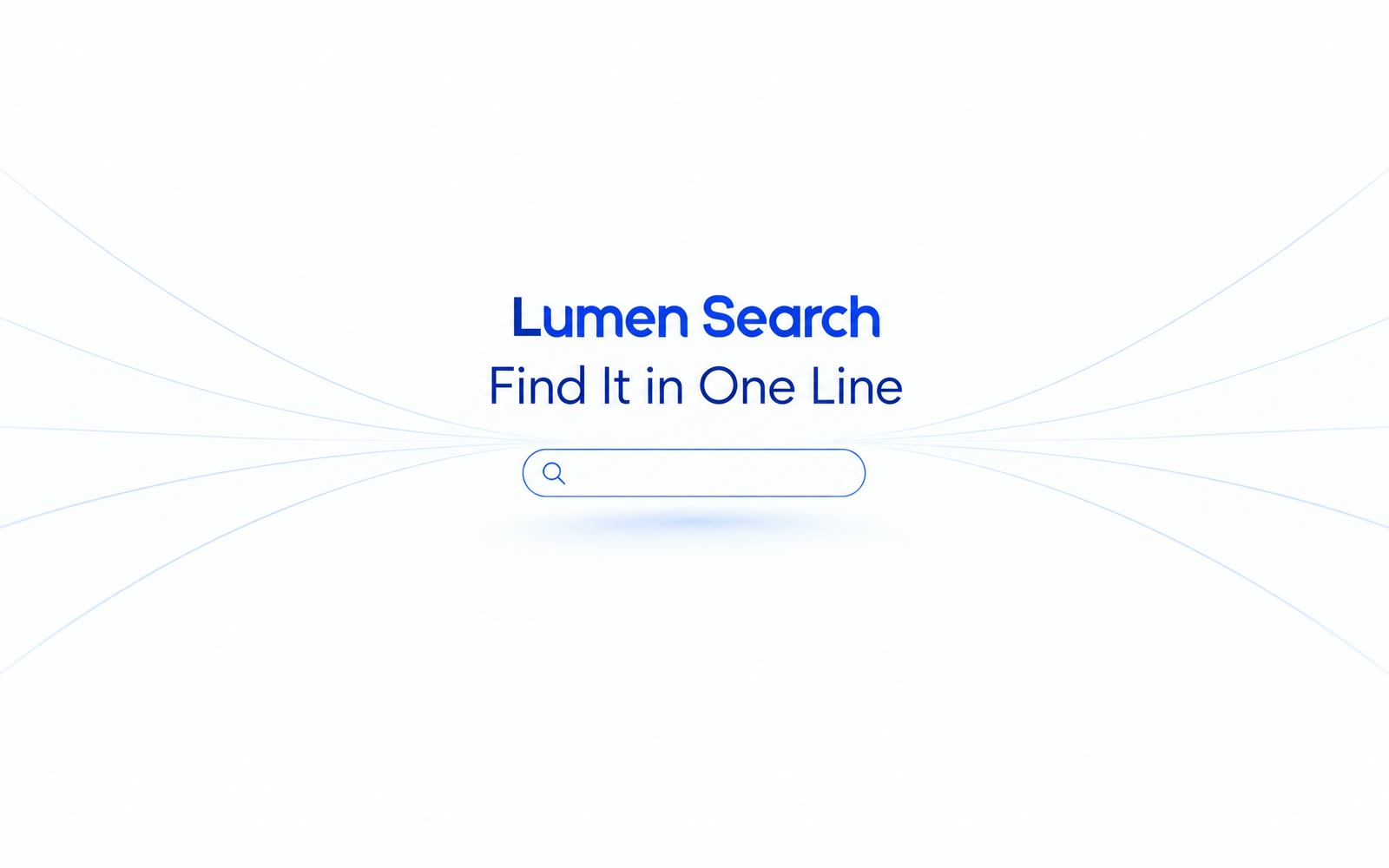
Converging lines
Turn a brand, one headline and context into a precise line-convergence card.
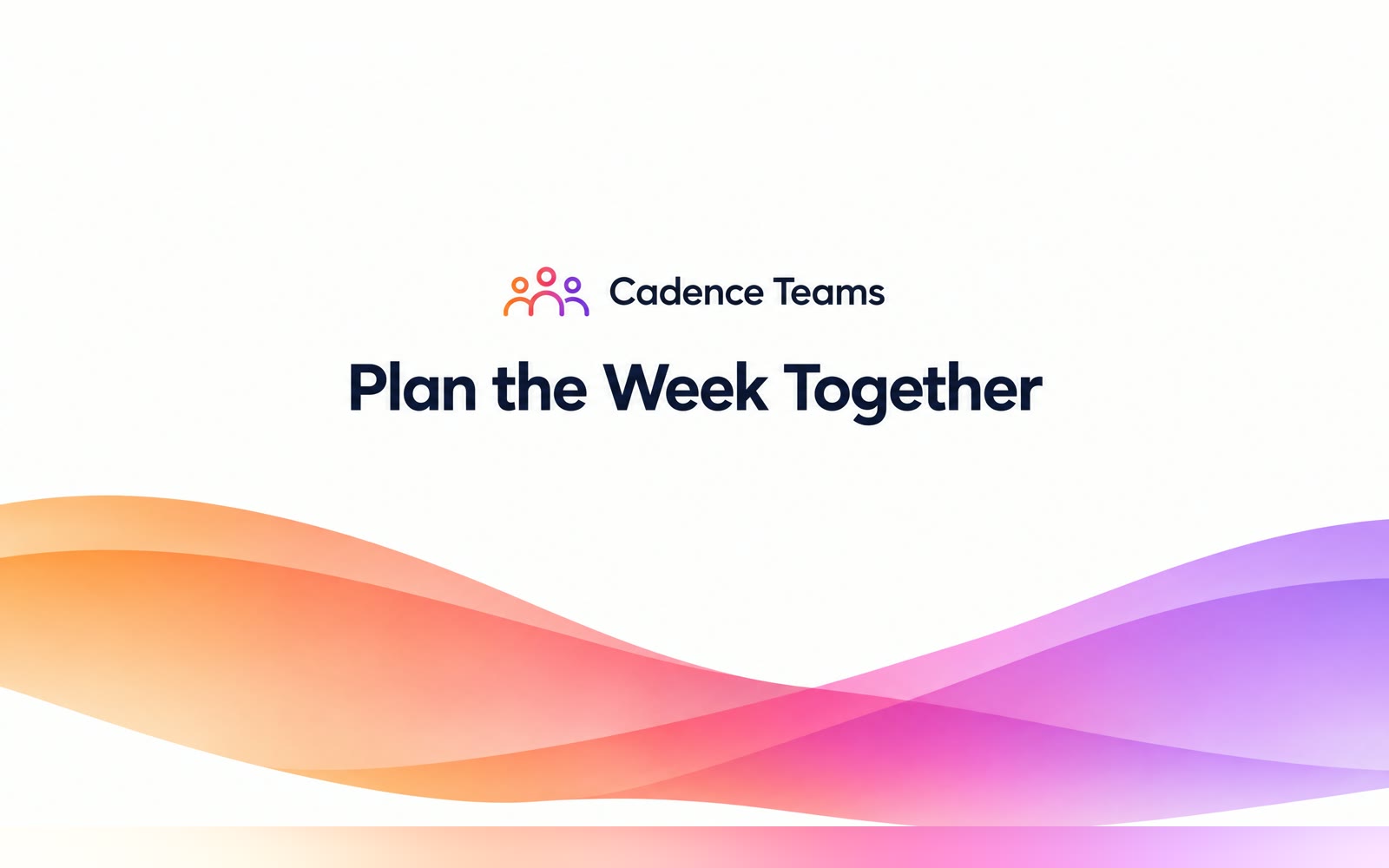
Gradient horizon
Turn a brand, one headline and context into a warm gradient-horizon card.