
Presenter split screen
- Lab 스킬
- v0.1.1
- Illustration
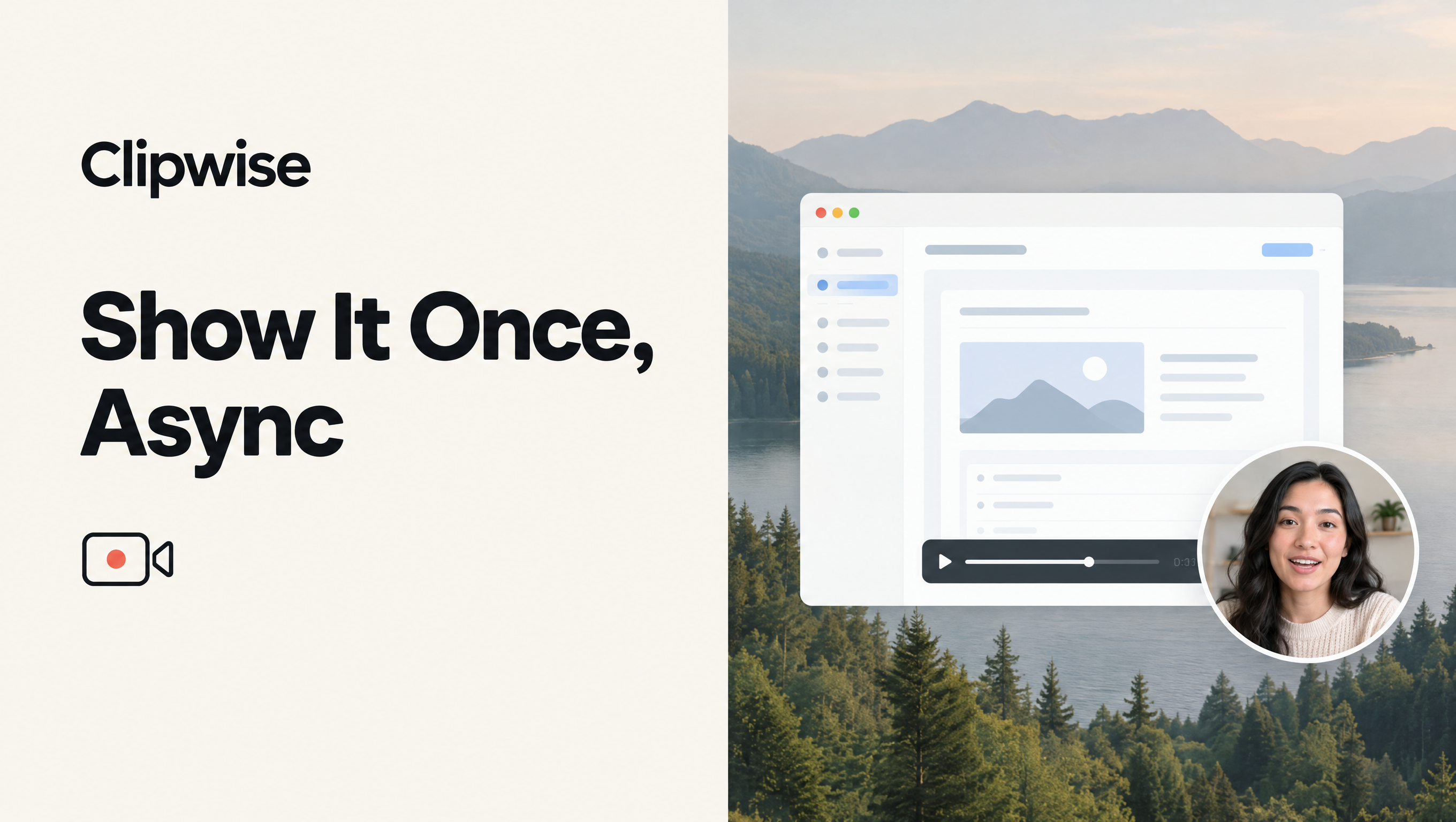
Turn a brand, one headline and context into a cream split-layout card: bold black copy on one side, an original product window on the other, with a circular presenter bubble overlapping the lower right.
예시
Presenter split screen
온라인에서 실행
SandBase sandbox에서 실행하고 결과를 Lab에서 확인하세요.
Lab에서 열기 ↗얻을 수 있는 것
Bring a brand, one headline and context. The Skill returns a 16:9 card and a bilingual run report.
작동 방식
- 01
Give the split card its copy
Presenter Split Screen reads a JSON brief with a brand, one short headline, a context field of up to 400 characters, an optional tone and the card language. The bundled sample is Clipwise with the headline Show It Once, Async, describing a screen recording tool that introduces instant video walkthroughs for teams, with the tone set to clear and friendly.
- 02
Render the cream split layout
In SandBase Sandbox on Node.js 18+, node scripts/generate.mjs run --brief assets/sample-brief.en.json --out /tmp/card-run --lang en --budget submits one openai/gpt-image-2.5-flare image at 2k. The 16:9 result puts bold black copy on one side, an original product window over a muted landscape on the other and a round presenter bubble at lower right.
- 03
Inspect the presenter card
Presenter Split Screen writes og.png plus a JSON report and English and Chinese HTML reports showing dimensions, execution ID and recorded cost. PNG integrity checks run automatically. A person still compares the brand and headline character by character and confirms the presenter and product window are invented, checking the card at full size and as a 320 by 180 preview.
FAQ
What layout does Presenter Split Screen produce?
Presenter Split Screen produces a cream-neutral split layout: bold black headline copy leads one half, an original product window over a muted landscape fills the other, and a circular presenter bubble overlaps the lower right. It suits launch posts and video walkthrough announcements where a face and a product screen tell the story together.
Is the presenter in Presenter Split Screen a real person?
No. Presenter Split Screen invents the presenter, the product window and the identity for your brand. The Skill is not for reproducing a recognizable person, a protected logo or a proprietary interface, and the human review covers that boundary. It does not take a photo input, so you cannot place your own face in the bubble.
How is Presenter Split Screen billed?
Presenter Split Screen bills one openai/gpt-image-2.5-flare generation per approved brief to your SandBase account. Running plan first costs nothing because it makes no network call. The run command compares the job with the cap you pass as --budget before submitting, and the report records the cost. See rates at https://www.sandbase.ai/pricing.
What happens if a Presenter Split Screen run is interrupted?
Presenter Split Screen keeps the state and execution ID in the output directory, so resume polls the same job and downloads its result without a new purchase. A changed brief, version or model in that directory is rejected. If the submission stopped before its ID was saved, reconcile it in SandBase before creating a new approved output directory.
Can Presenter Split Screen write the report in Chinese?
Yes. Presenter Split Screen takes --lang zh-CN for CLI and report copy, and the brief's language field sets the card copy separately; zh maps to zh-CN. Both default to English, and unsupported locales fall back to English. Every run writes report.en.html and report.zh-CN.html next to og.png.
더 많은 Skills
모든 Illustration Skills →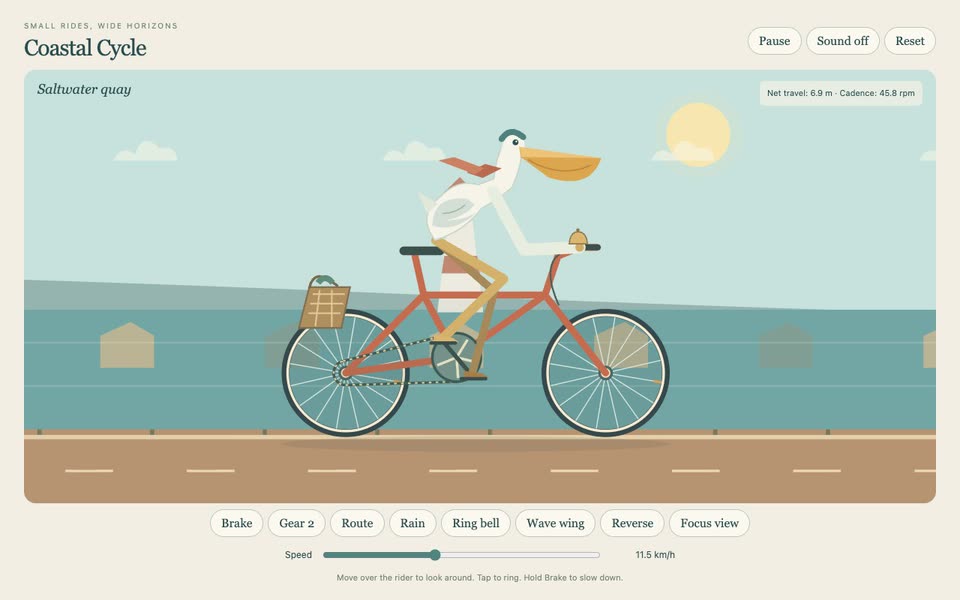
Coastal Cycle: Harbor Pelican
An authored SVG pelican rides a coral bicycle beside the sea. Measured travel drives the wheels, gear ratio drives the crank, and solved joints keep both feet on their actual pedals. Brake, reverse and explore three coastal palettes offline.
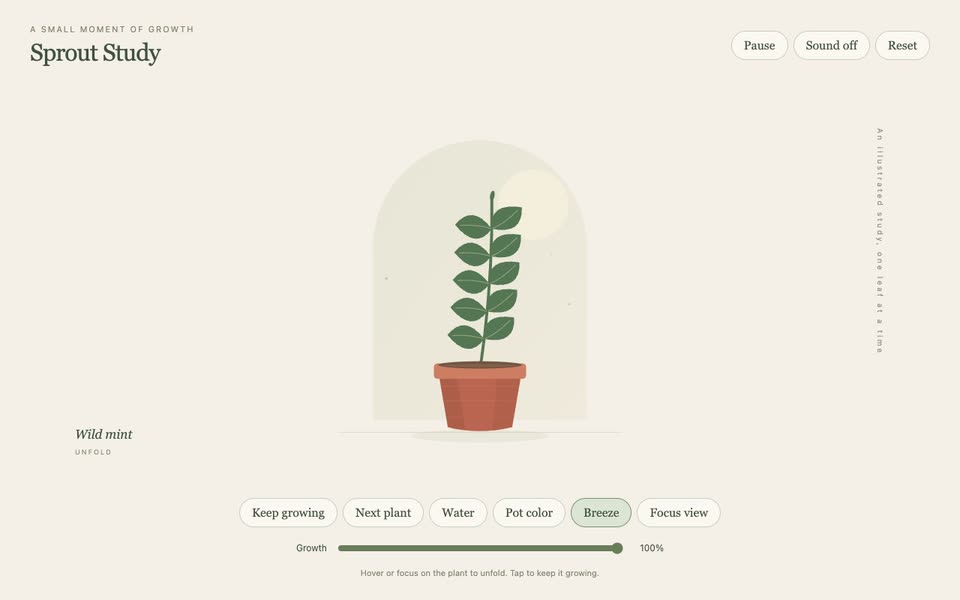
Sprout Study: Terracotta Mint
A quiet SVG botanical illustration. Hover or focus to grow the continuous stem, unfold leaves in sequence and fold them again. Touch hold, exact growth scrubbing and editable plants in one offline HTML.
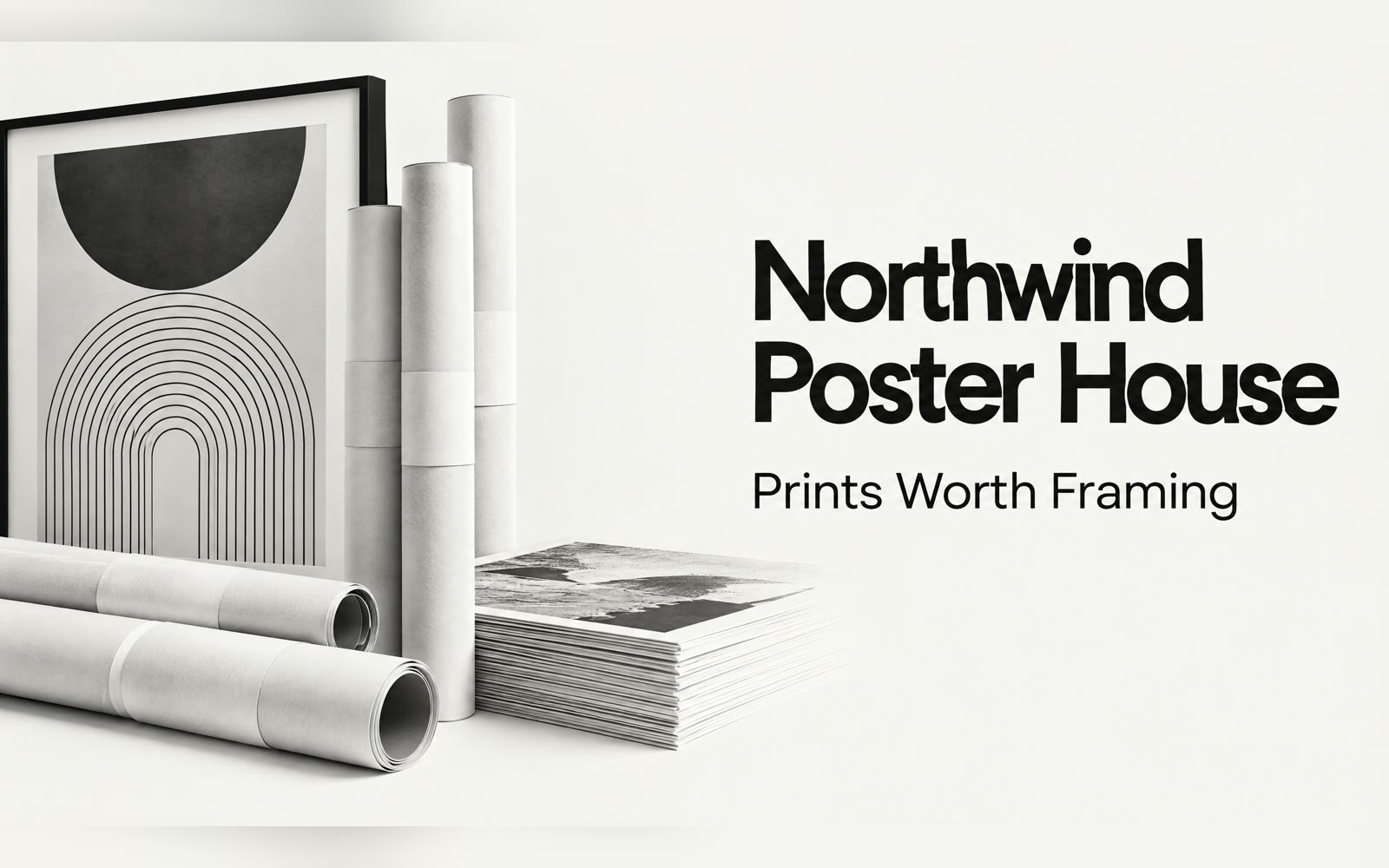
Monochrome editorial
Turn a brand, one headline and context into a high-key monochrome editorial card.
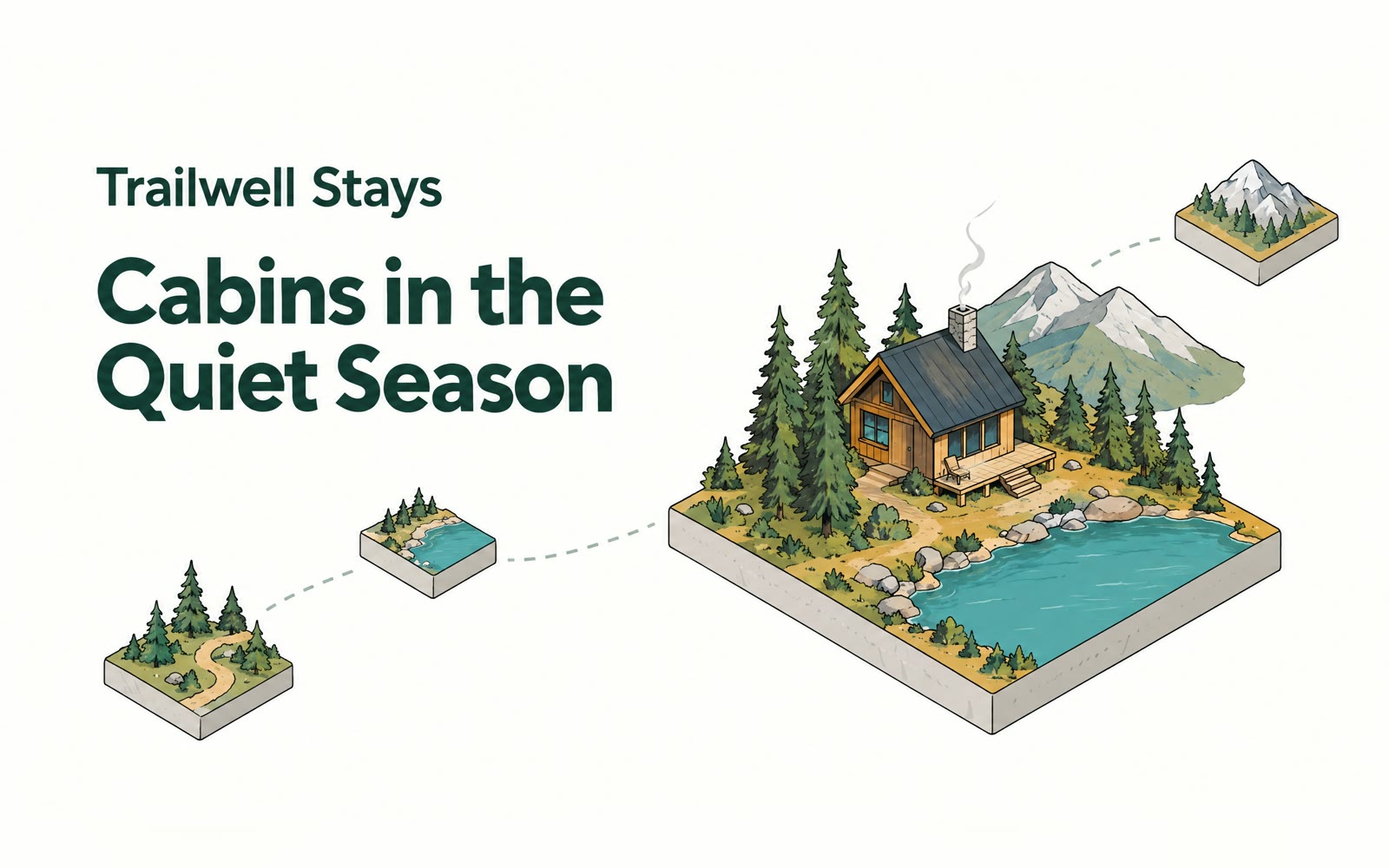
Isometric diorama
Turn a brand, one headline and context into a modular isometric card.
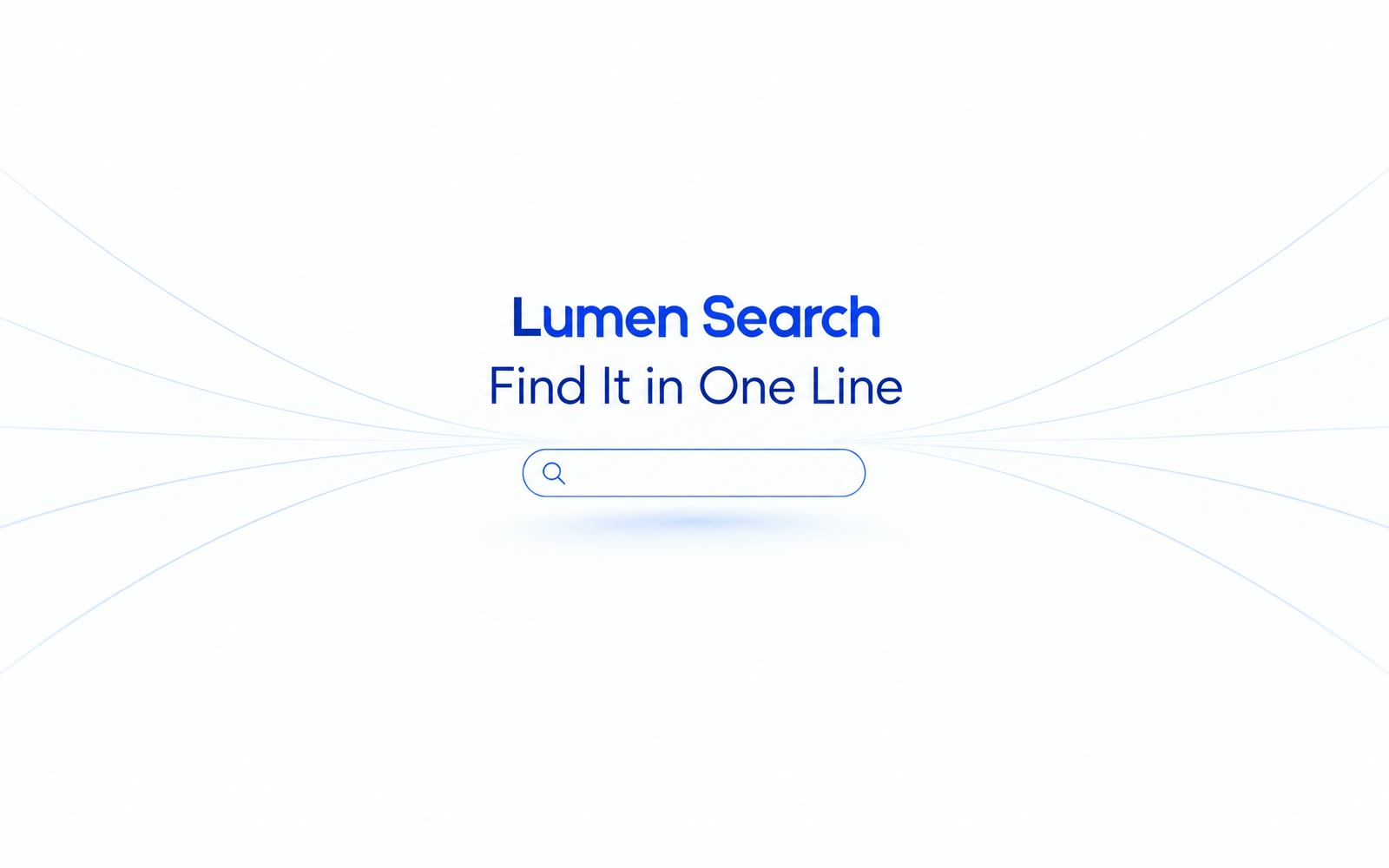
Converging lines
Turn a brand, one headline and context into a precise line-convergence card.
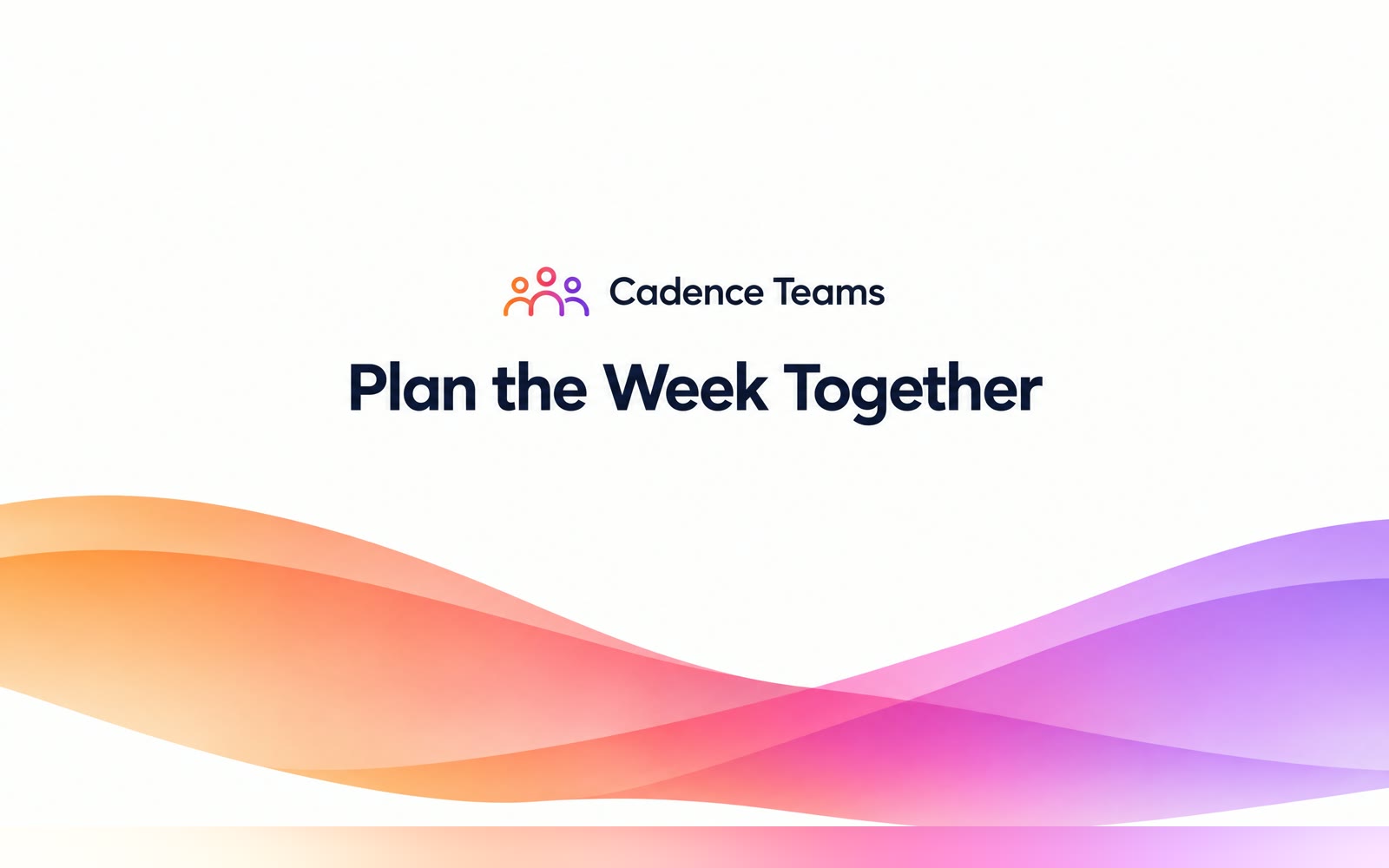
Gradient horizon
Turn a brand, one headline and context into a warm gradient-horizon card.