
2 × 2 inch photo resizer
무료이미지 도구This preset exports a single 600 × 600 pixel JPG with 300 DPI metadata for a 2 × 2 inch print. Digital uploads may have separate size and file limits. Use an authentic photo and follow the application’s capture and printing requirements.
- 브라우저에서 실행
- 업로드된 항목 없음
- 워터마크 없음
2x2 Photo Maker 사용 방법
- 01
Read the photo instructions for your application and choose an original that may be resized.
- 02
Review the centre crop at 2 × 2 inches and 300 DPI; it does not position or measure your head automatically.
- 03
Download one JPG. Check the file requirements or print at actual size where your application permits it.
사람들이 이 도구를 사용하는 용도
Square print reference
One JPG for a 2 × 2 inch print at 300 DPI.
Check a requested size
Use only when the actual form requests this format.
더 나은 결과를 위한 팁
- Do not alter or generate facial features for an identity photo.
- Check the specific authority’s capture, background and submission requirements.
- Use actual-size printing rather than fit-to-page if printed copies are permitted.
2 × 2 in in pixels
| Selected density | Output dimensions |
|---|---|
| 150 DPI | 300 × 300 px |
| 300 DPI | 600 × 600 px |
| 600 DPI | 1200 × 1200 px |
| Size | 2 × 2 in = 5.1 × 5.1 cm |
| Aspect ratio | 1:1 |
These are calculated pixel dimensions, not a sharpness guarantee. The tool exports a single center-cropped JPG. Outputs above 12,000 pixels on either side are disabled; choose a lower density or smaller print size. Use actual-size printing to avoid a second resize.
FAQ
Does this guarantee an acceptable passport or visa photo?
No. The tool sets dimensions and DPI only. It does not verify facial proportions, background, authenticity, file-size limits or the authority’s capture requirements.
Does this make a sheet of several photos?
No. The download contains one photo, without a multi-photo layout.
Does 2x2 Photo Maker upload my image?
No. 2x2 Photo Maker crops and sizes the image in your browser, so the picture never leaves your device.
이 작업에 적합한 SandBase API
같은 종류의 데이터를 자체 코드나 Agent에서 사용하세요: API 키 하나로, 호출당 과금됩니다.
더 많은 Tools
 무료
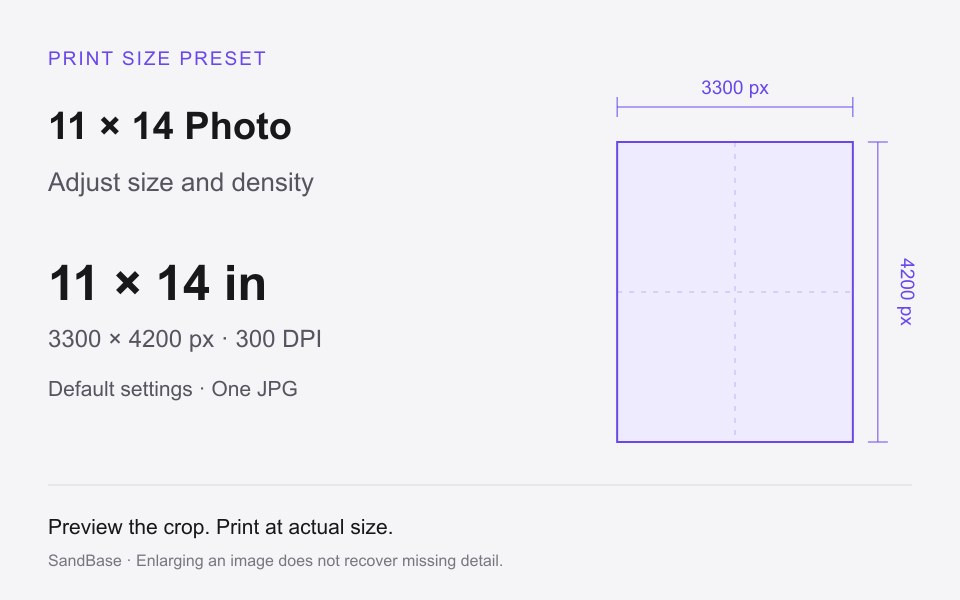
11 × 14 Photo Maker
Start with 11 × 14 in at 300 DPI; adjust the print size and density before saving.
 무료
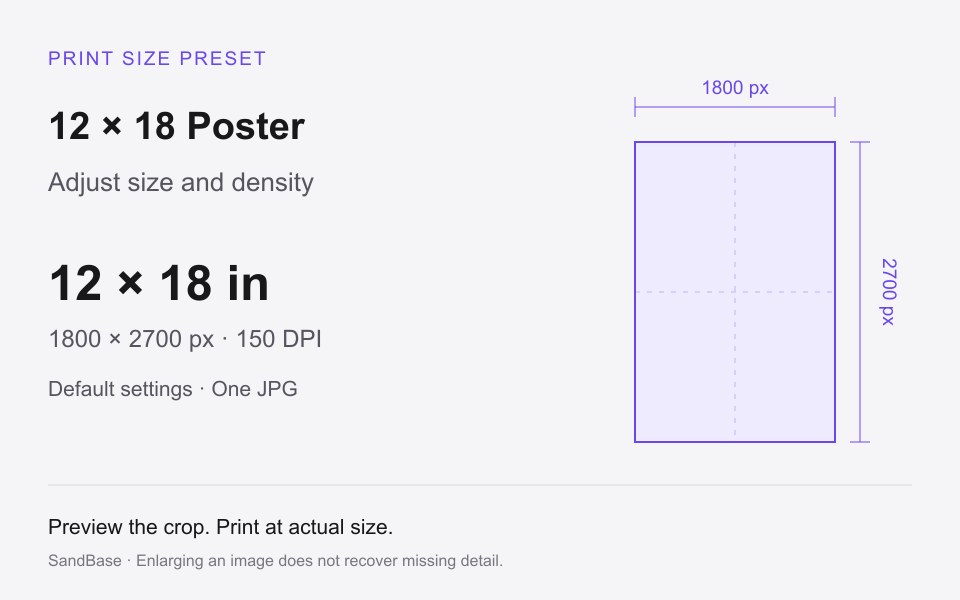
12 × 18 Poster
Start with 12 × 18 in at 150 DPI; adjust the print size and density before saving.
 무료
16 × 20 Poster
Start with 16 × 20 in at 150 DPI; adjust the print size and density before saving.
 무료
18 × 24 Poster
Start with 18 × 24 in at 150 DPI; adjust the print size and density before saving.
 무료
24 × 36 Poster
Start with 24 × 36 in at 150 DPI; adjust the print size and density before saving.
 무료
300 DPI Converter
Resize a picture for printing at 300 DPI in any size.