
Daily Planner Template
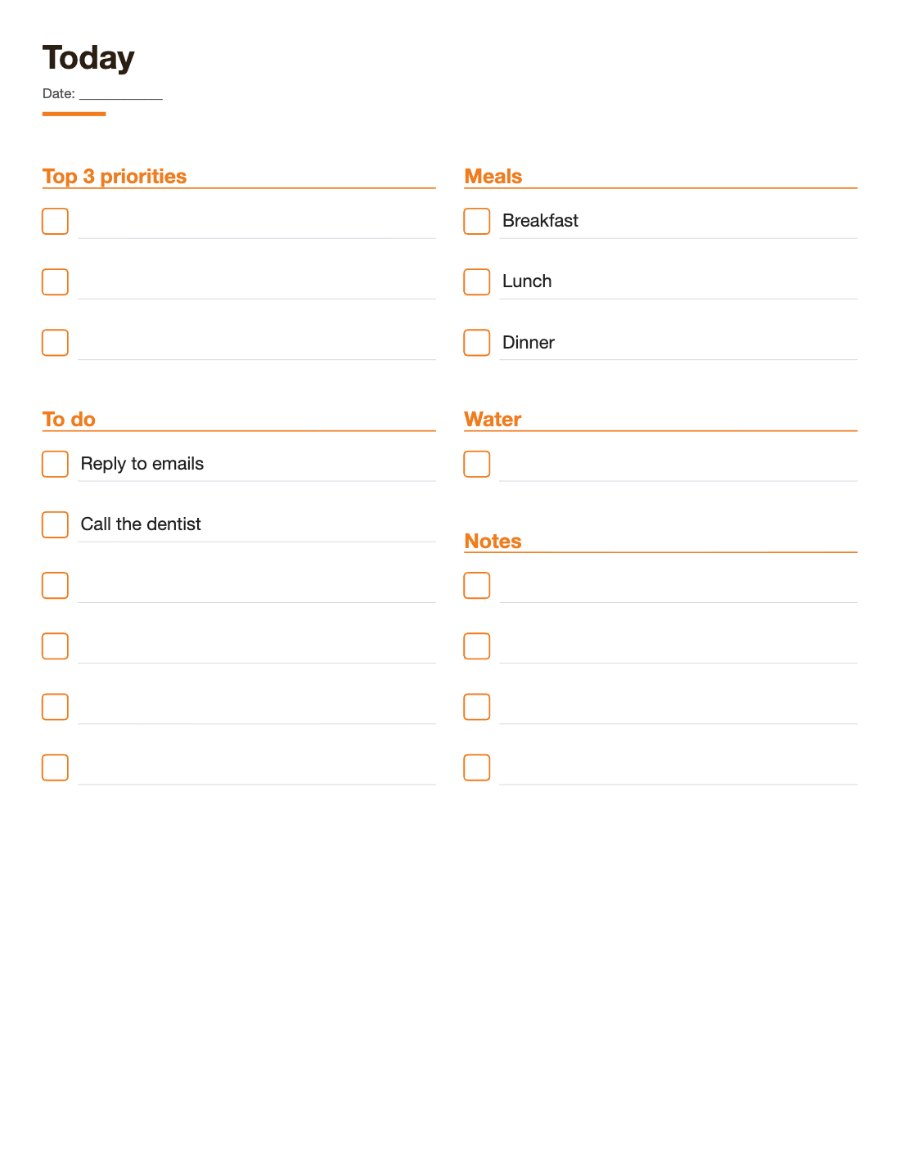
무료플래너 및 추적기Start with your top three priorities, then the rest of the to-do list, meals and notes. Every section is a line ending with a colon, so you can rename or add sections.
- Letter 또는 A4
- 인쇄용 PDF
- 업로드된 항목 없음
View checklist content
| Column | Type | Text |
|---|---|---|
| 1 | Section | Top 3 priorities |
| 1 | Blank line | — |
| 1 | Blank line | — |
| 1 | Blank line | — |
| 1 | Section | To do |
| 1 | Item | Reply to emails |
| 1 | Item | Call the dentist |
| 1 | Blank line | — |
| 1 | Blank line | — |
| 1 | Blank line | — |
| 2 | Section | Meals |
| 2 | Item | Breakfast |
| 2 | Item | Lunch |
| 2 | Item | Dinner |
| 2 | Section | Water |
| 2 | Blank line | — |
| 2 | Section | Notes |
| 2 | Blank line | — |
| 2 | Blank line | — |
| 2 | Blank line | — |
| 2 | Blank line | — |
Daily Planner Template 사용 방법
- 01
Type items on separate lines; end a line with a colon for a section. Long items wrap and long lists create additional pages.
- 02
Pick colors, one to three columns and Letter or A4. Review every page in the preview.
- 03
Download the PDF for all pages, or save the selected page as a PNG.
사람들이 이 도구를 사용하는 용도
Planning the day ahead
Five minutes each evening to set up tomorrow.
Work days
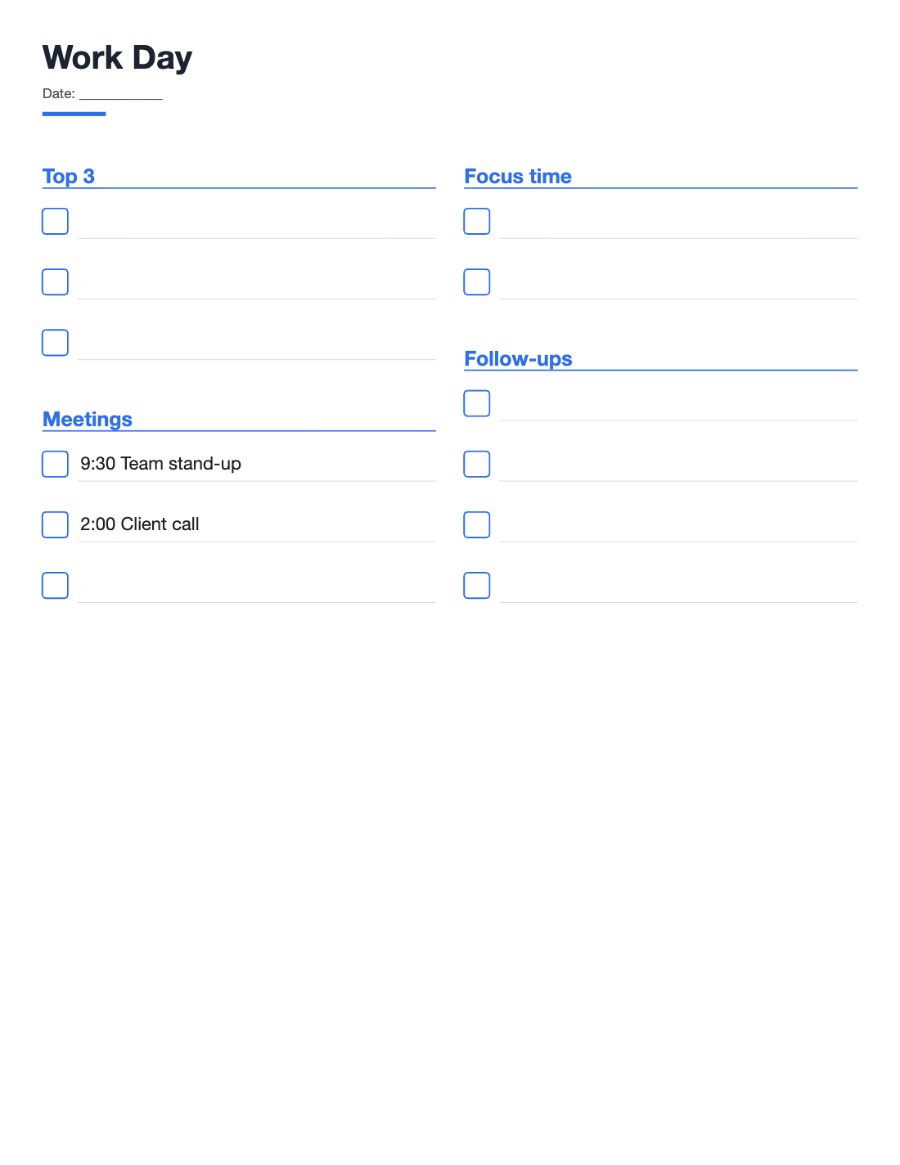
Keep priorities ahead of meetings.
Students
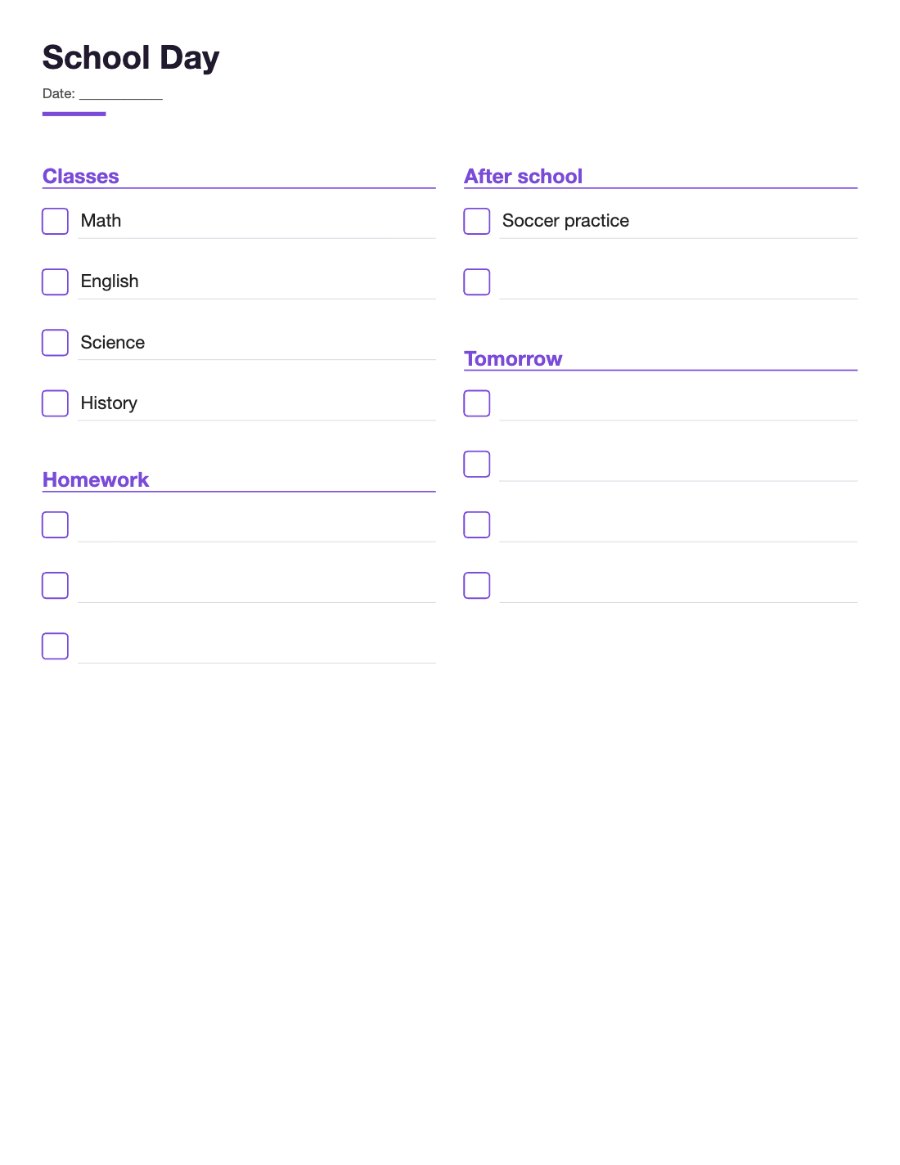
Classes, homework and activities on one page.
더 나은 결과를 위한 팁
- Pick three priorities and do them first.
- Plan the night before so mornings start fast.
- Move unfinished tasks to tomorrow on purpose.
- Keep the page next to your keyboard or in a binder.
FAQ
How do I add a section?
Type a line ending with a colon, like "Workout:", then a few lines below it.
Do you have an hour-by-hour page?
Yes. The hourly planner template has a row for every hour of the day.
Daily planner or hourly planner?
Daily planners list what to do; the hourly planner gives each hour a job. Busy days suit the hourly one.
Can I add sections?
Type a line ending with a colon to start a new section.
Does Daily Planner Template upload what I type?
No. Daily Planner Template draws the page in your browser from what you type, so it works offline once the page has loaded and nothing is sent anywhere.
더 많은 Tools
Goal Planner Template
A one-page goal planner with reasons, first steps and deadlines.
Hourly Planner Template
A one-day planner with a row for every hour.
To-Do List Maker
A printable to-do list with checkboxes and sections.
Weekly Schedule Maker
A seven-day schedule with hour rows, dated or blank.
Budget Planner Template
A monthly budget sheet with planned, actual and difference columns.
Employee Schedule Template
A weekly staff schedule with shifts per day and total hours.