
Hourly Planner Template
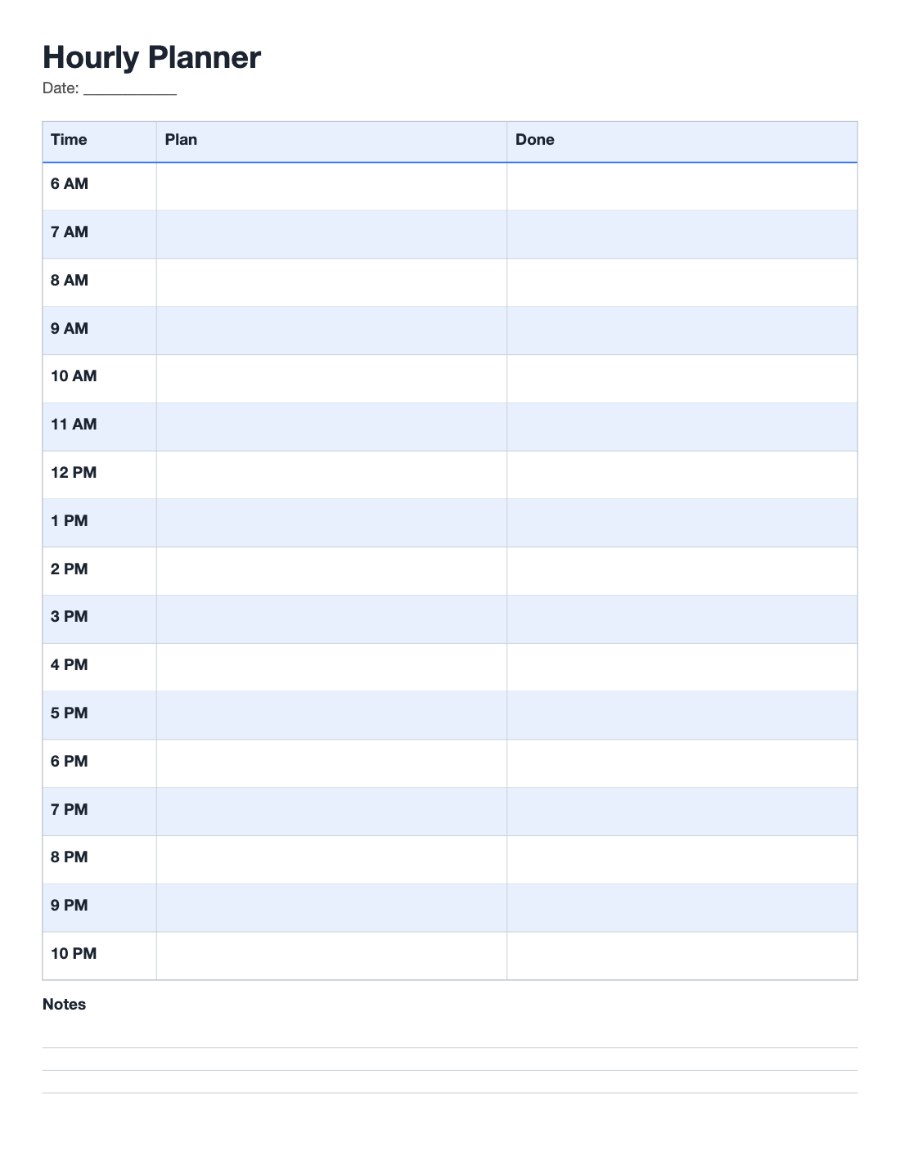
무료플래너 및 추적기Time-blocking means giving each hour a job. Edit the hours to match your day, like 9 to 5, or use half hours for a packed schedule.
- Letter 또는 A4
- 인쇄용 PDF
- 업로드된 항목 없음
View table content
Page 1 of 1 · Rows 1–17 · Column group 1 of 1. Empty cells are for writing after printing.
| Row | Time | Plan | Done |
|---|---|---|---|
| 1 | 6 AM | — | — |
| 2 | 7 AM | — | — |
| 3 | 8 AM | — | — |
| 4 | 9 AM | — | — |
| 5 | 10 AM | — | — |
| 6 | 11 AM | — | — |
| 7 | 12 PM | — | — |
| 8 | 1 PM | — | — |
| 9 | 2 PM | — | — |
| 10 | 3 PM | — | — |
| 11 | 4 PM | — | — |
| 12 | 5 PM | — | — |
| 13 | 6 PM | — | — |
| 14 | 7 PM | — | — |
| 15 | 8 PM | — | — |
| 16 | 9 PM | — | — |
| 17 | 10 PM | — | — |
Hourly Planner Template 사용 방법
- 01
Edit the title, column headings and row names. Text wraps; long or wide tables continue on additional pages.
- 02
Pick colors, paper and orientation. Choose which columns get checkboxes, then review every page.
- 03
Download all pages as one PDF, or save the selected page as a PNG.
사람들이 이 도구를 사용하는 용도
Time-blocking
Give every hour a job to protect focus time.
Busy days
Fit appointments, errands and work together.
Study days
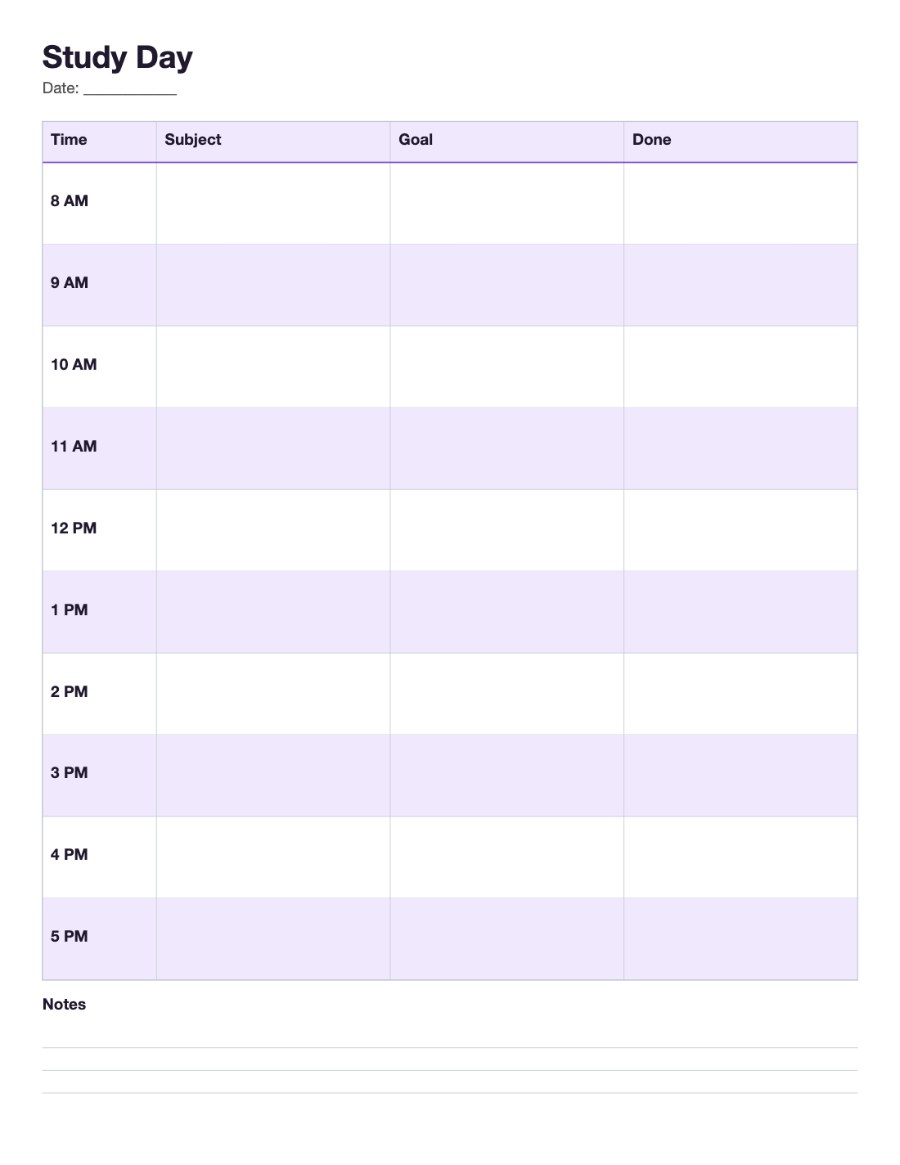
Plan revision in blocks with breaks.
더 나은 결과를 위한 팁
- Block your hardest task in your best hour.
- Leave a buffer block in the afternoon.
- Group small tasks like email into one block.
- Plan breaks as blocks too.
FAQ
Can I use half hours?
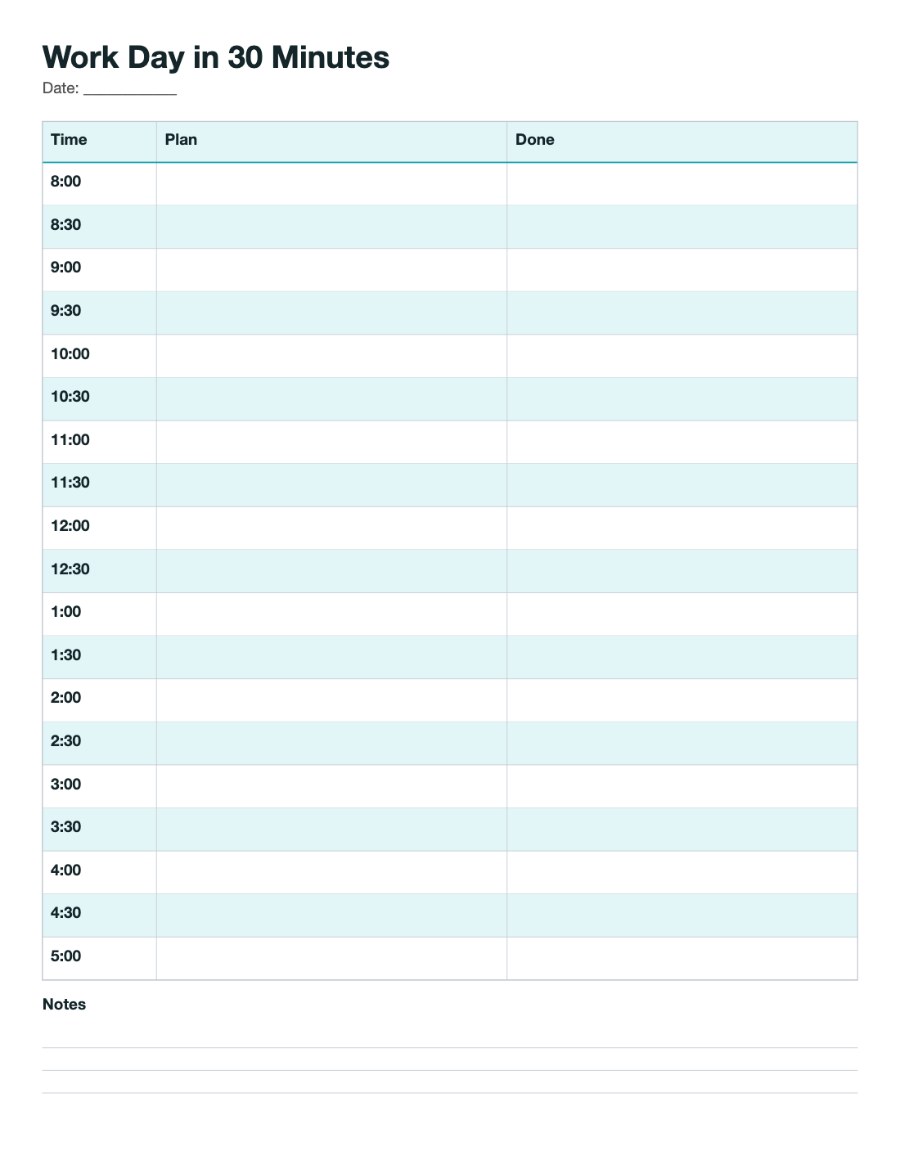
Yes. Type 9:00, 9:30, 10:00 and so on in Row names.
Is there a weekly version?
The weekly schedule maker shows seven days with hour rows.
What is time-blocking?
Planning your day as blocks of time with one job each, instead of a to-do list.
Can I start at 5 AM?
Edit the hours in Row names to any range.
Does Hourly Planner Template upload what I type?
No. Hourly Planner Template draws the page in your browser from what you type, so it works offline once the page has loaded and nothing is sent anywhere.
더 많은 Tools
Daily Planner Template
A one-page day planner with priorities, to-dos, meals and notes.
Goal Planner Template
A one-page goal planner with reasons, first steps and deadlines.
To-Do List Maker
A printable to-do list with checkboxes and sections.
Weekly Schedule Maker
A seven-day schedule with hour rows, dated or blank.
Budget Planner Template
A monthly budget sheet with planned, actual and difference columns.
Lesson Plan Template
A weekly lesson plan with objective, activities, materials and assessment columns.