
Employee ID Card Maker
무료카드 및 라벨Add a photo and the company name, job title, department and employee number. Pick vertical for lanyards or horizontal for card holders.
- 인쇄용 PDF
- Letter 또는 A4
- 업로드된 항목 없음
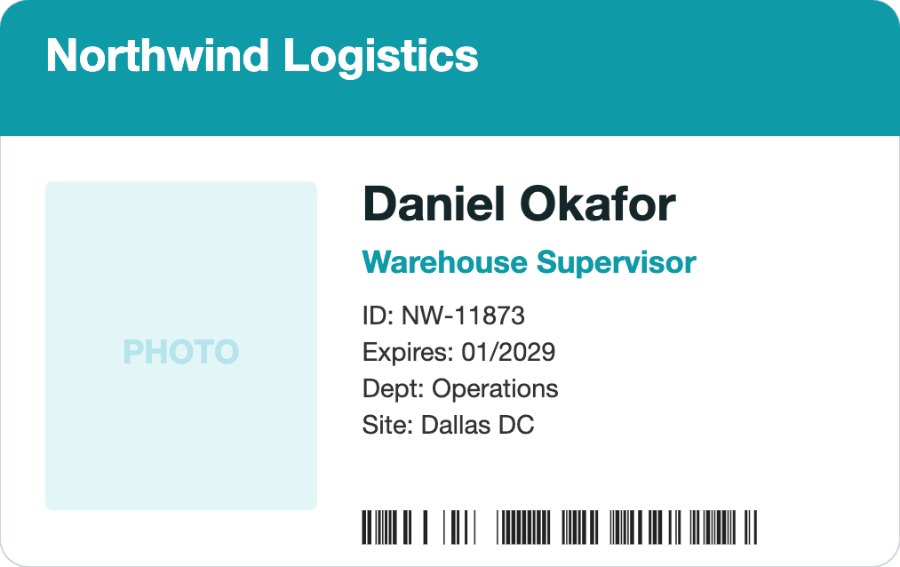
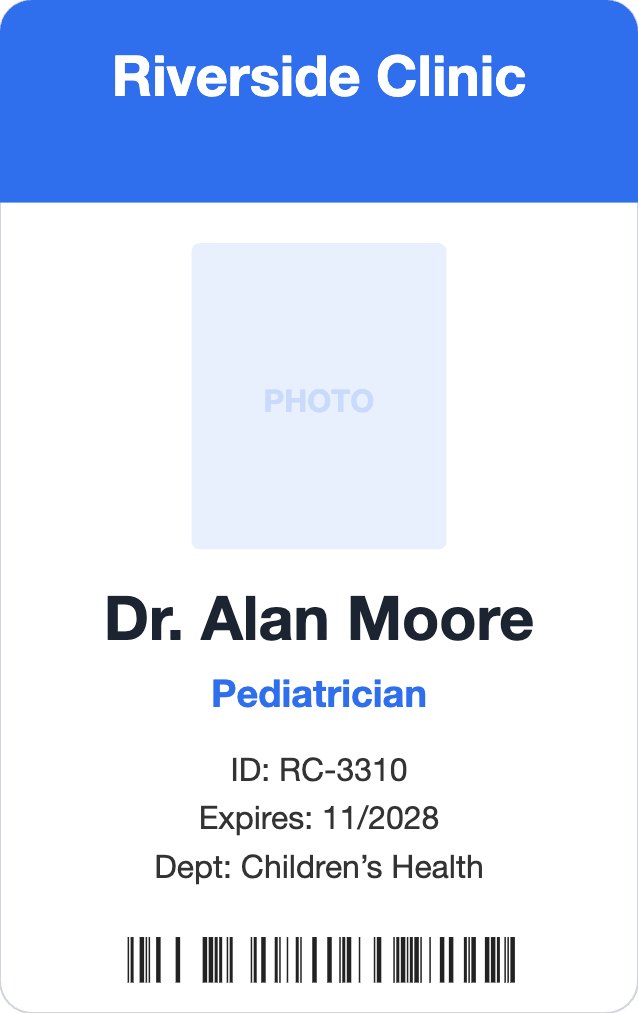
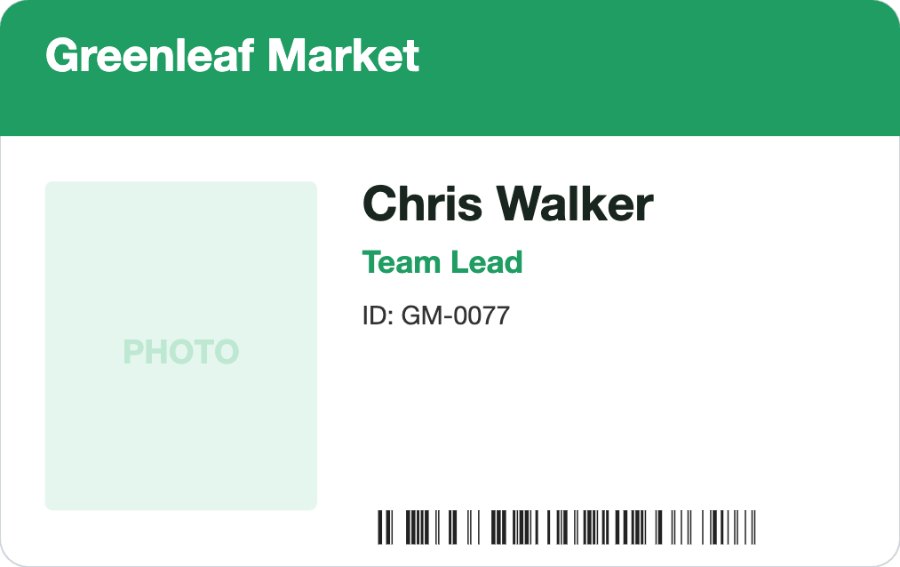
Employee ID Card Maker 사용 방법
- 01
Add the photo and fill in the details.
- 02
Pick vertical or horizontal, and company colors.
- 03
Download one card as a PNG, or a sheet to print.
사람들이 이 도구를 사용하는 용도
Small businesses
Staff badges without a badge printer.
Events
Crew and staff passes.
New hires
A badge on day one.
더 나은 결과를 위한 팁
- Use the same photo style for everyone.
- Laminate or use PVC badge sheets.
- Put the department on a second line.
- Keep a list of ID numbers issued.
FAQ
Can I use it as a door access card?
No. It prints a badge to show; access cards need a chip from your security provider.
What size is it?
CR80, 3.375 × 2.125 inches.
Can it be a door access card?
No. Access cards need a chip from your security provider.
Does Employee ID Card Maker upload what I type?
No. Employee ID Card Maker draws the page in your browser from what you type, so it works offline once the page has loaded and nothing is sent anywhere.
더 많은 Tools
Business Card Template
Make a business card and print 10 on a Letter or A4 sheet.
ID Card Maker
Make a photo ID card at the standard credit card size.
Place Card Maker
Print folding place cards with guest names and table numbers.
Punch Card Maker
Print loyalty punch cards with 3 to 12 stamp spots, 10 per sheet.
Student ID Card Maker
Make a student ID card with photo, grade and student number.
File Folder Labels
Printable file folder tab labels, 30 per sheet.