
Punch Card Maker
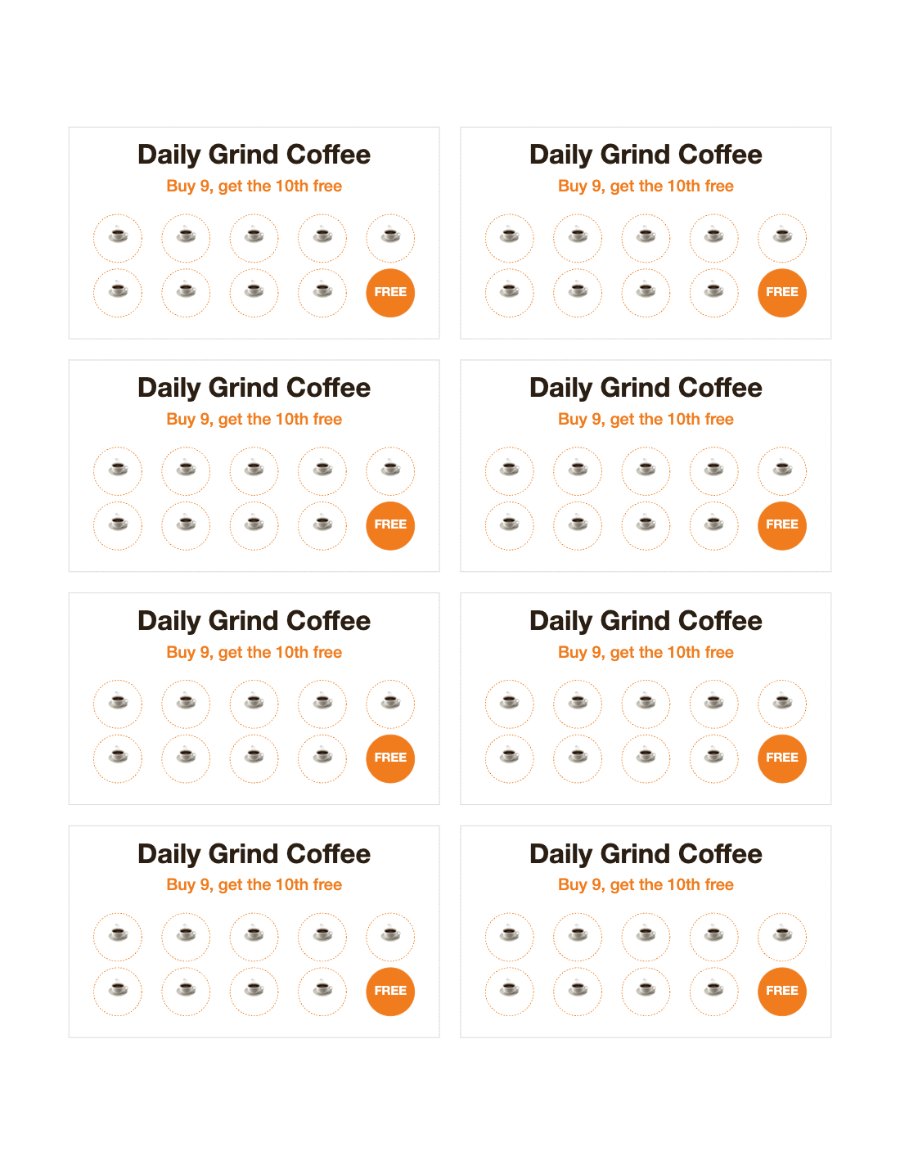
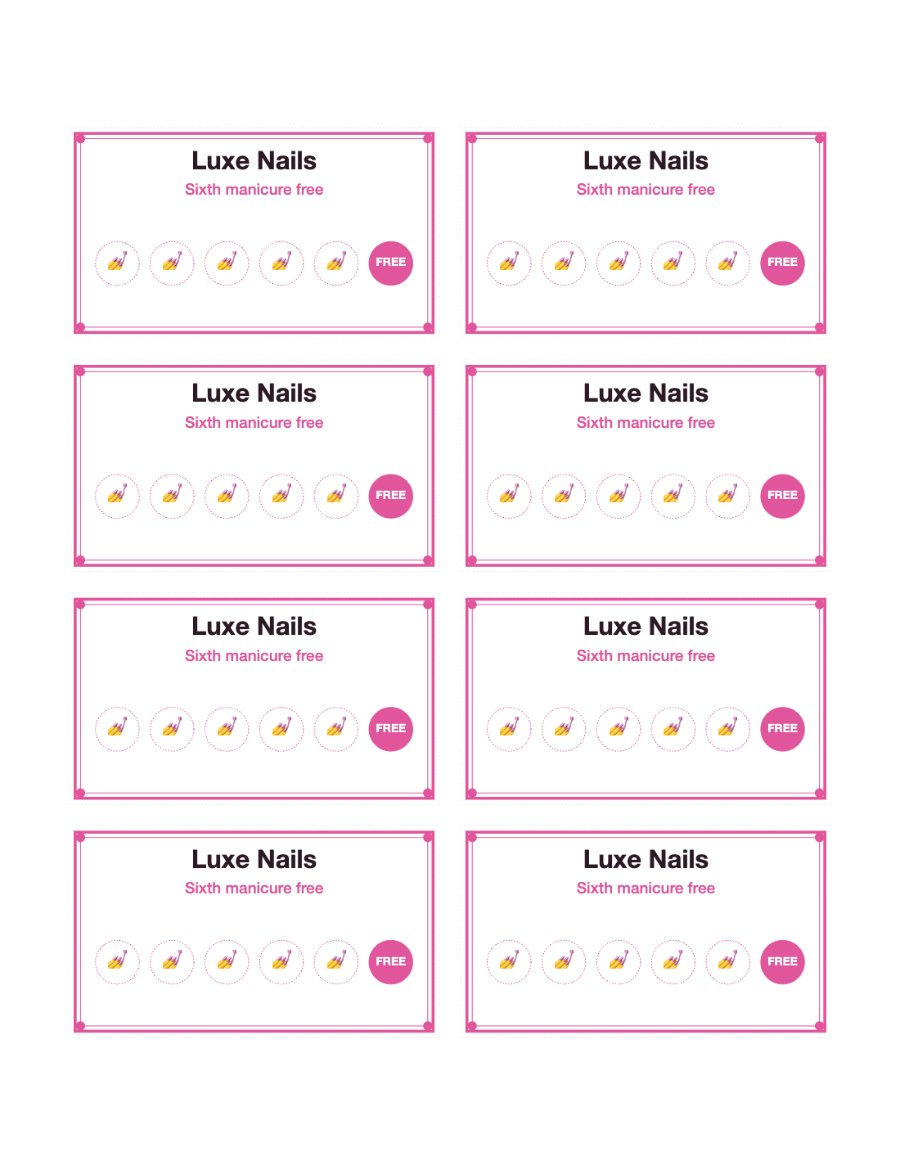
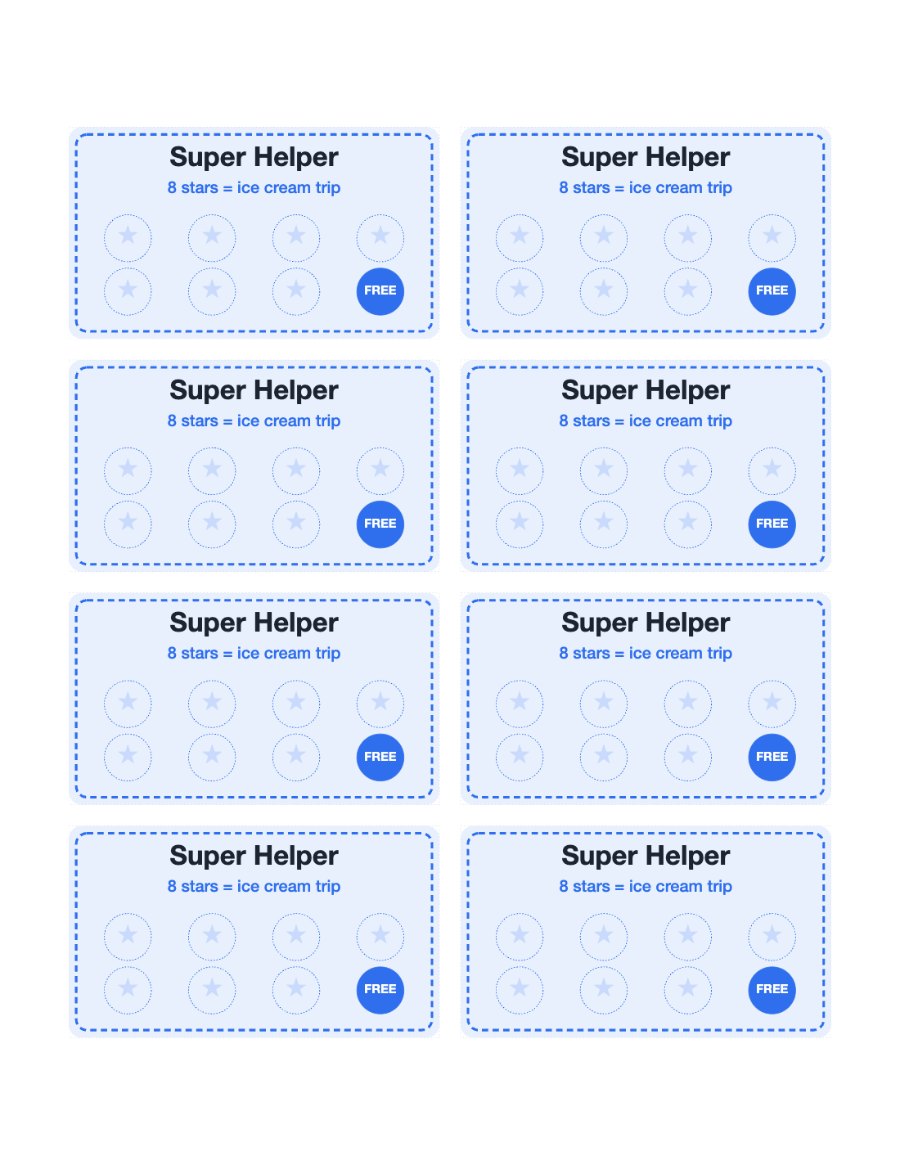
무료카드 및 라벨Type your business name and the reward, set the number of stamps and pick an icon. Cards are business card size, so they fit in a wallet.
- 인쇄용 PDF
- Letter 또는 A4
- 업로드된 항목 없음
Punch Card Maker 사용 방법
- 01
Type the business name and the reward.
- 02
Set the number of stamps, the icon and colors.
- 03
Download a sheet of 10 cards as a PDF.
사람들이 이 도구를 사용하는 용도
Cafés and food trucks
Bring regulars back.
Salons and services
Reward repeat visits.
Families and classrooms
A pocket-size reward chart.
더 나은 결과를 위한 팁
- Fewer stamps bring customers back faster.
- Use a unique stamp or hole punch to stop fakes.
- Print on thick card stock.
- Put your hours on the back.
FAQ
How many stamps should a card have?
Eight to ten is common.
Can kids use it as a reward chart?
Yes. Use the reward as the prize, like "10 stars = movie night".
What size is it?
Business card size, 3.5 × 2 inches, ten per sheet.
Does Punch Card Maker upload what I type?
No. Punch Card Maker draws the page in your browser from what you type, so it works offline once the page has loaded and nothing is sent anywhere.
더 많은 Tools
Business Card Template
Make a business card and print 10 on a Letter or A4 sheet.
Employee ID Card Maker
Make a staff ID badge with photo, title and employee number.
ID Card Maker
Make a photo ID card at the standard credit card size.
Place Card Maker
Print folding place cards with guest names and table numbers.
Student ID Card Maker
Make a student ID card with photo, grade and student number.
Raffle Ticket Template
Print numbered raffle tickets with a stub for name and phone.