
Recipe Card Maker
무료카드 및 라벨Type the ingredients one per line and the steps one per line. They are laid out side by side on a standard 4 × 6 card, or two to a page.
- 인쇄용 PDF
- Letter 또는 A4
- 업로드된 항목 없음
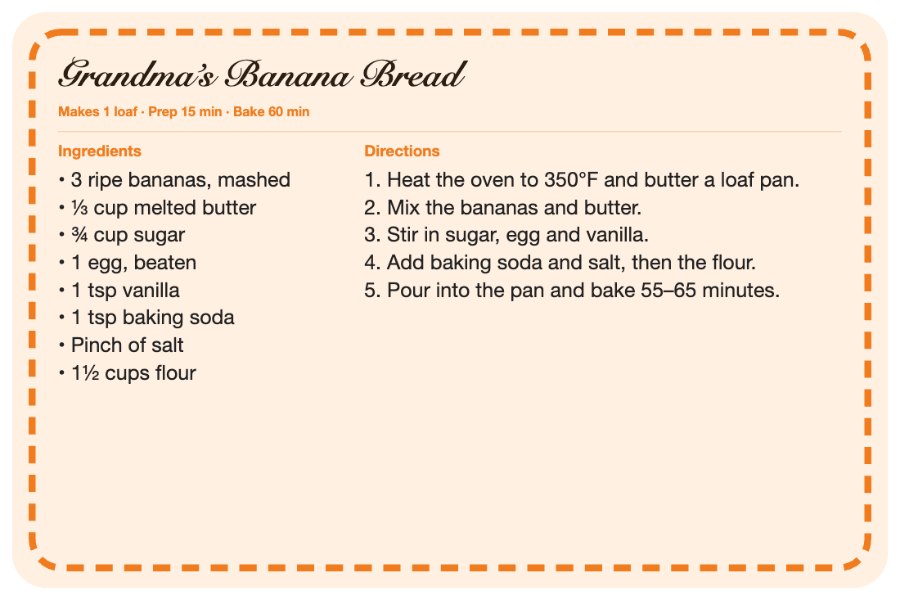
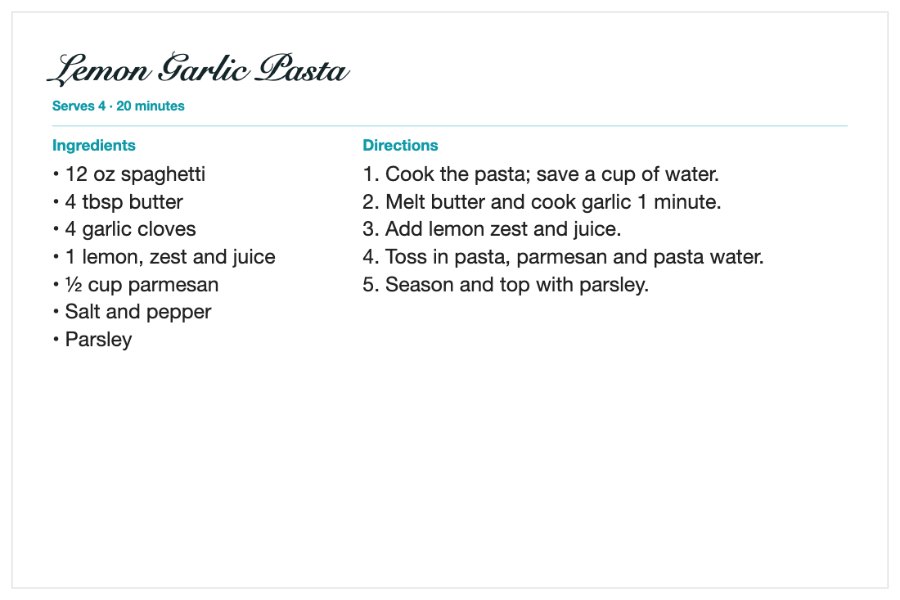
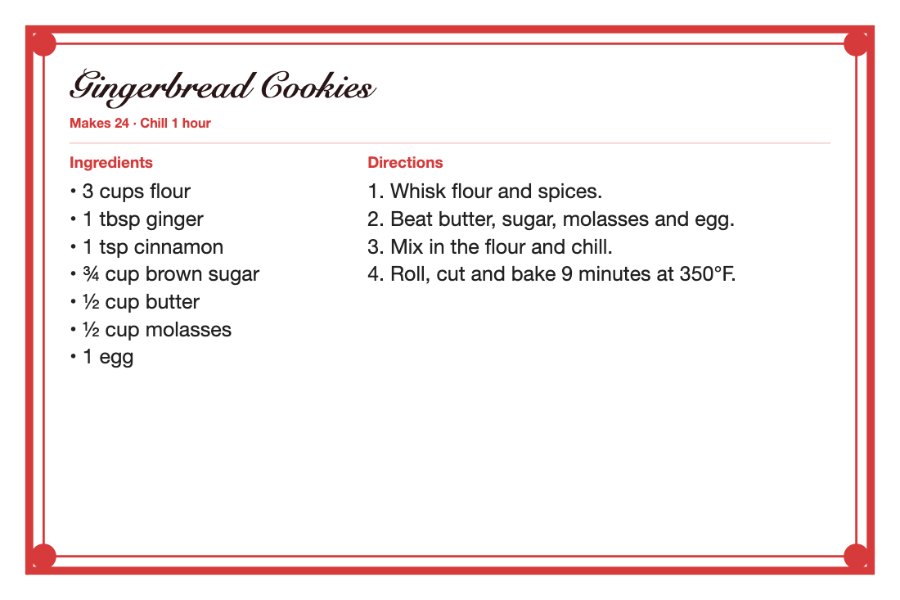
Recipe Card Maker 사용 방법
- 01
Type the title, servings and time.
- 02
Add the ingredients and steps, one per line.
- 03
Download one 4 × 6 card, or two on a page as a PDF.
사람들이 이 도구를 사용하는 용도
Family recipe collections
Save handwritten recipes neatly.
Gifts
A recipe card with a jar mix or a cookbook.
Bridal showers
Guests share favorite recipes.
더 나은 결과를 위한 팁
- List ingredients in the order you use them.
- Start each step with a verb.
- Add servings and times at the top.
- Print on card stock and keep in a recipe box.
FAQ
What if my recipe is long?
The text gets smaller to fit. For very long recipes, split it into two cards.
Can I make a whole family cookbook?
Make one card per recipe and print them all on card stock.
What size are the cards?
4 × 6 inches, the standard recipe box size.
What if the recipe is long?
The text shrinks to fit; split very long recipes over two cards.
Does Recipe Card Maker upload what I type?
No. Recipe Card Maker draws the page in your browser from what you type, so it works offline once the page has loaded and nothing is sent anywhere.
더 많은 Tools
Menu Template
A printable menu with sections, prices and descriptions.
Nutrition Facts Label Maker
Make an FDA-style nutrition facts label with daily values worked out.
Supplement Facts Label Maker
Make a supplement facts panel with amounts and daily values.
Bingo Card Maker
Print custom word or number bingo cards, each one shuffled.
Business Card Template
Make a business card and print 10 on a Letter or A4 sheet.
Spice Jar Labels
Printable round labels for spice jars, with your spice names.