
Supplement Facts Label Maker
무료카드 및 라벨Type each ingredient as "name, amount, % daily value". Leave the percent out for ingredients without a daily value; they get a dagger and a footnote.
- 인쇄용 PDF
- Letter 또는 A4
- 업로드된 항목 없음
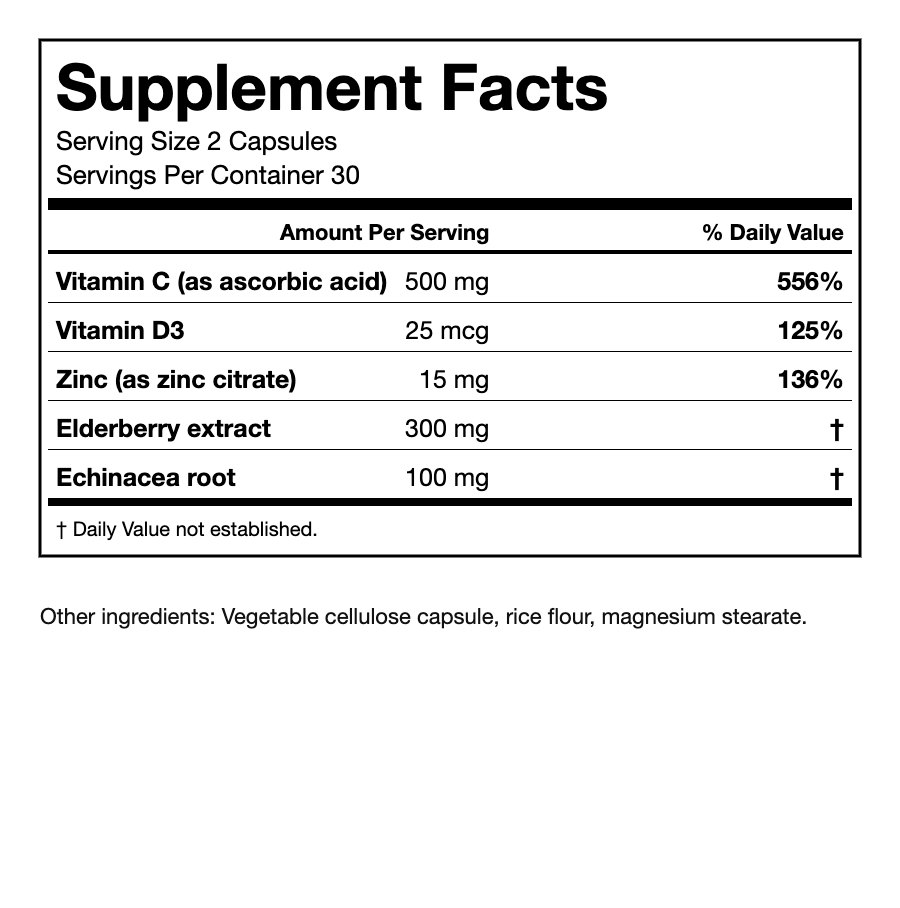
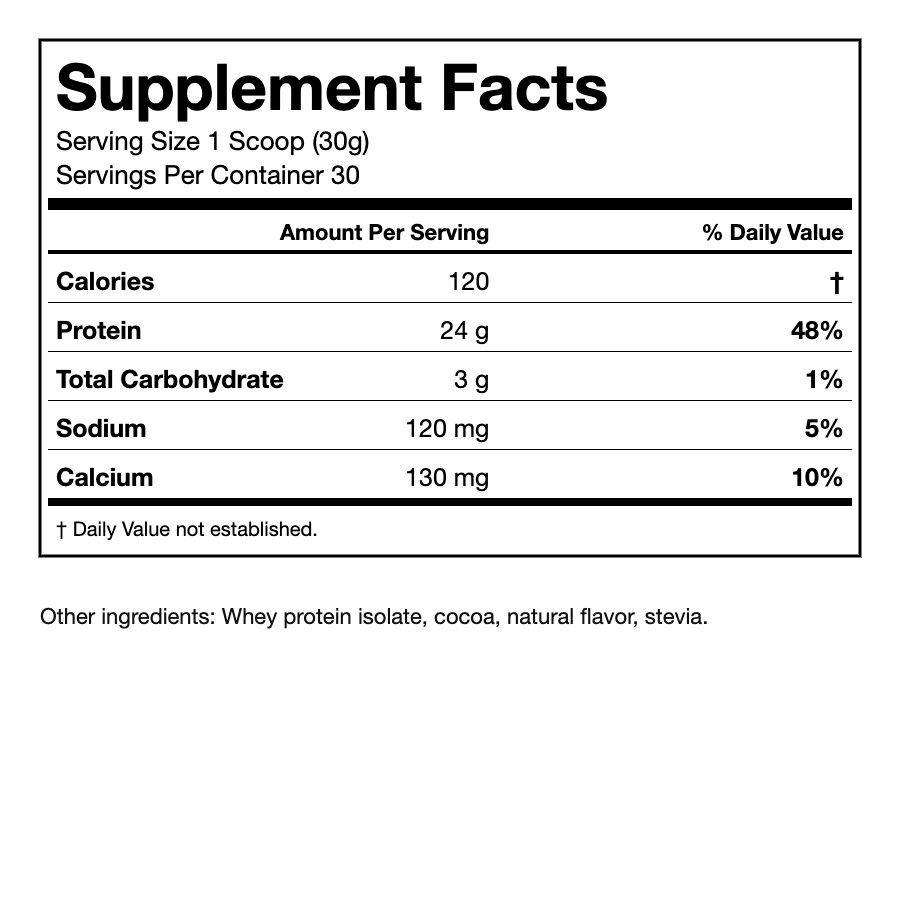
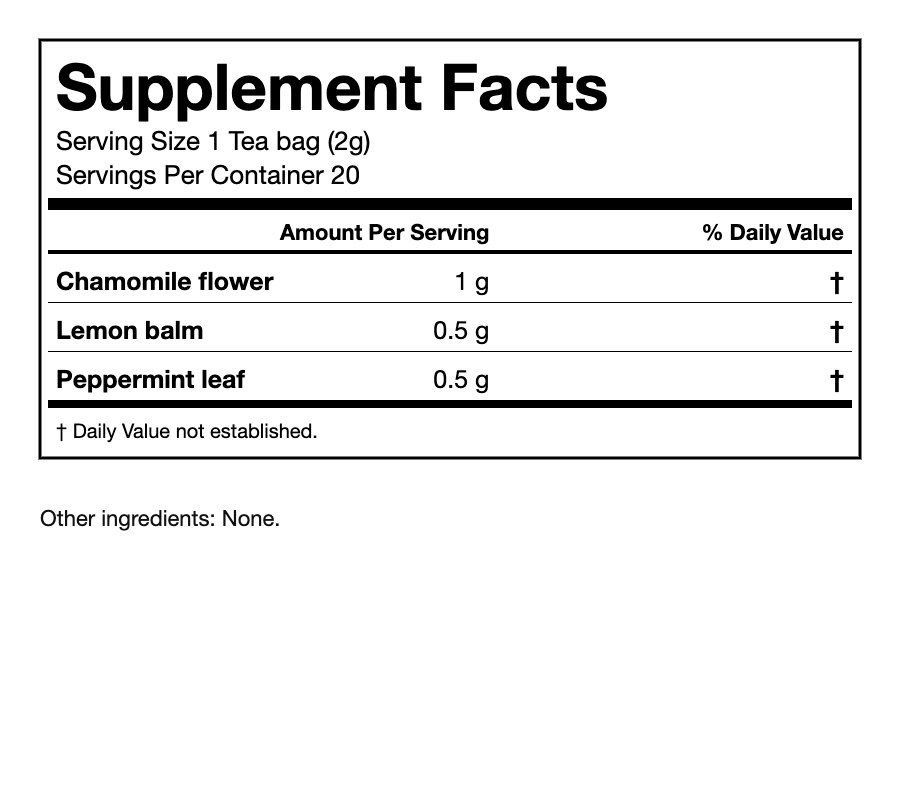
Supplement Facts Label Maker 사용 방법
- 01
Type the serving size and servings per container.
- 02
Add each ingredient as name, amount and % daily value.
- 03
Download the label as a PNG.
사람들이 이 도구를 사용하는 용도
Supplement brands
Mock up a panel for packaging design.
Students
Learn how supplement labels work.
Small makers
Herbal blends and powders.
더 나은 결과를 위한 팁
- List each ingredient with its exact form, like "as zinc citrate".
- Use the same units as your lab report.
- Ingredients without daily values get a † mark.
- Have your label checked before you sell.
FAQ
What does the † mean?
That no daily value has been set for that ingredient, which is common for herbs and extracts.
Is this label approved?
No. It follows the usual layout; check the rules for your market before you sell.
Supplement facts or nutrition facts?
Dietary supplements use a Supplement Facts panel; foods use Nutrition Facts.
What does † mean?
No daily value has been set for that ingredient.
Does Supplement Facts Label Maker upload what I type?
No. Supplement Facts Label Maker draws the page in your browser from what you type, so it works offline once the page has loaded and nothing is sent anywhere.
더 많은 Tools
Nutrition Facts Label Maker
Make an FDA-style nutrition facts label with daily values worked out.
Menu Template
A printable menu with sections, prices and descriptions.
Recipe Card Maker
Make a 4 × 6 inch recipe card with ingredients and steps.
Address Label Template
Print address labels on 30-per-sheet label paper and other sizes.
Award Certificate Maker
Make an award certificate with your own title and reason.
Table Number Maker
Print 4 × 6 inch table numbers for weddings and parties.