
Classroom Seating Chart
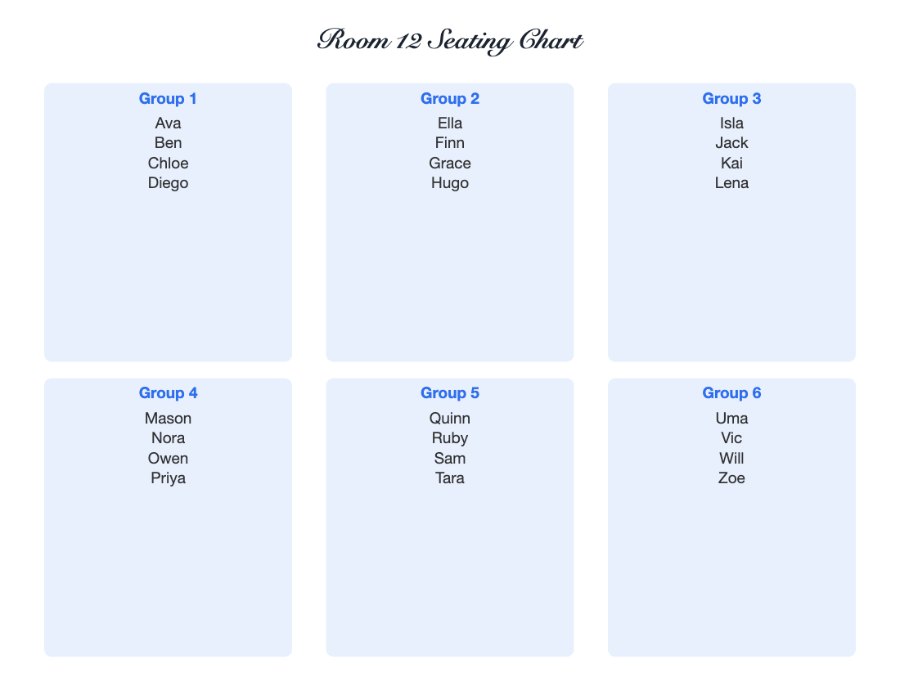
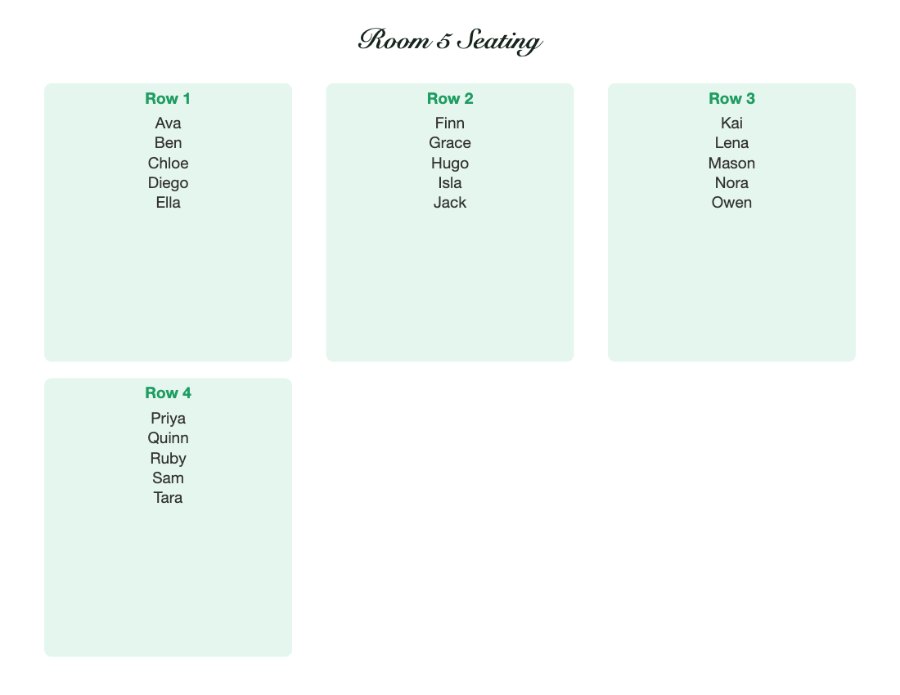
무료워크시트Type each group or row and the students in it. The plan prints landscape, handy for substitute teachers learning names.
- 인쇄용 PDF
- Letter 또는 A4
- 업로드된 항목 없음
Classroom Seating Chart 사용 방법
- 01
Type each group as "Group 1: name, name".
- 02
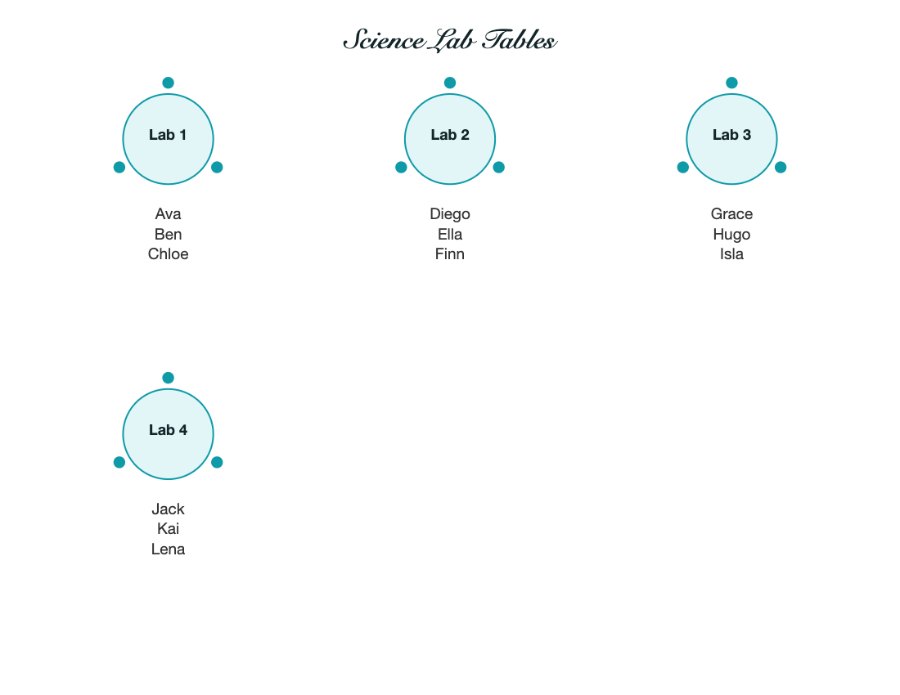
Pick round or square tables and colors.
- 03
Download a PDF to print, or a PNG.
사람들이 이 도구를 사용하는 용도
Substitute teachers
Learn names fast with a seating plan.
New classes
Plan seating before the first day.
Group work
Set up groups for projects.
더 나은 결과를 위한 팁
- Seat students who need support near the front.
- Mix talkers with quiet workers.
- Change seats every four to six weeks.
- Keep a copy in the sub folder.
FAQ
Can I set it up in rows?
Yes. Type "Row 1: names" for each row and turn off round tables.
How often should I change seats?
Many teachers switch every four to six weeks.
Rows or groups?
Rows suit tests and lectures; groups suit projects. Make one of each.
Does Classroom Seating Chart upload what I type?
No. Classroom Seating Chart draws the page in your browser from what you type, so it works offline once the page has loaded and nothing is sent anywhere.
더 많은 Tools
Report Card Template
A printable report card with grades, comments and signatures.
Spelling Test Template
A numbered spelling test with bonus lines and a word list page.
Worksheet Maker
Make a worksheet with your questions, answer lines and choices.
Alphabet Chart
A printable ABC chart with pictures and words, A to Z.
Hundreds Chart
A printable 100, 120 or 200-number chart with matching practice answers.
Crossword Maker
Make a crossword from your words and clues, with an answer key.