
Worksheet Maker
무료워크시트Add your questions and answer choices, then download every page as a PDF. Long text wraps and continues onto new pages without being cut off. Choose 0–8 answer lines for written questions.
- 인쇄용 PDF
- Letter 또는 A4
- 업로드된 항목 없음
View worksheet text
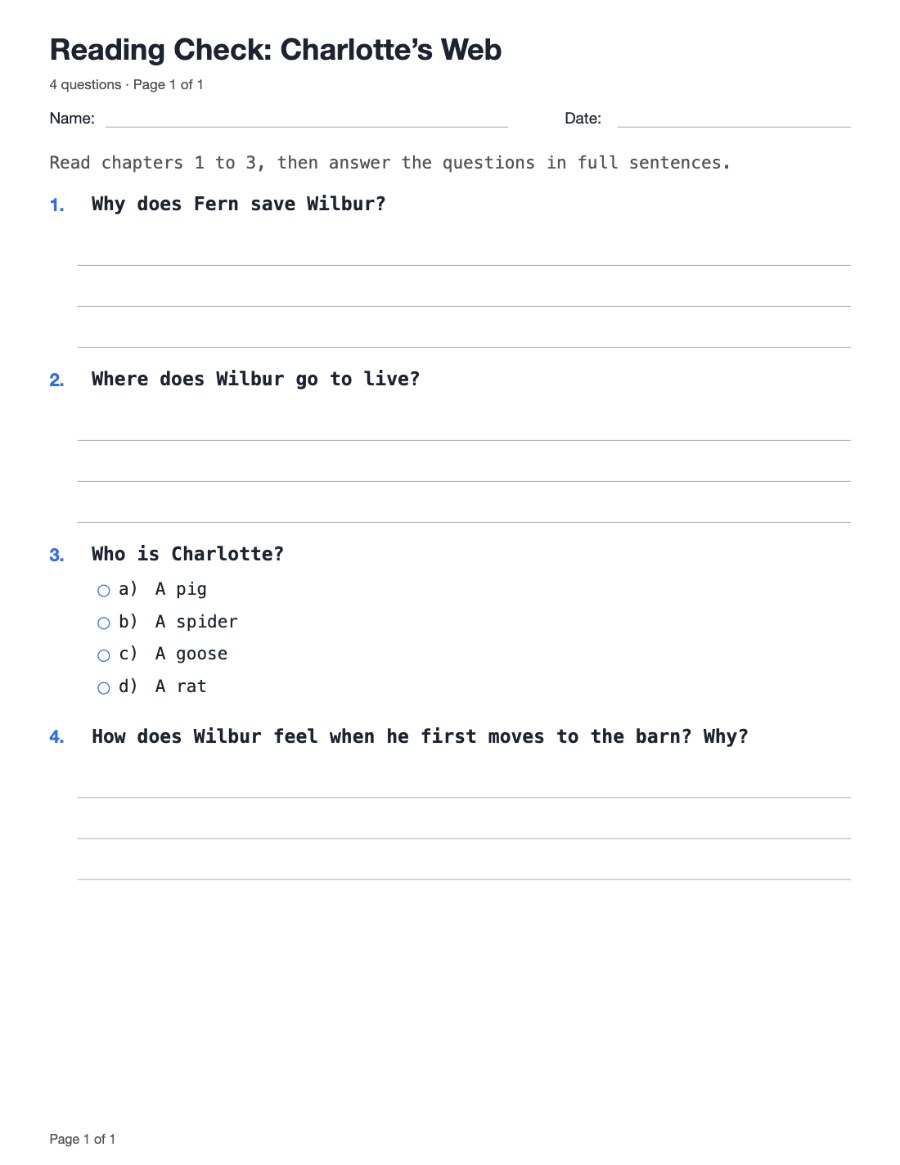
Read chapters 1 to 3, then answer the questions in full sentences.
Why does Fern save Wilbur?
Where does Wilbur go to live?
Who is Charlotte?
- A pig
- A spider
- A goose
- A rat
How does Wilbur feel when he first moves to the barn? Why?
All 4 questions are included. The PDF contains every page. This tool formats your text; it does not generate or grade answers.

Worksheet Maker 사용 방법
- 01
Fill in the options; the worksheet redraws as you type.
- 02
Pick colors and Letter or A4.
- 03
Download a PDF to print, or a PNG.
사람들이 이 도구를 사용하는 용도
Teachers
Quick quizzes and reading checks.
Tutors and parents
Practice sheets for any topic.
Trainers
Short knowledge checks after a session.
더 나은 결과를 위한 팁
- Write one clear question per line.
- Put answer choices under the question, starting with a dash.
- Mix short answer and multiple choice.
- Leave enough answer lines for full sentences.
FAQ
How do I make multiple choice?
Put choices under their question, each starting with a dash and a space. Asterisk, bullet and letter markers such as a) followed by a space also work. Prefix a line with a backslash to keep the whole line as a question.
How much text can I use?
Use up to 50 questions of 1000 characters each, with up to 10 choices of 500 characters per question. The question list can contain at most 30000 characters; instructions can contain 2000. Long text continues on additional pages.
Can I remove the answer lines?
Yes. Set Answer lines to 0. Choice questions never add written-answer lines.
Can I make an answer key?
This tool formats the text you provide. It does not solve questions or mark correct choices. Prepare a separate teacher copy or write answers on a printed copy.
Does Worksheet Maker upload what I type?
No. Worksheet Maker draws the page in your browser from what you type, so it works offline once the page has loaded and nothing is sent anywhere.
더 많은 Tools
Classroom Seating Chart
A printable classroom seating plan by table group or row.
Report Card Template
A printable report card with grades, comments and signatures.
Spelling Test Template
A numbered spelling test with bonus lines and a word list page.
Handwriting Worksheet
Make handwriting practice sheets from your own sentences.
Letter Tracing Worksheet
Dotted letter tracing rows with a solid example letter, A to Z.
Alphabet Chart
A printable ABC chart with pictures and words, A to Z.