
Graph Paper Generator
무료워크시트Choose the square size and add bold lines every 5 or 10 squares for math, charts or floor plans. Download the PDF and print on matching paper at 100% or Actual size; Fit to page changes the scale.
- 인쇄용 PDF
- Letter 또는 A4
- 업로드된 항목 없음
Paper measurements and printing
US Letter: 8.5 × 11 inches. Half-inch safe margins.
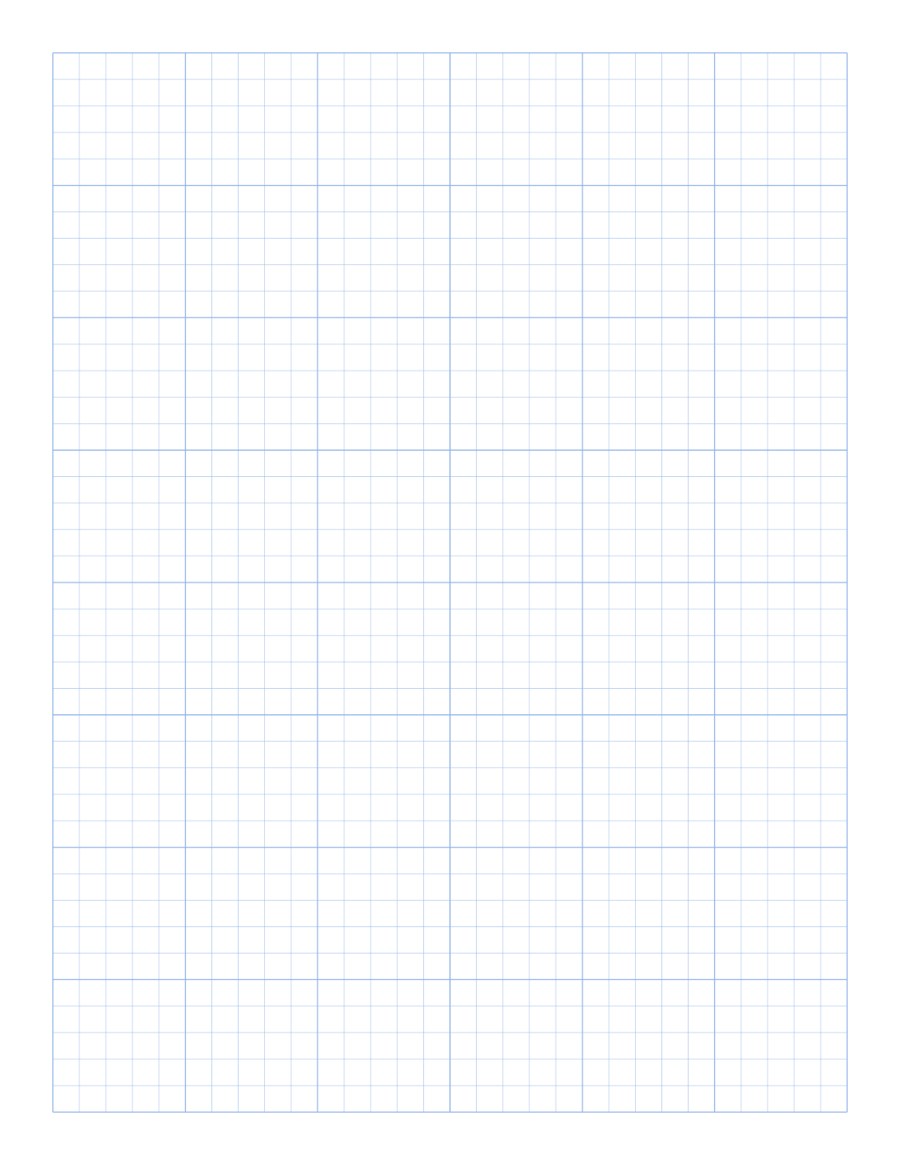
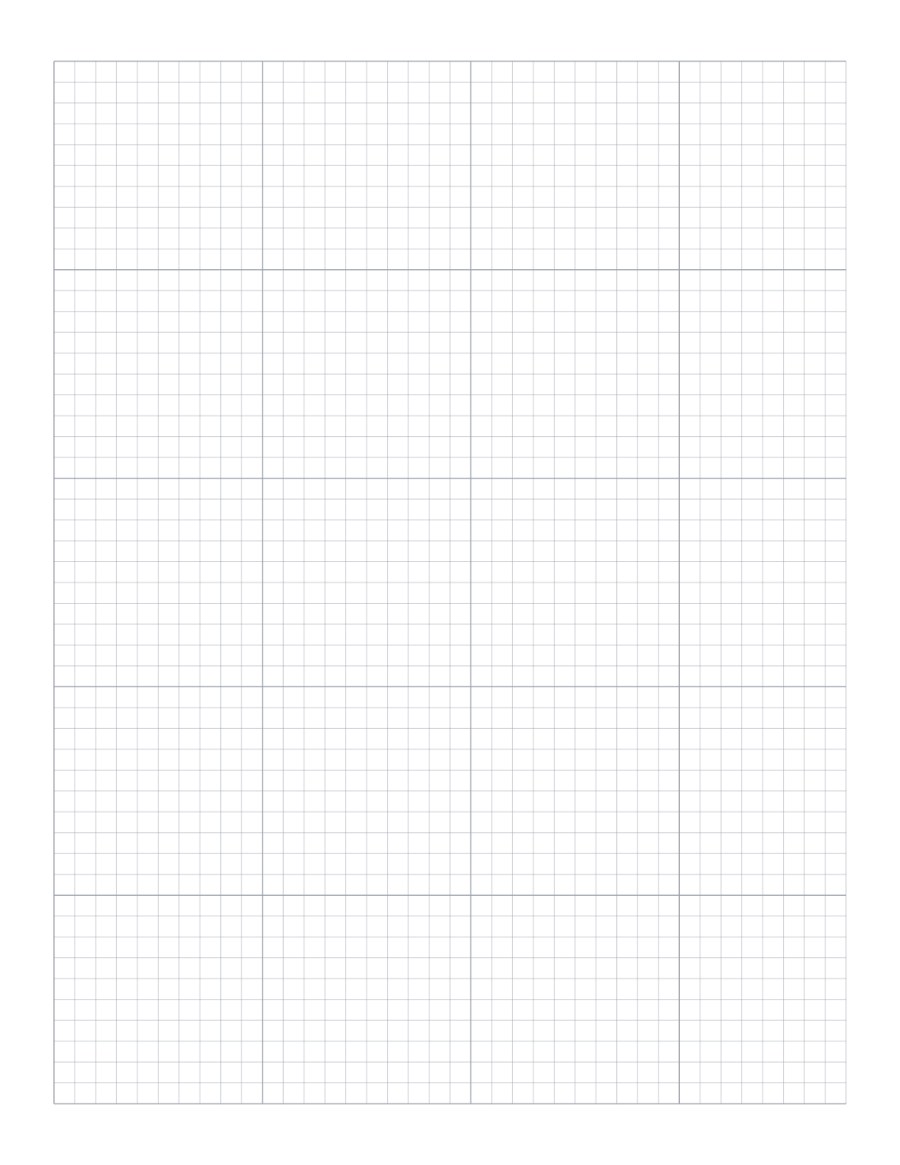
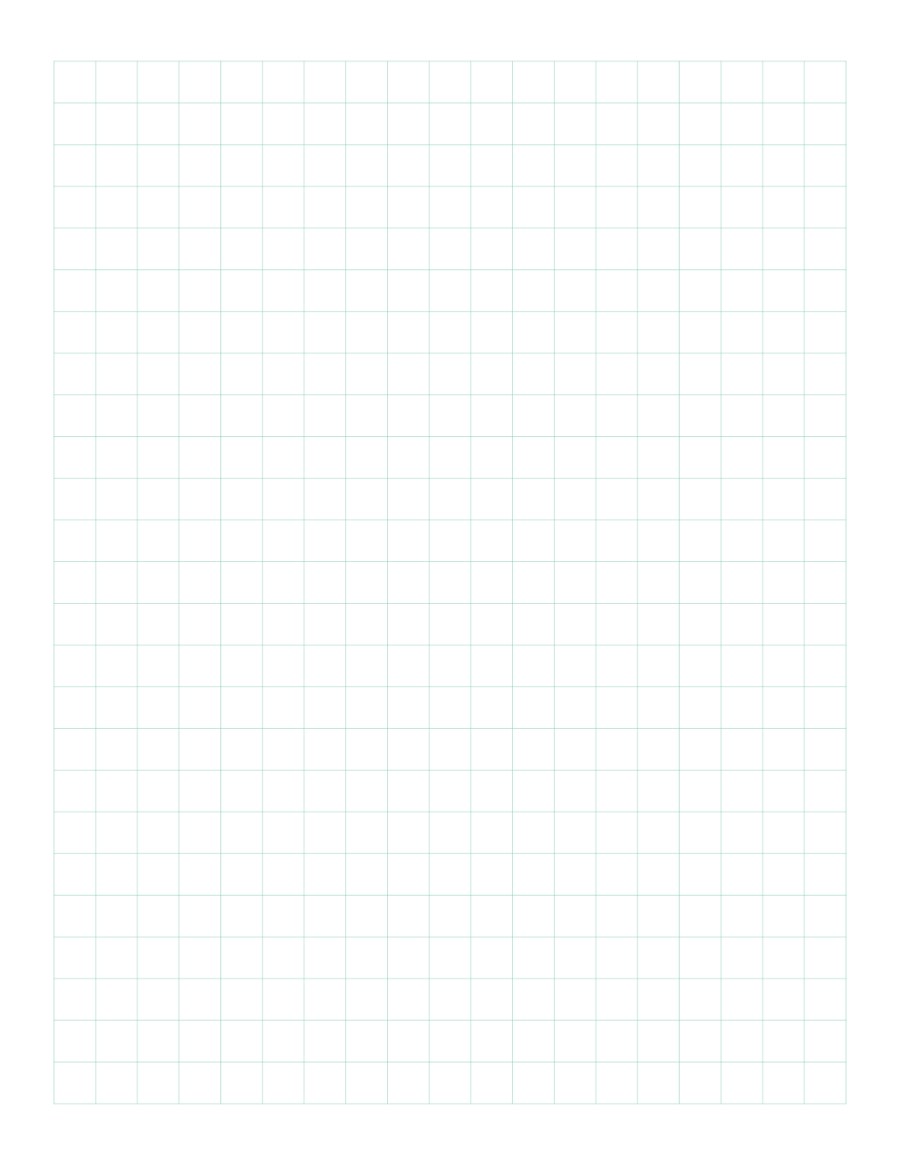
6.35 mm between grid lines. 30 × 40 squares. Bold lines every 5 squares.
Download the PDF and print on matching paper at 100% or Actual size. Turn off Fit to page. PNG and screen previews do not set a physical print scale.
Graph Paper Generator 사용 방법
- 01
Pick the paper and the spacing.
- 02
Pick the line color and Letter or A4.
- 03
Download the PDF, use matching paper and print at 100% or Actual size. PNG does not set a physical print scale.
사람들이 이 도구를 사용하는 용도
Math class
Graphs, equations and geometry.
Floor plans
Sketch rooms to scale.
Knitting and pixel art
Plan patterns square by square.
더 나은 결과를 위한 팁
- ¼ inch squares: one square can be one foot in a floor plan.
- Bold lines make counting easier.
- Print at 100%.
- Use light colors so your drawing stands out.
FAQ
What size are graph paper squares?
In the US, ¼ inch (4 squares per inch) is standard. Metric paper uses 5 mm or 1 cm.
Can I use it for floor plans?
Yes. With ¼ inch squares, one square is often one foot.
Can I print on A4?
Yes. Pick A4 under Paper and use A4 in your print dialog at Actual size. Choose Letter when printing on US Letter paper.
Does Graph Paper Generator upload what I type?
No. Graph Paper Generator draws the page in your browser from what you type, so it works offline once the page has loaded and nothing is sent anywhere.
더 많은 Tools
Dot Grid Paper
Printable dot grid paper, 3 mm to 1 cm, Letter or A4.
Lined Paper Generator
Printable lined paper in wide, college or narrow rule.
Music Staff Paper
Printable blank staff paper with 6 to 14 staves per page.
Alphabet Chart
A printable ABC chart with pictures and words, A to Z.
Classroom Seating Chart
A printable classroom seating plan by table group or row.
Handwriting Worksheet
Make handwriting practice sheets from your own sentences.