Product & ecommerce
Describe materials, lighting and the product details the viewer needs to see.
Product image promptsExplore GPT Image 2 prompts for product images, posters and portraits. See real results, learn what to change and find related image workflows.
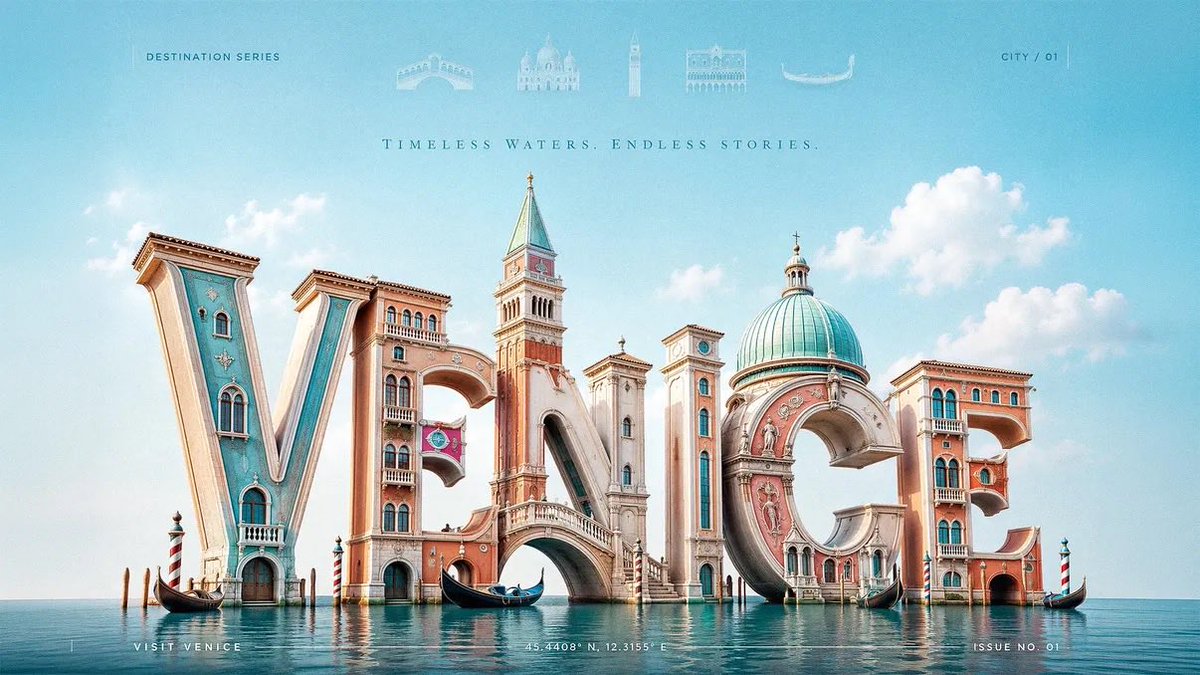
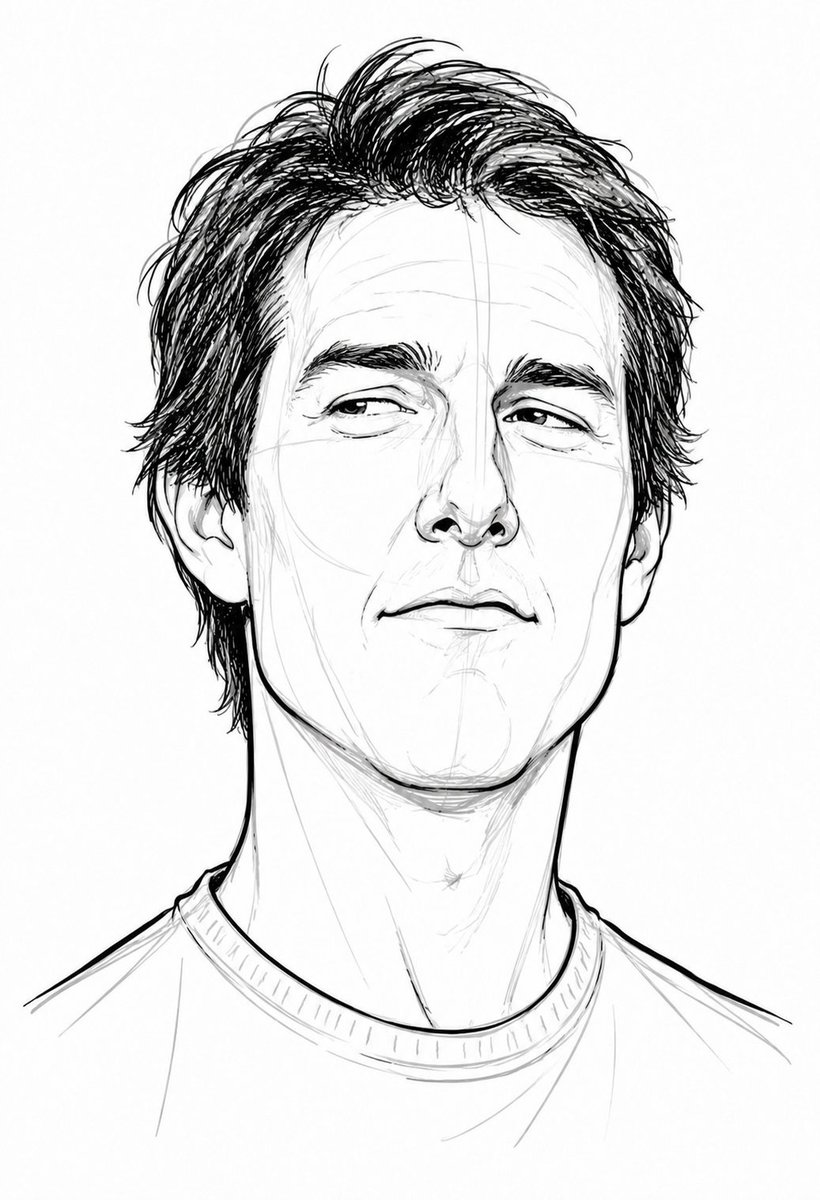

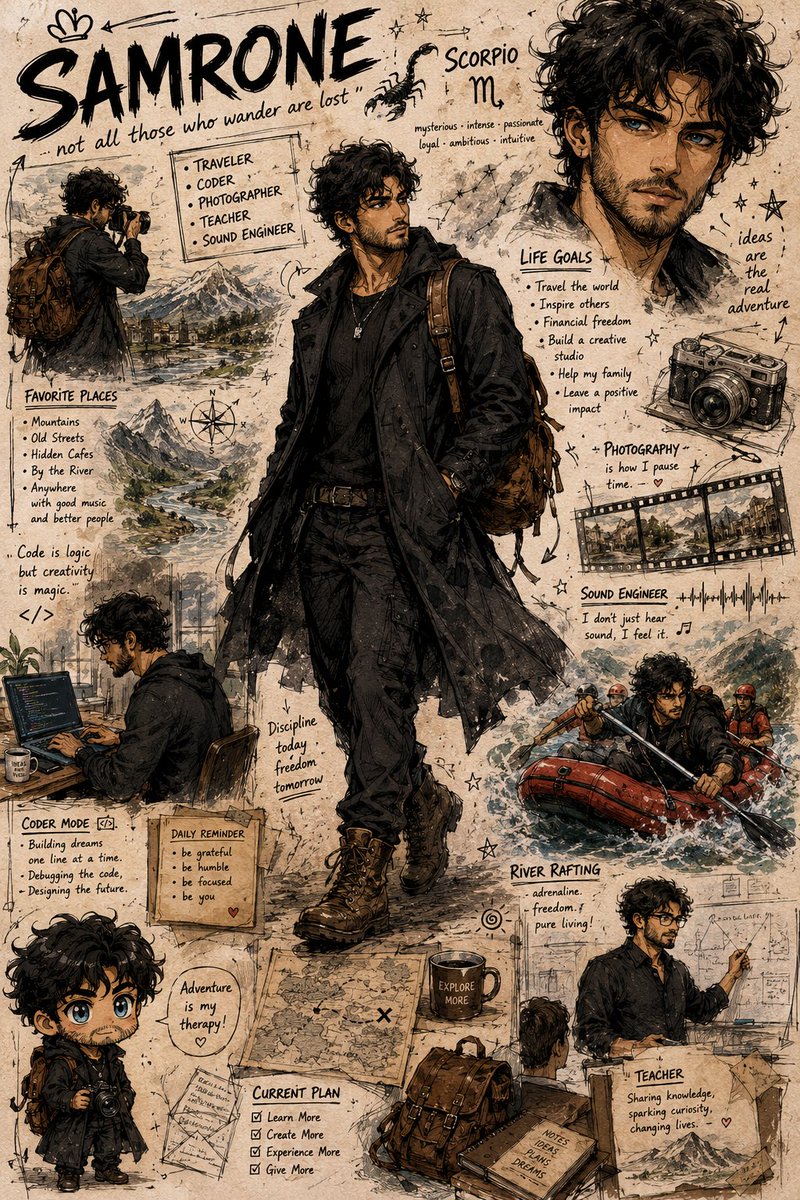
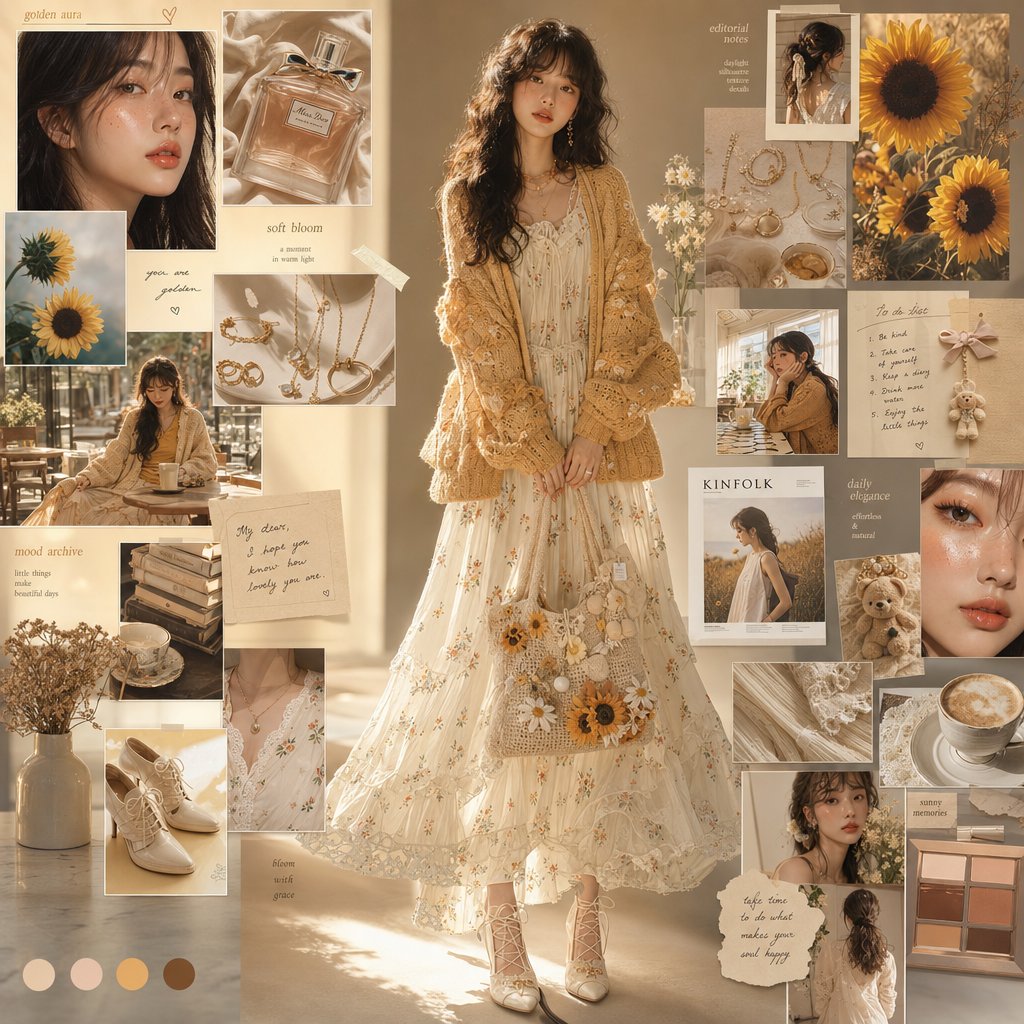
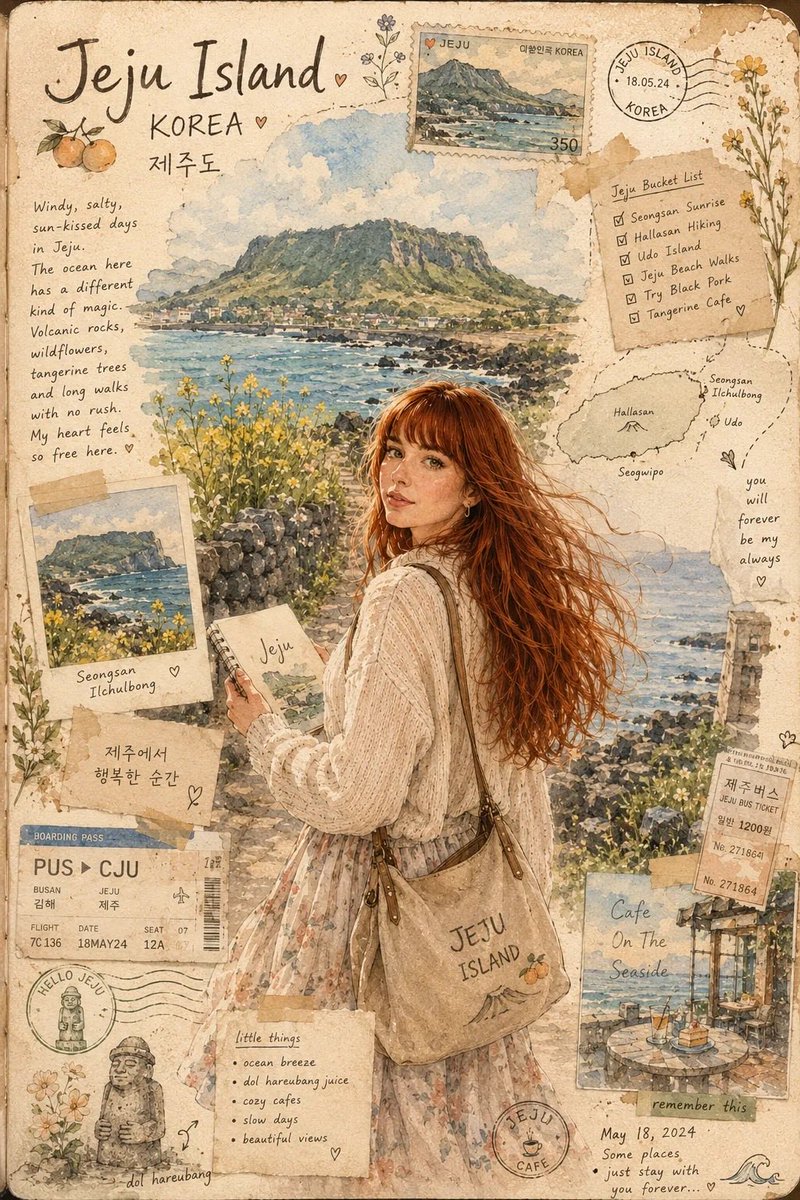
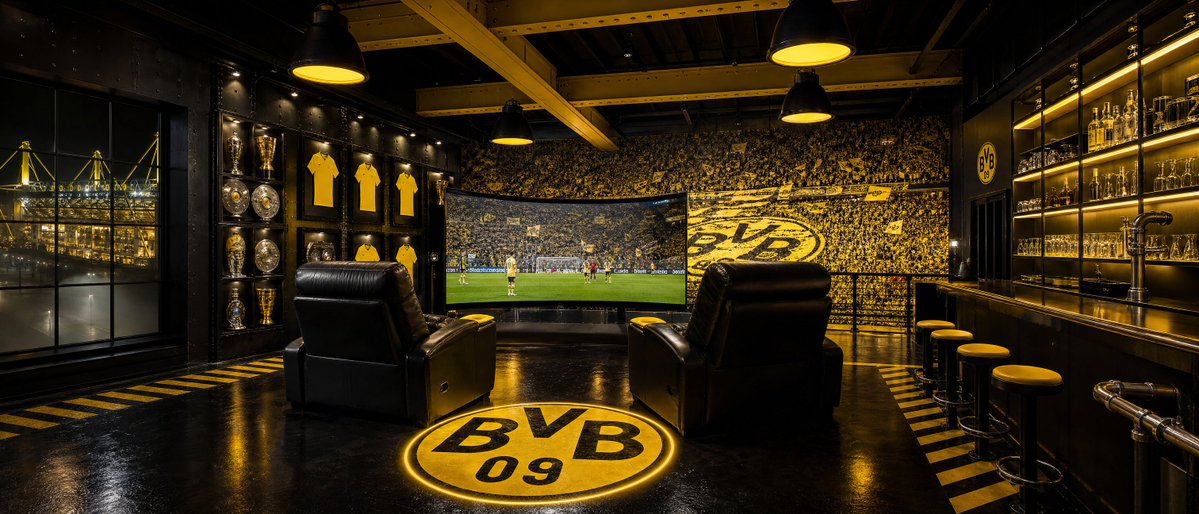
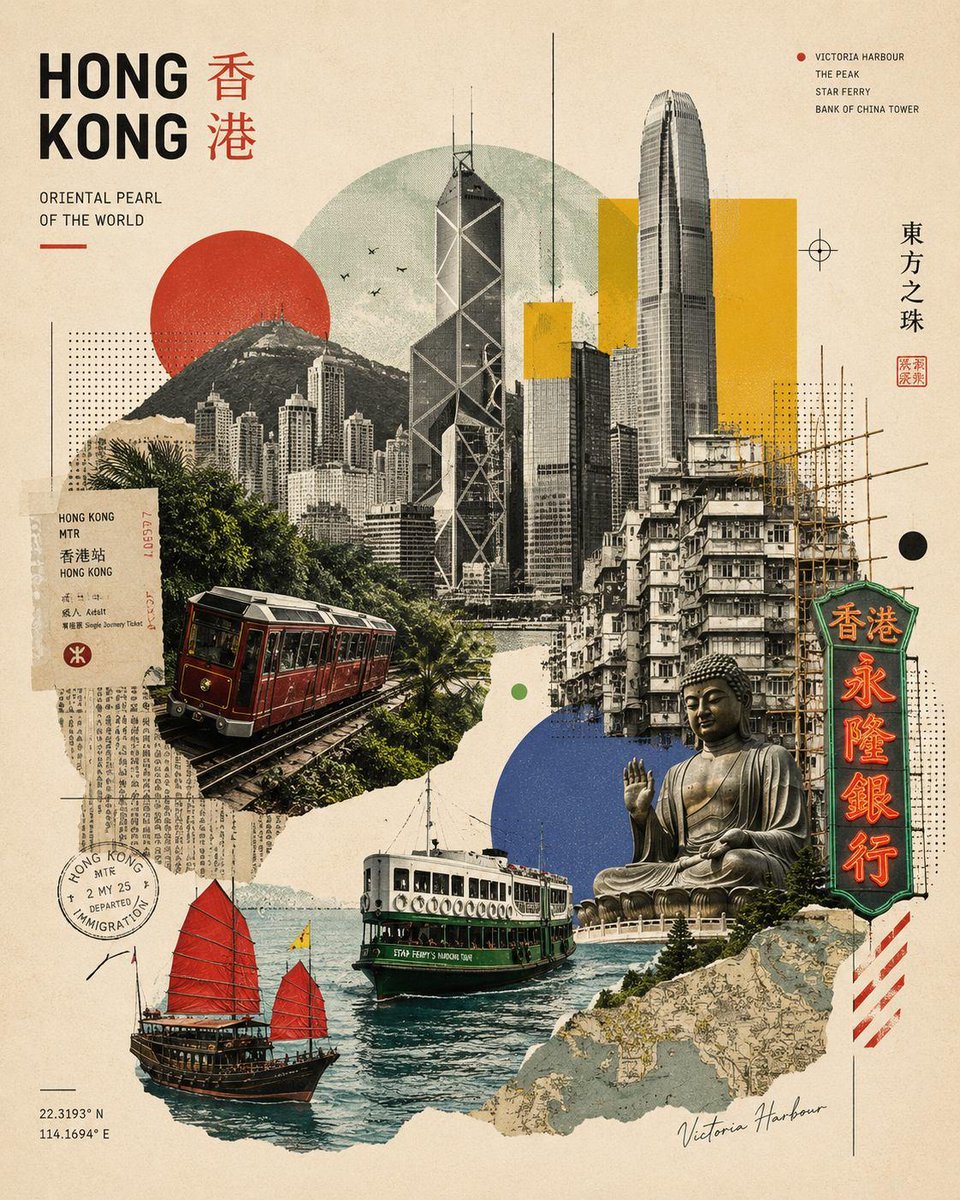
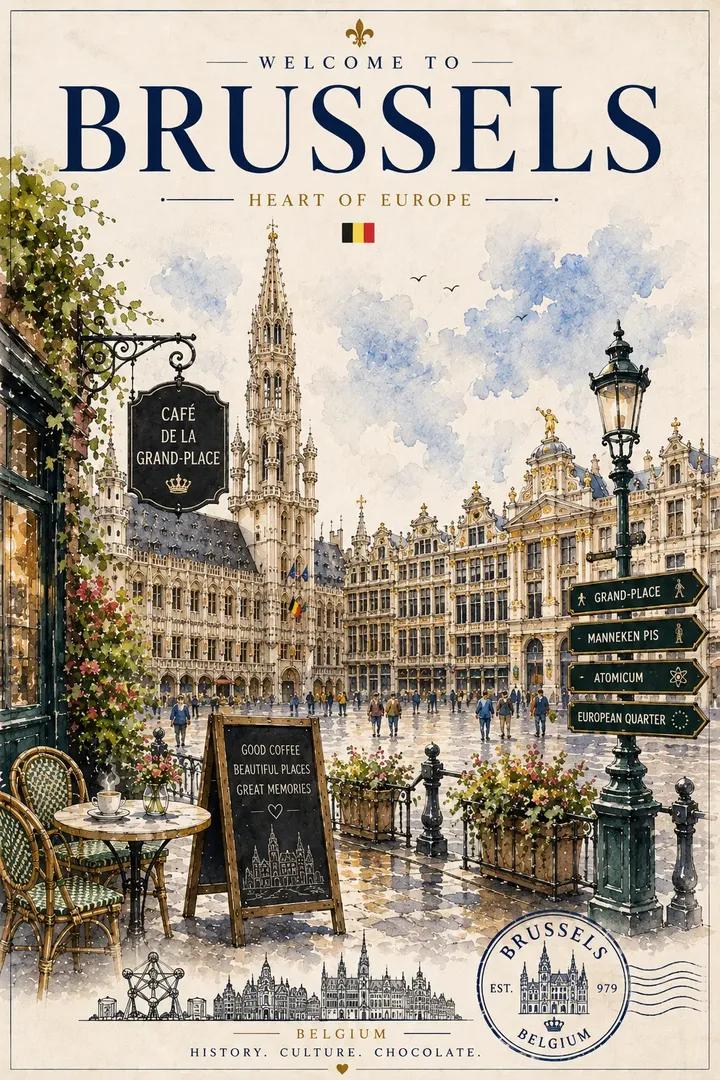
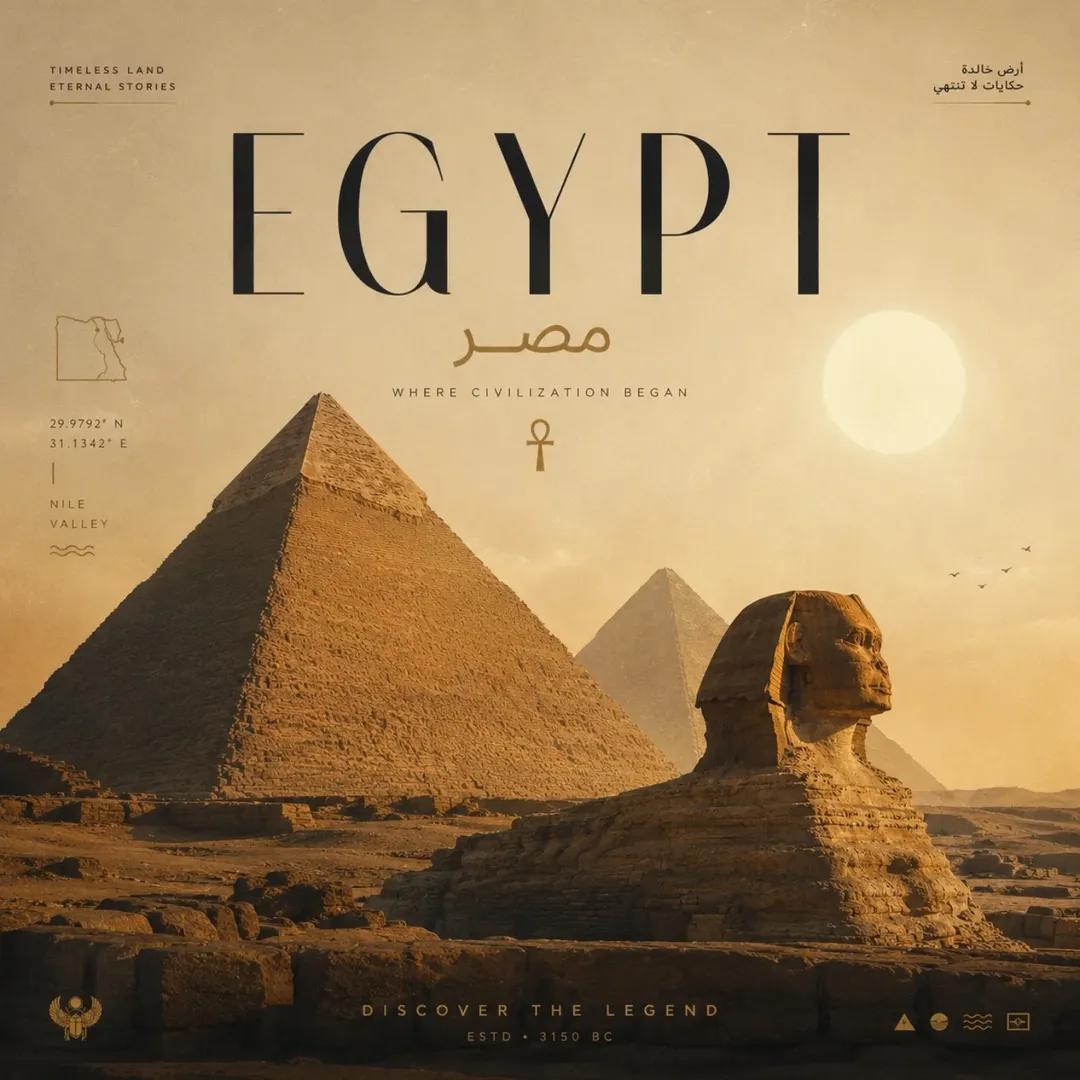
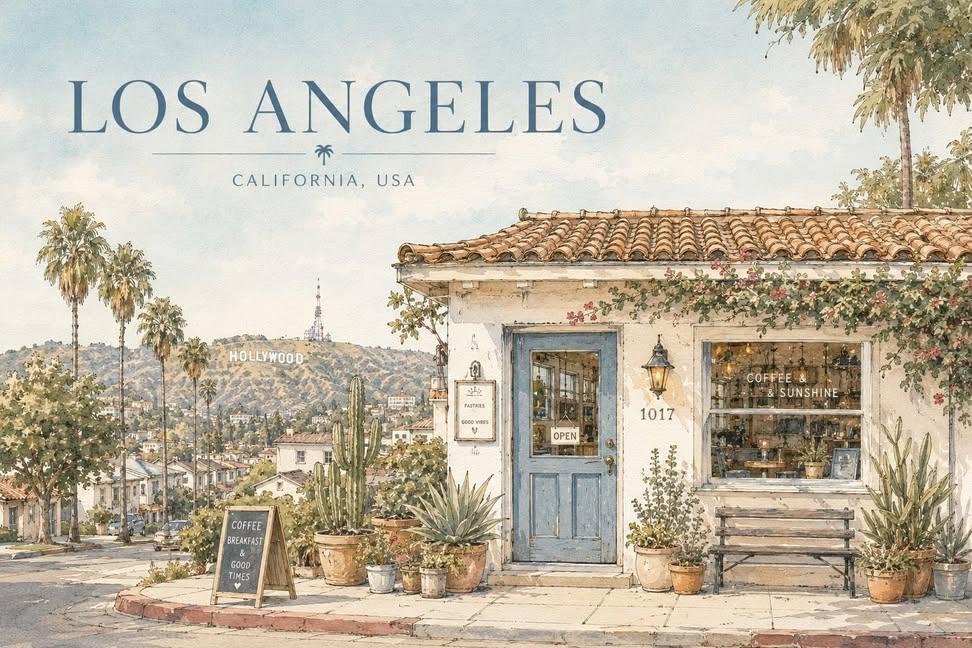
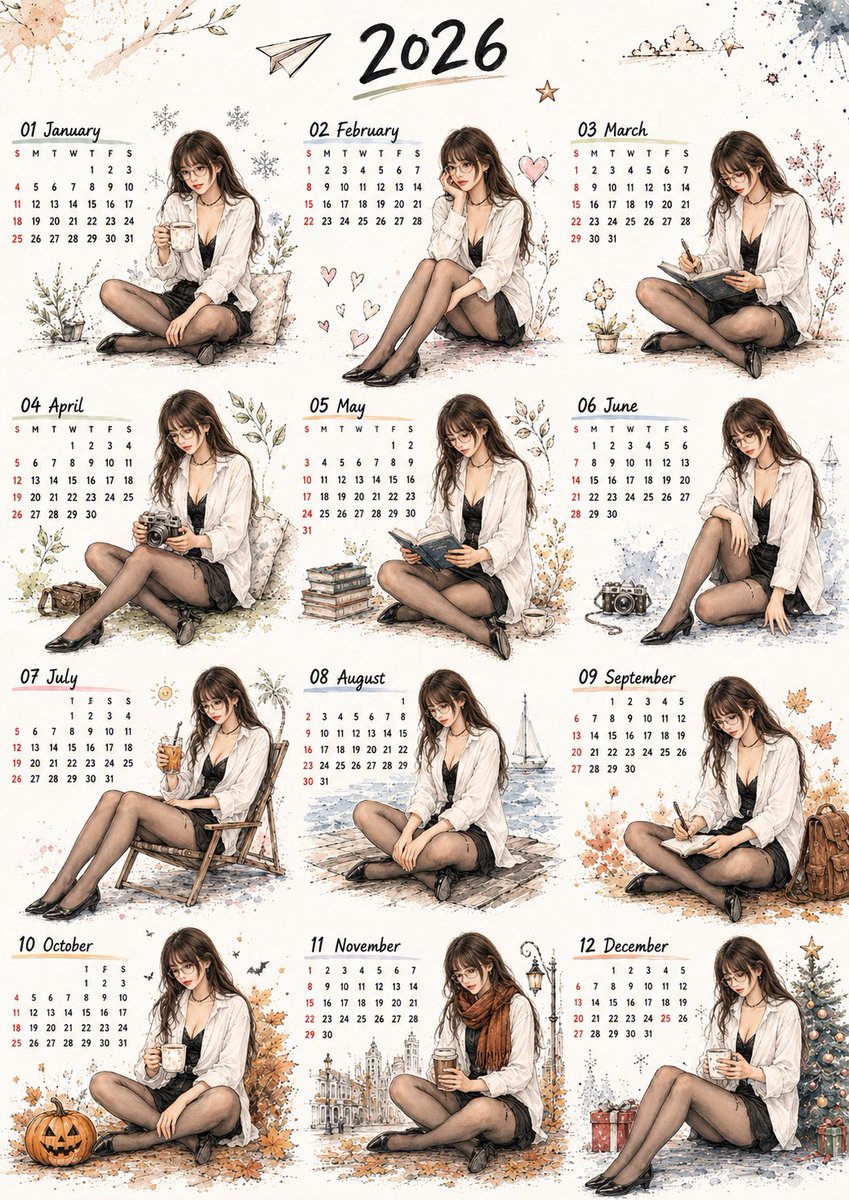
This collection brings together prompts and images shared by creators for GPT Image 2. Read the original prompt alongside its result to understand how subject, composition and visual style work together.
Use each example as a starting point. Reference images, model settings and generation variation can change the result.
Start with a task, then explore the possibilities.
Describe materials, lighting and the product details the viewer needs to see.
Product image promptsDefine the message, visual hierarchy and space for exact wording.
Poster promptsExplore framing, atmosphere and lighting with a clear subject in mind.
Portrait promptsSpecify what should change and what should remain in the reference image.
Editing promptsMatch the example to your input, then adapt it to your brief.
| What you have | What to look for | Next step |
|---|---|---|
| A text brief | Subject, setting, framing, materials and lighting. | Browse prompt examples |
| An existing image | Whether reference input is required and which details should stay unchanged. | Find editing prompts |
| A repeatable campaign | A reusable workflow for multiple assets, rather than one image. | Explore image Skills |
Check the original result, prompt and any reference-image requirements.
Replace the subject and exact copy, then adjust composition and style.
Inspect lettering, product details and visual consistency in the generated image.
A few things to know before you start.
Not necessarily. Model versions, reference images, settings and variation can change the result. Use each example as a starting point.
No. Some examples describe editing or transforming an input image. Check the detail page and provide the required reference in a tool that supports it.
Yes. State the exact words, their placement and the visual hierarchy. Inspect the generated lettering rather than assuming it is correct.
The collection credits the original creators and links to their posts. Check the source and applicable terms before reusing someone else’s work.