Seedance 2 video prompts and examples
Prompts people shared for Seedance 2.0 video, with the clips they got.
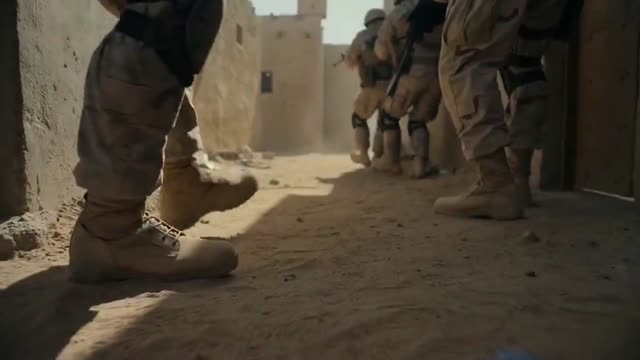
IMAX-Style Desert Sandstorm Scene with Denis Villeneuve Aesthetic
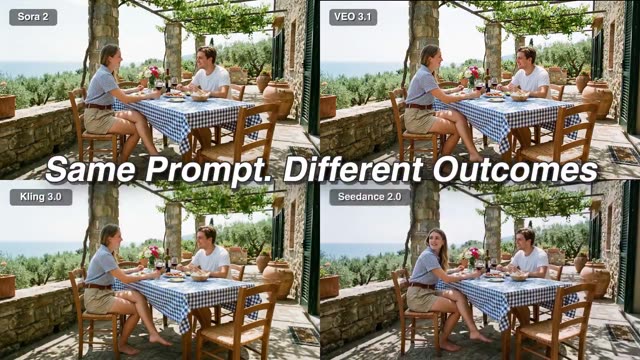
South Indian Cinema Alien Scene Generated from Single Prompt
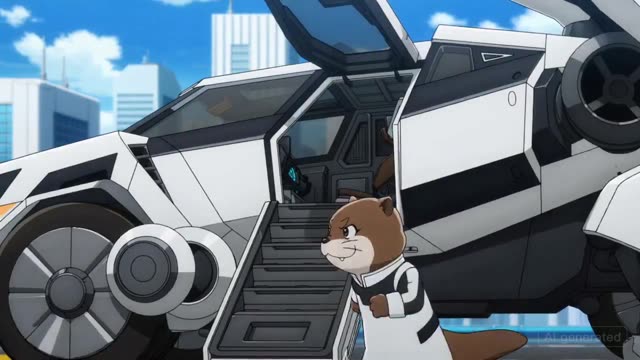
Otter Entering Giant Mecha Animation Scene with Detailed Mechanical Shots
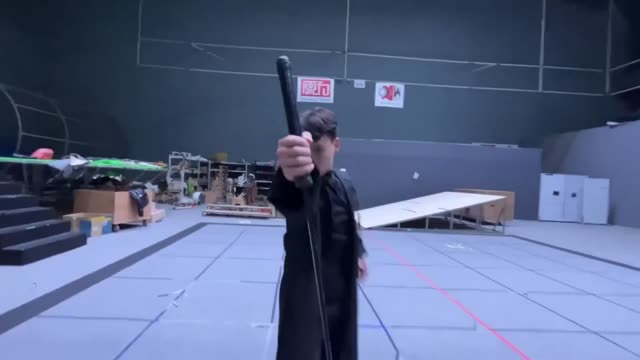
Quick Test of Female Controlling Plane in Complex Action Scene
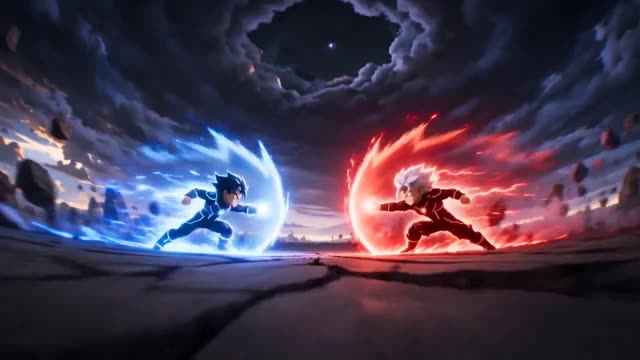
Anime Super Energy Battle
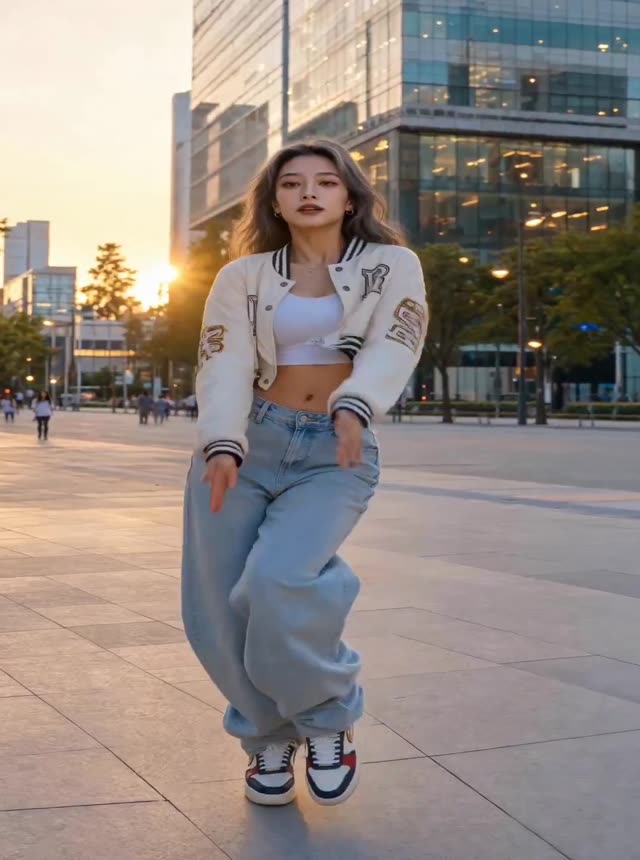
Hip-hop Dancer Sunset City
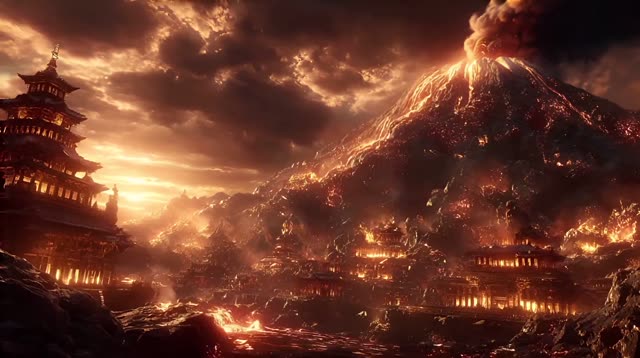
Volcanic Temple City
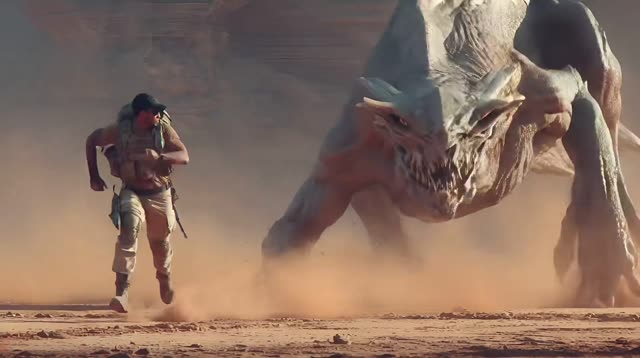
Desert Monster Chase
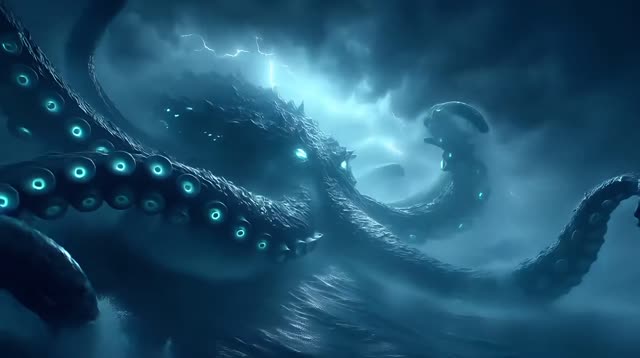
Giant Octopus Storm

cat at the table
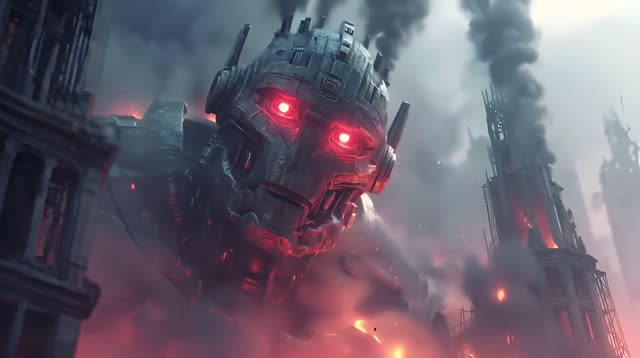
Robot War Machine
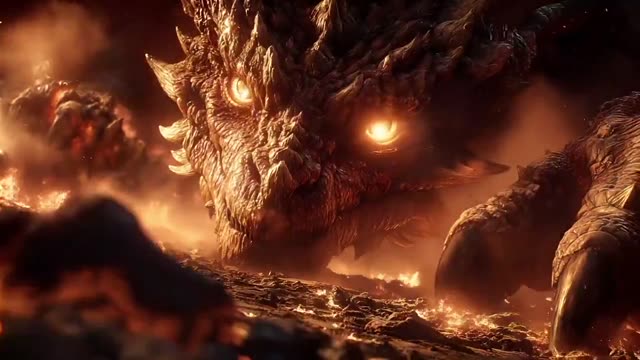
Dragon in the Ashes
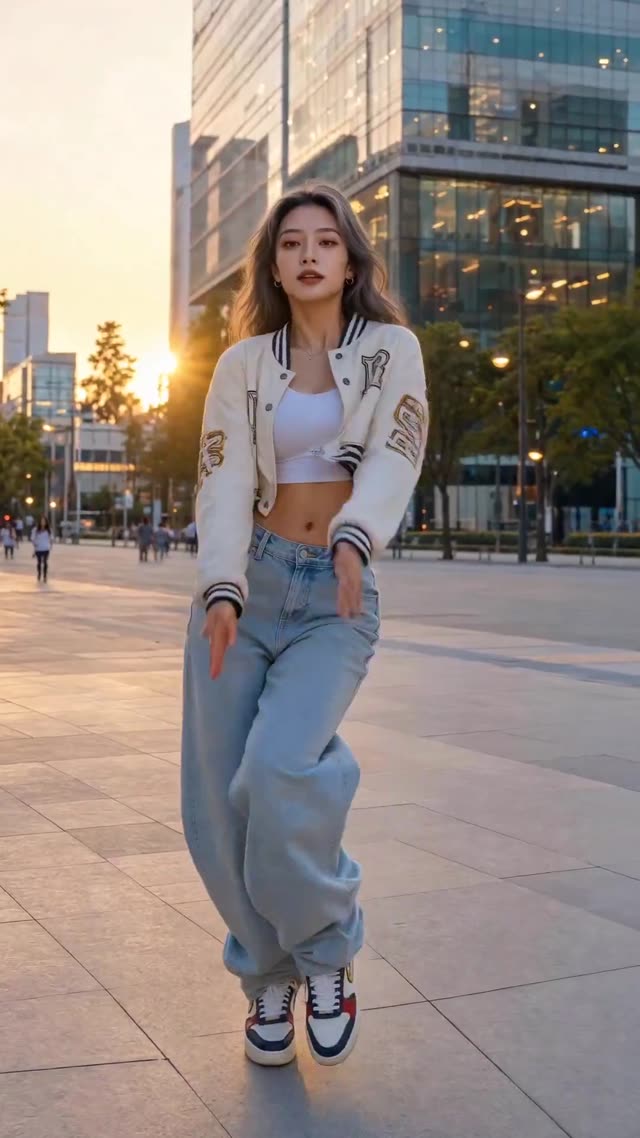
Golden Plaza Routine
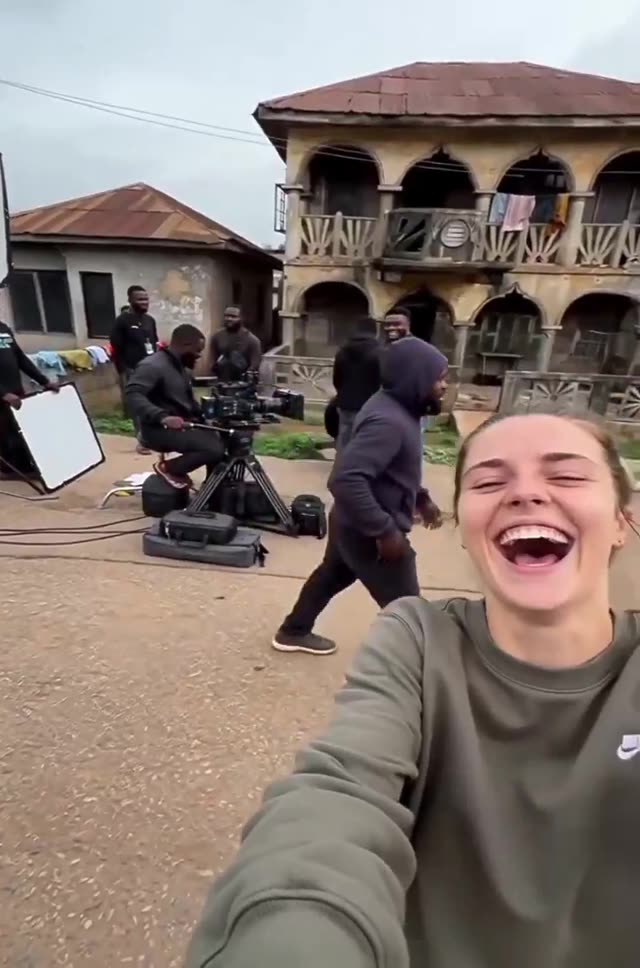
Filming on location
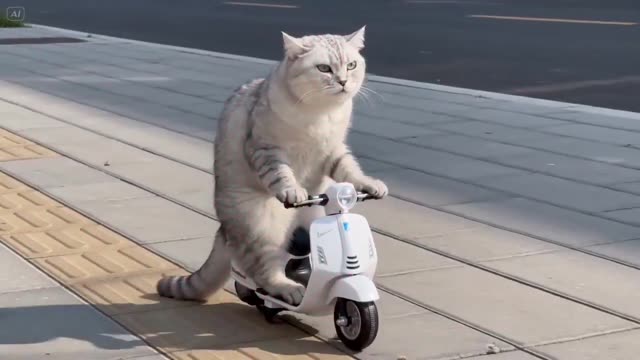
Chubby Cat Scooter Crash
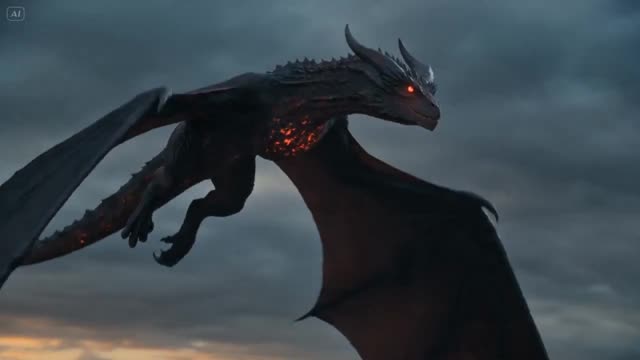
Flying Dragon in Storm
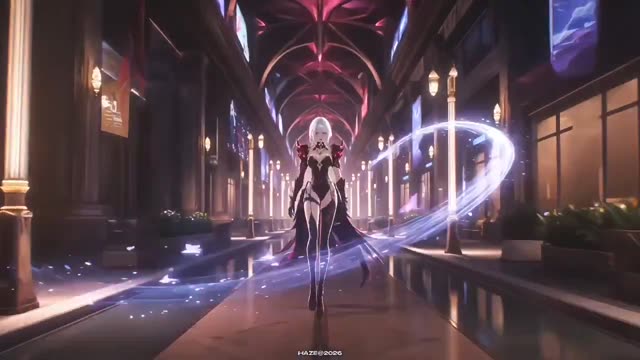
silver-haired warrior
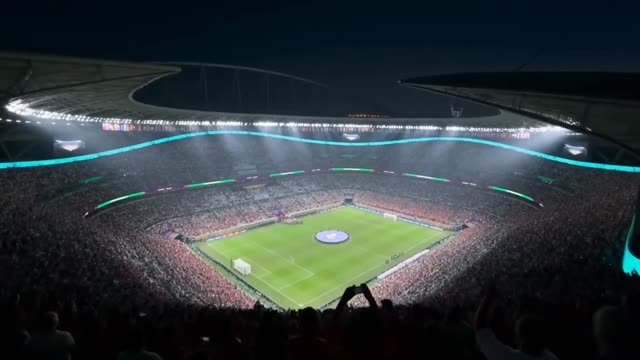
Stadium Night Lights
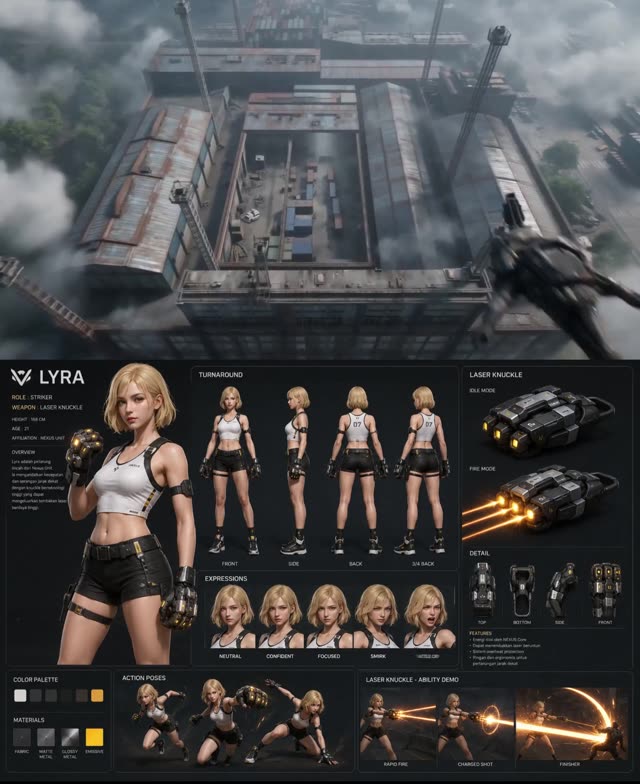
Character Design Sheet Lyra
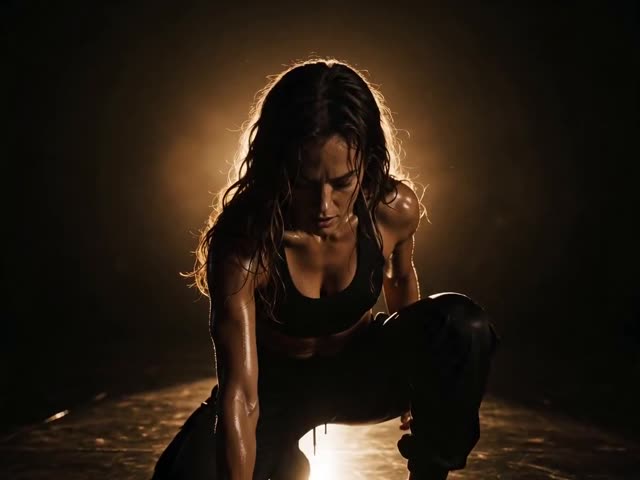
Sweat and Strength
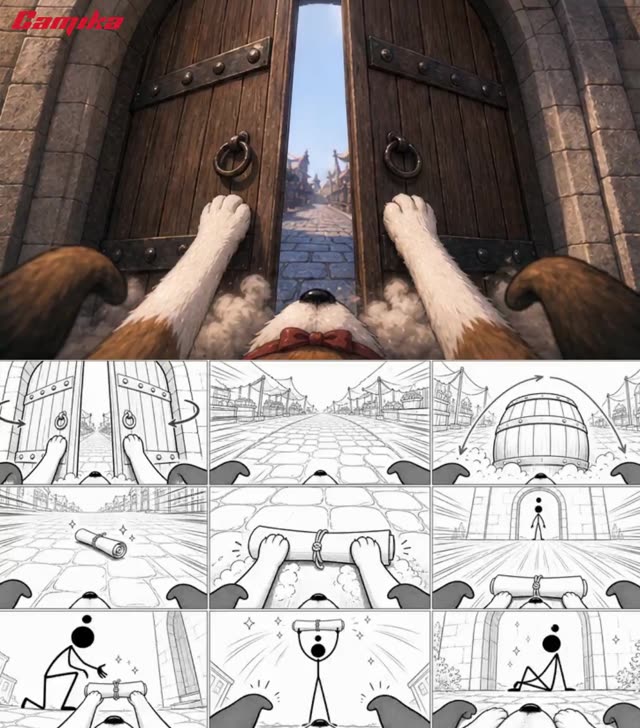
A Puppy's Magical Delivery
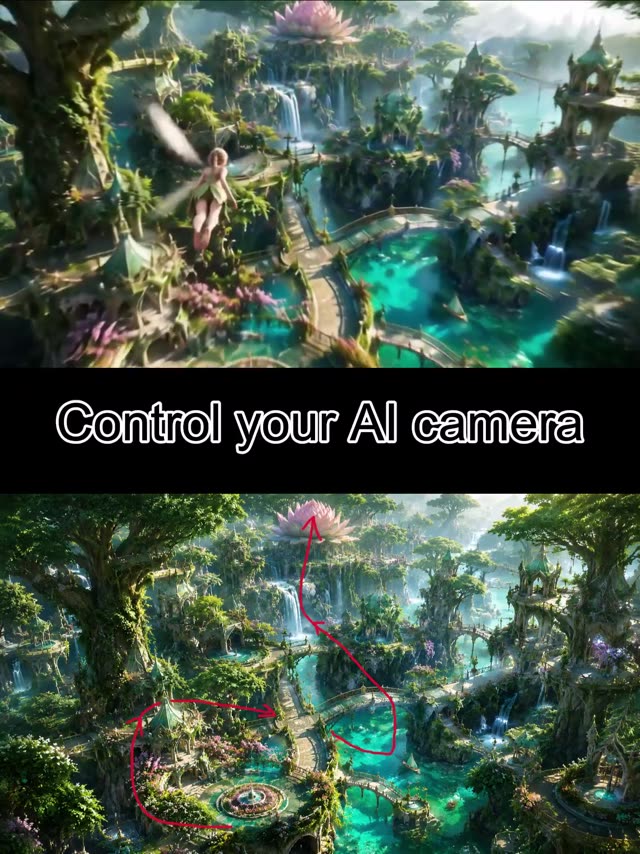
Fairy's Flight through Enchanted Lotus Realm
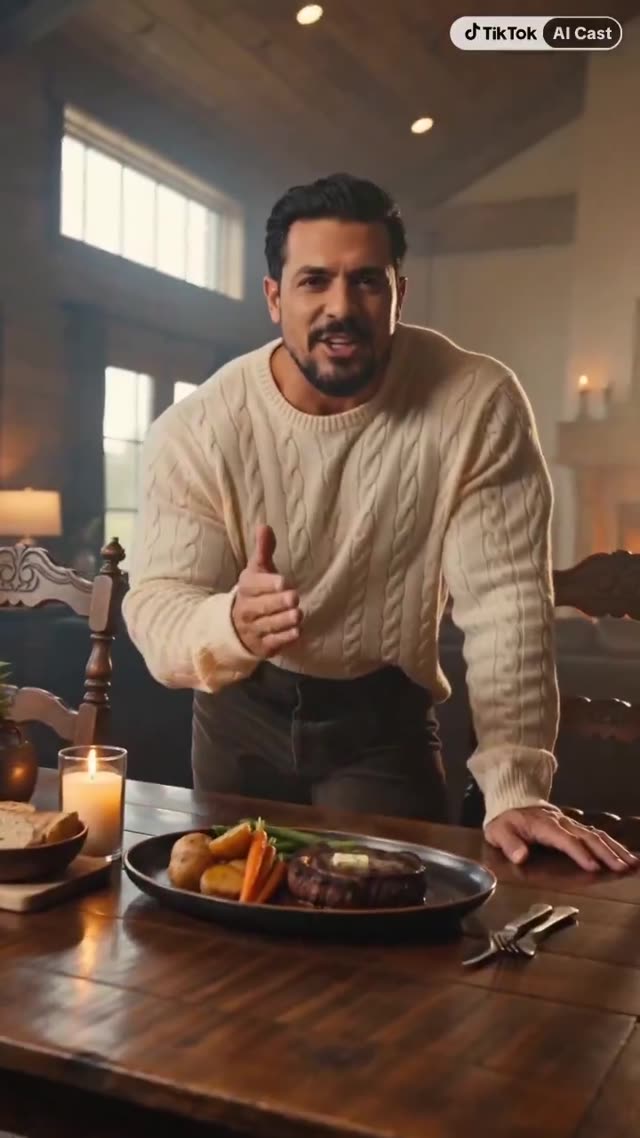
Cozy Lodge Steak Dinner Presentation
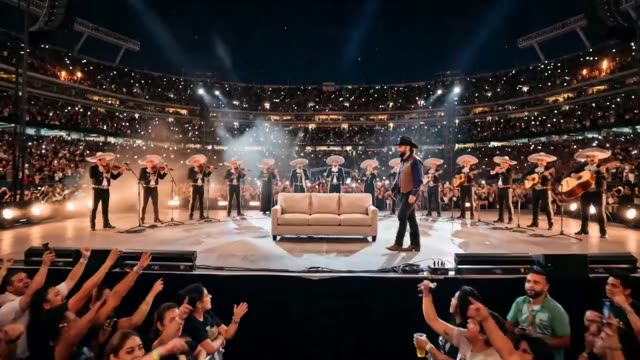
Live Concert Broadcast
Describe the scene. Shape the movement.
Prompts people shared for Seedance 2.0 video, with the clips they got.
Review the original clip and its required references before adapting the prompt.
Choose a video direction.
Start with a task, then explore the possibilities.
Which starting point fits?
Match the example to your input, then adapt it to your brief.
| What you have | What to look for | Next step |
|---|---|---|
| A scene idea | Describe the subject, action, setting and camera movement. | Cinematic prompts |
| A product brief | Define the product details, sequence and final message. | Commercial prompts |
| A reusable process | Choose a Skill if you need planning, code or multiple production steps. | Video Skills |
Adapt a video prompt in three steps.
Watch the original
Check the motion, cuts and any reference inputs used.
Describe your scene
Replace the subject and action; define camera movement and timing.
Review the clip
Inspect motion continuity, subject consistency and the requested framing.
Working with Seedance 2 prompts.
A few things to know before you start.
Is a reference image required?
Some examples need an input image or clip. Read the original prompt and use a tool that supports those inputs.
Can I control duration and camera movement?
Describe the intended timing and camera action, then check the parameters supported by the model and tool you use.
Will the result match the example?
Results vary with model version, settings and reference material. Review the generated clip before using it.
Who owns these prompts and examples?
The collection credits the original creators and links to their posts. Check the source and applicable terms before reusing someone else’s work.