Introduce a product
Explain a feature, show a workflow or tell the story behind a launch.
Product launch SkillsBrowse video Skills for visual stories, explainers and photo animation. Compare inputs, explore real examples and choose a workflow for your next film.
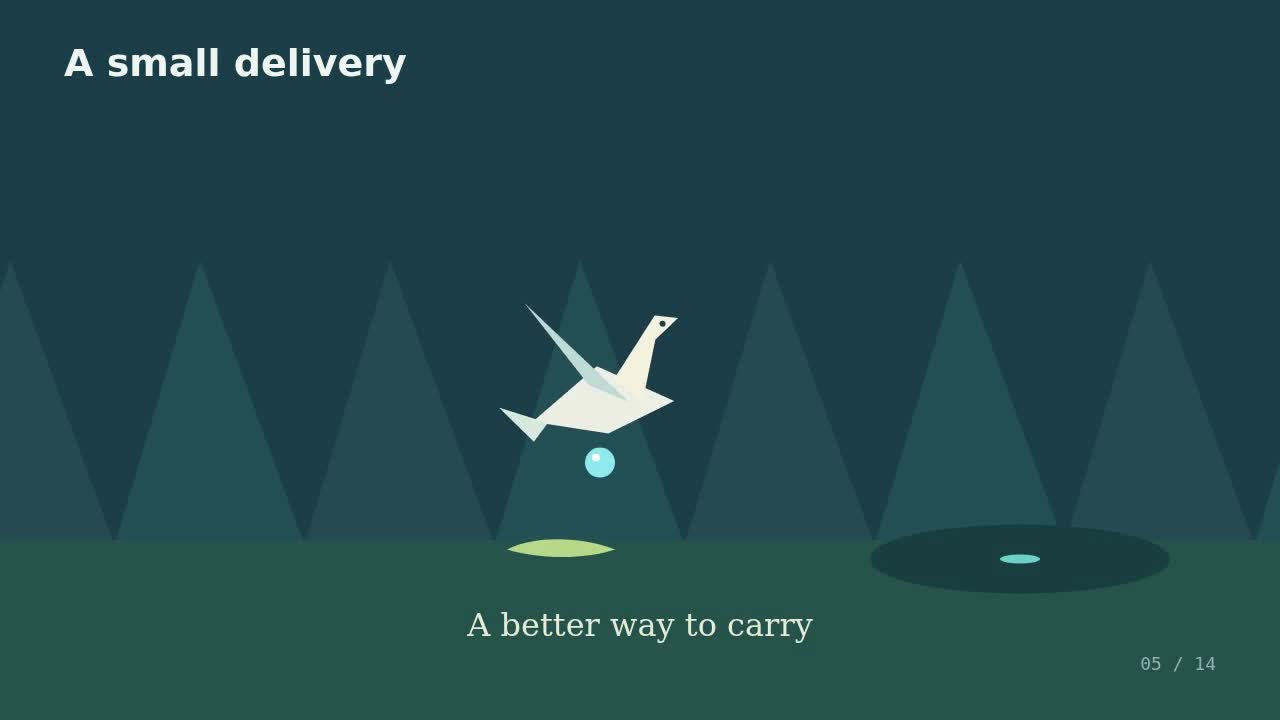
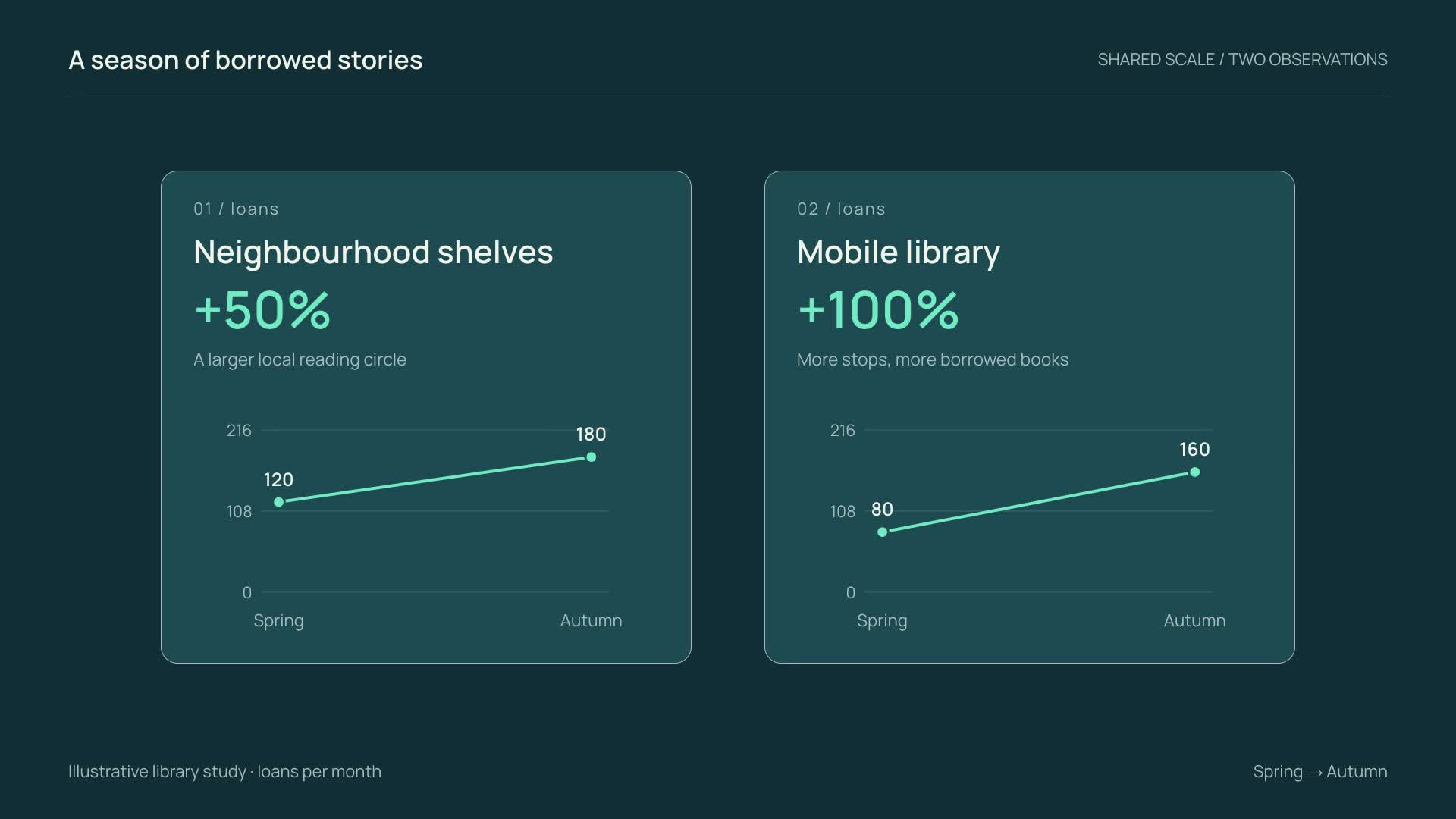
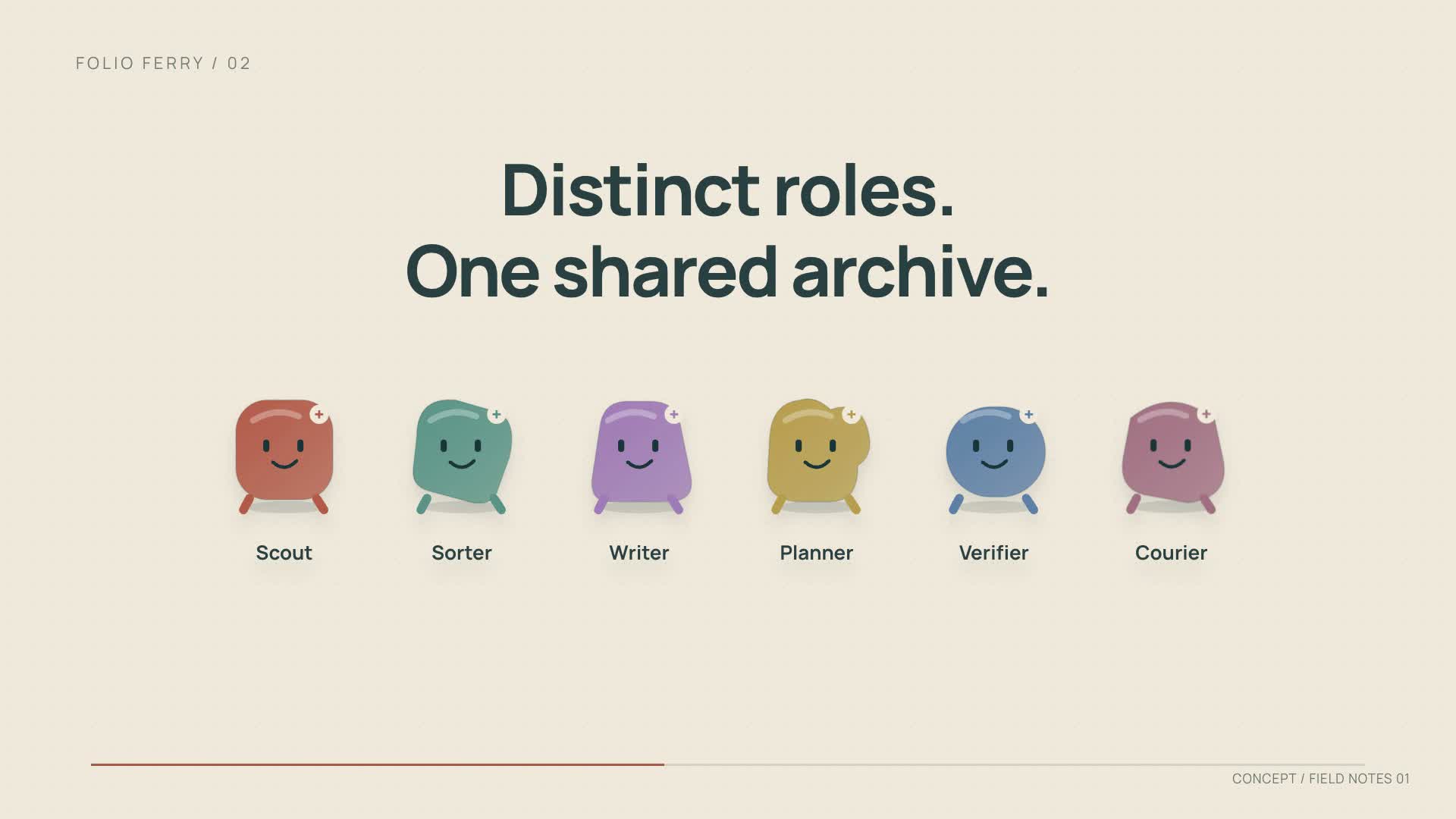
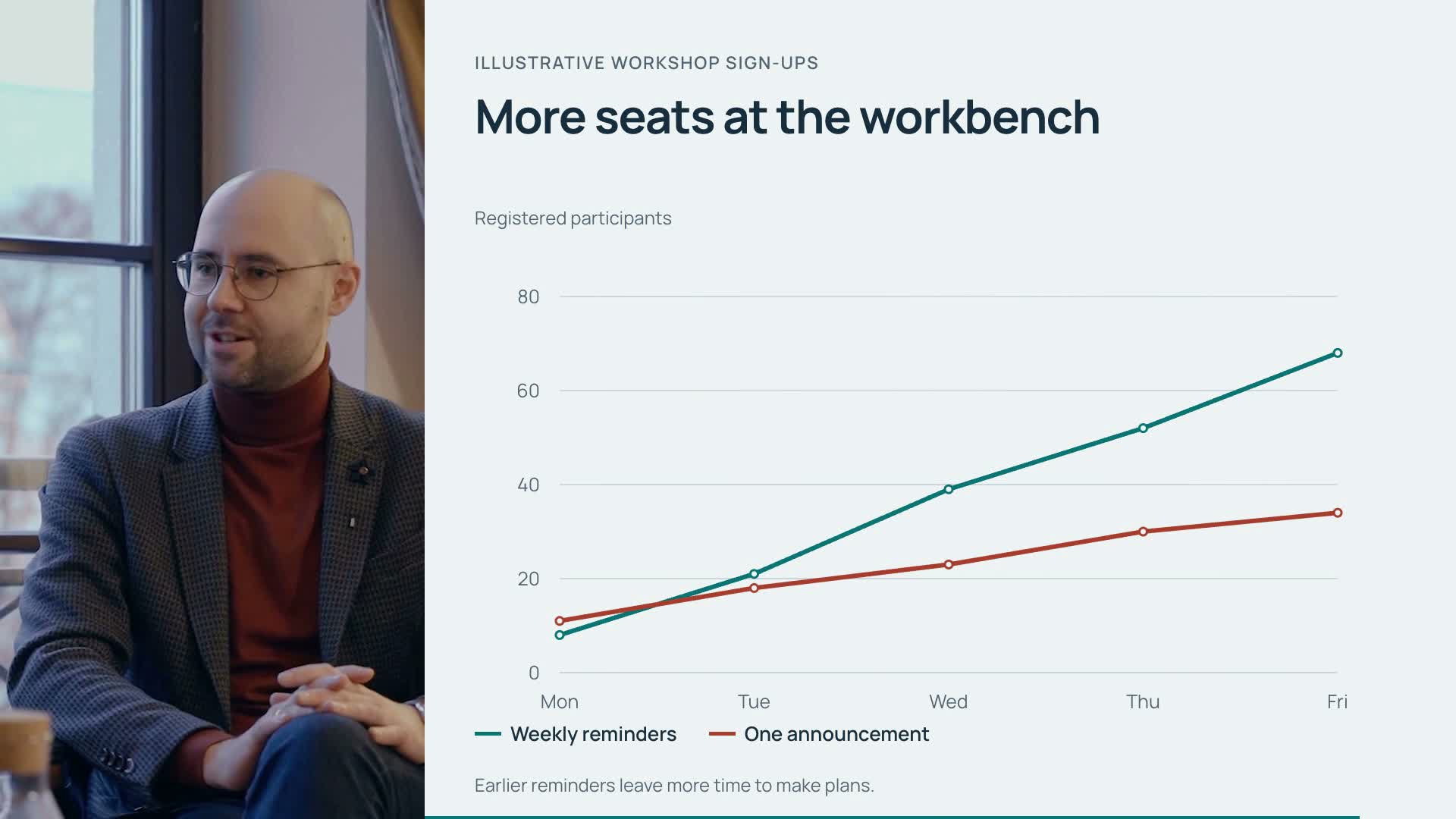
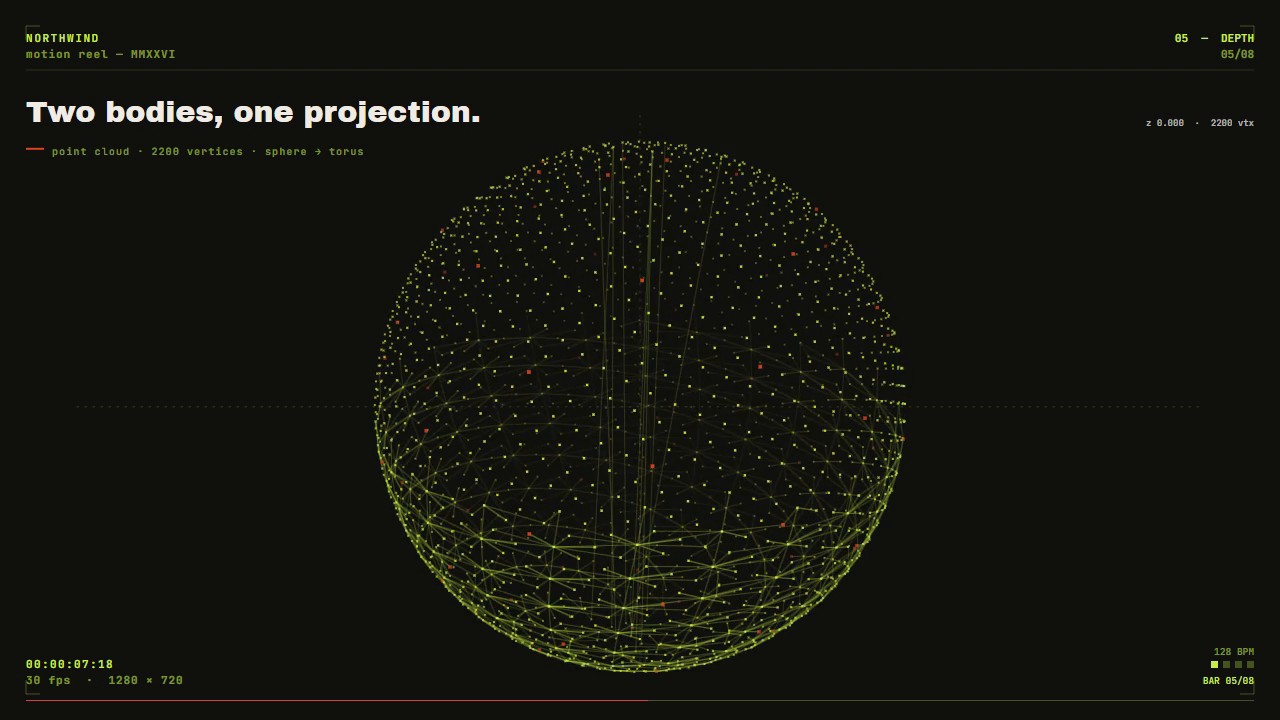

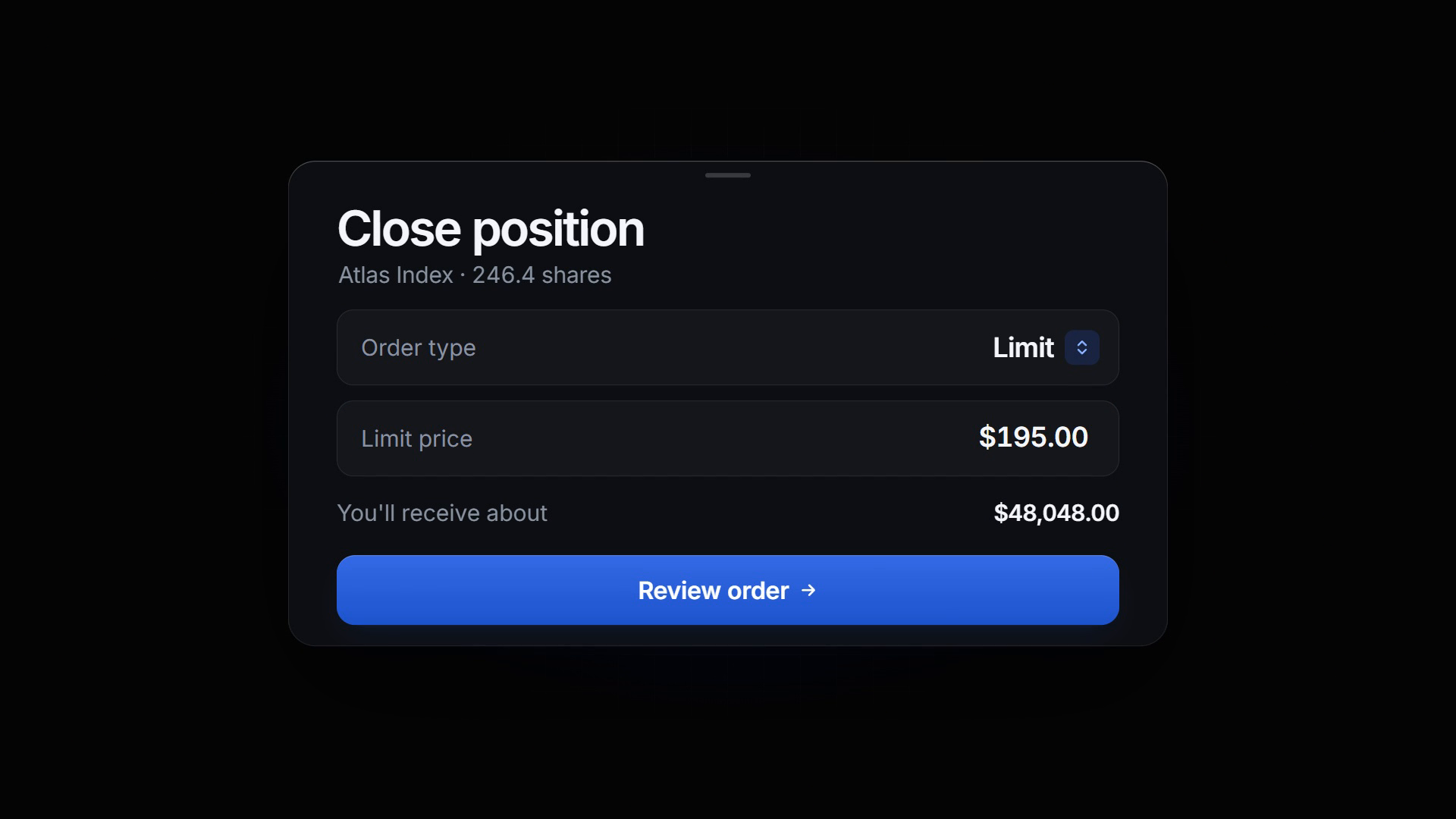
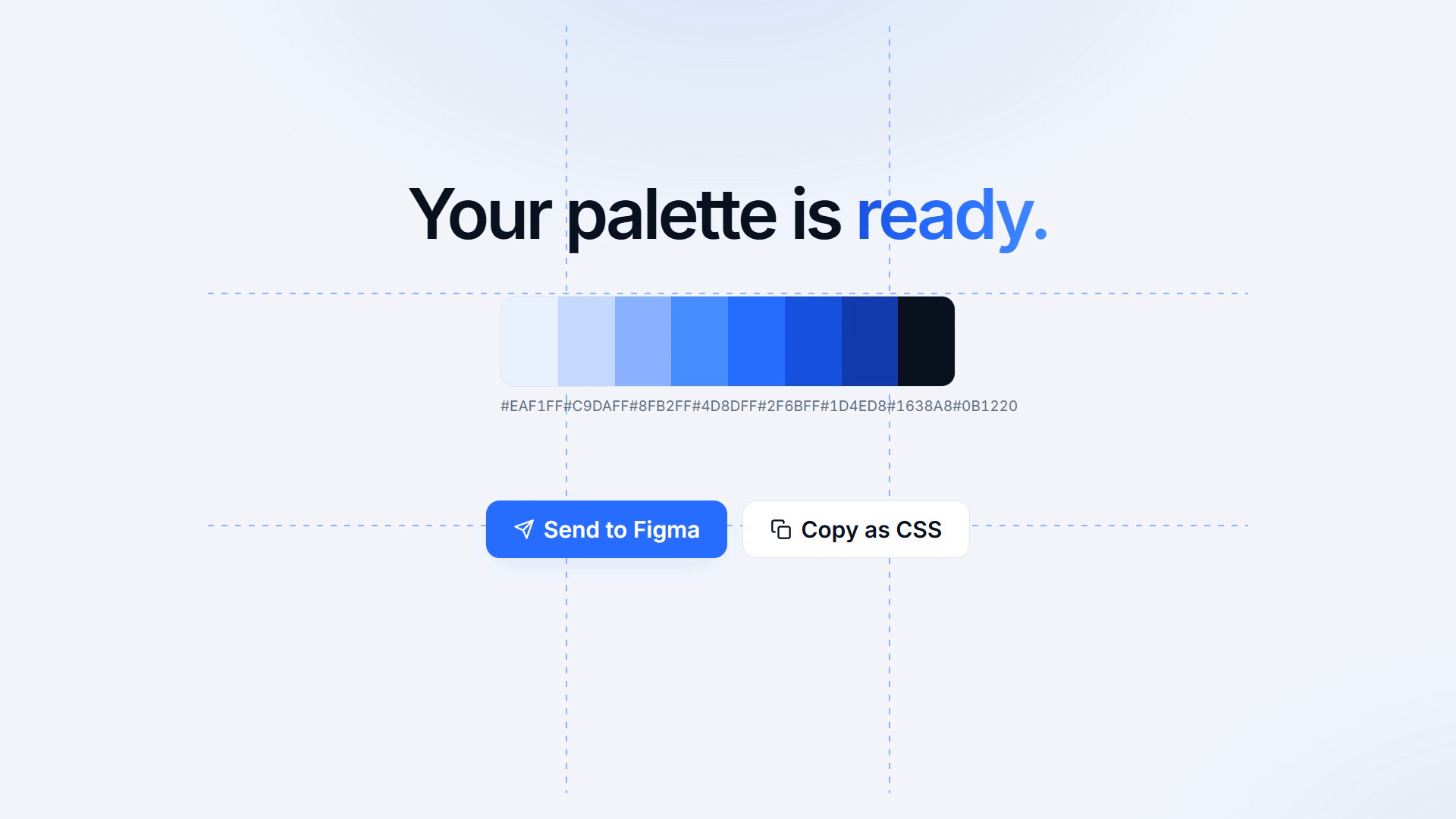
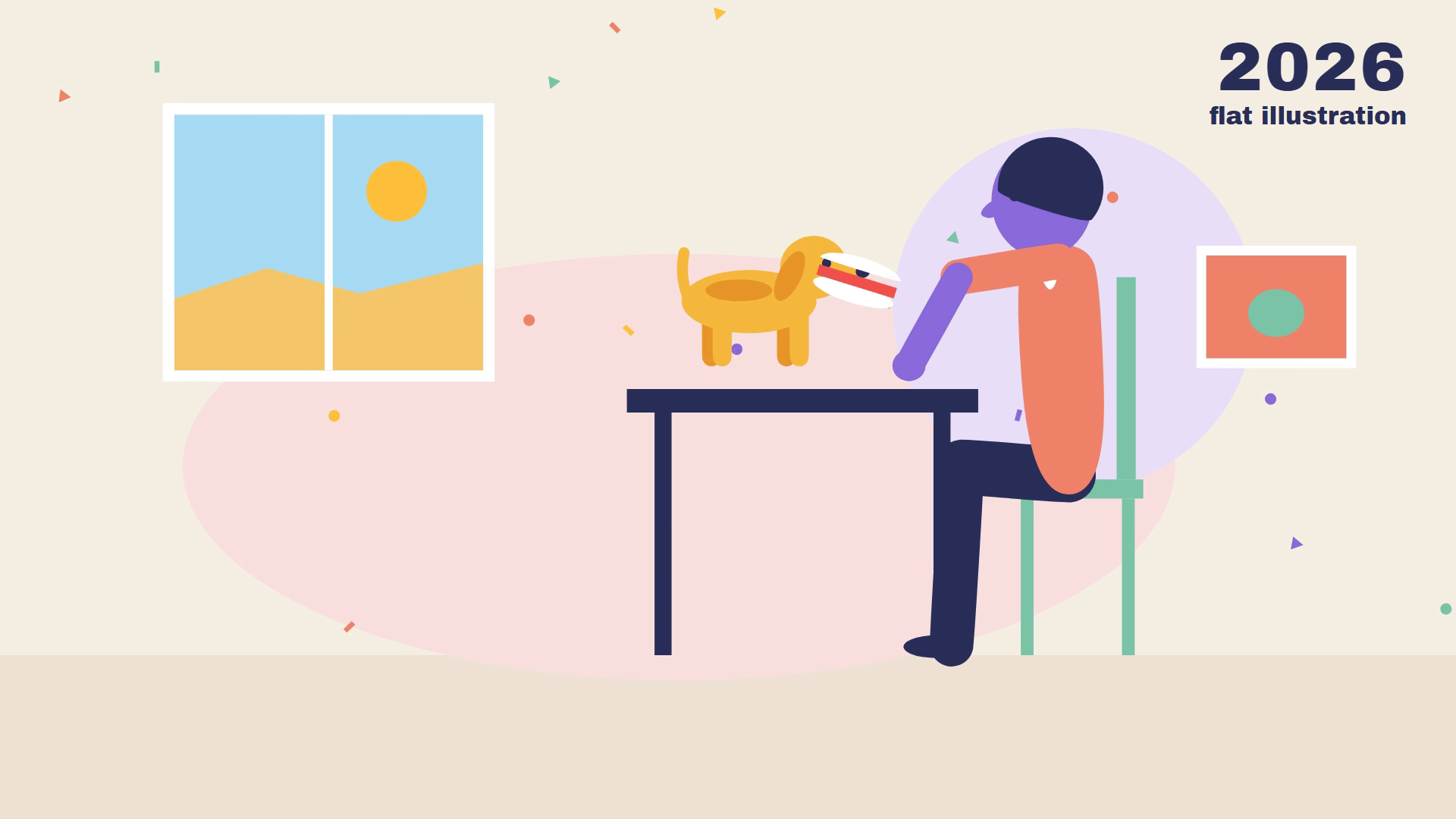
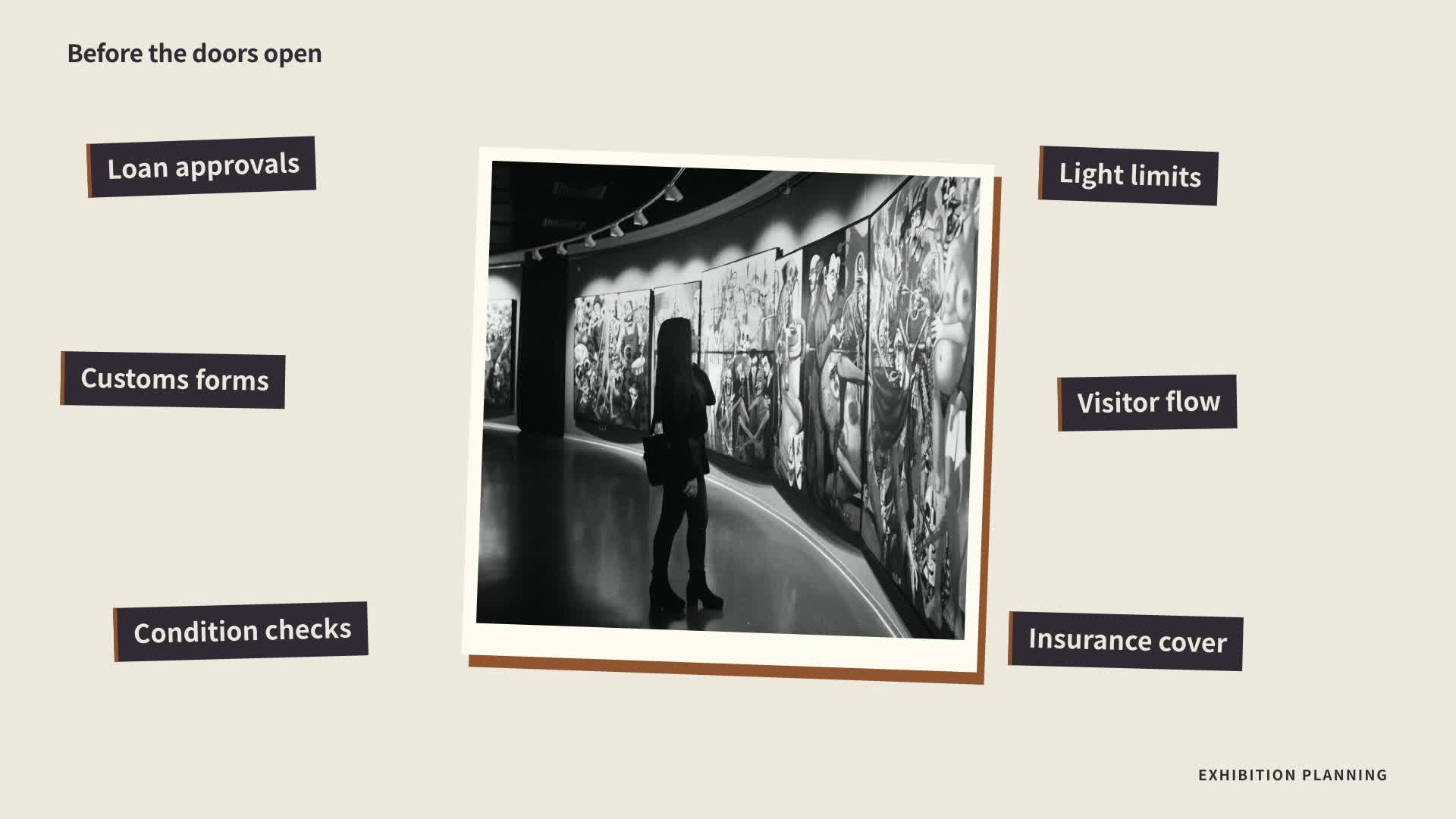
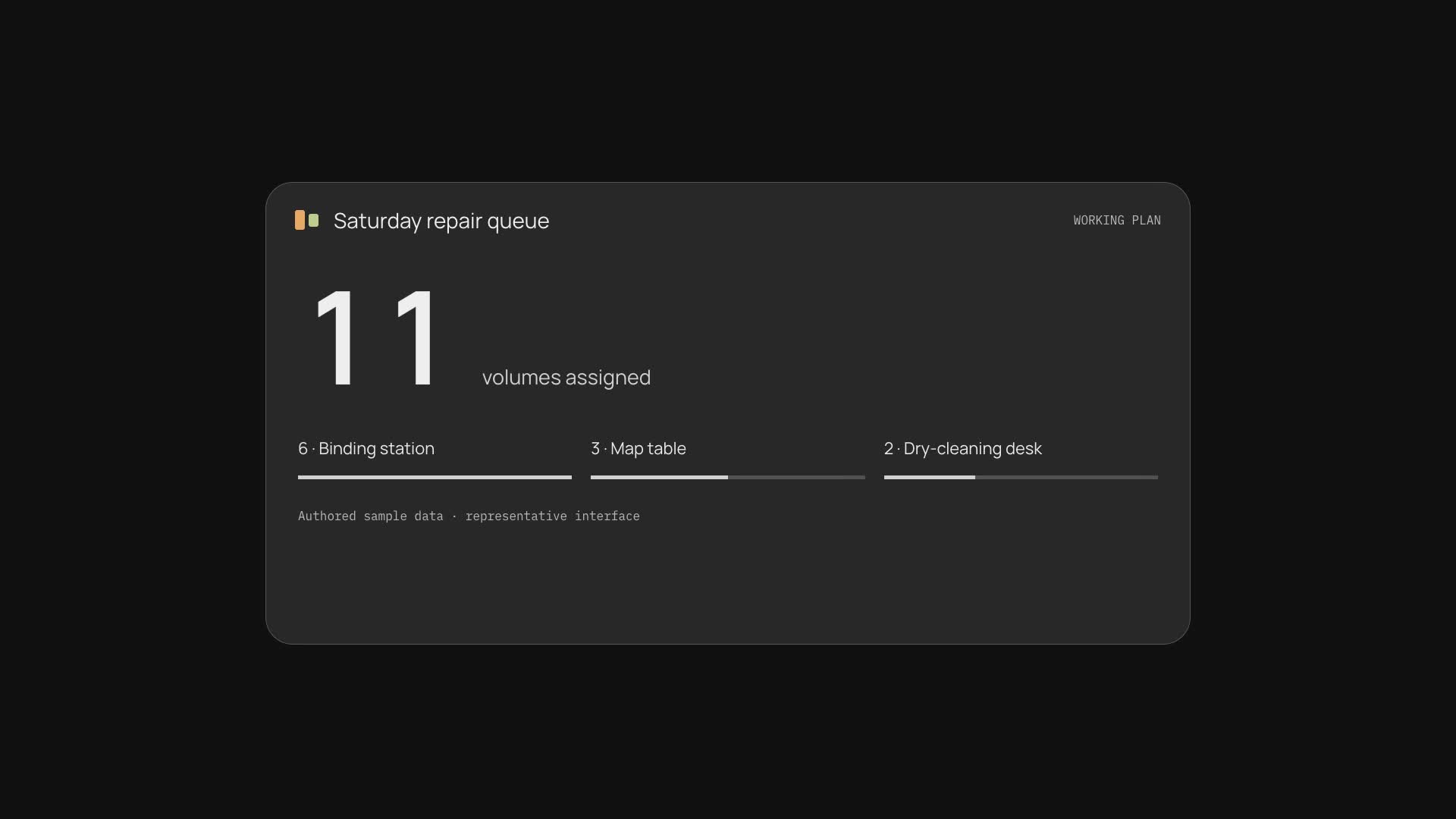

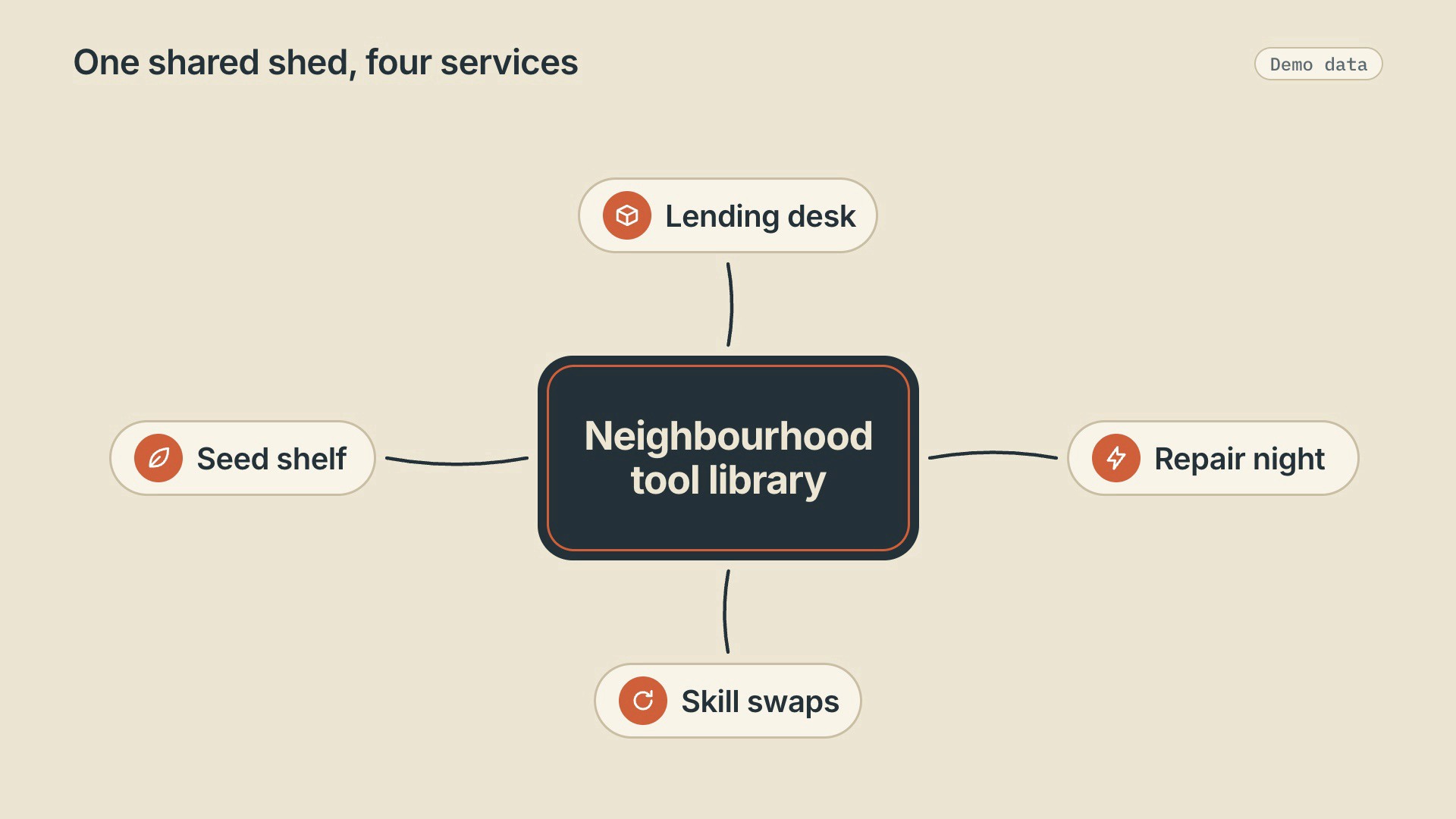


Video Skills give an AI agent a set of instructions and tools for making moving images. Depending on the Skill, that can mean planning scenes, animating with code, preparing media or rendering a film.
Choose a workflow by its inputs and deliverables. The detail page tells you what to prepare and how to run it.
Start with a task, then explore the possibilities.
Explain a feature, show a workflow or tell the story behind a launch.
Product launch SkillsBuild an explanation with visual steps, diagrams and a clear sequence.
Education & explainersExplore motion-led stories and short formats for your next post.
Social media SkillsPrepare illustrations or product imagery before bringing them into motion.
Image SkillsYour source material helps narrow the choice. Check the individual Skill before you begin.
| What you have | What to look for | Next step |
|---|---|---|
| An idea or script | Story structure, scene control and the example’s visual style. | Explore Pixel Story |
| Photos or illustrations | Required source images and how the workflow preserves them. | Browse image Skills |
| A model prompt | Reference requirements and the model used for the example. | Explore Seedance prompts |
Open a Skill and check its actual example, inputs and deliverables.
Bring the brief, images or structured content requested by that Skill.
Follow the detail page’s instructions and review the output before sharing it.
A few things to know before you start.
A prompt describes a result for a model. A Skill supplies a reusable process, which may include planning, code, media preparation and rendering. Check the individual Skill for its actual workflow.
It depends on the Skill. Some start from a brief; others require images or structured content. Read the input requirements before running it.
No. Check the detail page for the deliverable, dimensions and runtime requirements. A video example alone does not guarantee every export format.
Review the Skill license, the model’s terms and the rights to your input media. A public example is not a blanket commercial license.