Seedance 2 video prompts and examples
Prompts people shared for Seedance 2.0 video, with the clips they got.
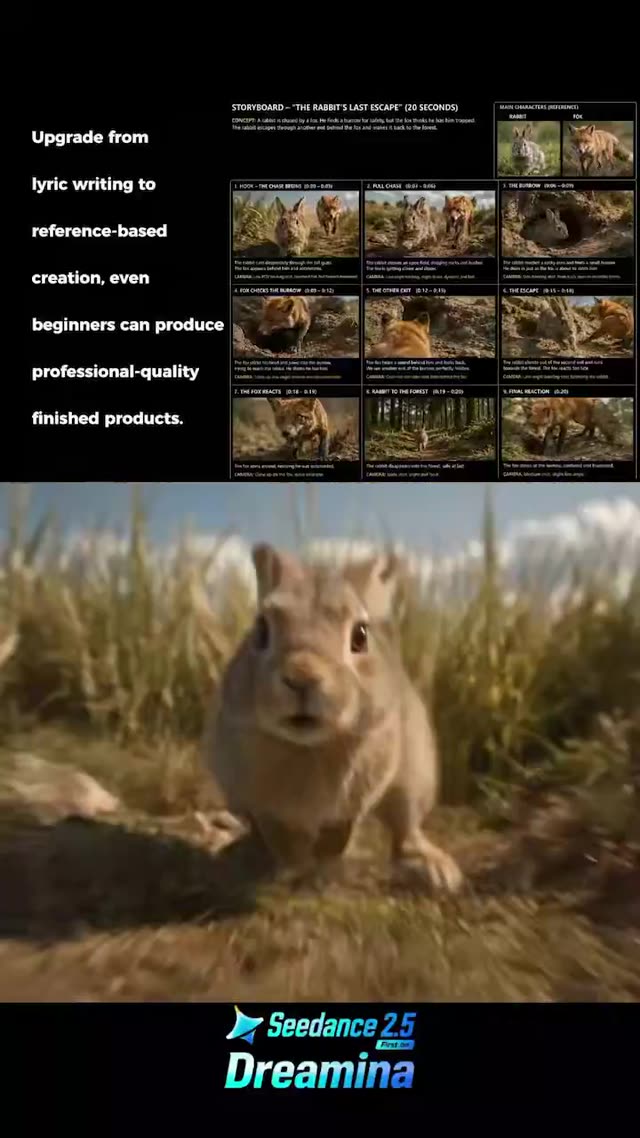
Cinematic Rabbit And Fox Chase Scene
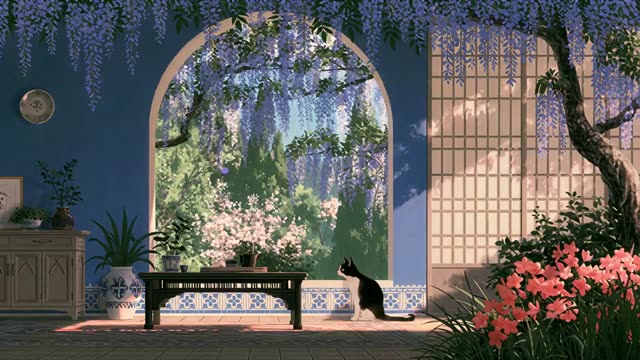
Ghibli-Style Cat Playing In Sunlit Room
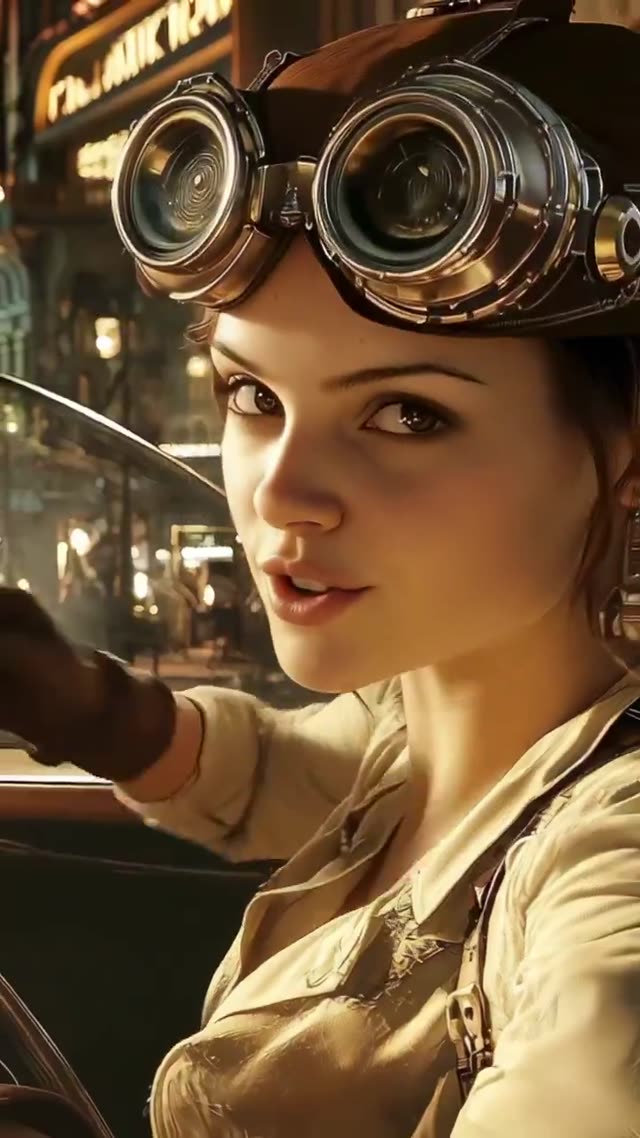
Steampunk Night Drive in Vintage Convertible
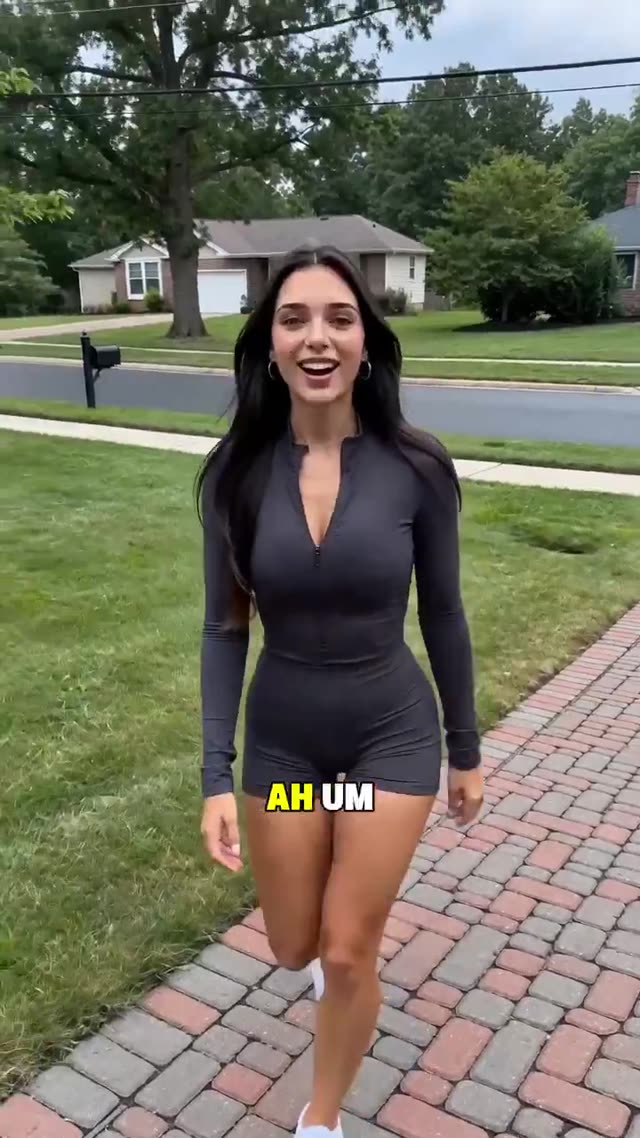
Woman Vlogging in Suburban Neighborhood
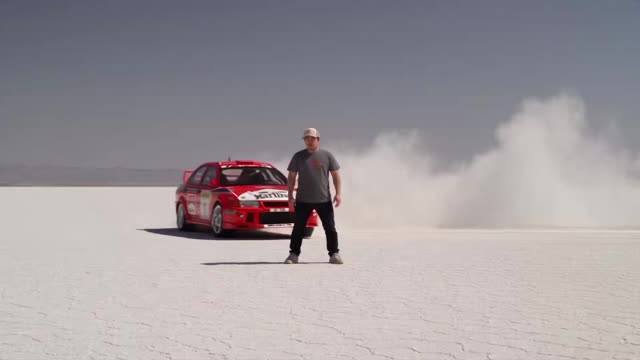
Rally Car Drifting on Salt Flats

Serene Ghibli-Style Fox And Seasons
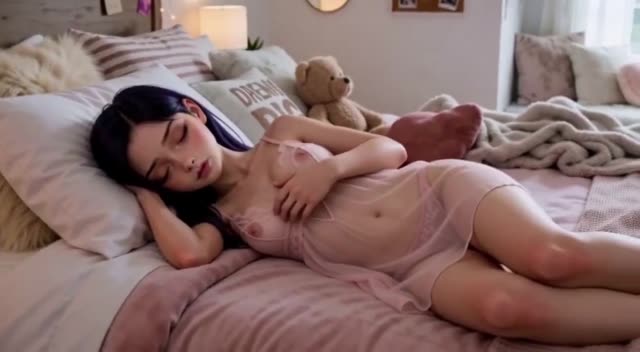
Anime Girl Waking Up in Warm Bedroom
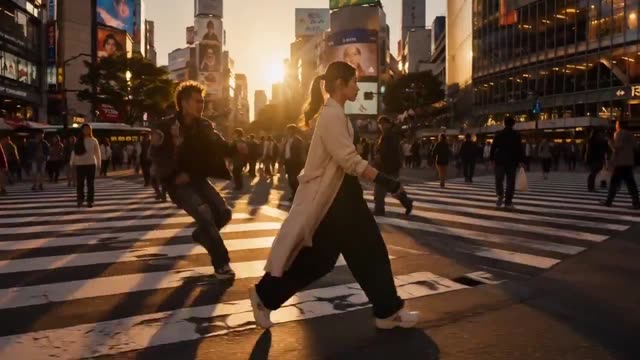
Martial Arts Fight at Golden Hour Intersection
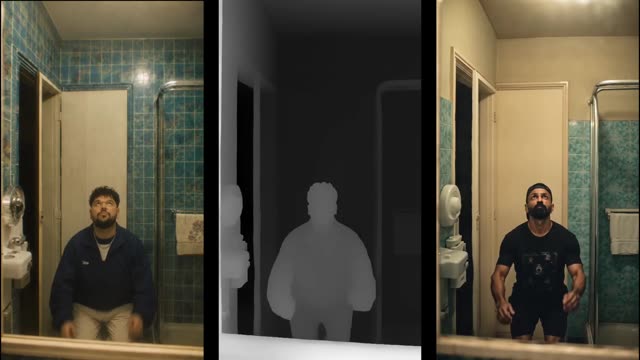
Man Floating Upside Down in Split Screen
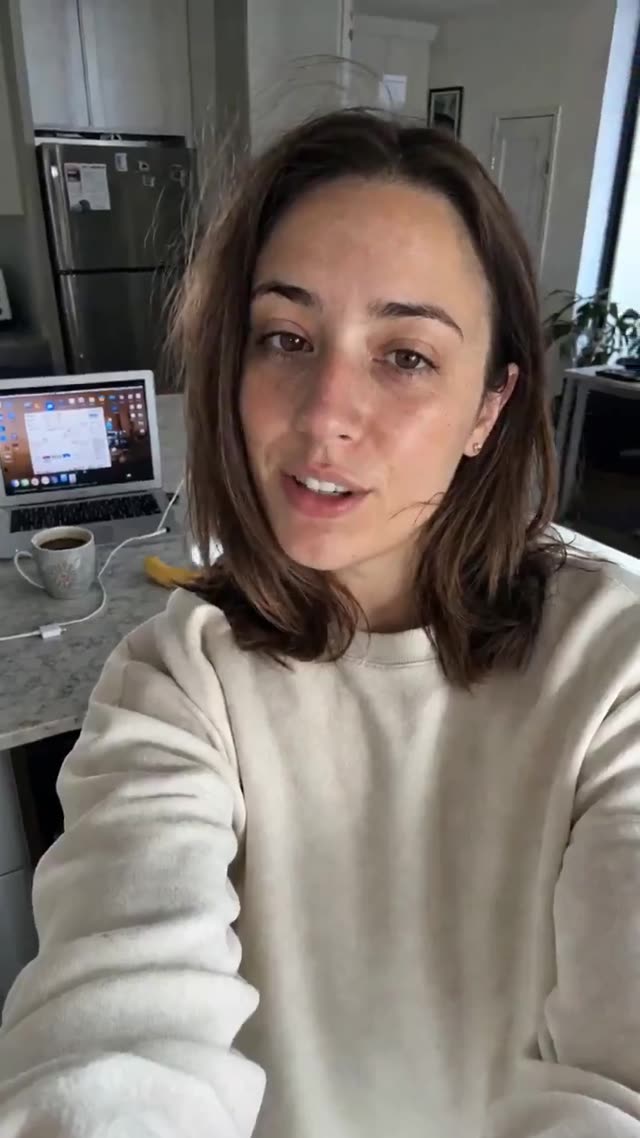
Selfie Video with AI Text Suggestion Cutaway
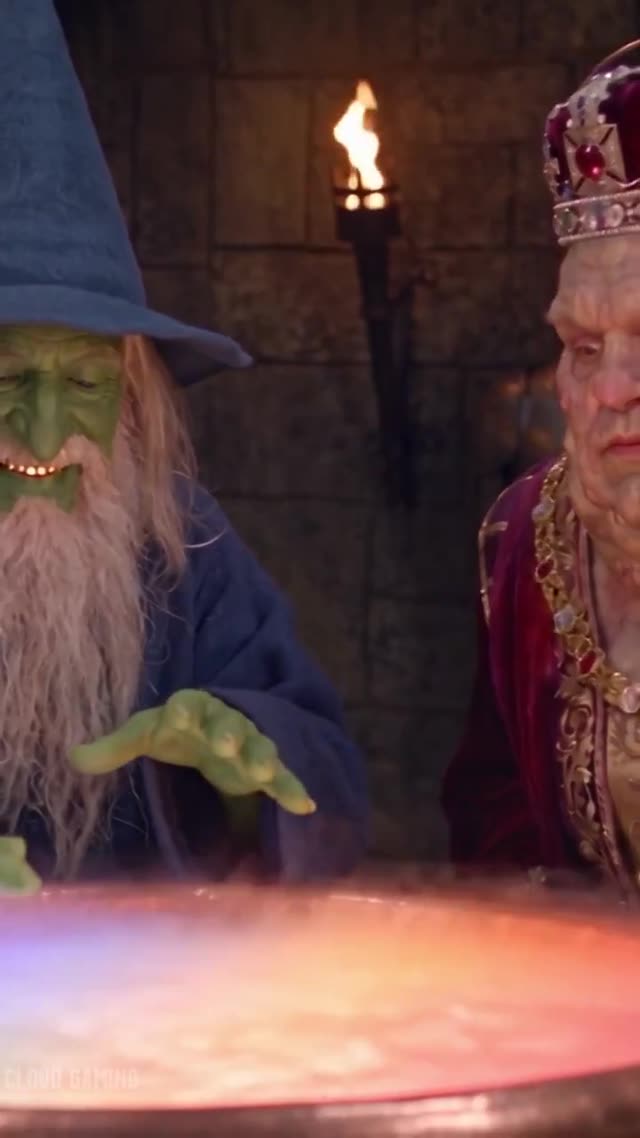
Hyperrealistic Medieval Dungeon Potion Scene
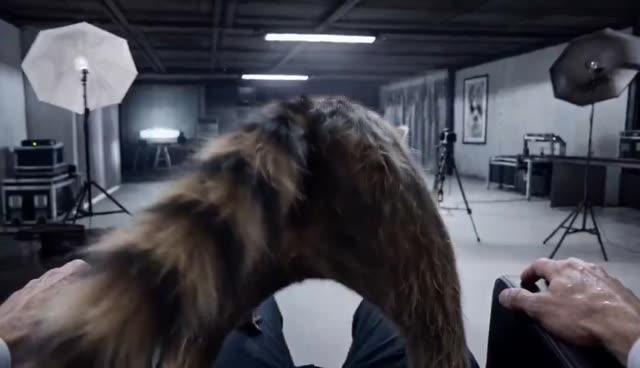
Menacing Raccoon in Industrial Studio
Describe the scene. Shape the movement.
Prompts people shared for Seedance 2.0 video, with the clips they got.
Review the original clip and its required references before adapting the prompt.
Choose a video direction.
Start with a task, then explore the possibilities.
Which starting point fits?
Match the example to your input, then adapt it to your brief.
| What you have | What to look for | Next step |
|---|---|---|
| A scene idea | Describe the subject, action, setting and camera movement. | Cinematic prompts |
| A product brief | Define the product details, sequence and final message. | Commercial prompts |
| A reusable process | Choose a Skill if you need planning, code or multiple production steps. | Video Skills |
Adapt a video prompt in three steps.
Watch the original
Check the motion, cuts and any reference inputs used.
Describe your scene
Replace the subject and action; define camera movement and timing.
Review the clip
Inspect motion continuity, subject consistency and the requested framing.
Working with Seedance 2 prompts.
A few things to know before you start.
Is a reference image required?
Some examples need an input image or clip. Read the original prompt and use a tool that supports those inputs.
Can I control duration and camera movement?
Describe the intended timing and camera action, then check the parameters supported by the model and tool you use.
Will the result match the example?
Results vary with model version, settings and reference material. Review the generated clip before using it.
Who owns these prompts and examples?
The collection credits the original creators and links to their posts. Check the source and applicable terms before reusing someone else’s work.