
Nano Banana 2 API
Nano Banana 2 is Google’s fast image generation and editing line: 2.1 for better text and 1K–4K output, 2 for speed, and 2 Lite for low latency.
Explore the model lineup
Preview the output style, compare capabilities, then open any model for full specs, pricing, and a live Playground.

Nano Banana 2.1 Text to Image
Nano Banana 2.1 is Google's latest fast image generation model, with better prompt adherence, cleaner text rendering, extreme aspect ratios and 1K to 4K output.

Nano Banana 2.1 Edit
Nano Banana 2.1 Edit is Google's latest fast image editing model, fusing up to 14 reference images with stronger subject consistency and 1K to 4K output.

Nano Banana 2 Lite Text to Image
Nano Banana 2 Lite by Google - generate stunning images from text prompts with state-of-the-art AI. Supports multiple aspect ratios, styles, and high-resolution output for creative and commercial use.

Nano Banana 2 Lite Edit
Nano Banana 2 Lite Edit is Google's low-latency, cost-efficient image editing model (Gemini 3.1 Flash Lite Image). Edit and combine supplied images with a text prompt; output is a 1K image.
Nano Banana 2 Text to Image
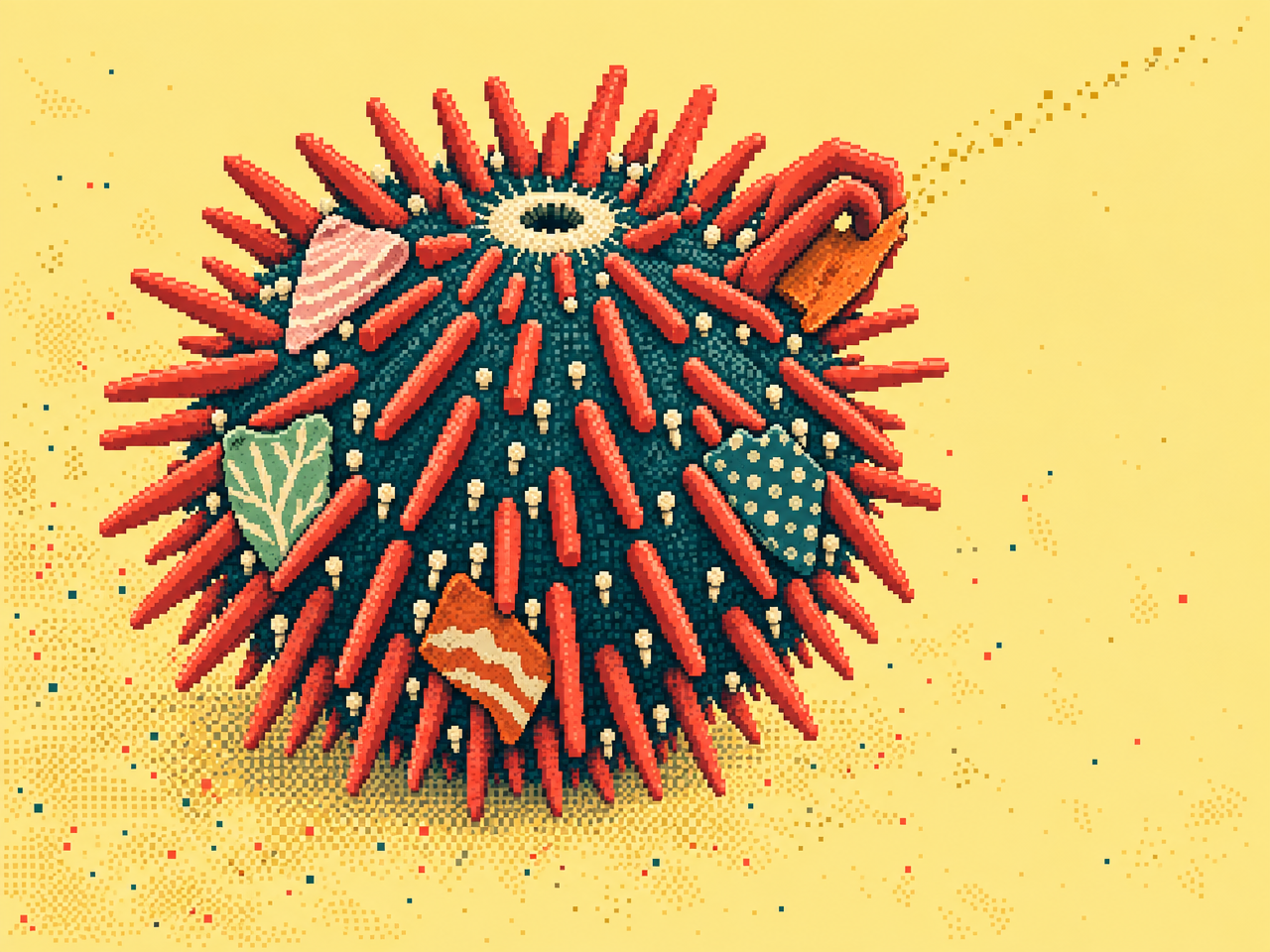
Nano Banana 2 is Google's new state-of-the-art fast image generation and editing model

Nano Banana 2 Edit
Nano Banana 2 is Google's new state-of-the-art image generation and editing model
Model lineup
The most used endpoints first.
| Model | Task | What it does |
|---|---|---|
| Nano Banana 2 Edit | Image edit | Nano Banana 2 is Google's new state-of-the-art image generation and editing model |
| Nano Banana 2 Text to Image | Text → image | Nano Banana 2 is Google's new state-of-the-art fast image generation and editing model |
| Nano Banana 2 Lite Text to Image | Text → image | Nano Banana 2 Lite by Google - generate stunning images from text prompts with state-of-the-art AI |
| Nano Banana 2.1 Text to Image | Text → image | Nano Banana 2.1 is Google's latest fast image generation model, with better prompt adherence, cleaner text rendering, extreme aspect ratios and 1K… |
| Nano Banana 2.1 Edit | Image edit | Nano Banana 2.1 Edit is Google's latest fast image editing model, fusing up to 14 reference images with stronger subject consistency and 1K to 4K… |
| Nano Banana 2 Lite Edit | Image edit | Nano Banana 2 Lite Edit is Google's low-latency, cost-efficient image editing model (Gemini 3.1 Flash Lite Image) |
Nano Banana 2 on SandBase
The Nano Banana 2 line has three tiers, each with a text-to-image and an Edit endpoint.
- Nano Banana 2.1: Google's latest fast image model, with better prompt adherence, cleaner text rendering, extreme aspect ratios and 1K–4K output. Edit fuses up to 14 reference images.
- Nano Banana 2: fast generation and editing. Nano Banana 2 Edit is one of the most used edit endpoints on SandBase.
- Nano Banana 2 Lite: low-latency, cost-efficient generation and editing (Gemini 3.1 Flash Lite Image).
For the top-quality tier, see Nano Banana Pro on Nano Banana API.
Start using Nano Banana 2 API on SandBase
One API key and one request shape for every model on this page.
- 01
Create an API key
Sign in to the SandBase Console and create a key on the API Keys page. Keep it in an environment variable and never commit it to source control.
TERMINALexport SANDBASE_API_KEY="YOUR_SANDBASE_API_KEY" - 02
Submit a run
Send a request to the Unified Run API with model google/nano-banana-2.1. Only the model field changes between models on this page.
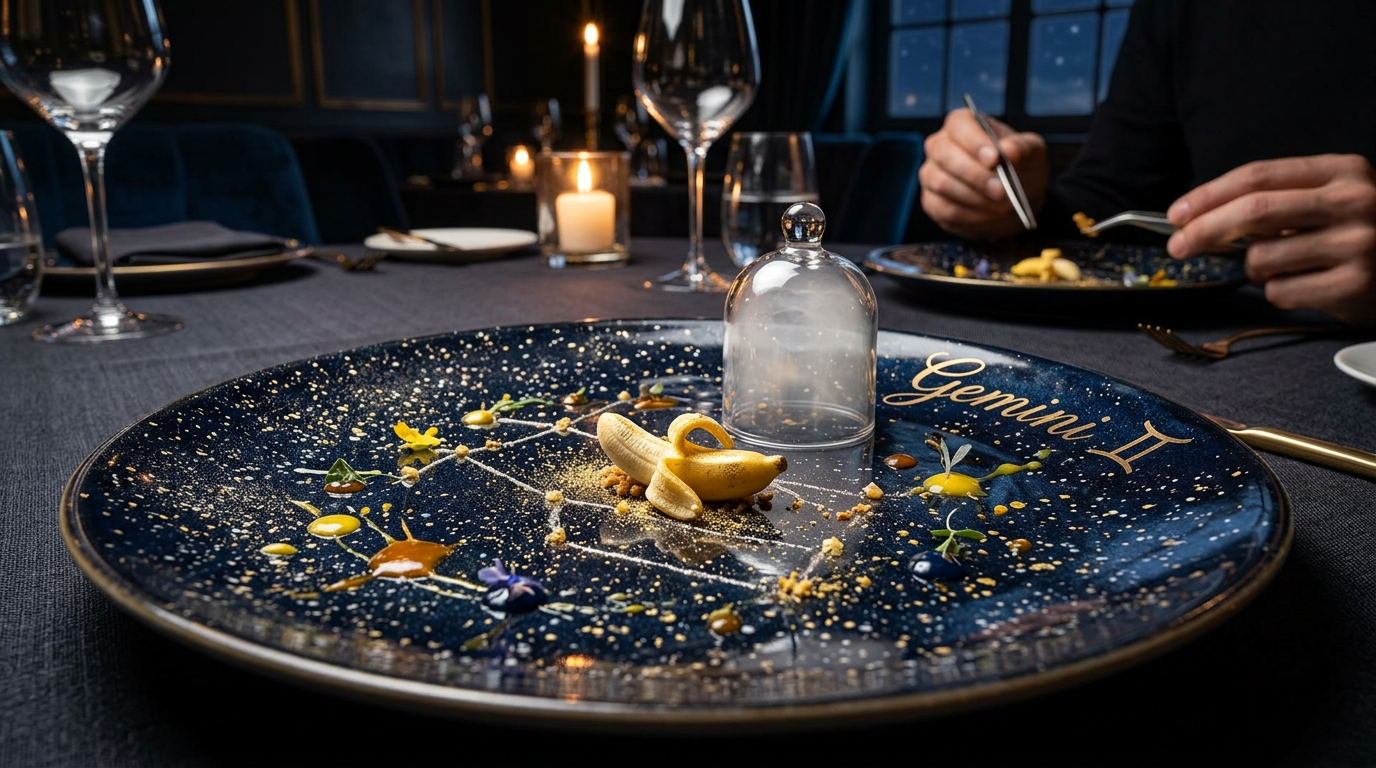
TERMINALcurl https://api.sandbase.ai/v1/run \ -H "Authorization: Bearer $SANDBASE_API_KEY" \ -H "Content-Type: application/json" \ -d '{"model": "google/nano-banana-2.1", "prompt": "A nano banana dish plated in a fancy restaurant, Gemini-themed decor"}' - 03
Fetch the result
The response includes a run id. Poll it every few seconds until the status is completed, then download the output URL.
TERMINALcurl https://api.sandbase.ai/v1/run/$RUN_ID \ -H "Authorization: Bearer $SANDBASE_API_KEY"
Questions, answered
Nano Banana 2.1 or 2?
Use 2.1 for better text, extreme aspect ratios and 4K. Use 2 if your prompts are already tuned for it.
How many images can Nano Banana 2.1 Edit combine?
Up to 14 reference images.
What is Nano Banana 2 Lite for?
High-volume, latency-sensitive generation and editing at lower cost.
Is Nano Banana 2 the same as Gemini image?
Nano Banana is the name of Google’s Gemini image models; 2 Lite is Gemini 3.1 Flash Lite Image.
Build with Nano Banana 2 API.
One key, consistent APIs, and usage-based pricing across every model on this page.