
1688 Listing Asset Pack
- Skill z Lab
- v0.1.0
- 1688
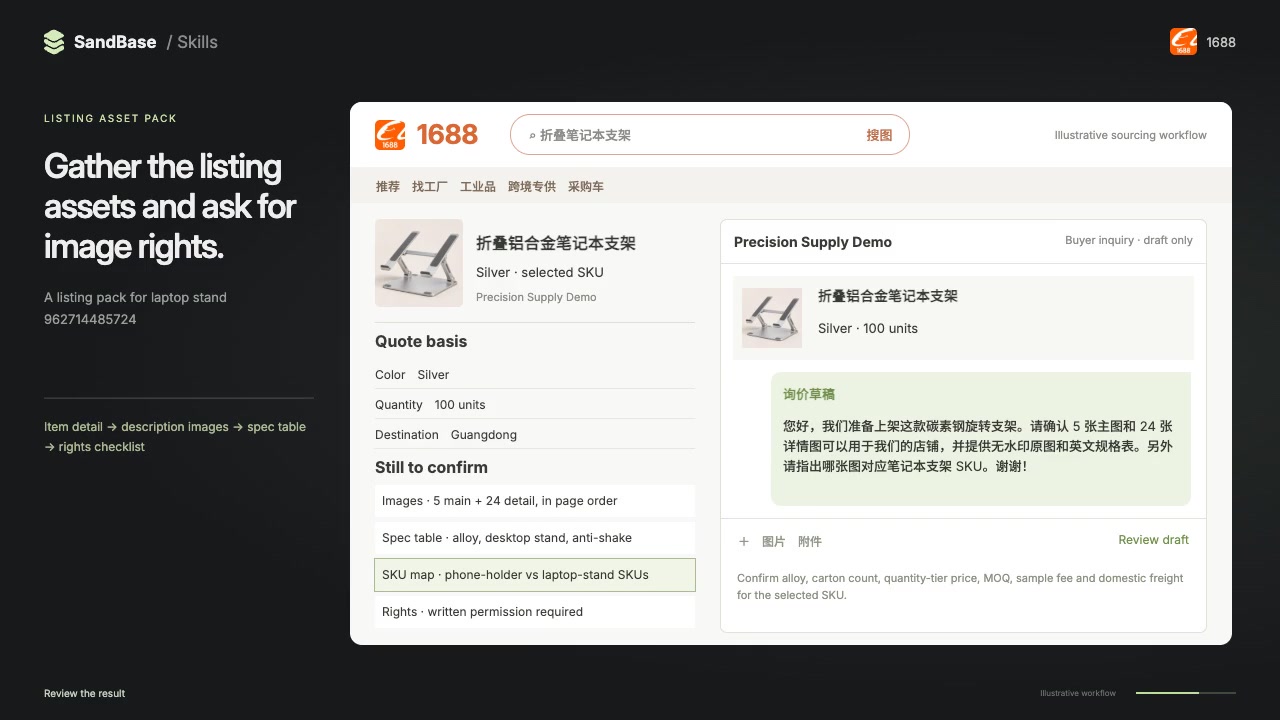
Gather what a new listing needs from a chosen 1688 product.
Okładka
Co otrzymasz
Bring the 1688 item ID and store language. The Skill returns main, SKU and detail image lists, a translated spec table, rewritten selling points and an image-rights checklist.
Jak to działa
- 01
Read the chosen product page
Once you have picked a product, the Agent reads its 1688 detail: main images, video, SKU options with prices, attributes, minimum order and seller. A second call returns the description images in page order. These two reads give everything a new store listing usually needs without opening the page by hand.
- 02
Build specs and selling points
Attributes and SKUs become a translated spec table with units checked. Five selling points are rewritten in your store language from those attributes only, so each claim traces back to something the supplier page states. Claims the page does not support are left out rather than invented to fill the list.
- 03
Assemble the pack and rights list
The pack lists main, SKU and detail image URLs, the spec table and the selling points, plus a rights checklist for the supplier. Images are listed, not downloaded or re-hosted, because supplier photos may be copyrighted. The checklist reminds you to get written permission before you use any of them in your listing.
FAQ
When should I use 1688 Listing Asset Pack?
Use 1688 Listing Asset Pack after the product is chosen. It gathers the images, specs and selling points a new listing needs from that one 1688 product page. To pick the offer, the package points you to 1688 Wholesale Shortlist, and to draft supplier questions it points you to 1688 Supplier RFQ.
Can I use the supplier's images in my store?
Not automatically. 1688 Listing Asset Pack lists image URLs, but the rights belong to the supplier. The pack includes a rights checklist and tells you to get written permission before using any image. It never downloads or re-hosts the files, so nothing is copied into your store until you decide to.
Which data calls does a pack use?
1688 Listing Asset Pack makes two SandBase data calls per product: item detail and item description images. Both draw on your organisation's daily free API quota before usage is billed to your account. The Agent inspects each tool first, so you see the schema and current price before the call runs. Prices are at https://www.sandbase.ai/pricing.
Where do the selling points come from?
1688 Listing Asset Pack writes the five selling points only from the attributes listed on the product page. It translates and rewrites them for your store language but adds no performance, safety or material claims the page does not state. Review them against your own sample before publishing, because supplier attributes can be incomplete.
What do I need to provide?
1688 Listing Asset Pack needs the 1688 item ID and the language of your target store. With those two inputs the Agent reads the product page and description images and assembles the pack. If the product has several SKUs, tell it which ones you plan to sell so the spec table focuses on them.
Więcej Skills
Wszystkie Skills dla 1688 →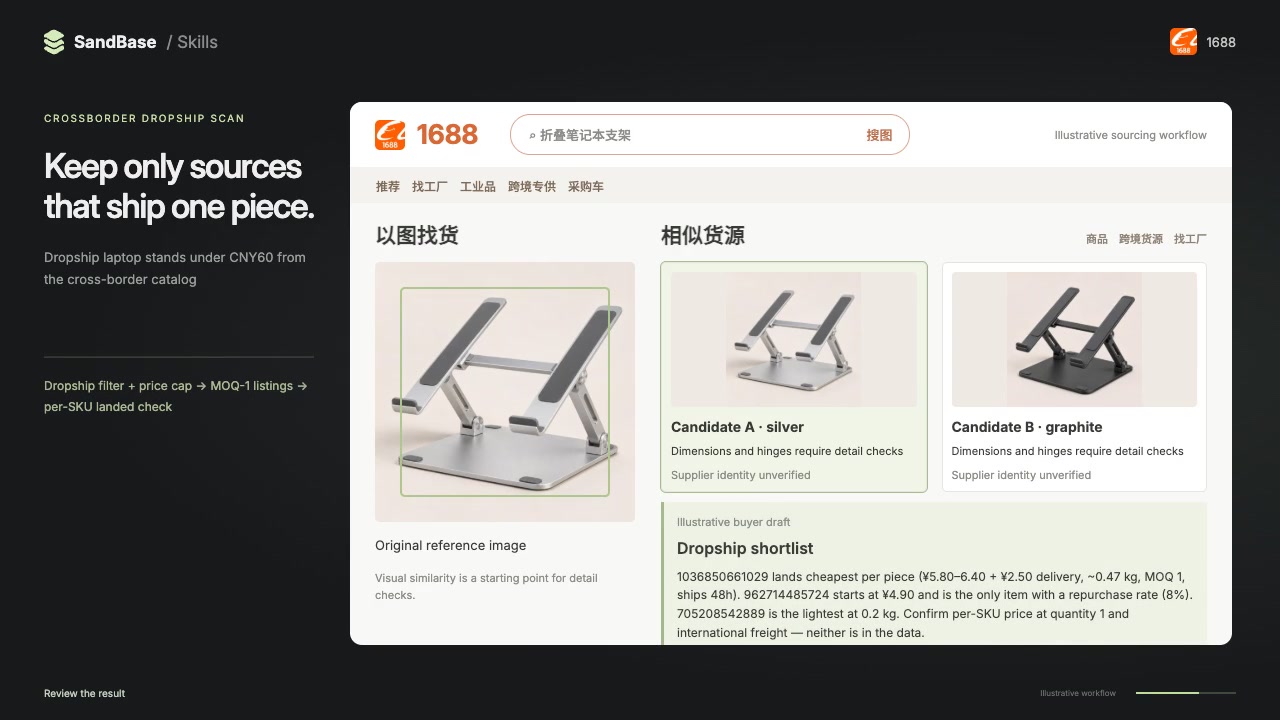
1688 Cross-Border Dropship Scan
Find 1688 sources you can dropship one piece at a time.
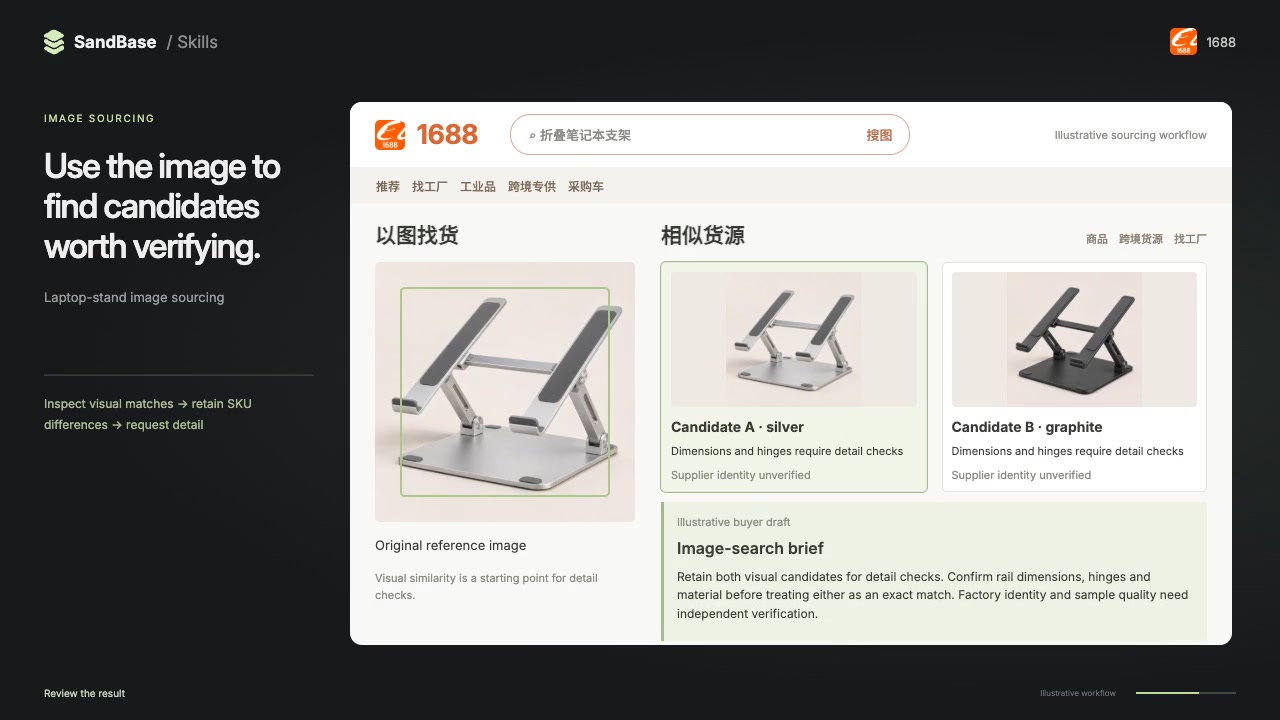
1688 Image Sourcing
Start from one product photo and find who sells the same style on 1688, at which quantity tiers — then pick the most likely factory.
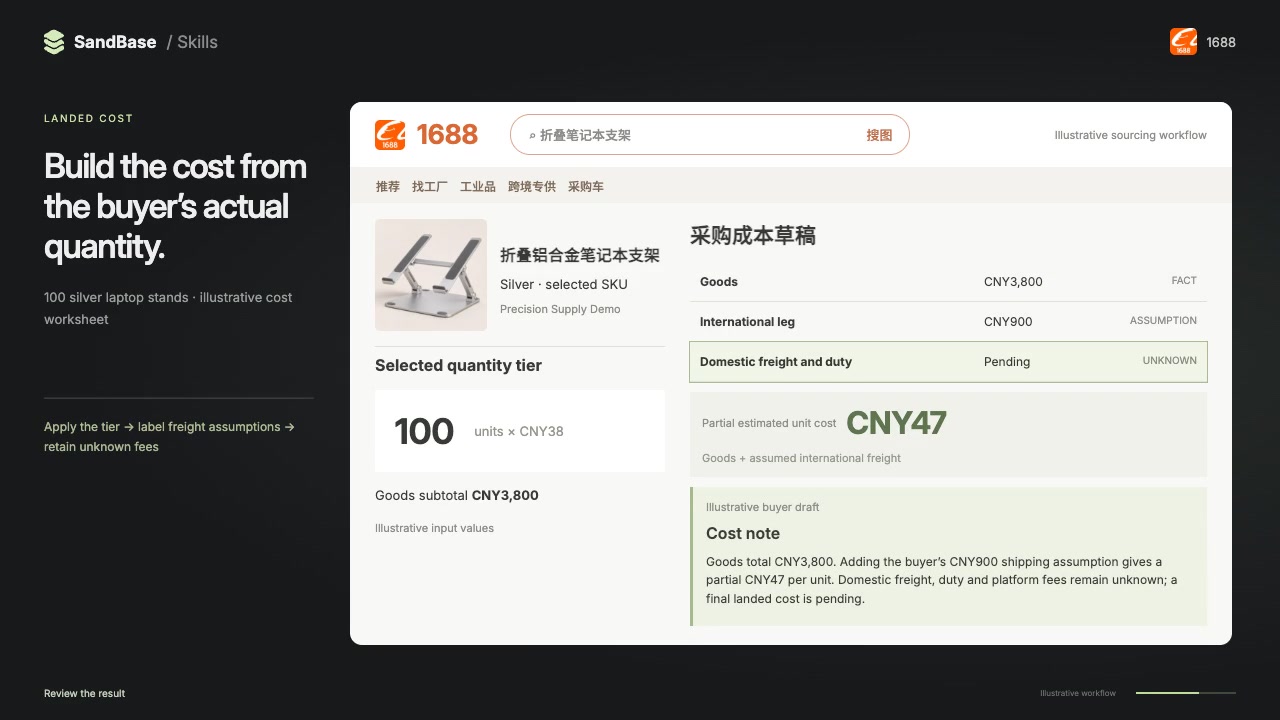
1688 Landed Cost
The listing price is not your cost — compute the landed unit cost of a 1688 item with every line tagged FACT, ASSUMPTION or UNKNOWN.
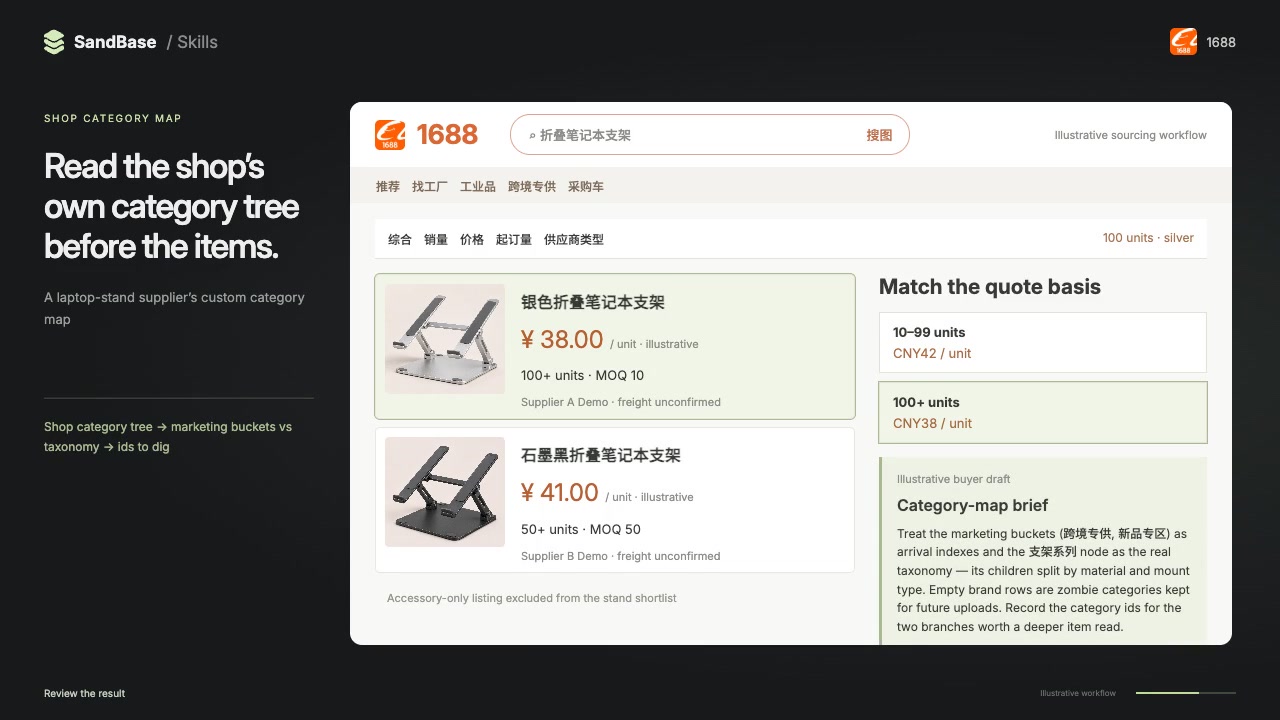
1688 Shop Category Map
Map one 1688 shop's self-defined category tree through SandBase
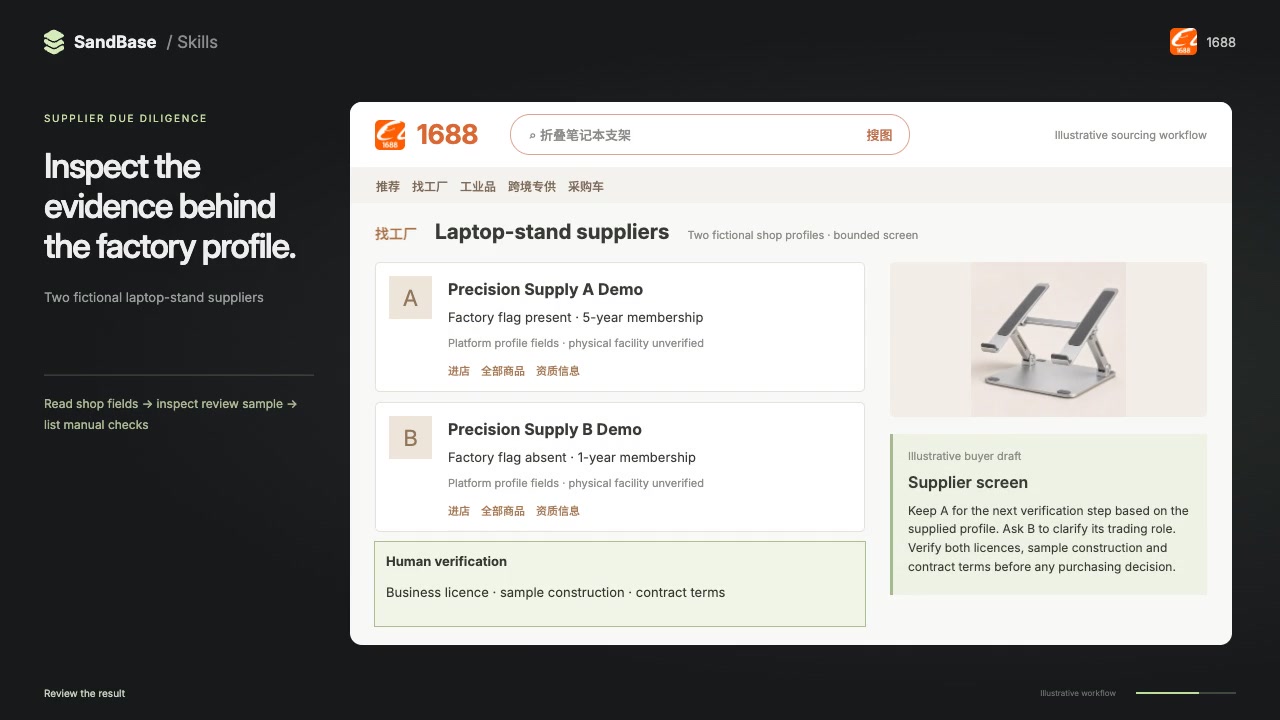
1688 Supplier Due Diligence
Screen candidate 1688 suppliers before you contact anyone — a documented first-pass check with platform ratings, factory flags, red flags and the manual checks that remain.
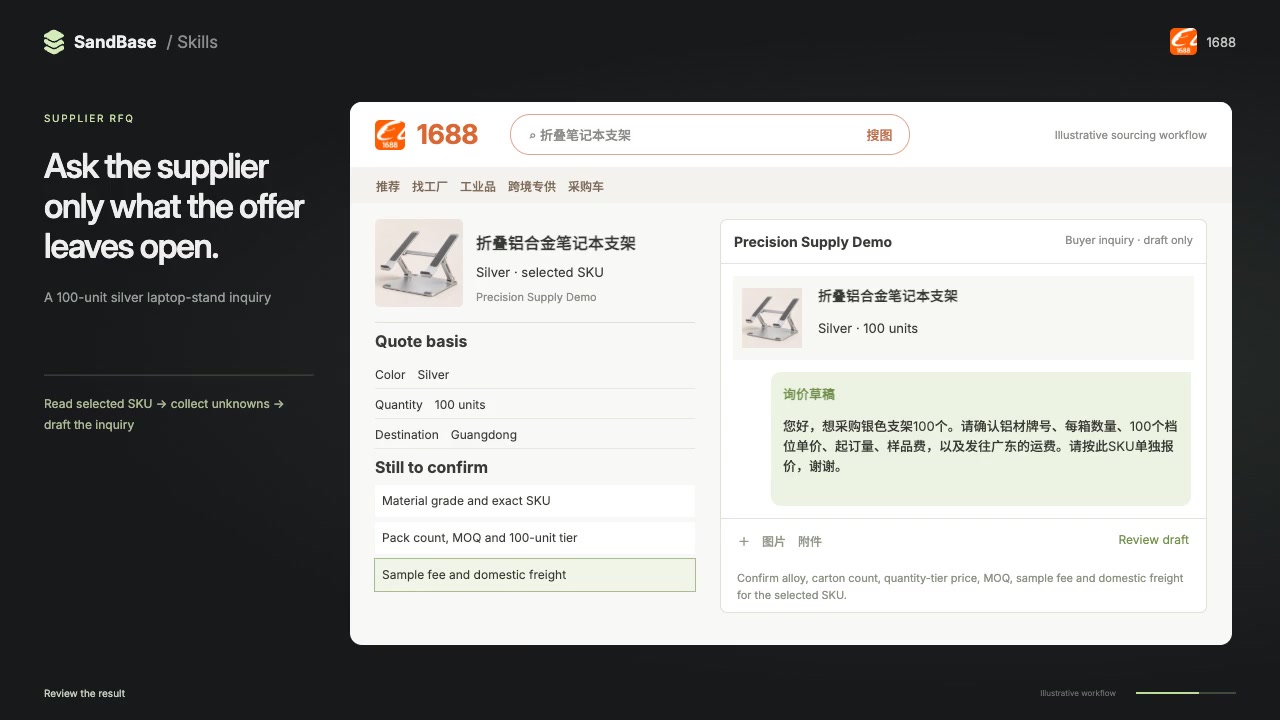
1688 Supplier RFQ
Turn the sourcing shortlist into precise supplier questions.