
1688 Supplier RFQ
- Skill z Lab
- v0.1.0
- 1688
Turn the sourcing shortlist into precise supplier questions.
Okładka
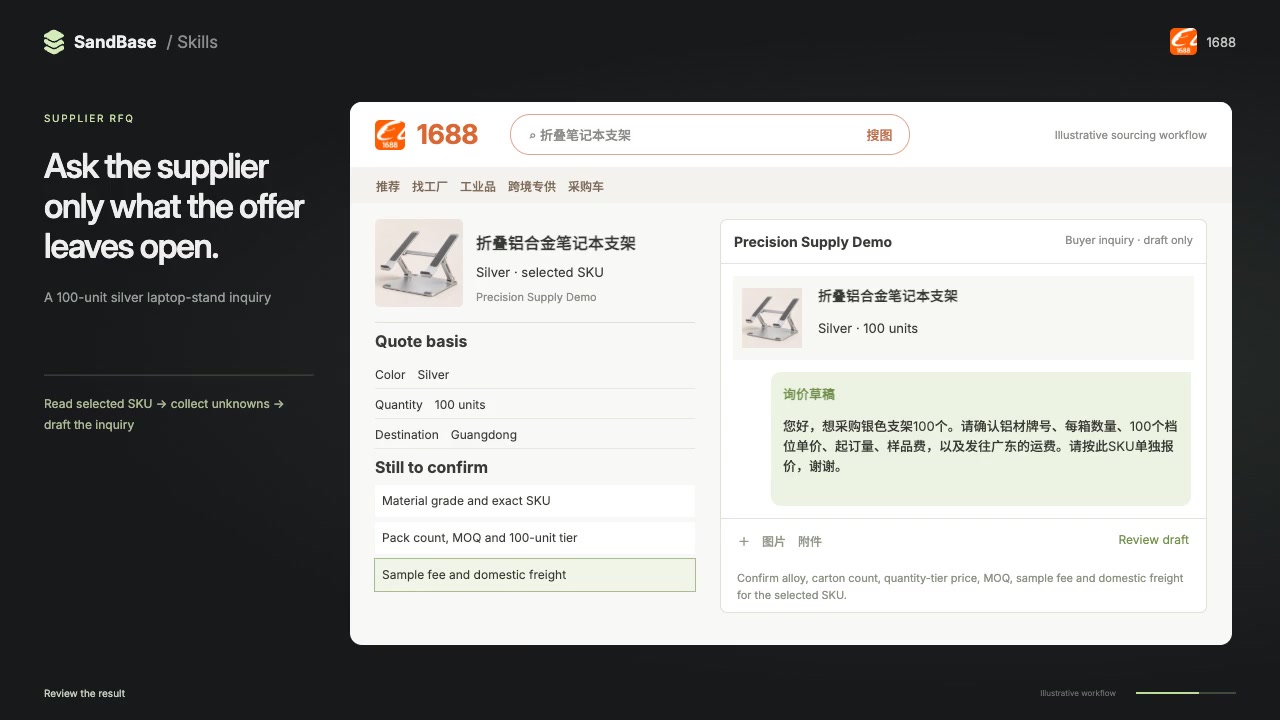
Co otrzymasz
Bring a product question or public URL, marketplace, region and optional captured data. The Skill returns a source-linked supplier rfq with concrete next steps and unresolved questions.
Jak to działa
- 01
Read the shortlist or one search
The Agent works from your sourcing shortlist, a captured export or one first-page 1688 item search. It records the UTC time, tool, arguments and run ID, and fetches detail only for item IDs that were actually returned or that you supplied. Any follow-up tool is inspected first and kept within the call budget you agreed.
- 02
List what each supplier must confirm
For every retained listing the Agent turns gaps into precise questions: material, exact shape and dimensions, pieces per pack, chosen SKU, quantity tier, minimum order, sample price and domestic freight. It asks the supplier to quote each SKU separately and to state which quantity the displayed CNY price applies to.
- 03
Deliver draft RFQs, never send them
The output is a short brief with a source table, observed facts and one draft RFQ per listing, plus a JSON appendix of sources, sample count, exclusions and unknowns. Missing fields stay unknown. The drafts are for you to review and send yourself; the Skill never messages a supplier automatically.
FAQ
What does 1688 Supplier RFQ produce?
1688 Supplier RFQ produces one draft request for quotation per retained 1688 listing, with the questions a supplier must answer before you can compare offers fairly. In the recorded coffee-filter example it asked for shape and dimensions, pieces per pack, minimum order, quantity tiers, sample price and freight, quoted per SKU.
Does it send the RFQs?
No. 1688 Supplier RFQ drafts the messages and stops. You read each draft, adjust it and send it through your own 1688 account. This keeps supplier contact under your control and avoids sending questions based on a listing that may have changed since the snapshot was taken.
Does it use paid data calls?
1688 Supplier RFQ can run without any calls when you supply a captured export. For live data it calls the SandBase 1688 item search through MCP or the CLI, and that usage is billed to your SandBase account. The Agent inspects the tool before using it, which shows the current price, and keeps to the call budget you set; see https://www.sandbase.ai/pricing.
Why ask which quantity a price applies to?
1688 Supplier RFQ asks because a displayed 1688 price usually belongs to one quantity tier and one variant. Comparing a single-piece price with a bulk price, or a filter-paper pack with a reusable dripper, misleads. The draft asks each supplier to tie every price to a SKU and quantity so the replies can be compared.
Is a first-page search the whole market?
No. 1688 Supplier RFQ treats a first-page result as a sample, not an exhaustive catalog. Search relevance, variants, promotions and availability change, and the brief states the sample size and any rows it dropped. Add suppliers you already know to the input if you want them covered.
Więcej Skills
Wszystkie Skills dla 1688 →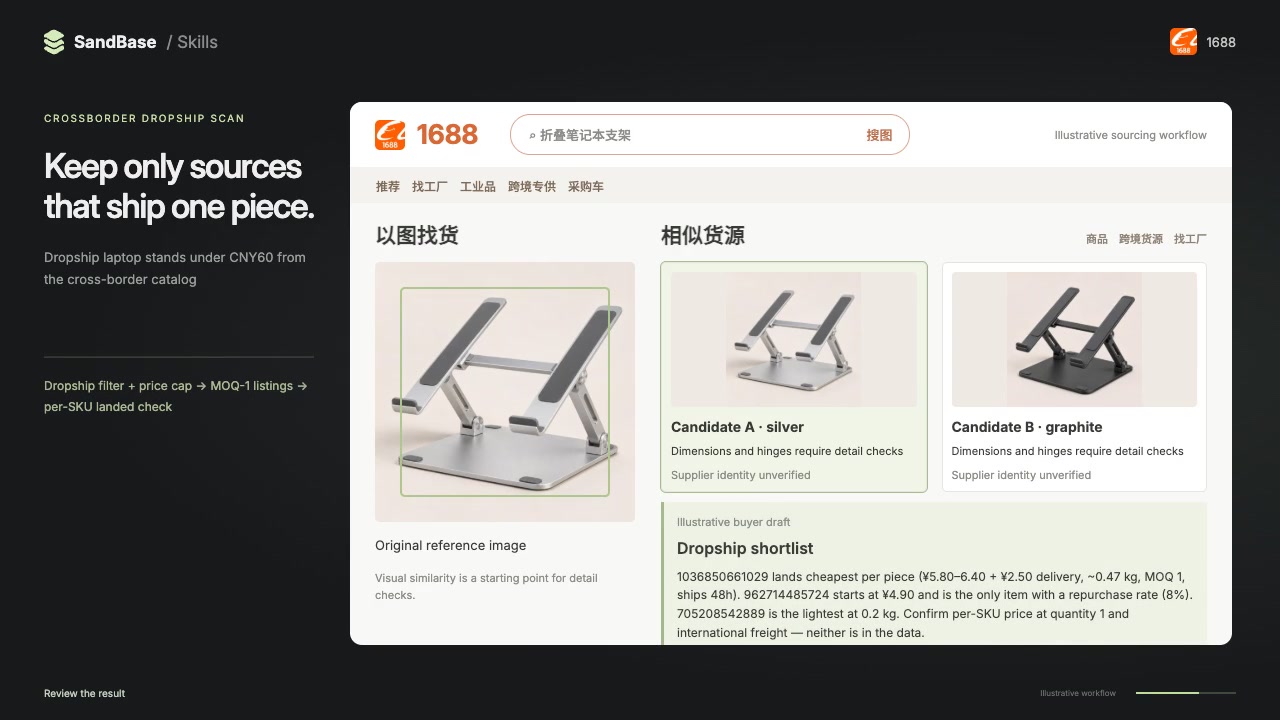
1688 Cross-Border Dropship Scan
Find 1688 sources you can dropship one piece at a time.
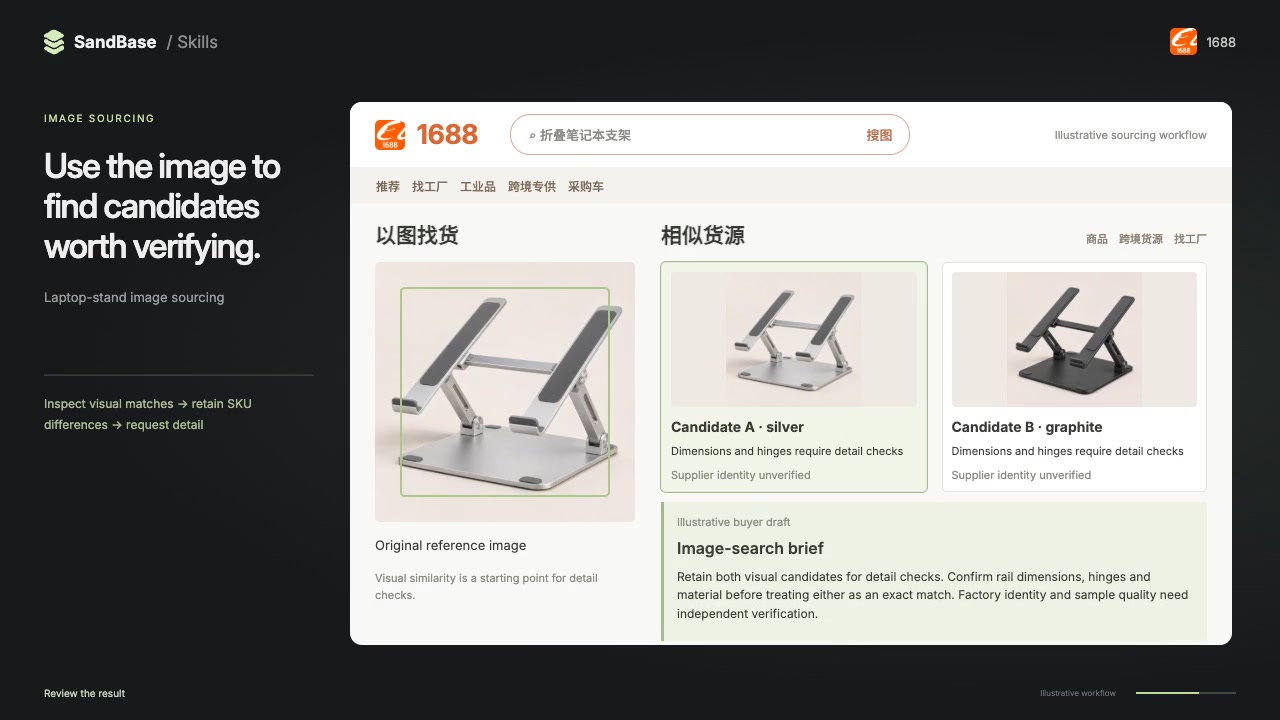
1688 Image Sourcing
Start from one product photo and find who sells the same style on 1688, at which quantity tiers — then pick the most likely factory.
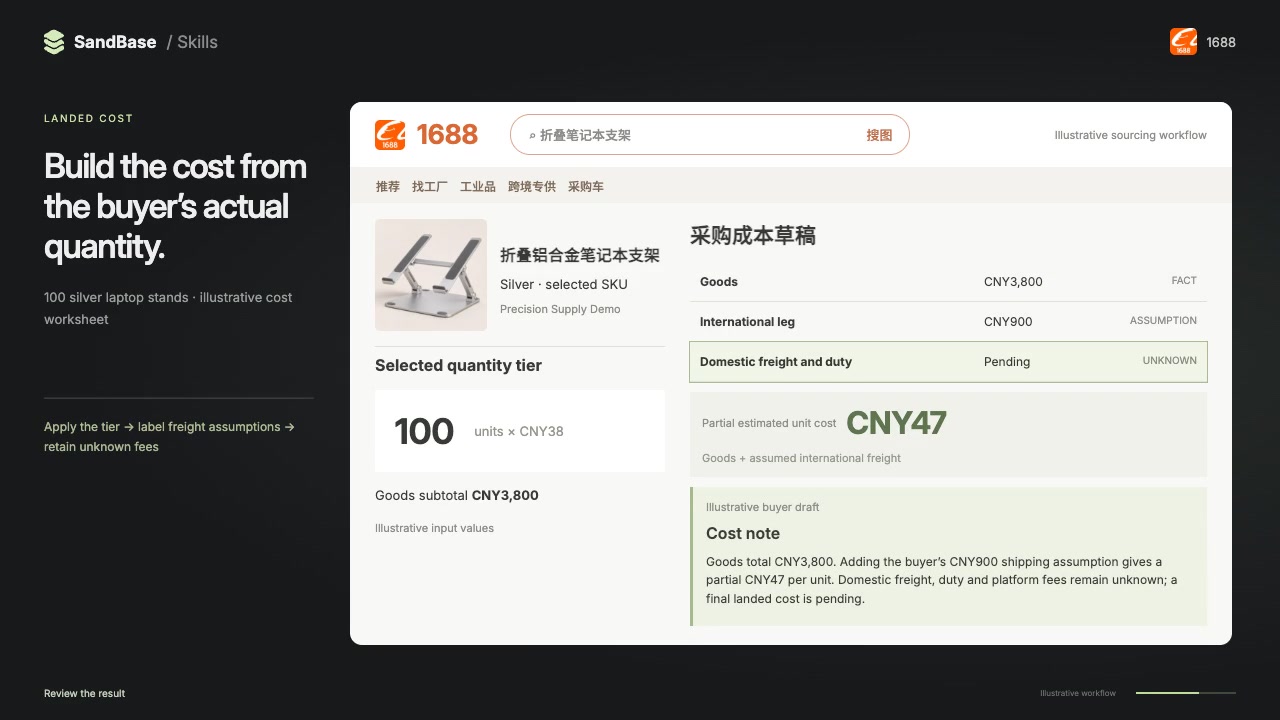
1688 Landed Cost
The listing price is not your cost — compute the landed unit cost of a 1688 item with every line tagged FACT, ASSUMPTION or UNKNOWN.
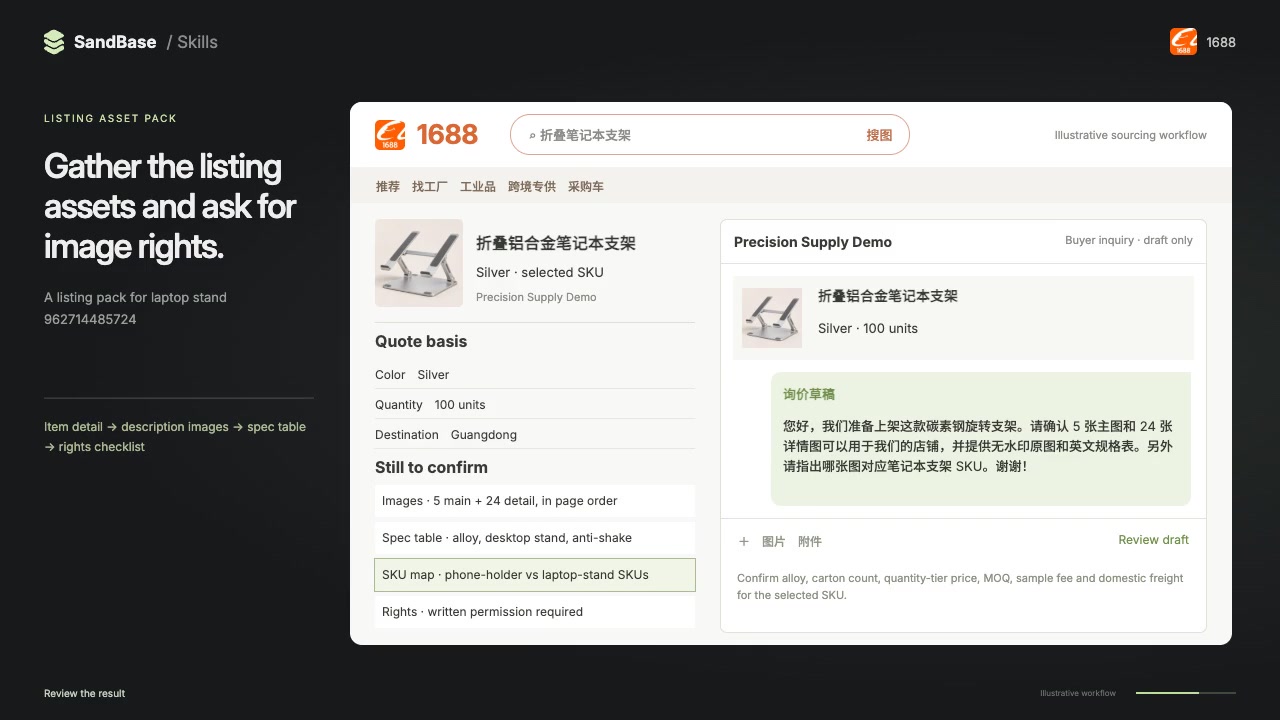
1688 Listing Asset Pack
Gather what a new listing needs from a chosen 1688 product.
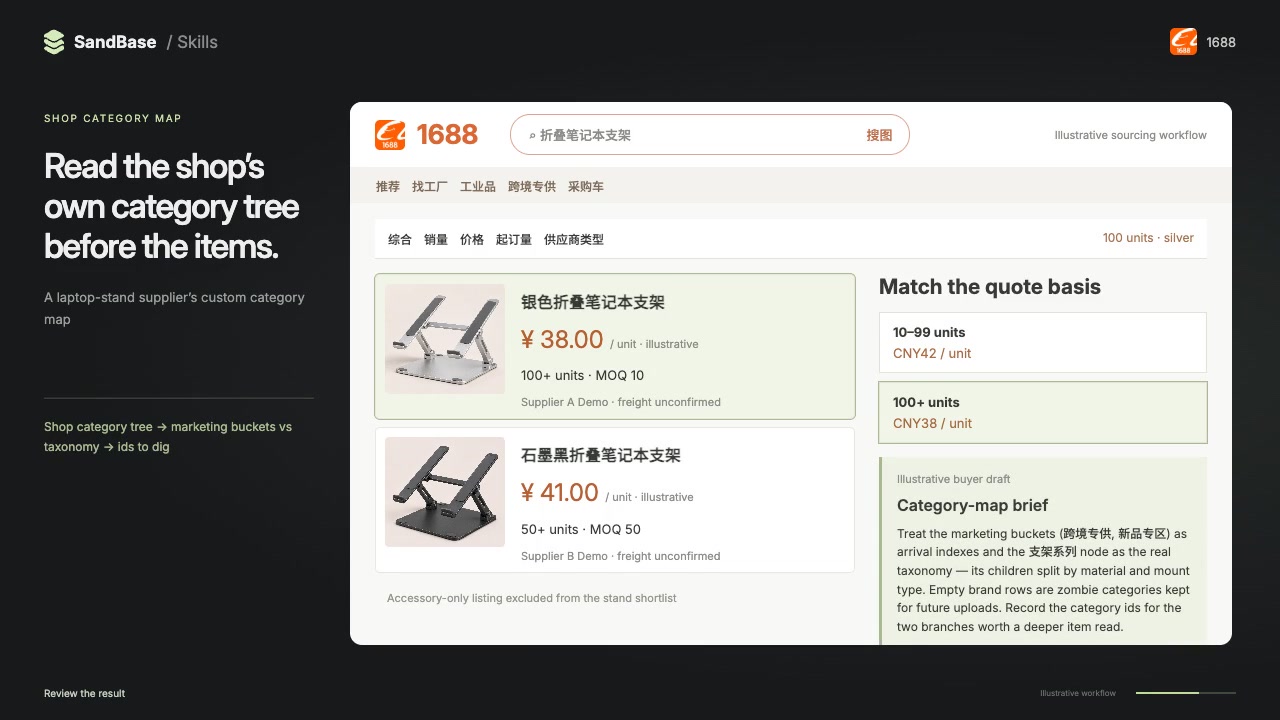
1688 Shop Category Map
Map one 1688 shop's self-defined category tree through SandBase
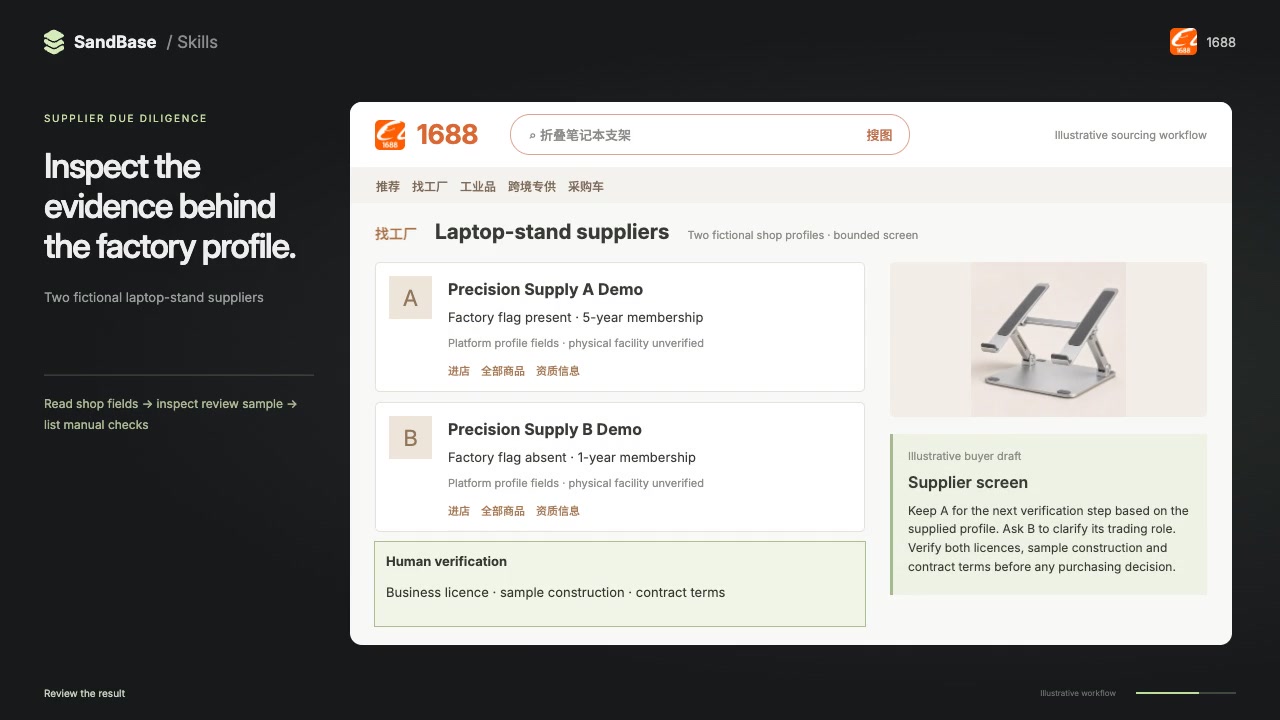
1688 Supplier Due Diligence
Screen candidate 1688 suppliers before you contact anyone — a documented first-pass check with platform ratings, factory flags, red flags and the manual checks that remain.