
Photo to 3D render
- Skill z Lab
- v0.1.0
- Illustration
Restyle one consented photo as a polished 2:3 stylised 3D character render — subsurface scattering, soft studio lighting and a turntable-style hero presentation.
Przykład
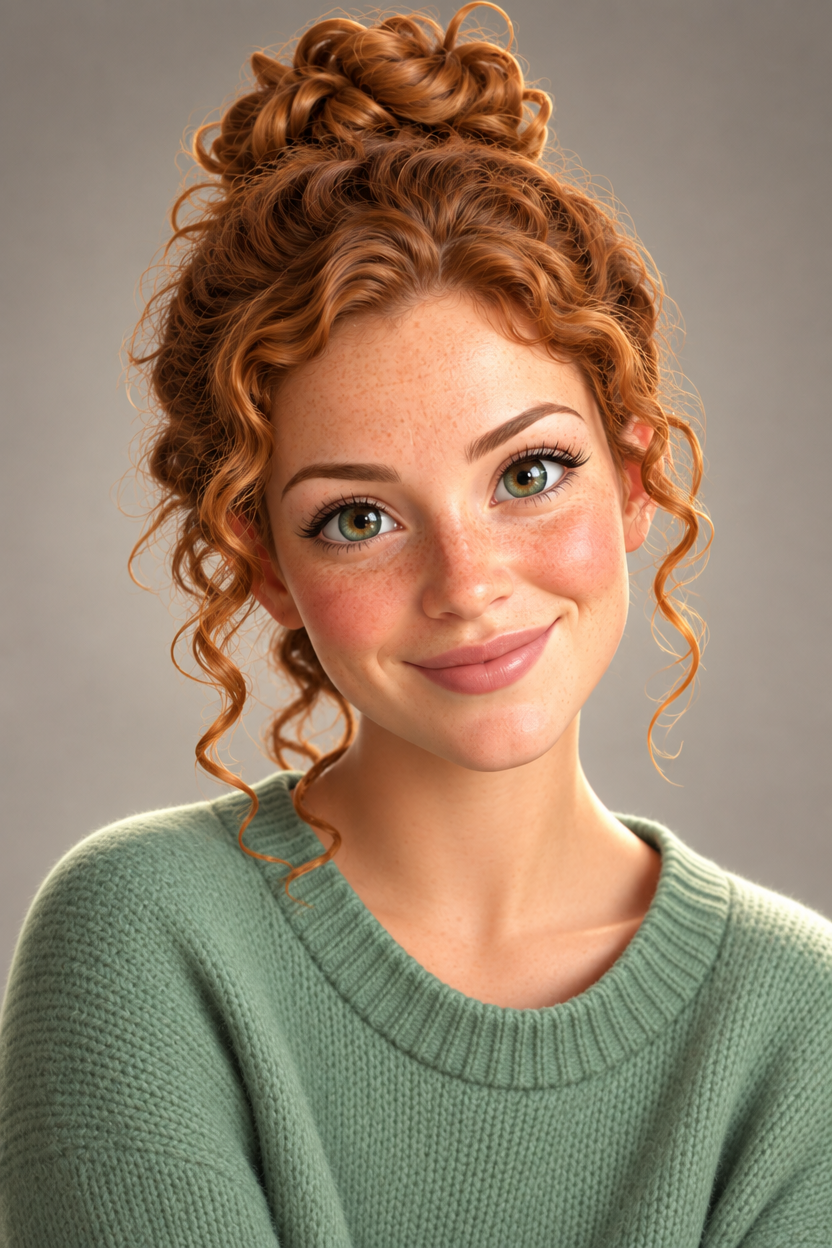
Photo to 3D render
Uruchom online
Uruchom w sandboxie SandBase i zobacz wyniki w Lab.
Otwórz w Lab ↗Co otrzymasz
Bring one consented photo of a subject. The Skill returns one 2:3 3D render PNG and a bilingual run report.
Jak to działa
- 01
Upload the subject photo
Photo to 3D Render needs one clear, upright photo of the subject and consent set to accepted. An optional finish field takes glossy, for a polished sheen with crisp highlights, or matte, for a soft velvety diffusion; leave it out and the model picks a natural balance. The photo must be PNG or JPEG, at most 8 MB, with a short side of at least 512 px.
- 02
Edit into a stylised 3D character
The Skill removes location and other metadata without re-encoding, then calls openai/gpt-image-2.5-flare/edit at medium quality, 1k, 2:3 and PNG. The result is a stylised 3D character render of the same subject, with smooth computer-generated shading and soft studio key, fill and rim lights on a graded backdrop. The local commands need Node.js 18 or later and read SANDBASE_API_KEY from the environment.
- 03
Inspect render.png
A finished run writes render.png and three reports with actual dimensions, execution ID and recorded cost. The image must carry no words, letters, numerals or pseudo-writing. Inspect likeness, proportions, lighting and finish at full resolution and as a small thumbnail. Only the consented subject may appear; any logo, watermark, other person or trademarked silhouette is a defect.
FAQ
What does Photo to 3D Render make from my photo?
Photo to 3D Render makes one 2:3 stylised 3D character render of the subject in your photo, with smooth computer-generated shading and studio lighting on a graded backdrop. There is no text on the image. You can steer the surface with the optional finish field, glossy or matte.
Does Photo to 3D Render imitate a particular animation studio?
No. Photo to 3D Render never imitates a named studio or artist's style and never adds a franchise, a logo or another person. Only the consenting subject in the photo appears in the render.
Does Photo to 3D Render cost anything?
Yes. Photo to 3D Render bills one openai/gpt-image-2.5-flare/edit call to your SandBase account for each approved brief. The plan command previews the job without a network call, and run will not submit above the --budget cap after checking the inspected estimate. The report shows the recorded cost, and rates are at https://www.sandbase.ai/pricing.
What photos does Photo to 3D Render reject?
Photo to 3D Render rejects files that are not PNG or JPEG by content, are larger than 8 MB, have a short side under 512 px or a long side over 6000 px, or carry an EXIF orientation other than 1. Rotate such photos upright first. Photos of others without consent and identity documents are out of scope.
Is a Photo to 3D Render result guaranteed to look like me?
No. Photo to 3D Render requests the likeness and visual direction, but the model does not guarantee them. Review the render; if it fails, a new attempt needs your decision and a new approved brief, since the Skill never buys an automatic replacement.
Więcej Skills
Wszystkie Skills dla Illustration →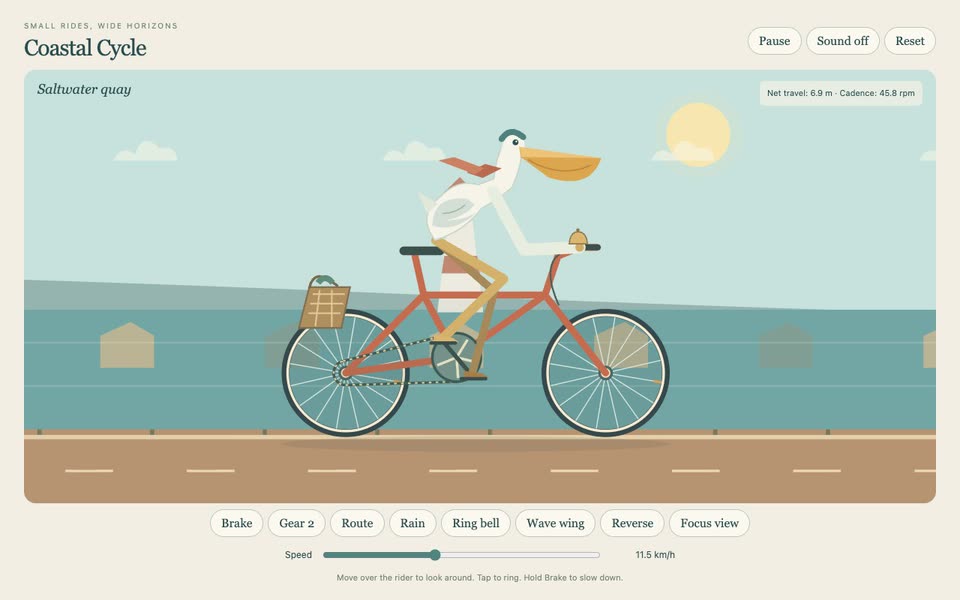
Coastal Cycle: Harbor Pelican
An authored SVG pelican rides a coral bicycle beside the sea. Measured travel drives the wheels, gear ratio drives the crank, and solved joints keep both feet on their actual pedals. Brake, reverse and explore three coastal palettes offline.
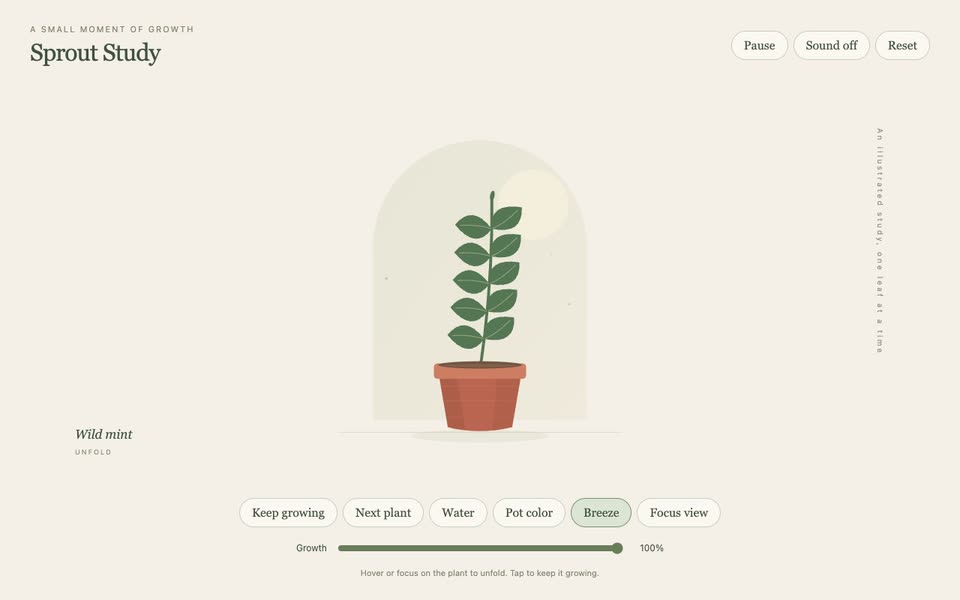
Sprout Study: Terracotta Mint
A quiet SVG botanical illustration. Hover or focus to grow the continuous stem, unfold leaves in sequence and fold them again. Touch hold, exact growth scrubbing and editable plants in one offline HTML.
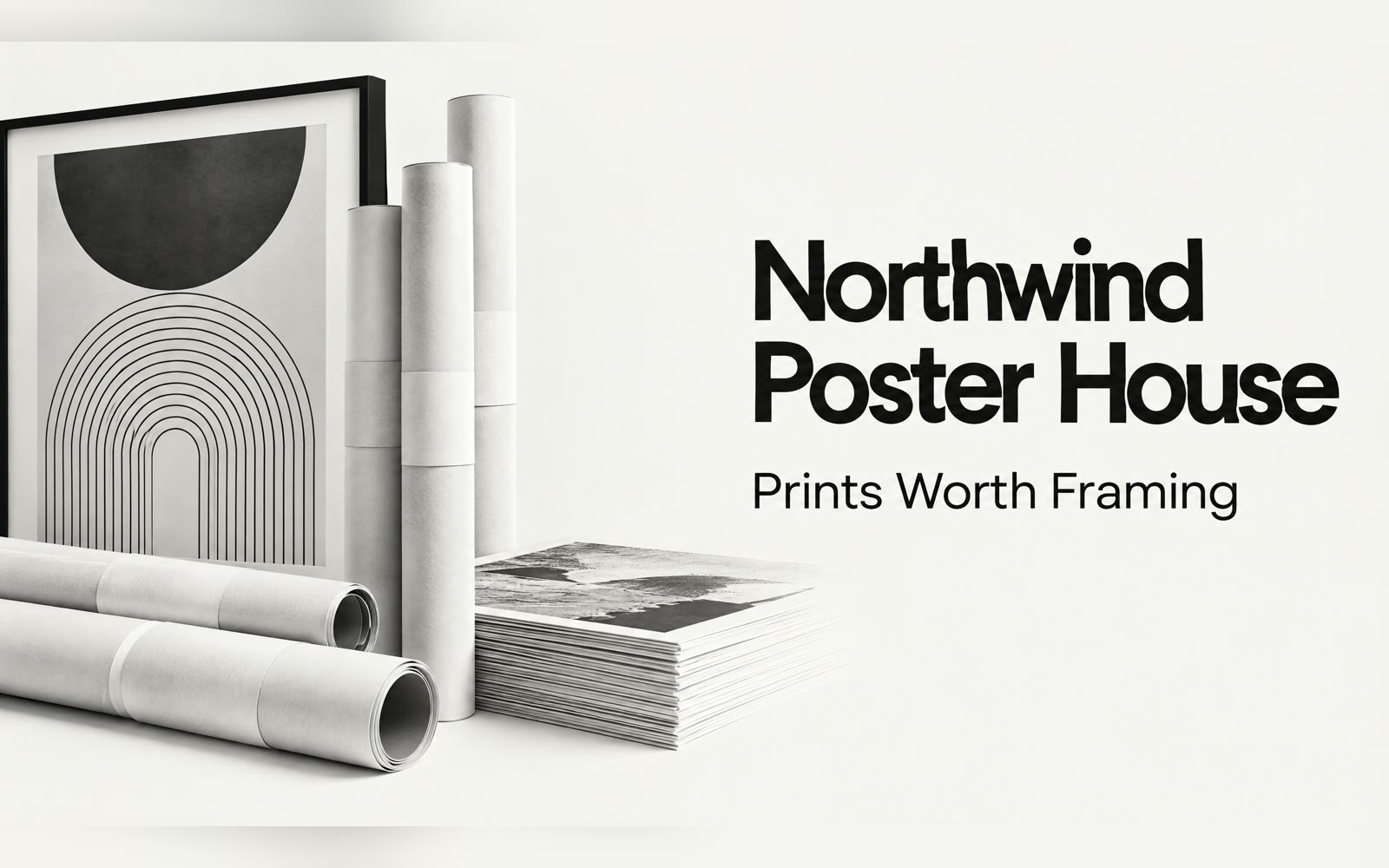
Monochrome editorial
Turn a brand, one headline and context into a high-key monochrome editorial card.
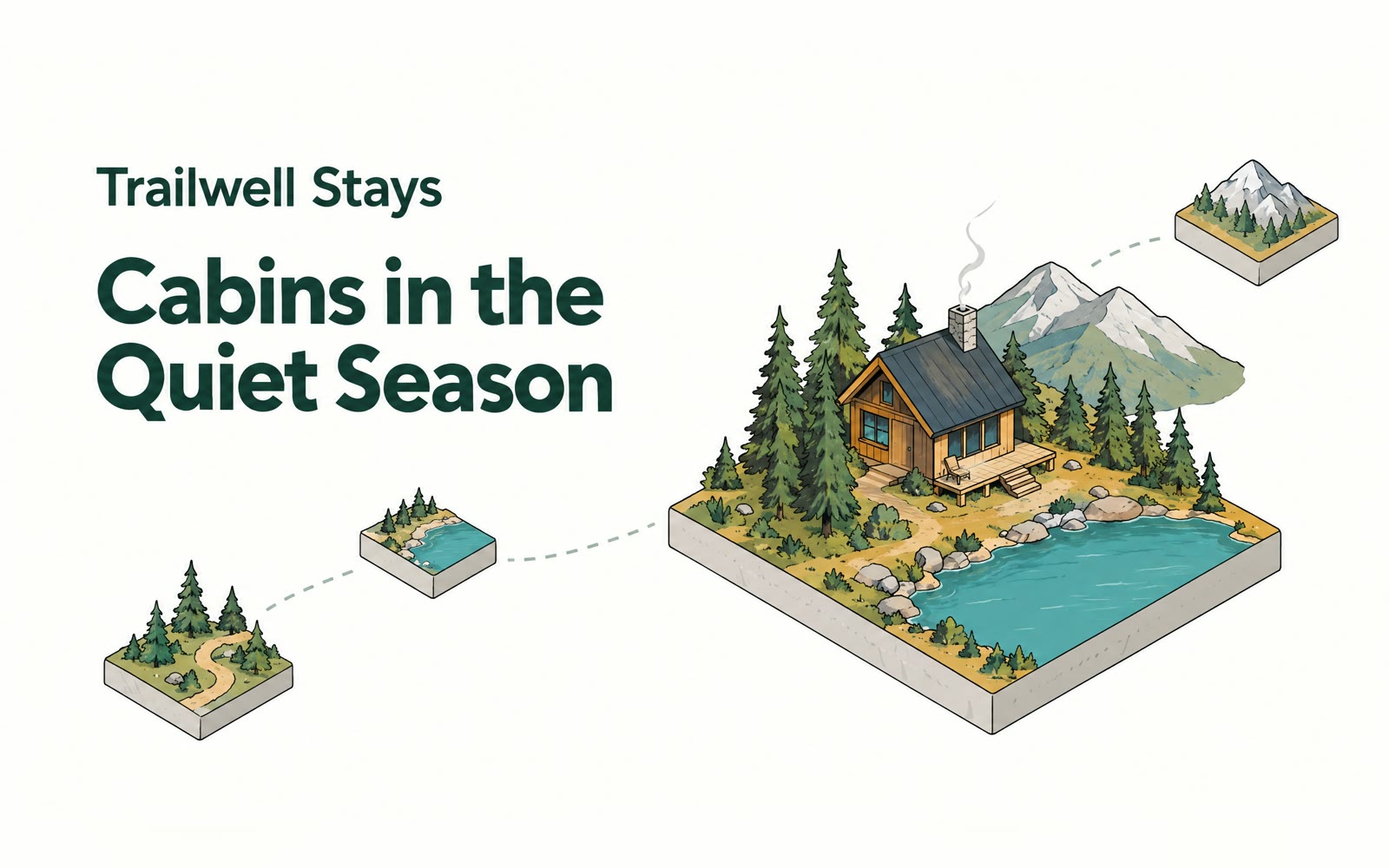
Isometric diorama
Turn a brand, one headline and context into a modular isometric card.

Converging lines
Turn a brand, one headline and context into a precise line-convergence card.

Gradient horizon
Turn a brand, one headline and context into a warm gradient-horizon card.