
Cloudpane Slides
- Skill z Lab
- v1.0.0
- Research
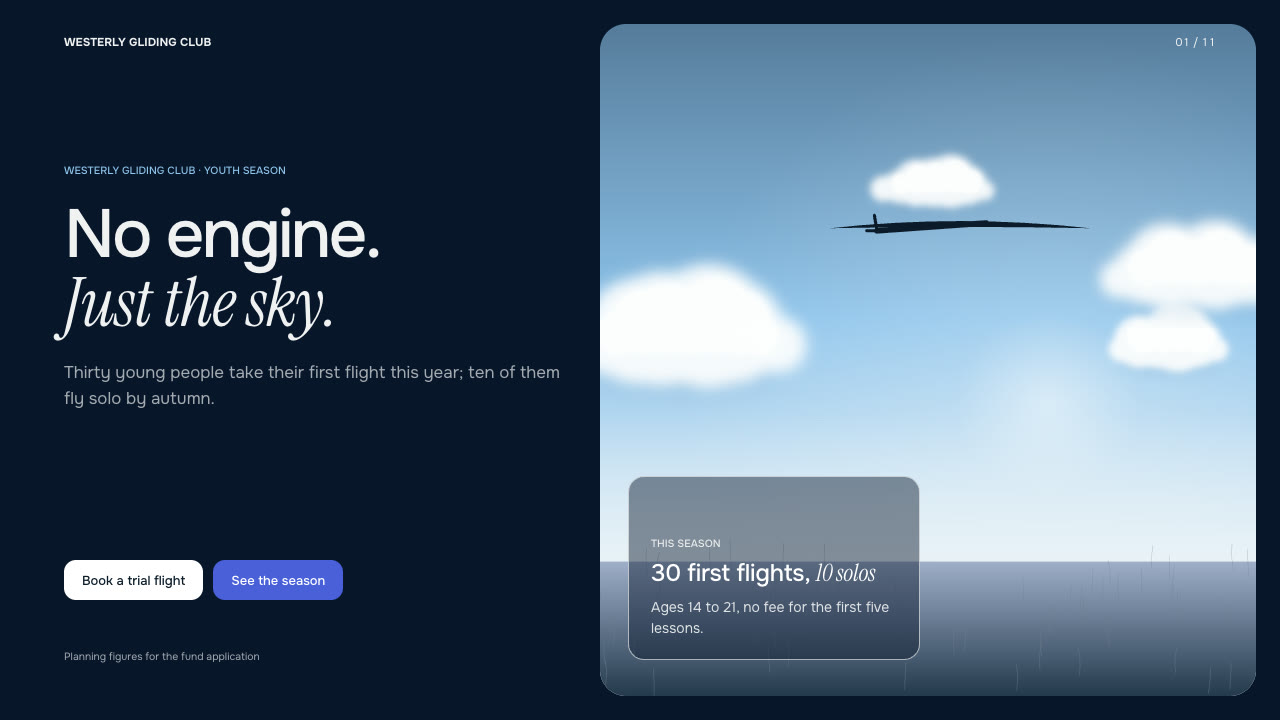
Make explainer and proposal decks that make a public subject feel approachable: open-sky pictures, clear optical glass and anonymous figures, thin-edged translucent glass cards over the pictures, broad mist-white pages, three deep night pages and headings with an italic serif accent.
Przykłady · 2
Co otrzymasz
Bring the topic, the audience, the decision you need, the facts and numbers to use exactly and the page count; pictures optional. The Skill returns one offline HTML deck that edits in the browser and exports editable PowerPoint.
Jak to działa
- 01
Agree the story and pages
Cloudpane Slides asks for the subject, audience, the decision or understanding the deck should leave, your facts, the page count, language and any pictures. The story moves from opening and idea through the open question, places, method, a pattern, field practice and people to a first step and closing. Only skyline, refraction and first-cycle are dark night pages.
- 02
Draw skies and compose
Cloudpane Slides uses your pictures first, or one art.json entry per slot and python3 scripts/sky-art.py art.json --out art/ to draw skies, glass lenses, spheres, prisms and anonymous figures; duplicate entries are refused. Headings take two parts, plain then emphasised. kit.py compose writes deck.json, and apply-palette.py deck.json --palette zenith applies one of four presets.
- 03
Build and look at 1280x720
make-deck.py builds presentation.html with the Python 3 standard library and verify-deck.py checks it with --pages N. The Agent views every page at 1280 by 720, checking white type against sky, glass cards over busy picture areas, name tags against faces and the range chart dots, then tests Edit, Save and Present. verify-pptx.py checks an exported .pptx.
FAQ
What subjects suit Cloudpane Slides?
Cloudpane Slides makes complicated public subjects feel approachable: community programmes, civic or environmental proposals and research or service explainers for non-specialists. Funding asks for clubs, councils and charities and tourism or outdoor pitches fit too. The demos are a gliding club's youth season and a rural dark-sky reserve.
Where do the Cloudpane Slides pictures come from?
Cloudpane Slides places your pictures first. Otherwise sky-art.py draws stylised vector skies at four times of day over sea, hills, roofs, fields, shores, terraces or lakes, plus glass lenses, spheres and prisms, faceless figures, textures and line icons. It is not photography, so use your own pictures when the audience expects real places or people.
Does Cloudpane Slides use an image service?
No. Cloudpane Slides draws every picture with sky-art.py using only the Python standard library and calls no model or image service, so nothing is billed. python-pptx is needed only to run verify-pptx.py.
Do Cloudpane Slides glass cards blur the background?
No. Cloudpane Slides glass is a translucent fill with one thin light edge and no blur or shadow, so browsers and PowerPoint show the same result and busy picture areas stay visible underneath. Use the s-mist or s-deep variants where a card crosses a busy area.
Is the Cloudpane Slides range chart bound to data?
No. Cloudpane Slides draws the range chart as eight columns, each a range bar and a mean dot placed by hand in css as a percent of the plot, with three y labels. In PowerPoint every bar and dot is its own shape.
How large is a Cloudpane Slides PowerPoint export?
About 10 to 11 MB for the Cloudpane Slides examples, because the outdoors and clear-sky layouts carry full-size sky backgrounds. Those are the only page-sized pictures; headings, labels and axis labels are native text, and glass cards, chips, range bars and dots are native shapes.
Which fonts does Cloudpane Slides use?
Cloudpane Slides uses Onest 400, 500 and 700 for headings and text and Instrument Serif italic only for emphasised words, both embedded and under the SIL Open Font License. The italic run stays separate in PowerPoint. Onest 500 maps to the installed regular or bold, and CJK emphasis stays upright in a system face.
Więcej Skills
Wszystkie Skills dla Research →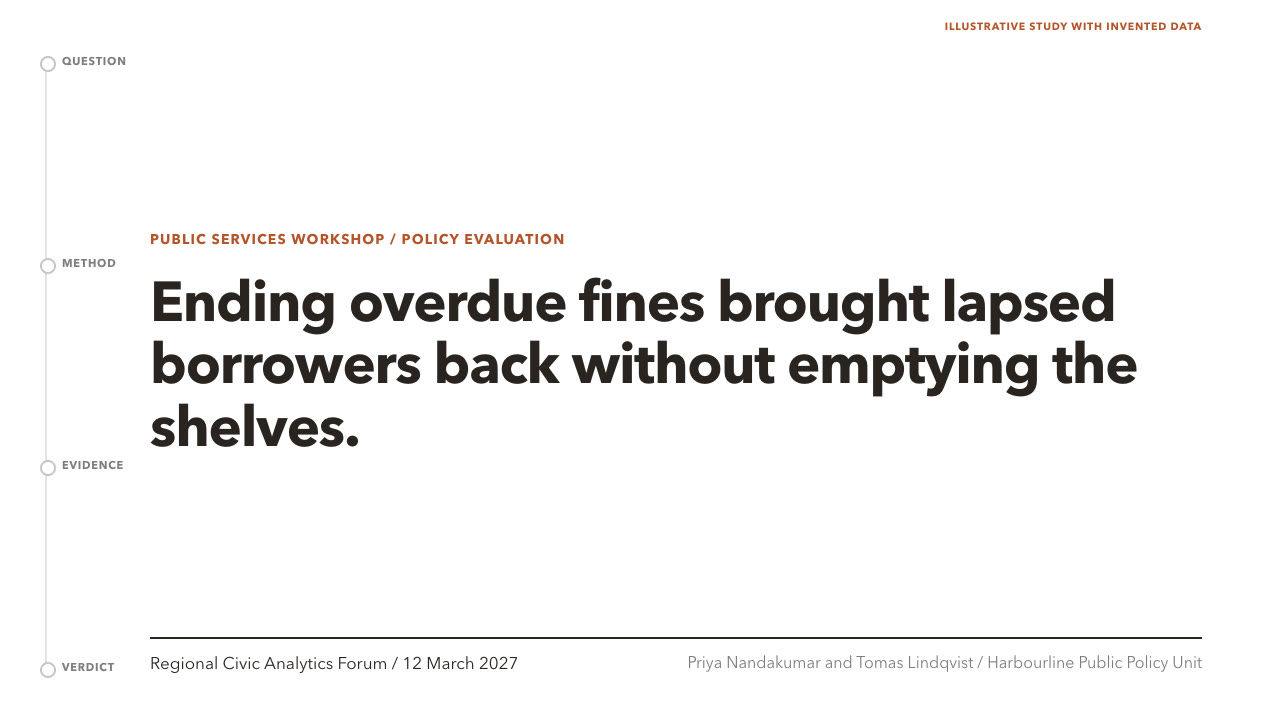
Thesis Spine Slides
Build a research talk whose titles, read in order, argue one claim from question to verdict, with one cited exhibit per evidence page.
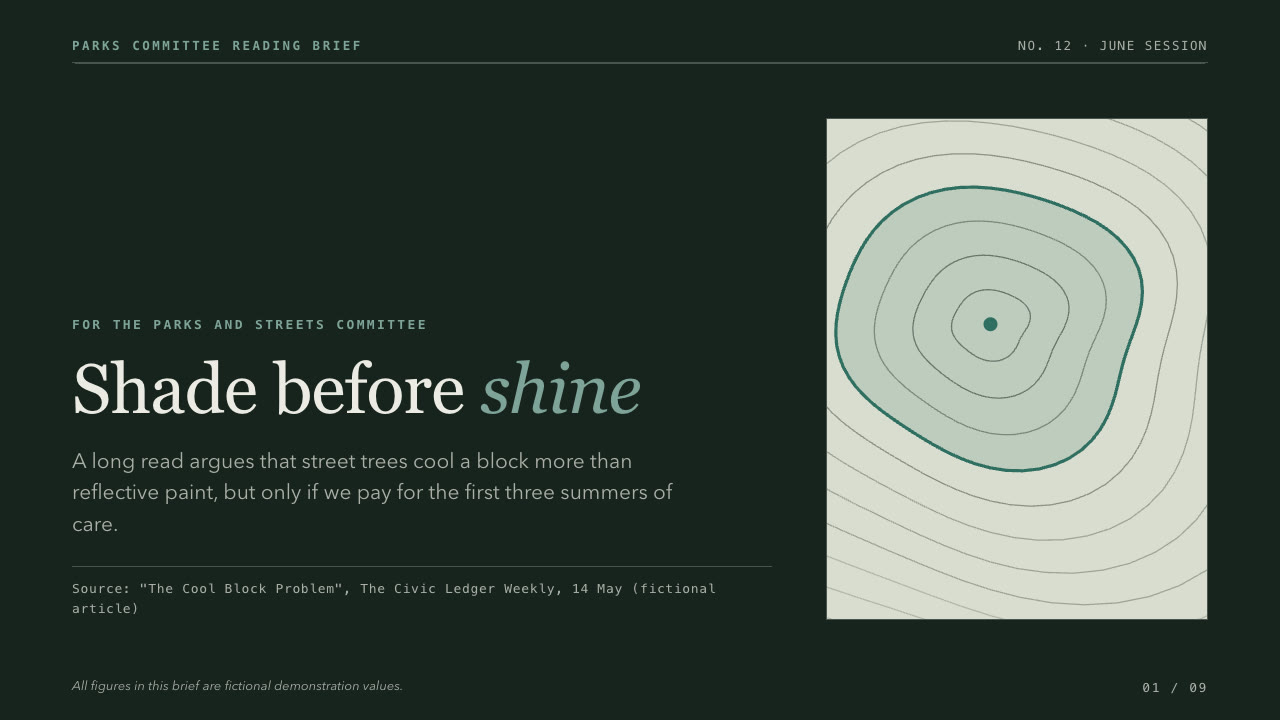
Reading Digest Slides
Turn one long read, essay or report into a reading brief a committee can decide on: a masthead, argument beats on a rail, a headline figure, bar charts and a source ledger that keep checked facts, assumptions and open questions apart, two readings, discussion prompts and the decision asked.
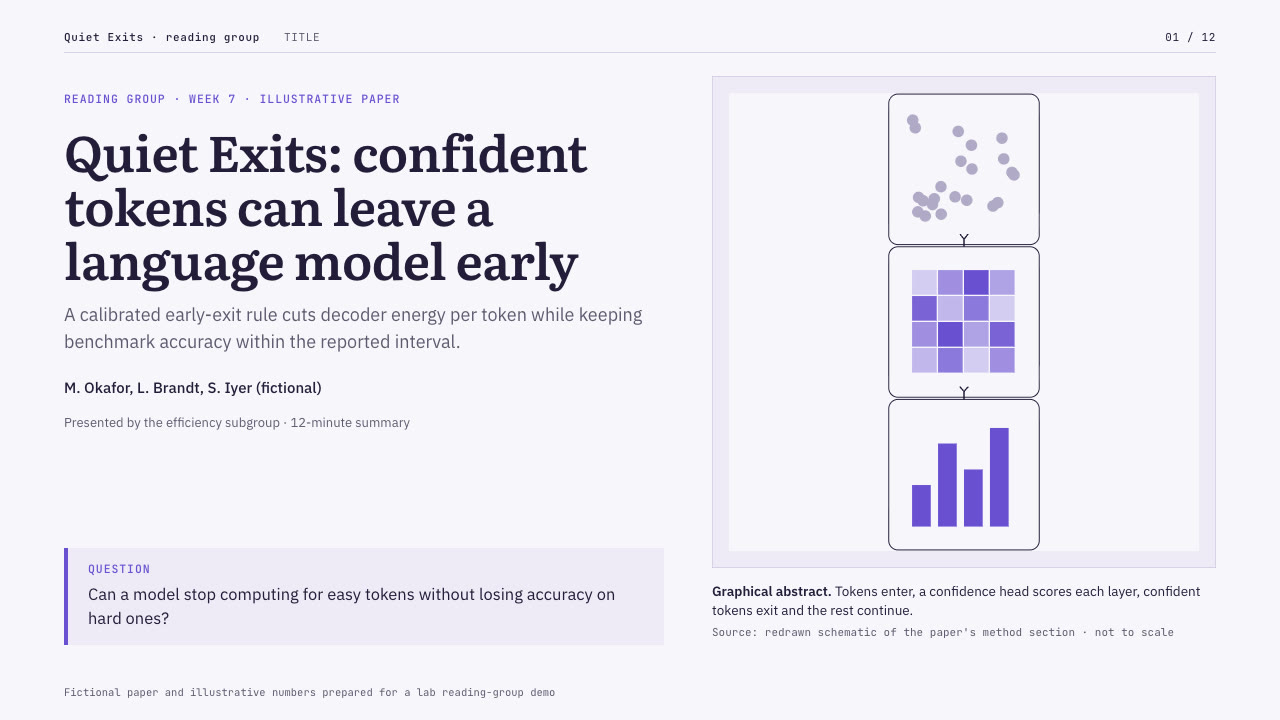
Figure First Slides
Make figure-led research talks such as paper summaries, journal clubs, lab and reading-group reviews and evidence briefings: every content page is built around one figure, chart or table with its caption and source underneath, numbers carry their comparator and interval, and a limits page states what the work can and cannot claim.
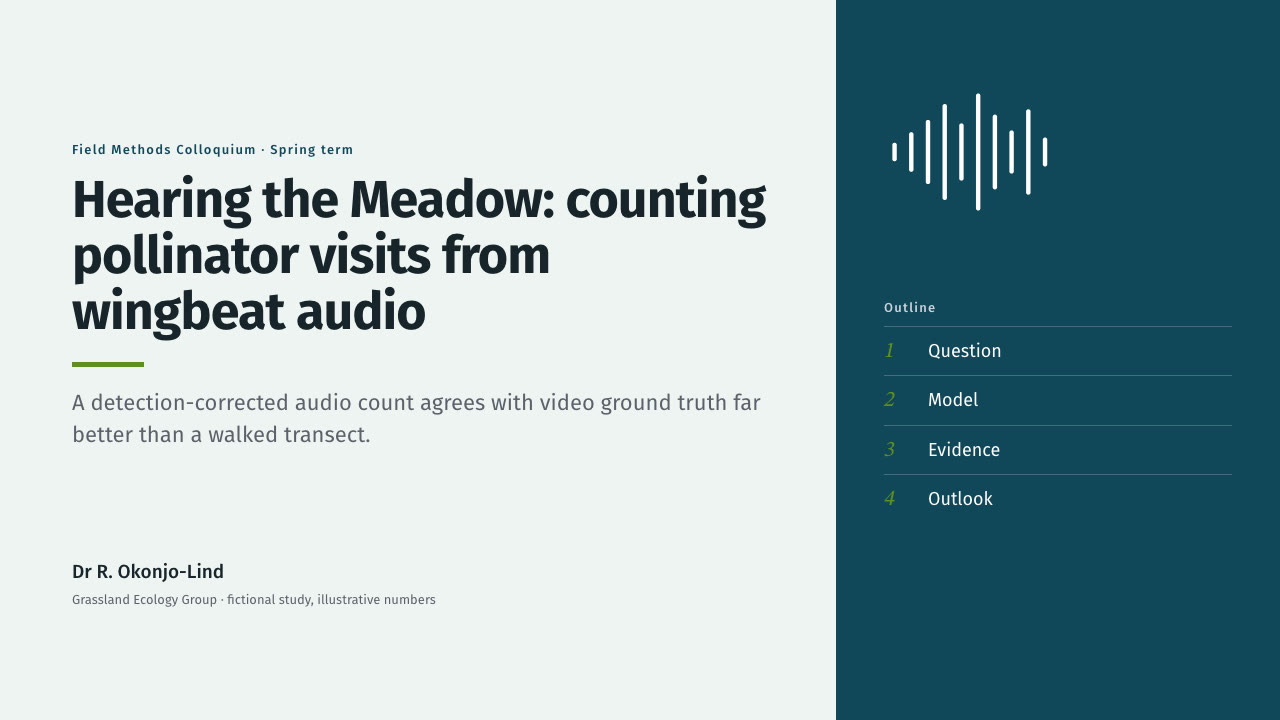
Seminar Math Slides
Turn a paper, thesis chapter or research notes into a projection-ready 16:9 talk for seminars, colloquia, defences and conference sessions: a section strip with the current section lit, equations with spoken readings and term glosses, a method pipeline, a proof sketch, native result bars and tables, plots drawn from data and a progress bar with frame counters.
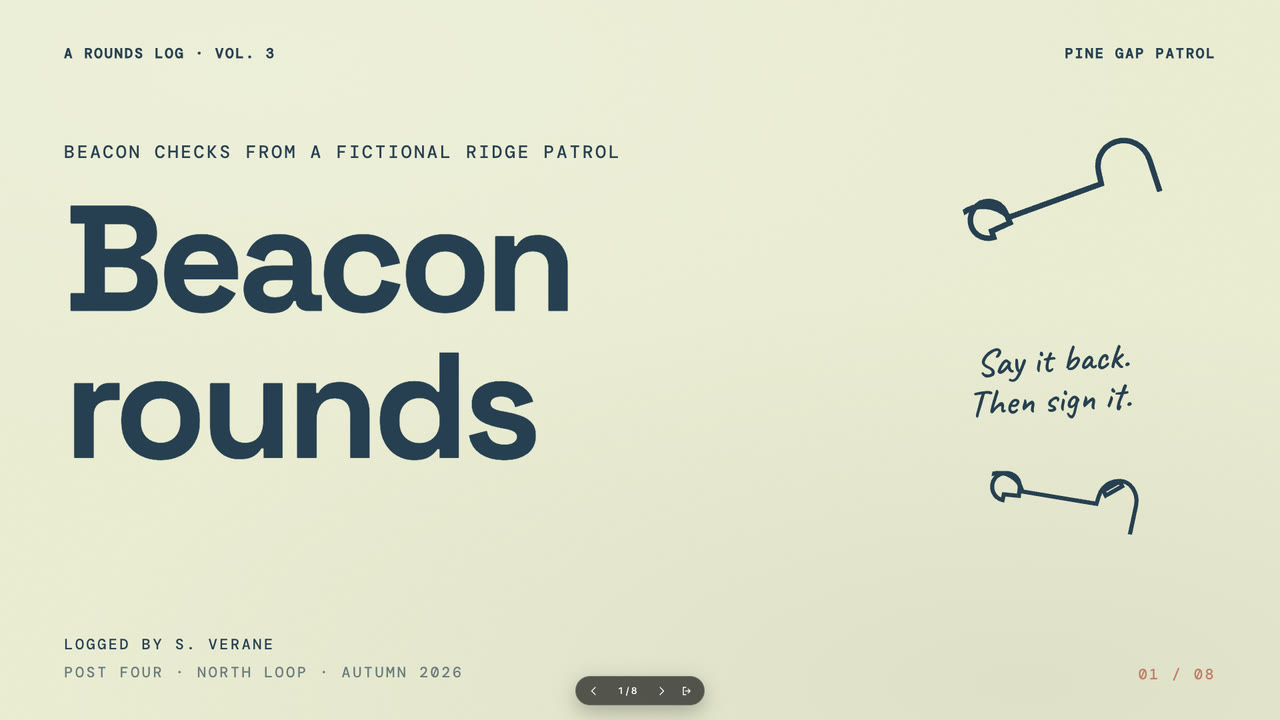
Yellowpad Fieldnotes Slides
Make decks that read like pinned field notes: saturated yellow legal-pad paper, cobalt ink, hand-drawn safety pins, cream pinned cards, handwritten marginalia, mono archival tags and rotated red stamps.
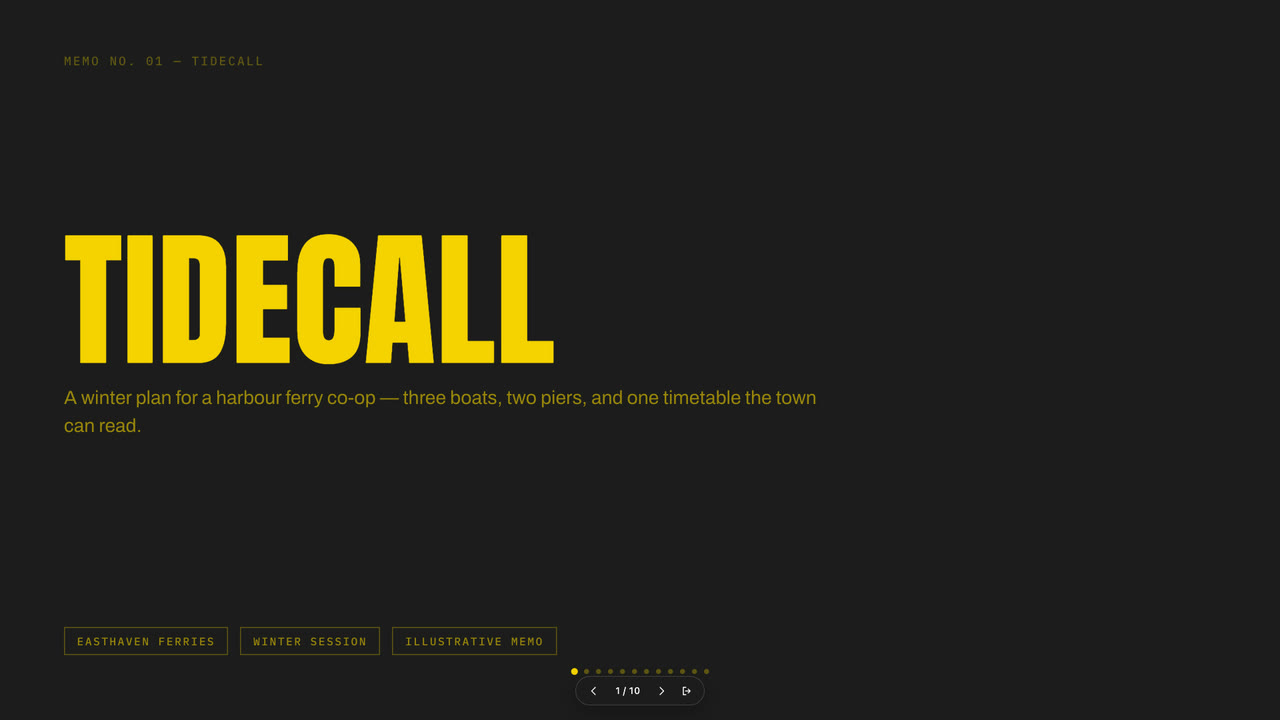
Volt Brief Slides
Make decks that read like high-voltage two-register briefs: near-black ink pages or full volt-yellow pages, uppercase condensed grotesk titles, mono chrome labels, em-dash bullets, stepped bar charts and hairline-framed drawn panels.