
Narzędzia

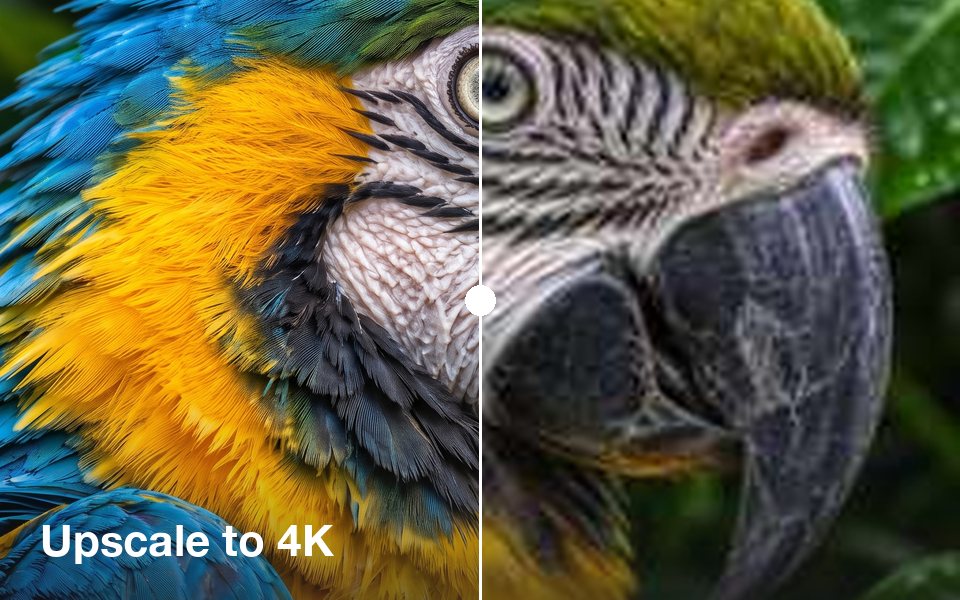
Darmowe narzędzia AI, bez rejestracji
Usuwaj tła, zwiększaj rozdzielczość zdjęć, twórz headshoty i logotypy, konwertuj obrazy i GIF-y oraz pobieraj transkrypcje wideo. Darmowe z kontem lub bez.

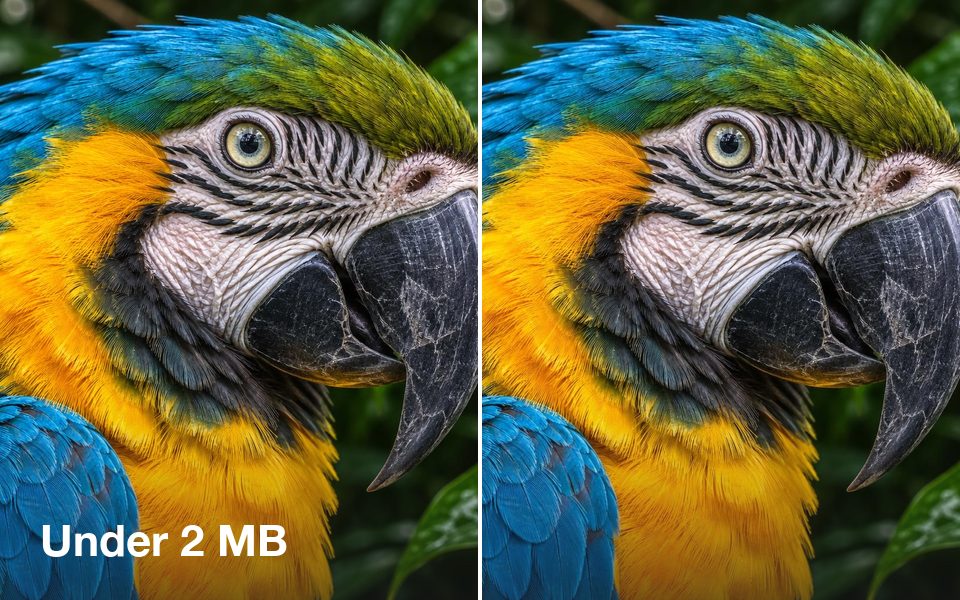
Compress Image to 2 MB
Compress a photo to under 2 MB, keeping the best quality that fits.
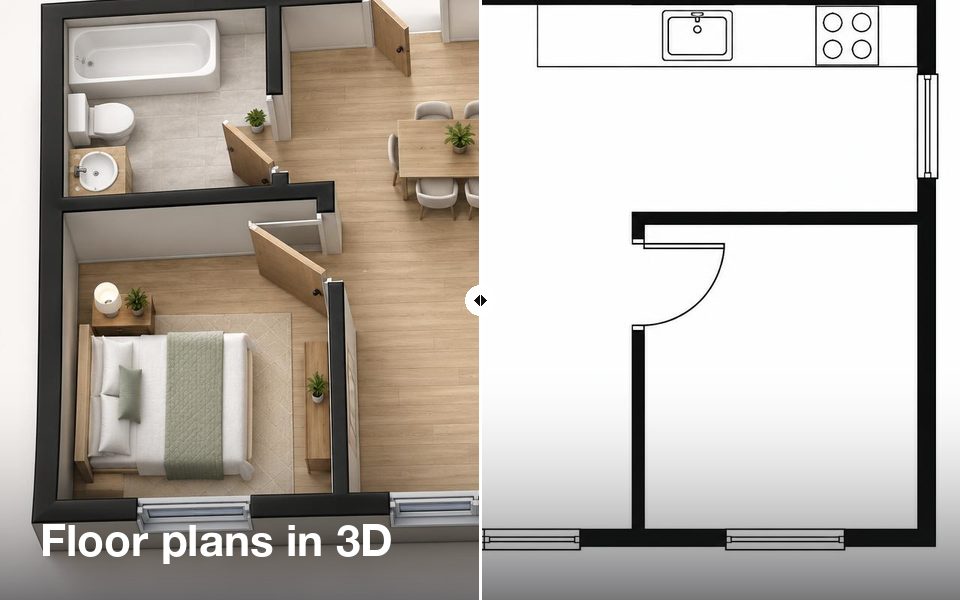
AI Floor Plan Renderer
Turn a 2D floor plan into a furnished 3D isometric view in four styles.

Amazon Opportunity Scanner
Read price bands, ratings and market competition
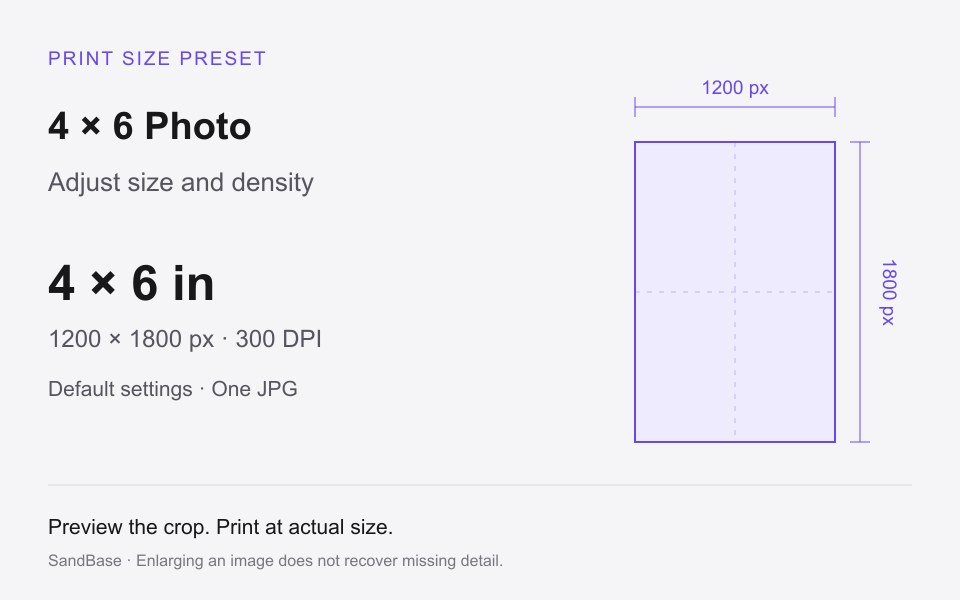
4 × 6 Photo Maker
Start with 4 × 6 in at 300 DPI; adjust the print size and density before saving.
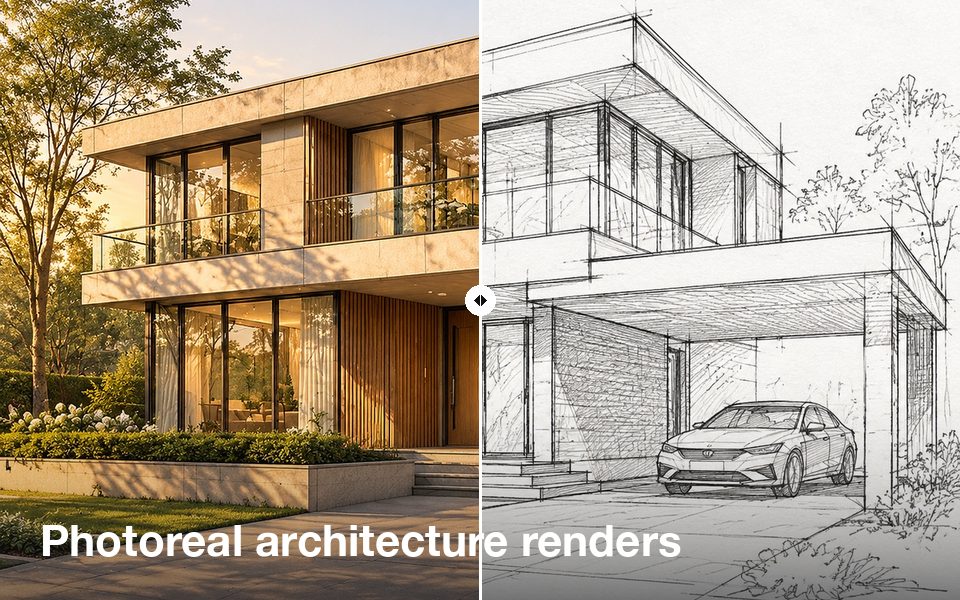
AI Architecture Render
Turn a building sketch or photo into a photoreal render with your light and materials.

1688 Product Finder
Find wholesale products and compare supplier signals
5 × 7 Photo Maker
Start with 5 × 7 in at 300 DPI; adjust the print size and density before saving.
PNG to SVG
Convert a PNG into a scalable SVG made of flat vector shapes, in four vector looks.

Product Review Analyzer
Turn customer feedback into product decisions
8 × 10 Photo Maker
Start with 8 × 10 in at 300 DPI; adjust the print size and density before saving.
JPG to SVG
Convert a JPG into an SVG made of flat vector shapes, with solid colors and crisp edges.

Shopping Price Comparison
Compare live offers across stores and markets
A4 Size Image
Start with 21 × 29.7 cm at 300 DPI; adjust the print size and density before saving.
Image to SVG
Turn any image into an SVG with up to six solid colors.

eBay Price Checker
Live eBay listings, prices and conditions
Resize Image in Inches
Start with 4 × 6 in at 300 DPI; adjust the print size and density before saving.
Convert Image to SVG
Convert a PNG, JPG or WebP image to an SVG online, in four vector looks.

Target Product Search
Target prices, ratings and reviews
Change Image DPI
Change print density while preserving pixel dimensions.
SVG Converter
Convert PNG and JPG images to SVG online, in four vector looks.

Bing Shopping Search
Compare offers from Bing Shopping
300 DPI Converter
Resize a picture for printing at 300 DPI in any size.
Image Vectorizer
Vectorize any image into an SVG with up to eight solid colors.

AutoZone Parts Finder
Prices and availability on an AutoZone category page
Najczęściej zadawane pytania
- Ile kosztują te narzędzia?
- Darmowe narzędzia nic nie kosztują, z kontem lub bez. Narzędzia danych uruchamiają jedno SandBase API na Twoim własnym koncie: narzędzia oznaczone jako Darmowy dzienny limit korzystają z APIs w udostępnionym darmowym limicie dziennym (100 wywołań na organizację dziennie), a pozostałe są rozliczane według ceny katalogowej API, zwykle od ułamka centa do kilku centów. Testy modeli wywołują punkt końcowy, który testujesz, używając własnego klucza.
- Czy potrzebuję konta na każdej platformie?
- Nie. Narzędzia odczytują publiczne dane przez SandBase APIs, więc nie potrzebujesz konta Reddit, Amazon ani LinkedIn. Płatne uruchomienia wymagają tylko logowania do SandBase.
- Czy mogę pobrać te same dane we własnym kodzie?
- Tak. Każde narzędzie danych pokazuje API, które wywołuje, oraz przykład cURL. Użyj swojego klucza SandBase API, aby wywołać to samo API z własnego kodu lub Agent.