
Social media
Research audiences, plan content and manage social workflows.
Explore Social media ↗Review a Toutiao article and public responses to prepare an informed follow-up.
Просмотреть Skills ↓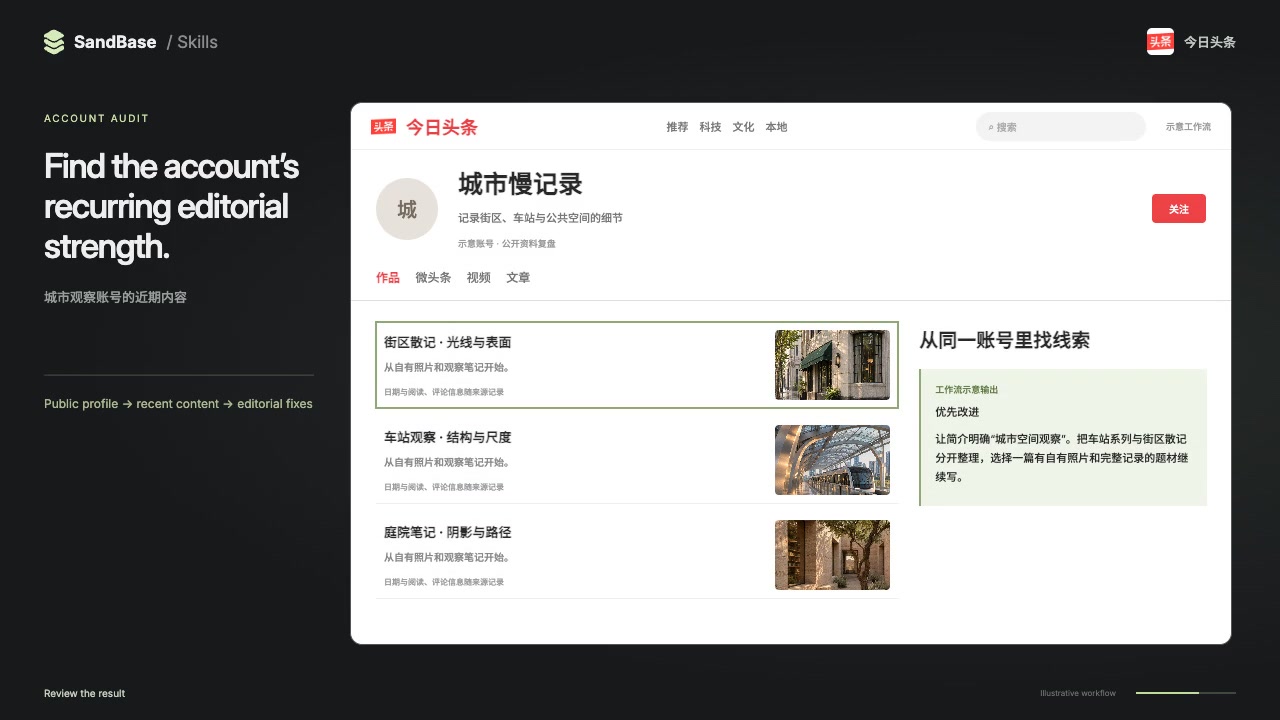
A quick health check of a public Toutiao account from what anyone can see — profile numbers, posting rhythm, and which posts actually worked.
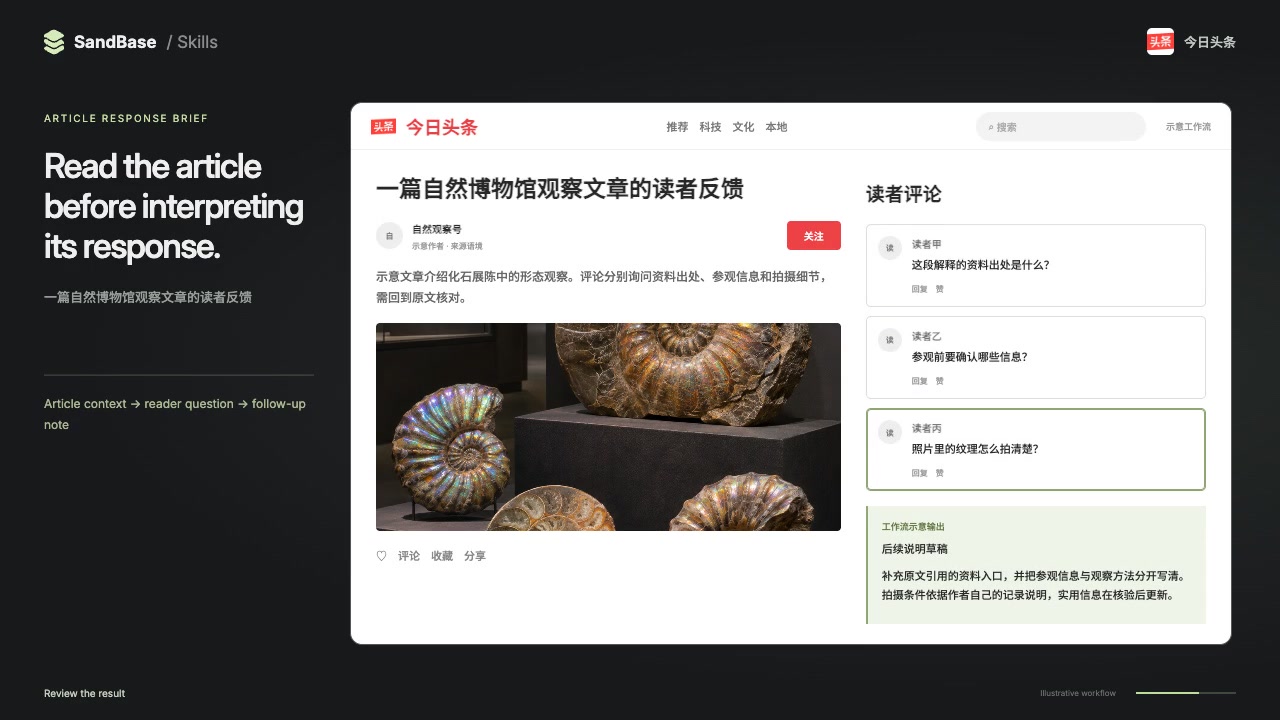
Review a Toutiao article and public responses to prepare an informed follow-up.
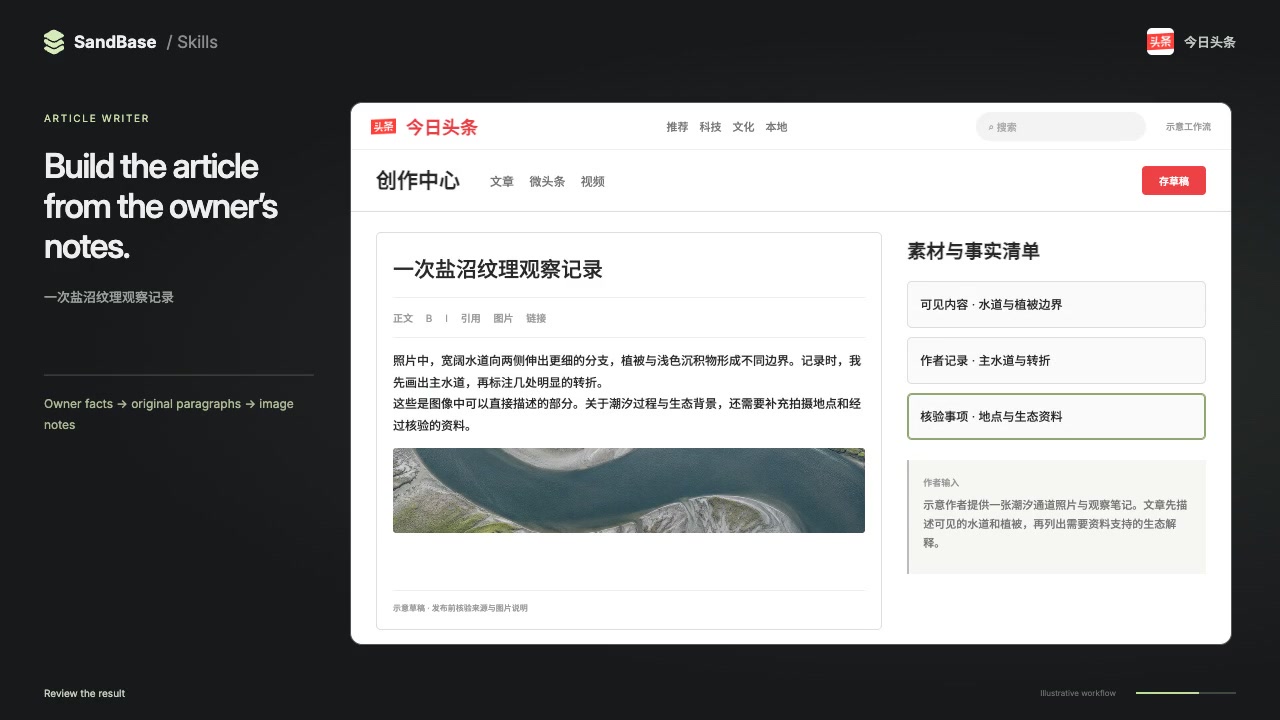
Turn your facts into a Toutiao draft shaped after the most-read articles on the topic — structure matched, every fact yours.
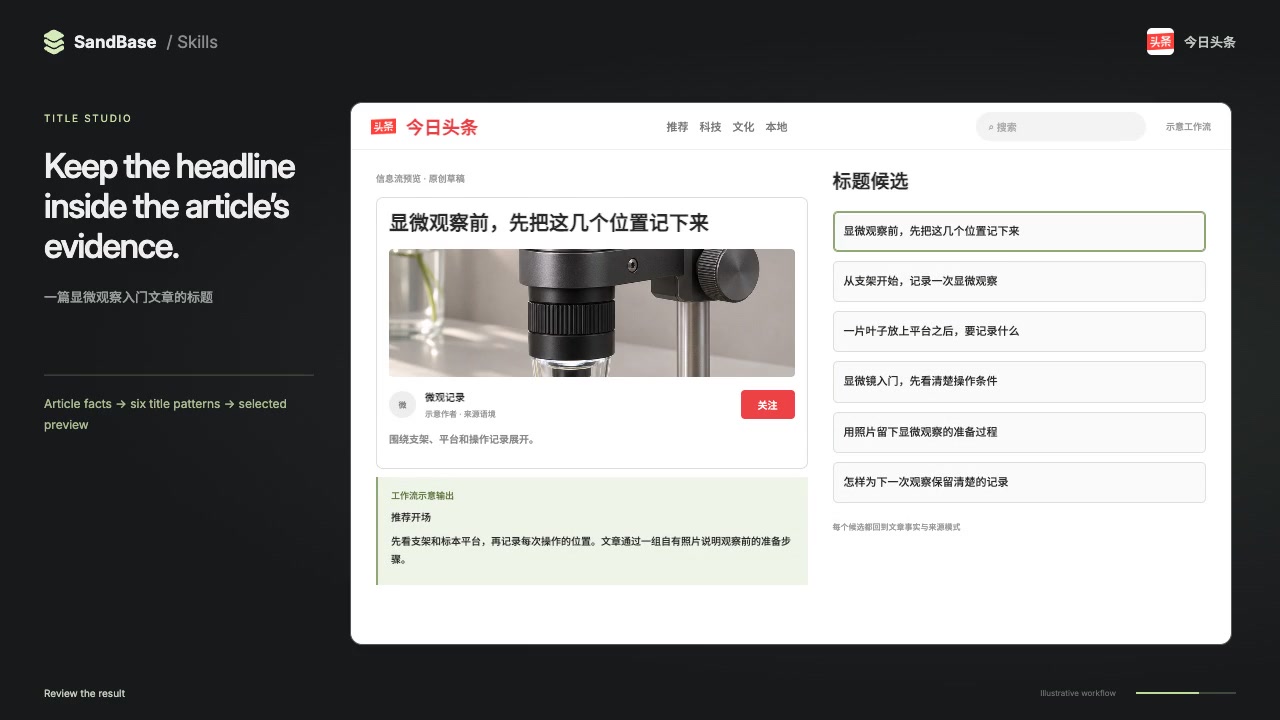
Write Toutiao titles grounded in what the most-read articles on the topic actually do, not a formula list.
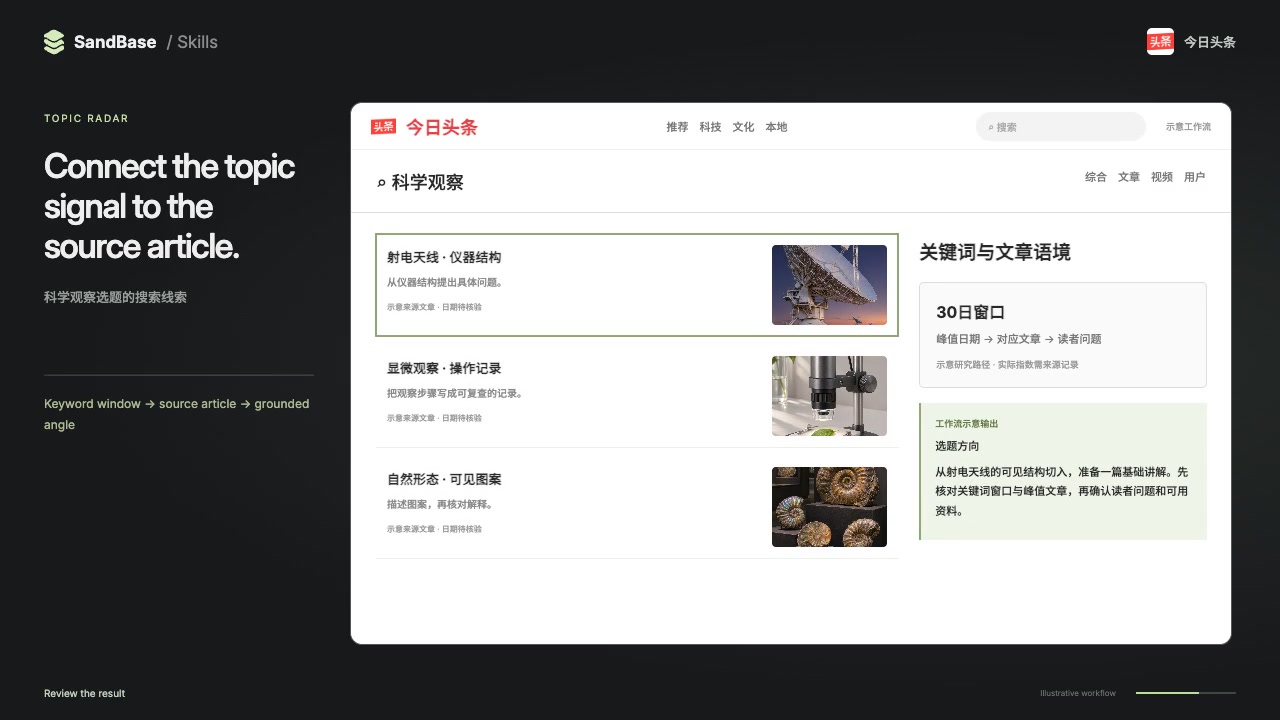
See whether your topic is rising on Toutiao, what drove its peaks, and which angles are worth writing — with the evidence for each.
Review a Toutiao article and public responses to prepare an informed follow-up.
A public article link and your editorial goal.
Start with a task, then explore the possibilities.
Research audiences, plan content and manage social workflows.
Explore Social media ↗Compare the inputs and deliverables before you begin.
| What you have | What to look for | Next step |
|---|---|---|
| A clear brief | A public article link and your editorial goal. | Browse this collection ↗ |
| A connected agent | Follow the installation instructions on the Skill page and connect your agent to SandBase. API calls are billed to your SandBase organization. | Read the Skills guide ↗ |
| A different output | Research audiences, plan content and manage social workflows. | Social media ↗ |
Follow the Skill page: download and unpack its complete folder, or use the provided installation command. Choose an Agent that supports its requirements.
Connect your agent to SandBase so the Skill can call its data APIs.
Describe what you need, then check the sources in the output before you use it.
Reads, likes and comments of a Toutiao post
A set of instructions your agent follows to call SandBase data APIs, such as search, social or business data, and turn the results into a sourced answer.
You need a SandBase account connected to your agent. SandBase API calls are billed to your SandBase organization.
SandBase Agent, Codex, Claude and Cursor. Check each Skill page for its runtime requirements and installation method.