
Free product photo background maker
БесплатноИзображения AIGive a plain product photo a professional setting: studio, marble, wood, outdoors or a pastel backdrop, with realistic light and shadow and the label left untouched.
- 100% free
- No sign-up
- No watermark
- Works on phone
Пример результата
 ДоПосле
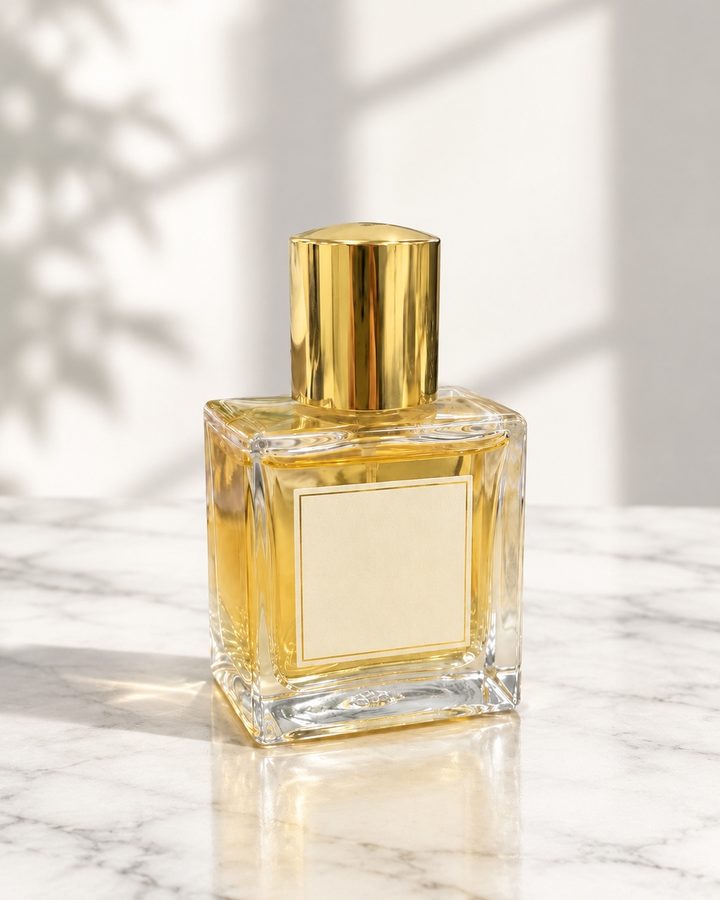
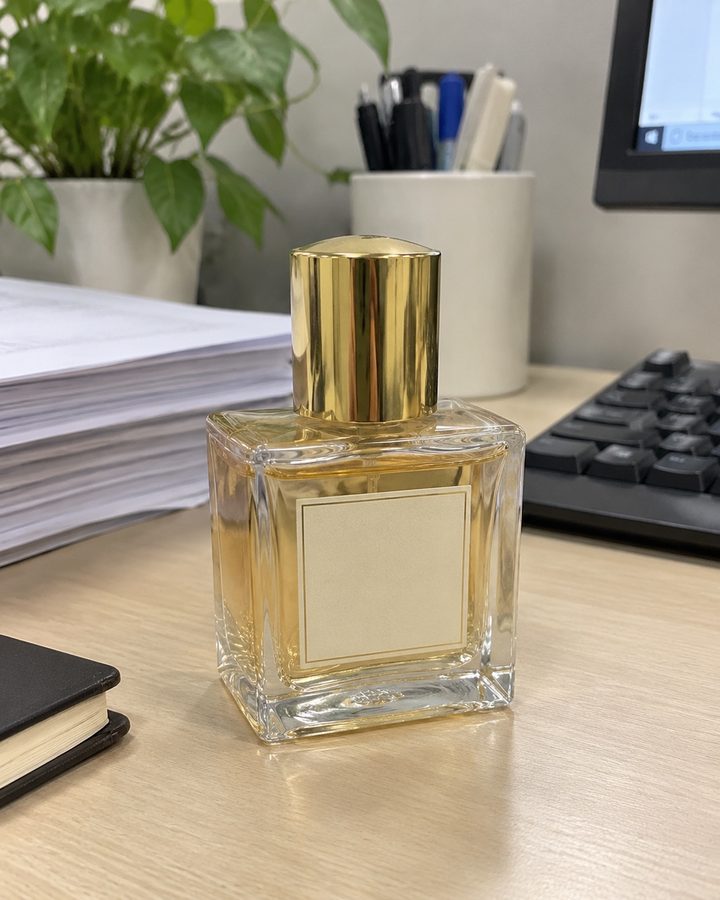
A perfume bottle moved from an office desk to a marble surface.
Как использовать Product Photo Background
Три шага, на компьютере или телефоне.
- 01
Upload a photo
Drop, paste or pick a JPG, PNG, WebP or HEIC image; on a phone you can take one with the camera.
- 02
Choose setting
Pick Setting (Studio, Marble, Wood, Outdoor or Kitchen and 1 more), then select Change product background. A result usually takes about 20 seconds.
- 03
Compare and download
Compare it with your original, then download a JPG. Example on this page: a perfume bottle moved from an office desk to a marble surface.
Больше примеров
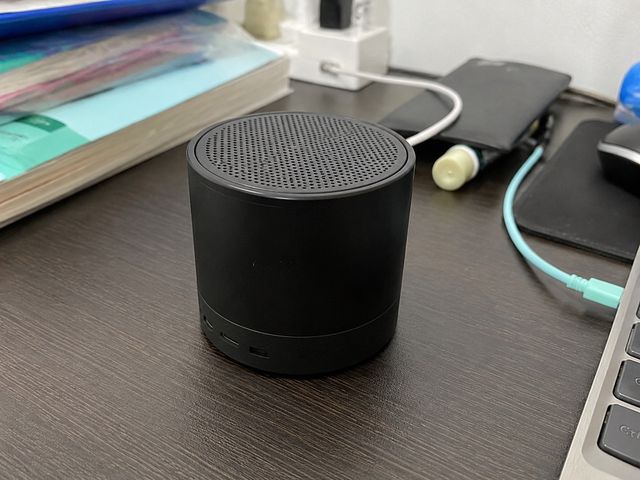
Этот же инструмент на других фото, без ручного редактирования. Откройте одно, чтобы попробовать самим.
До 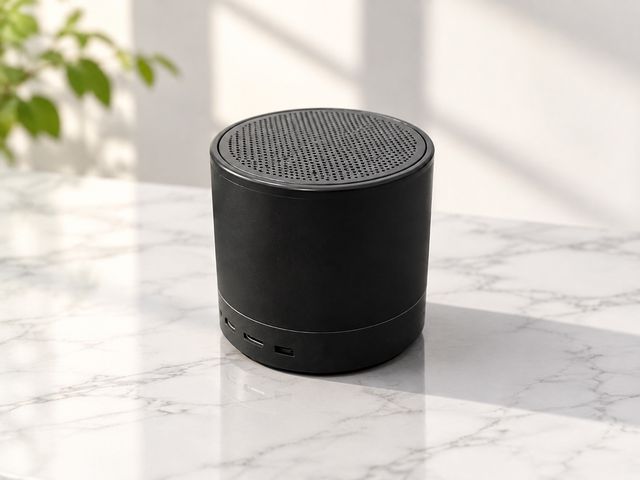
После 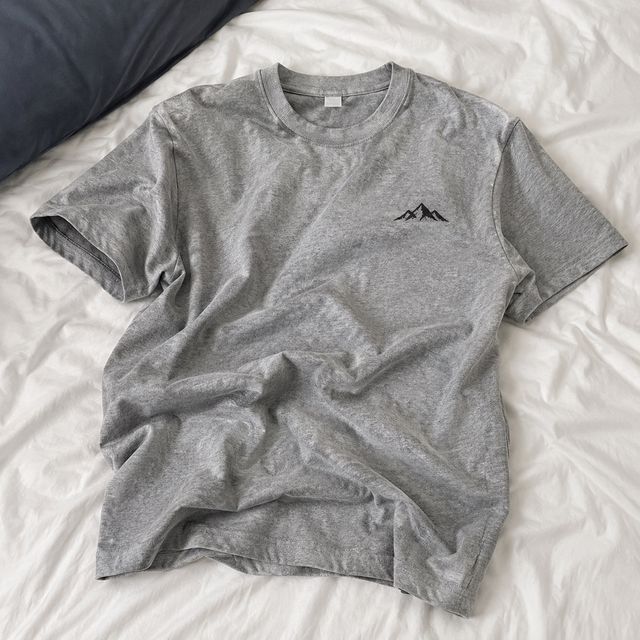
До 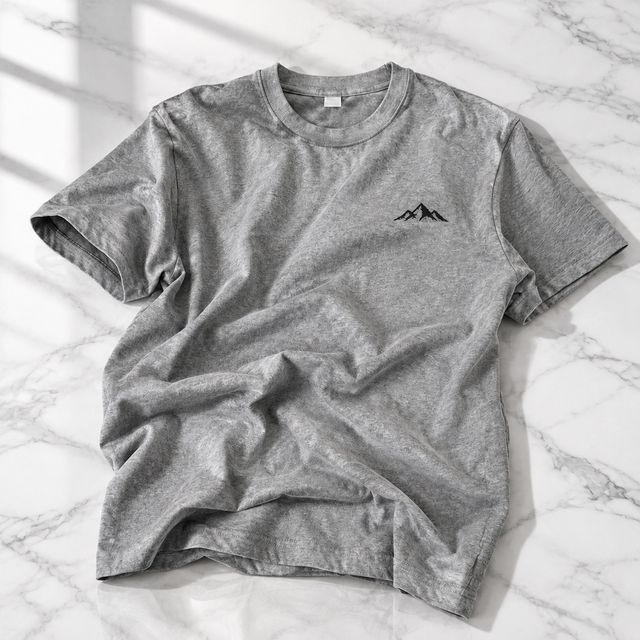
После Попробуйте на своём фото
Загрузите фото и получите результат за секунды. Бесплатно, без регистрации, без водяного знака.
Загрузить фото
Для чего это используют
Online shops
Lifestyle backgrounds for Shopify, Etsy and Amazon listings.
Ads and social
Fresh backdrops for campaigns without a studio day.
Catalogs
One consistent look across a whole range of products.
Советы для лучшего результата
- Studio is the safe choice for listings; Marble and Wood suit beauty and food.
- Kitchen and Outdoor work for products people use in those places.
- Fill most of the frame with the product before you upload.
Нужен больший контроль? Используйте API
Этот инструмент работает на базе SandBase image API. API даёт вам все настройки, которые в бесплатном инструменте фиксируются автоматически.
- Более высокое качество и размерquality=high, размеры до 2K и прозрачный фон в одном запросе.
- Ваш собственный promptИзмените шаблон, добавьте эталонные изображения или обрабатывайте сотни изображений из своего кода или Agent.
- Оплата за изображениеИспользуйте баланс SandBase сверх лимита бесплатного инструмента. Доступность моделей и ограничения API по частоте запросов по-прежнему действуют.
# Set SANDBASE_API_KEY and choose your local image file.
IMAGE_FILE="photo.jpg"
curl --fail-with-body https://api.sandbase.ai/v1/images/edits \
  -H "Authorization: Bearer $SANDBASE_API_KEY" \
  --form-string 'model=gpt-image-2.6-flare' \
  --form "image=@${IMAGE_FILE}" \
  --form-string 'quality=high' \
  --form-string 'size=2048x2048' \
--form-string 'prompt=Place this product in a professional product photo: a white marble surface with soft window light. Keep the product exactly as it is: same shape, label text, logo, colors and proportions. Realistic lighting, a soft shadow and, where it fits, a subtle reflection where it touches the surface. No other products or text.'FAQ
Will the label and logo stay readable?
The AI is told to keep the product, its label text and its logo exactly as they are. Check small print with the slider before you publish.
Product Photo Background бесплатен?
Да, без водяного знака и без регистрации. Один запуск Product Photo Background занимает около 20 секунд и даёт вам JPG. Он использует один запуск дневного бесплатного лимита на AI images, который общий для всех AI image tools: 10 запусков в день без входа в систему и 30 — с бесплатным аккаунтом SandBase. Инструмент показывает, сколько запусков у вас осталось, а счётчик сбрасывается в полночь UTC; также могут действовать сетевые и общесистемные ограничения.
Что происходит с фото, которое я загружаю в Product Photo Background?
Ваше фото и ваши настройки обрабатываются SandBase и поставщиком изображений, чтобы создать этот результат. Product Photo Background не публикует ничего в публичной галерее. Результаты могут повторно использоваться из кэша до 24 часов, так что идентичный запрос не расходует ещё один запуск; скачайте любой результат, который хотите сохранить.
SandBase APIs для этой задачи
Тот же тип данных — в вашем собственном коде или Agent: один API-ключ, оплата за каждый вызов.
Больше инструментов
AI Background Remover
Remove the background from any photo with AI and download a transparent PNG, or put the subject on white or any color.
White Background Maker
Put any product or portrait photo on a pure white background, with a soft shadow or none. Ready for marketplaces and forms.
Blur Background
Blur the background of any photo like portrait mode, with the subject kept sharp. Soft, medium or strong.
Change Background
Change the background of any photo to a scene you describe, while the subject keeps its edges and lighting.
Change Background Color of Photo
Put the subject on a plain color background, with the rest of the photo unchanged.
AI Relight Photo
Change the lighting of a photo, with the rest of the photo unchanged.