Data processing Skills for AI agents
Collect, parse, transform and monitor data.
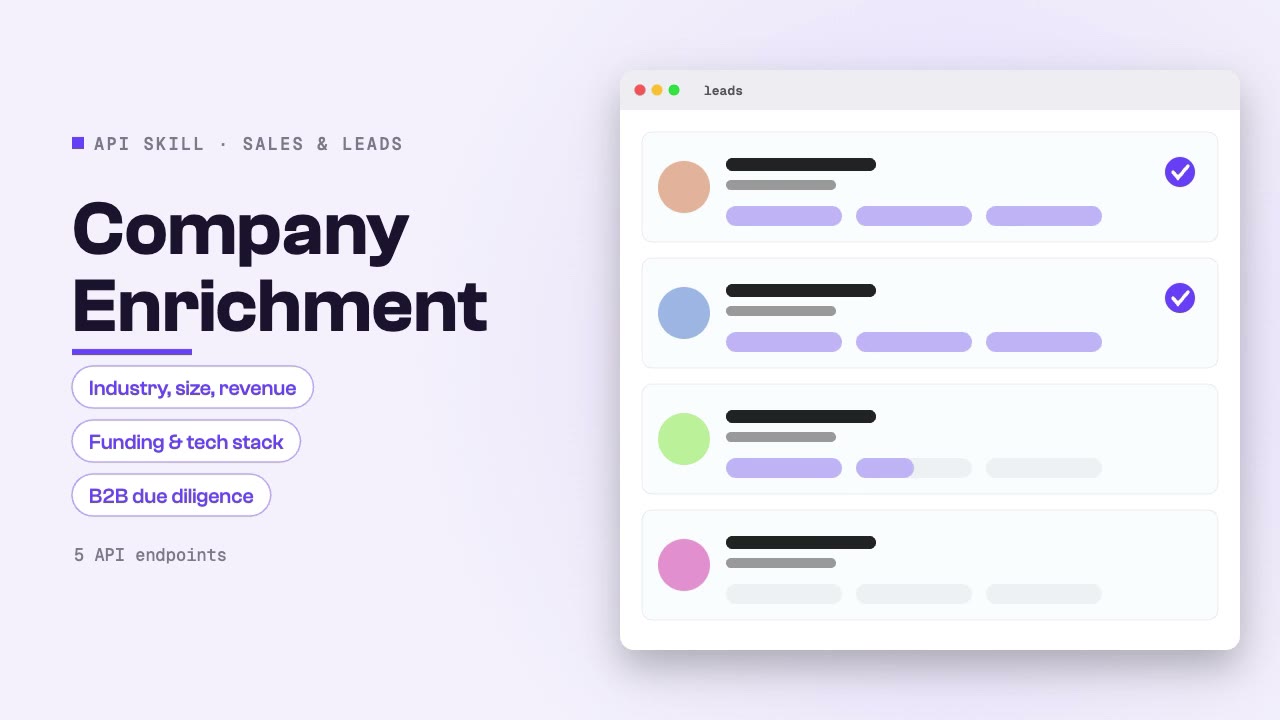
Company Enrichment
Enrich any company with comprehensive firmographic data including industry, size, revenue, funding, tech stack, beneficial ownership, and regulatory status. Combines multiple data sources for complete B2B company intelligence and due diligence.
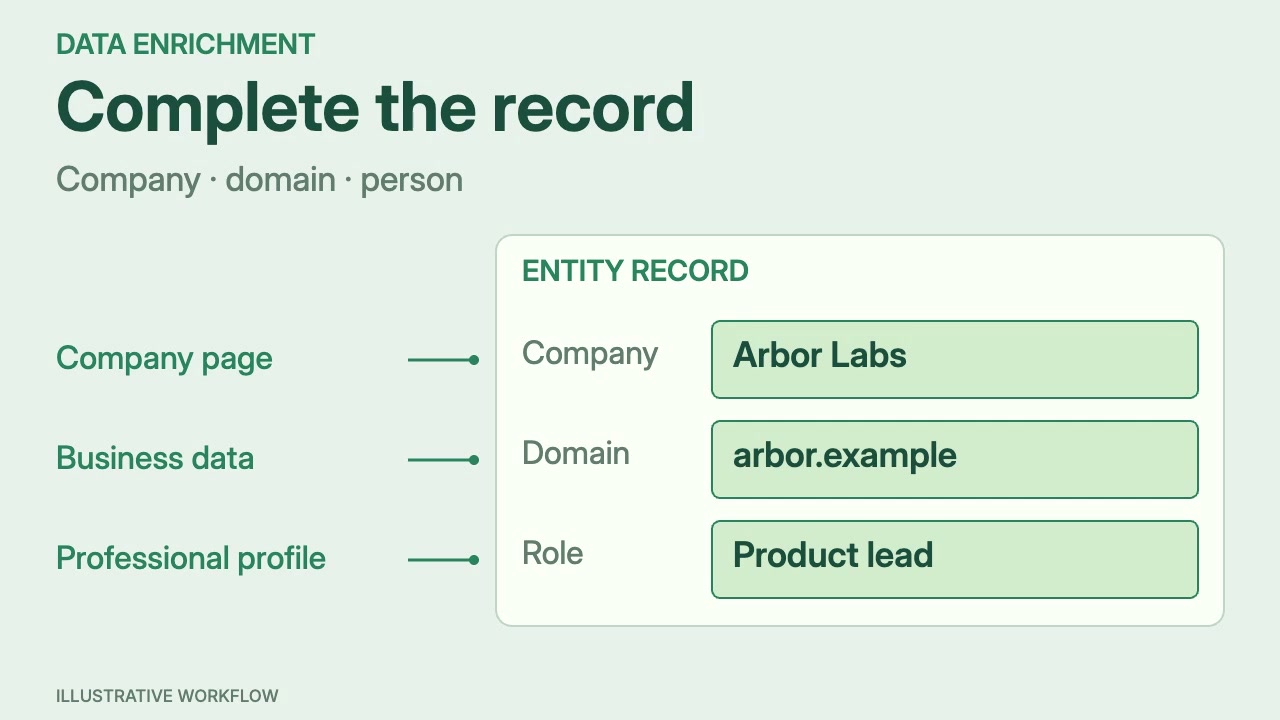
Data Enrichment
Enrich any entity — companies, domains, emails, or people — with verified data from multiple sources. Combines Apollo, Strale, LinkedIn, and Akta data to fill gaps in your CRM, lead databases, or research datasets with production-quality enrichment.
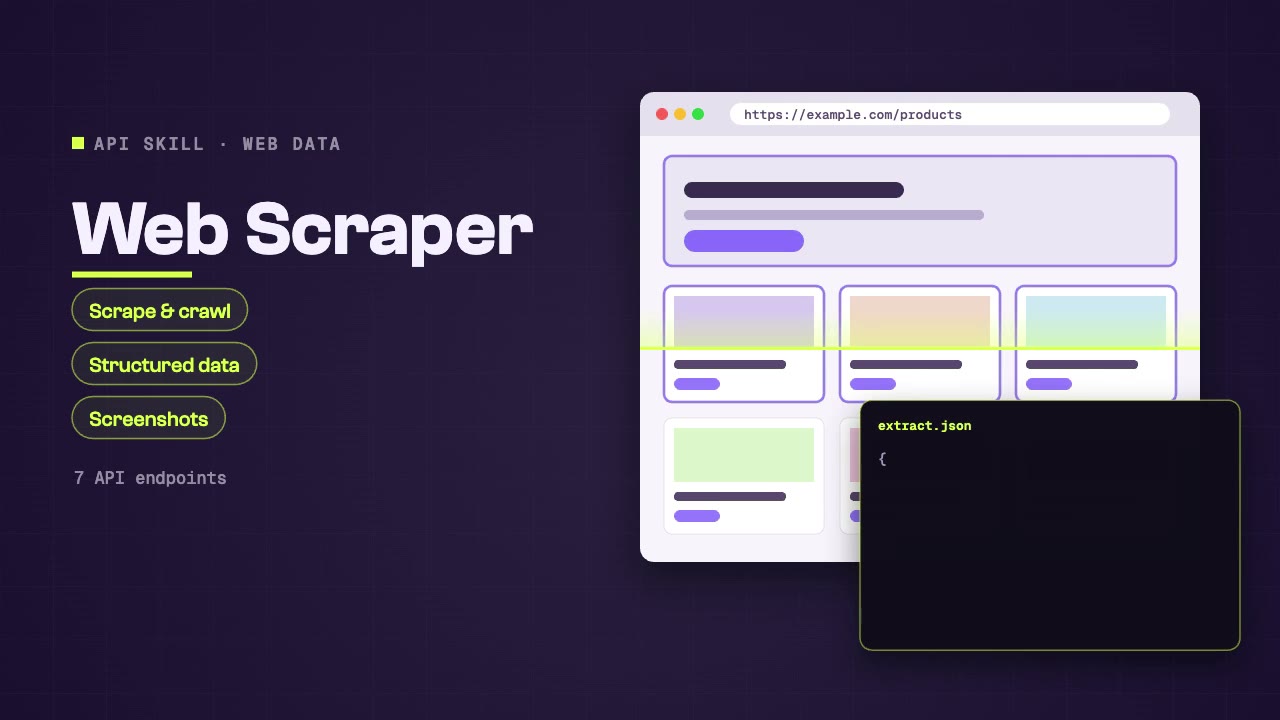
Web Scraper
Scrape web pages, crawl sites, extract structured data, and capture screenshots through SandBase. Use when asked to extract content from URLs, crawl websites, get structured data from pages, take screenshots, or convert web pages to markdown.
Content Translator
Translate text content between languages with high quality and natural phrasing. Covers document translation, content localization, and multi-language research support for teams working across language barriers.
Document Parser
Parse and extract structured content from PDFs, Word documents, and other file formats. Converts documents into clean, machine-readable text for analysis, summarization, data extraction, and content processing workflows.
Domain Analyzer
Comprehensive domain analysis combining WHOIS ownership, DNS infrastructure, SSL security, SEO performance, tech stack, site structure, and backlink profile. One-stop domain intelligence for acquisition research, security assessment, and competitive analysis.
Domain Intelligence
Research any domain with WHOIS data, DNS records, SSL certificate details, domain age, reputation scoring, and security header analysis. Covers ownership research, infrastructure mapping, security assessment, and competitive domain analysis.
Email Validator
Validate email addresses for deliverability, check reputation scores, verify MX records, and assess email-sending safety. Covers deliverability checks, reputation scoring, bounce risk assessment, and bulk validation for outreach campaign preparation.
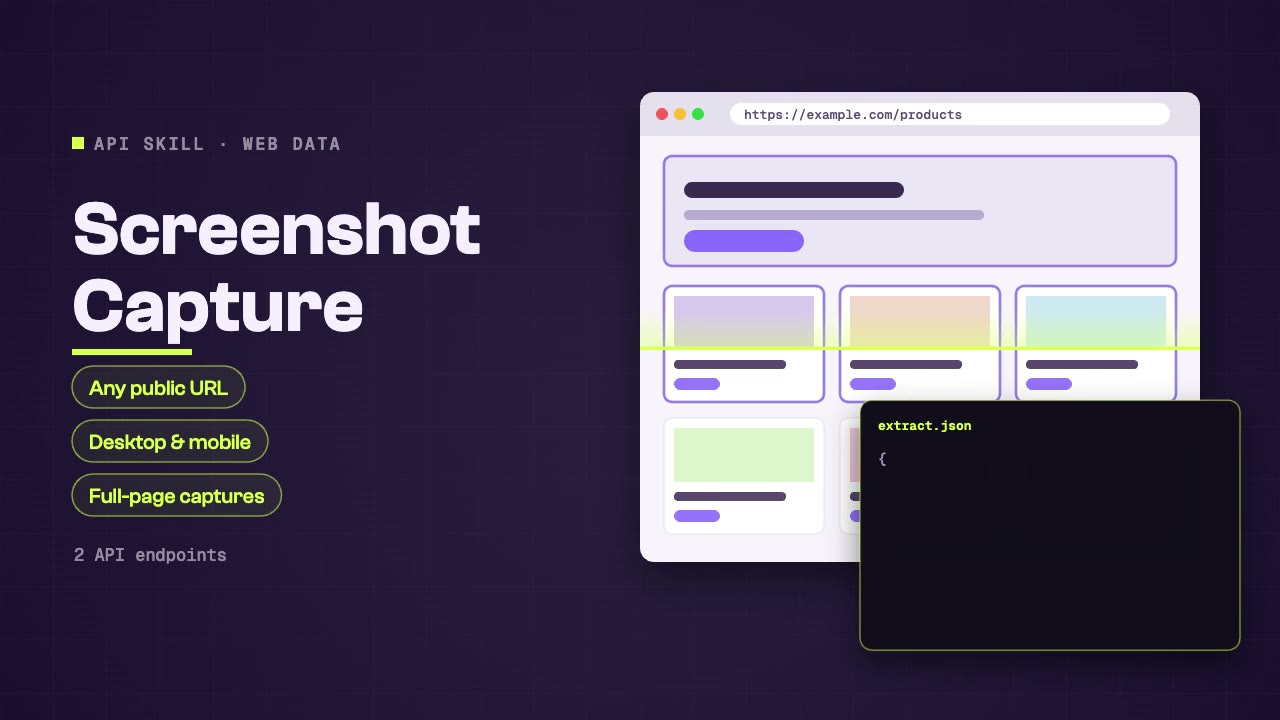
Screenshot Capture
Capture high-quality screenshots of any public URL at custom resolutions. Supports desktop and mobile viewports, full-page captures, and specific element targeting. Ideal for visual monitoring, design research, and content archival.
Sentiment Analyzer
Analyze sentiment in any text — reviews, social posts, feedback, or articles. Returns sentiment polarity (positive, negative, neutral), confidence score, and key phrases driving the sentiment. Useful for brand monitoring, customer feedback analysis, and content evaluation.
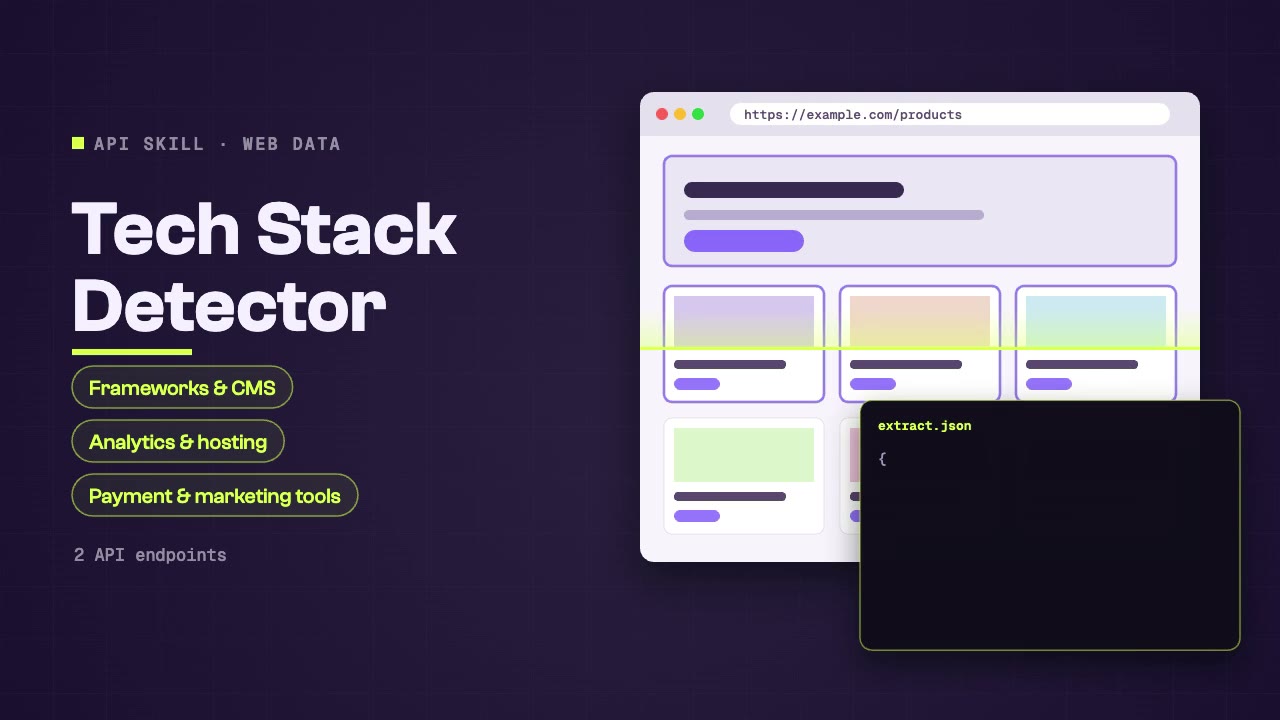
Tech Stack Detector
Identify the technology stack powering any website — frameworks, CMS, analytics, hosting, CDN, payment processors, and marketing tools. Useful for competitive intelligence, sales prospecting, and technology landscape research.
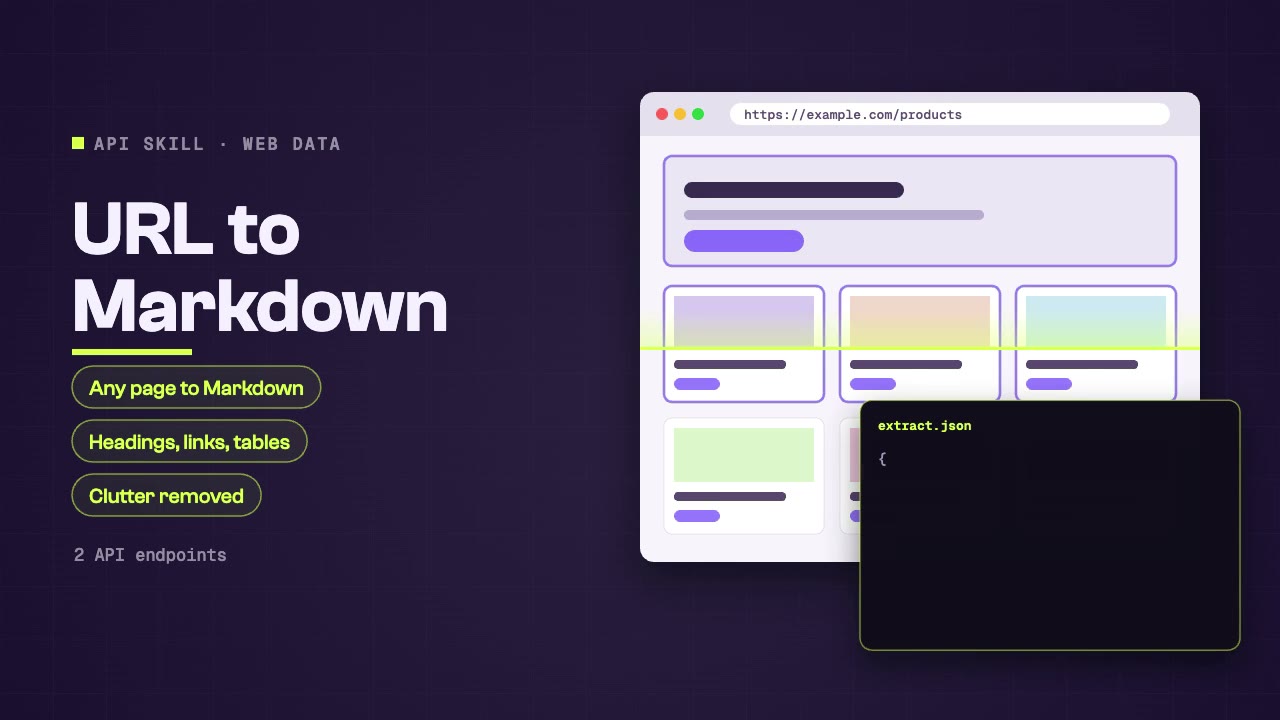
URL to Markdown
Convert any public web page into clean, structured Markdown. Preserves headings, links, images, code blocks, and tables while removing ads, navigation, and clutter. Perfect for content archival, knowledge base building, and research note-taking.
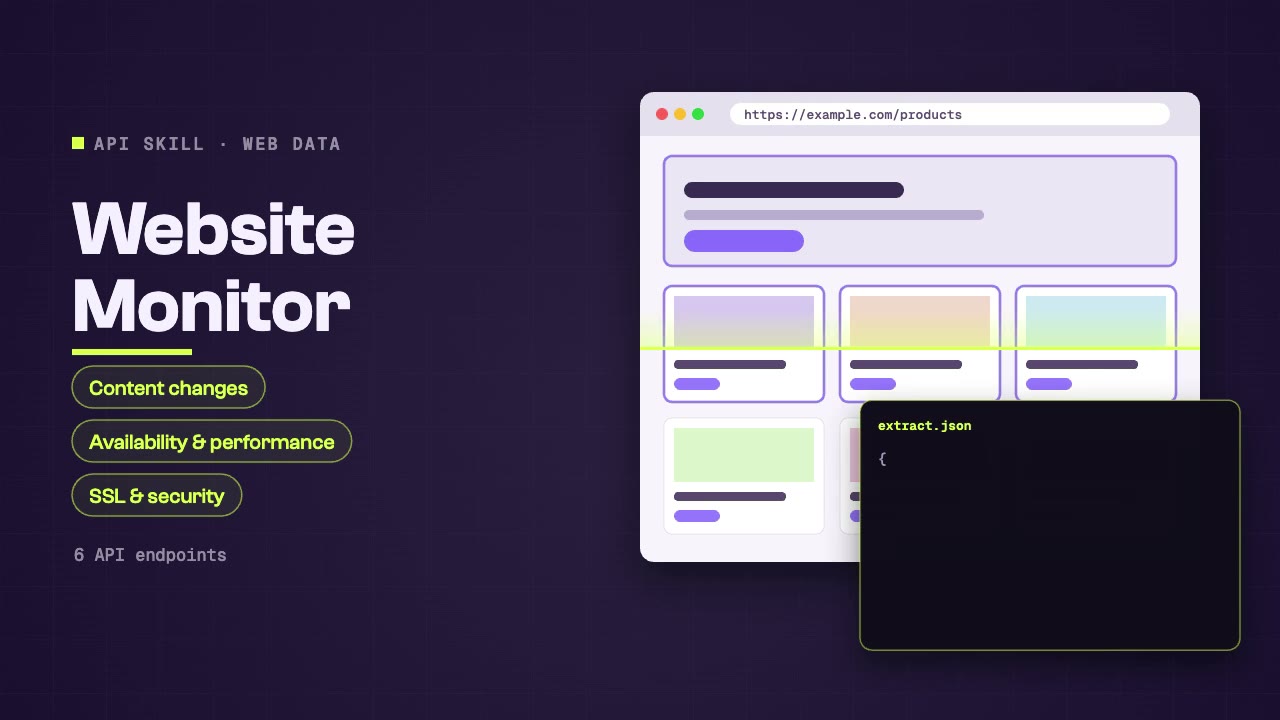
Website Monitor
Monitor any website for content changes, availability, performance, and security status. Combines page scraping, screenshot comparison, SSL monitoring, and security header checks for comprehensive website health and change detection.
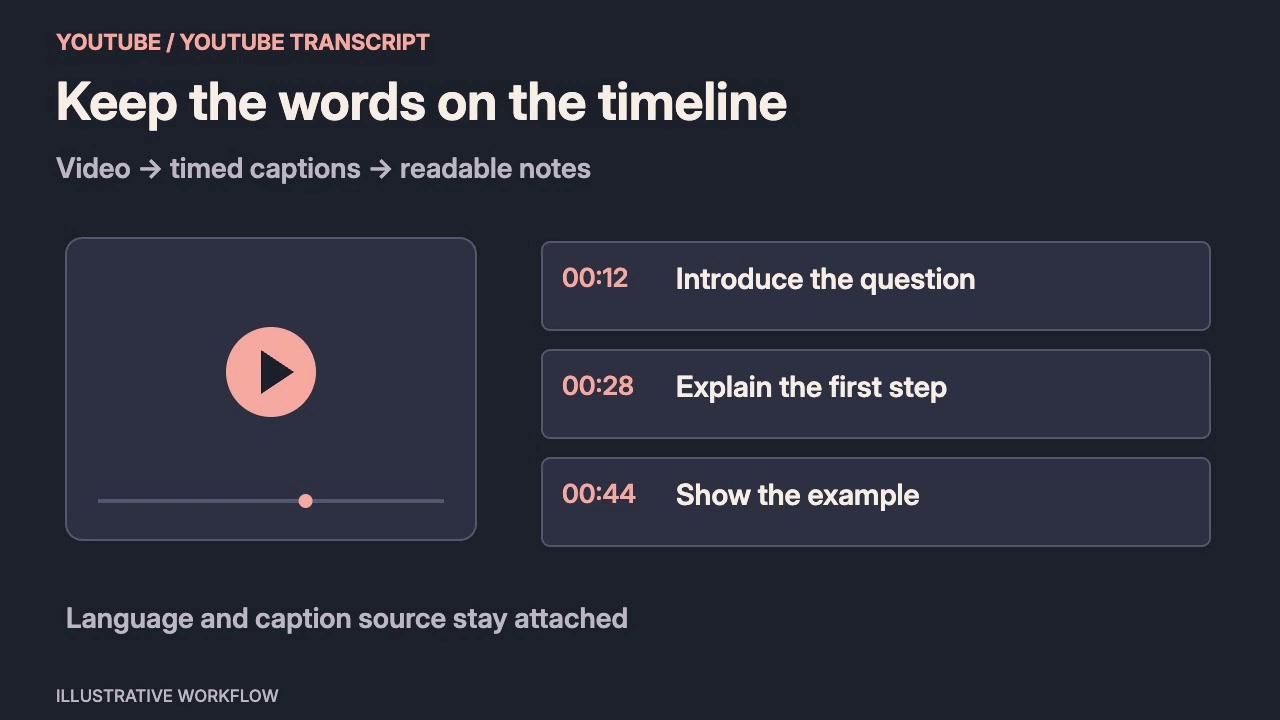
YouTube Transcript
Extract full transcripts and captions from YouTube videos for content analysis, summarization, note-taking, and repurposing. Supports multiple languages and auto-generated captions. Ideal for research, content creation, and accessibility workflows.
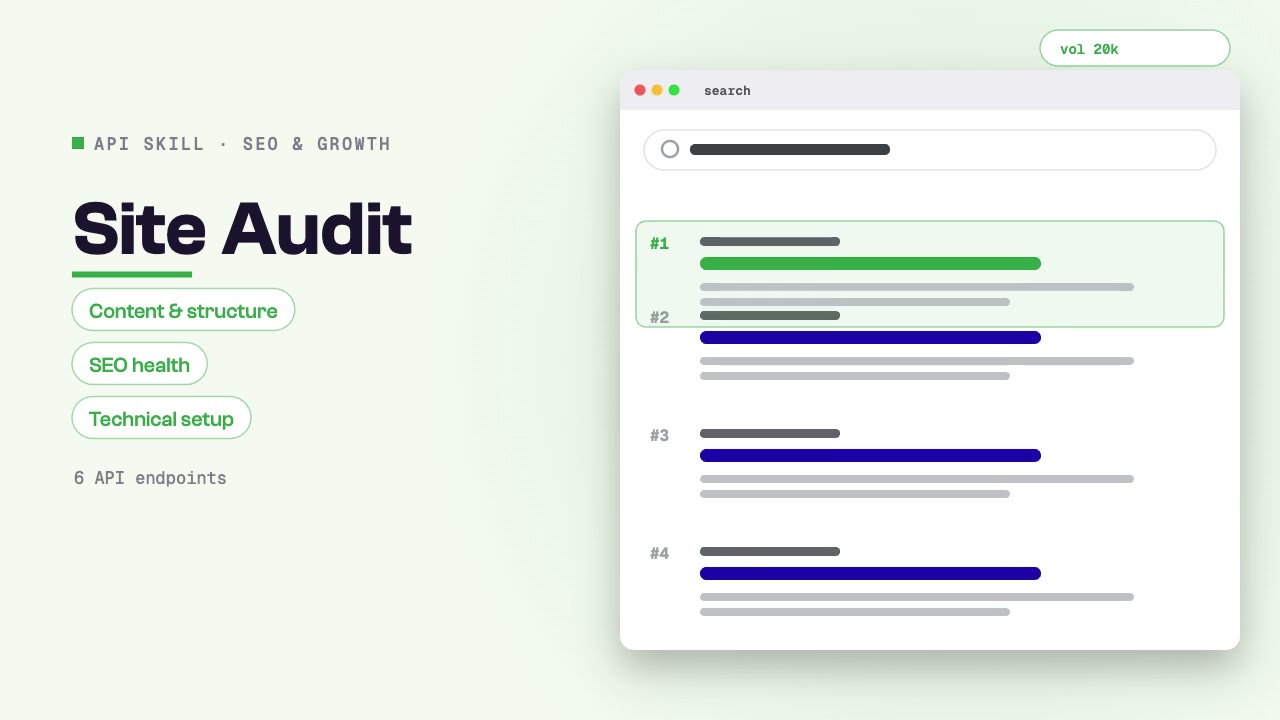
Site Audit
Audit a website's content, structure, SEO health, and technical setup through SandBase. Use when asked for website audit, content audit, SEO health check, site structure analysis, or technical assessment.
A working guide to data processing Skills.
Collect, parse, transform and monitor data.
Choose a workflow by its inputs and deliverables. The detail page tells you what to prepare and how to run it.
Connect your task to a workflow.
Start with a task, then explore the possibilities.
Choose your data processing workflow.
Compare the inputs and deliverables before you begin.
| What you have | What to look for | Next step |
|---|---|---|
| A clear brief | Collect, parse, transform and monitor data. | Browse this collection |
| Source material | Check the chosen Skill’s required inputs and which details it can preserve. | Read the Skills guide |
| A different output | Collect, parse, transform and monitor data. | Data processing |
From a brief to a usable result.
Choose a workflow
Compare the example, inputs and deliverables against your brief.
Prepare the inputs
Collect, parse, transform and monitor data.
Run and review
Follow the Skill’s instructions and check the output in its intended context.
Data processing Skills: common questions.
A few things to know before you start.
How do I choose a data processing Skill?
Collect, parse, transform and monitor data. Compare the actual example and deliverables with your intended result.
What should I prepare?
Collect, parse, transform and monitor data.
Can I edit the result?
This depends on the Skill. Check whether it delivers source files, rendered media or an interactive artifact, and which tools are needed to edit it.
Can I use the result commercially?
Review the Skill license, the model’s terms and the rights to your input media. A public example is not a blanket commercial license.