Resin Diorama
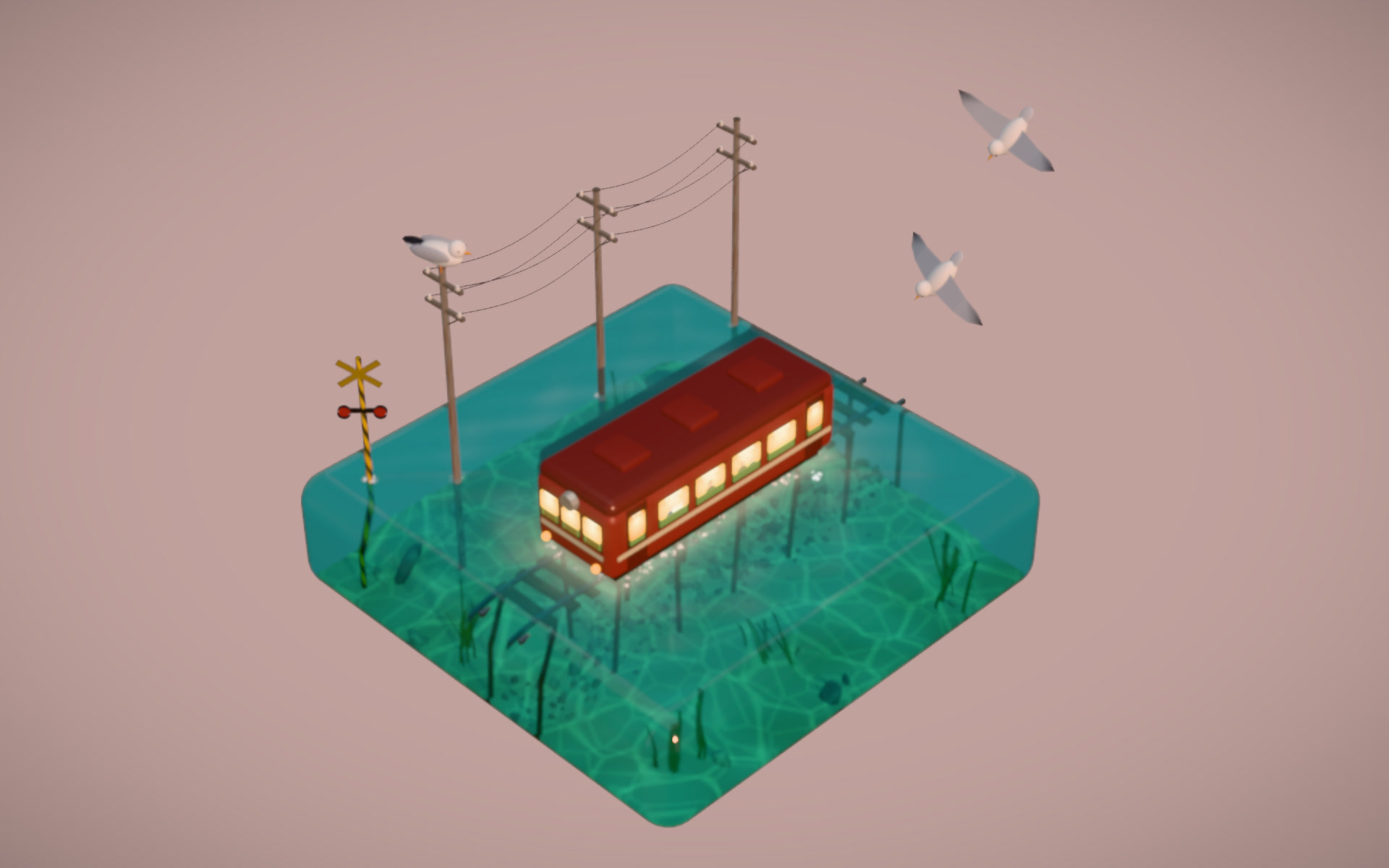
Live 3D resin-block dioramas in your browser: send a little tram across a clear turquoise sea, or ripple the bay of a cliff island. Synthesized sound, and every scene can be tuned.
Bring a theme, a reference image and the elements that must appear. The Skill returns a downloadable Skill (meta prompt, lessons, verification) with two runnable reference scenes.
How it works
The meta prompt plus your reference image go to your coding agent.
The agent starts from the reference scene, builds and compares screenshots with the reference each round.
Verify headlessly and build one self-contained HTML file.
Frequently asked questions
Does it call any model or need a key?
No. The Skill gives your agent a prompt, lessons and a reference scene; the scene itself makes no network calls.
Why is the demo sandboxed?
The frame has an opaque origin and no network access, so the scene can’t read anything from this page or reach the internet.
Does it work on mobile?
Phones get the low quality tier automatically. It has not been tested on real devices yet.
Can I adjust the scene?
Yes. Click Tune in the bottom right of the running demo: water colours, clarity, caustics, waves, sun, train speed or tide, jelly stiffness, depth of field, glow, ambient light and the quality mode. Reset brings back the defaults.
Are the two demos separate Skills?
No. Sea Train and Resin Island are two scenes of the same Skill and the same file; the demo picker only changes which scene the frame opens.
How does the sound work?
Waves, bells, the whistle and the gulls are synthesized in the browser. Sound starts after you click inside the scene, and the button at the bottom right mutes it.
Can I change the theme?
Yes. Fill the slots with your own theme and must-have elements; your agent replaces the subject in the reference scene.
Why is there no online generation?
Building a new scene needs a model key inside the sandbox, which the backend doesn’t support yet. Run the Skill with your own agent for now.