Client reporting
Turn project updates and measured results into clear reports, presentations and visual summaries.
Explore Client reportingPitch, plan and board decks your agent writes from a brief: one offline HTML deck that edits in the browser and exports editable PowerPoint.

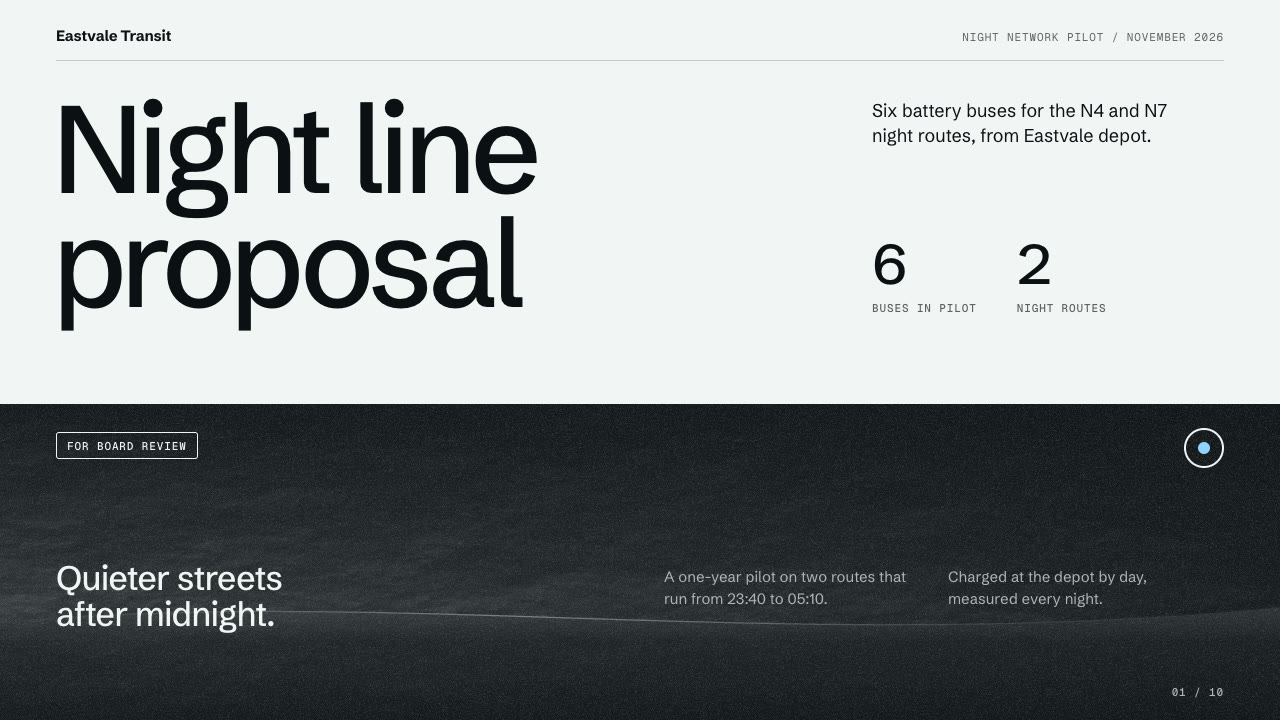



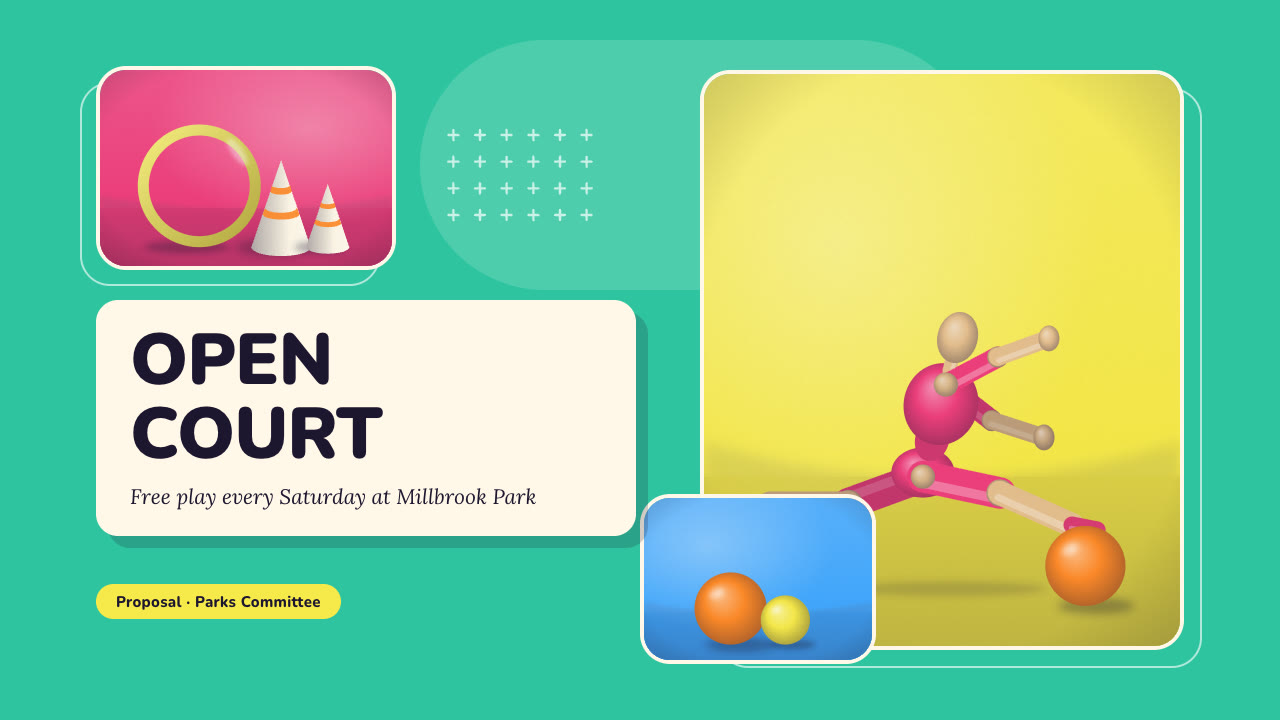
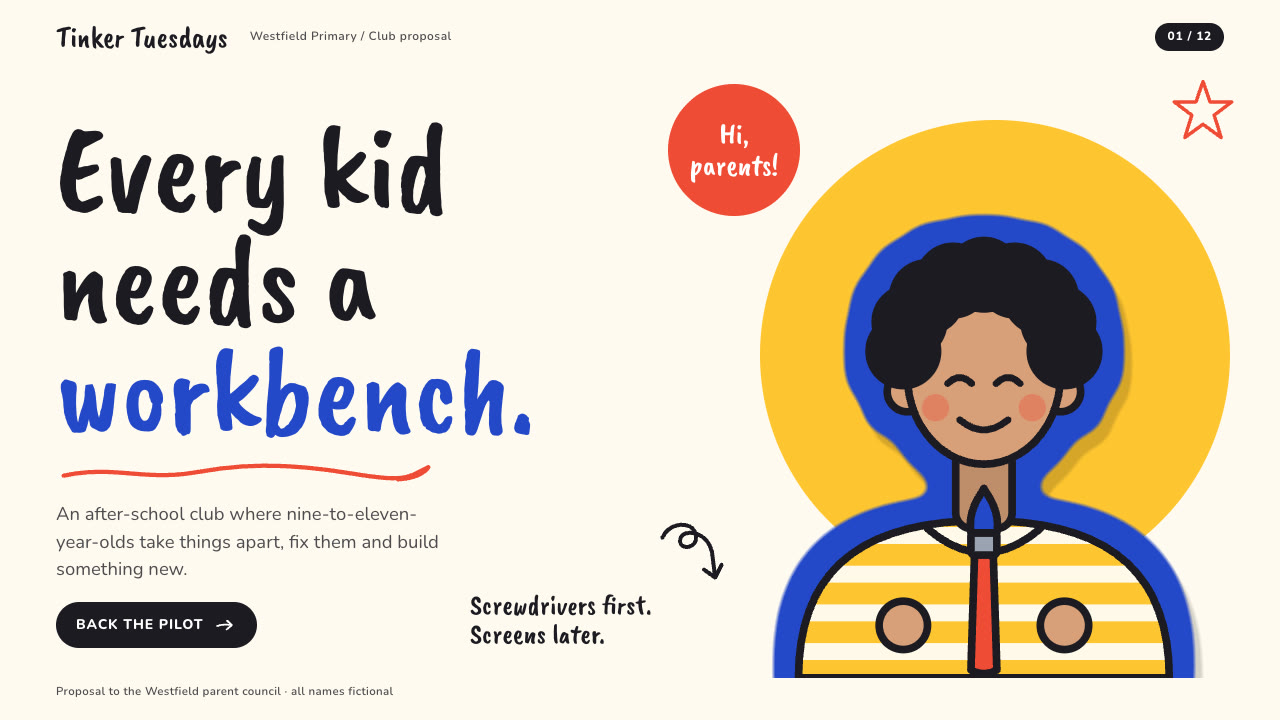

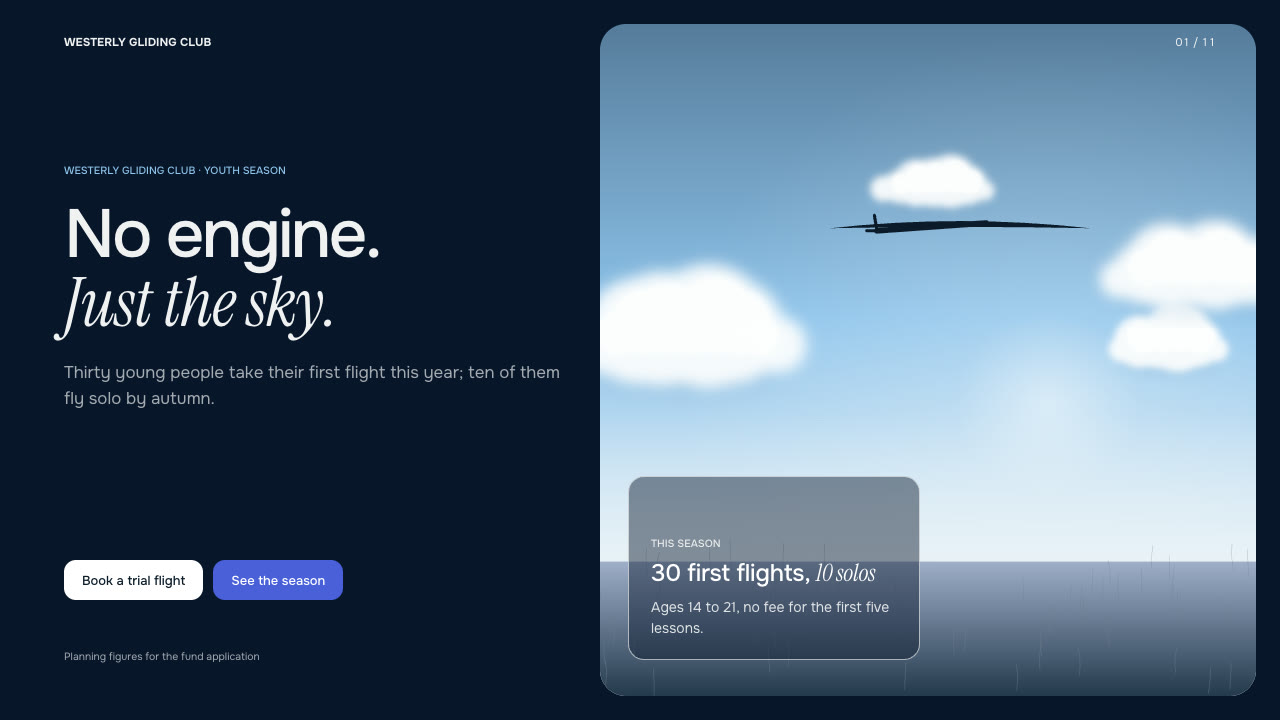



Pitch, plan and board decks your agent writes from a brief: one offline HTML deck that edits in the browser and exports editable PowerPoint.
Prepare the audience, key message, slide outline and verified source data.
Start with a task, then explore the possibilities.
Turn project updates and measured results into clear reports, presentations and visual summaries.
Explore Client reportingExplain a concept through visible steps, illustrated examples and interactive learning experiences.
Explore Education explainersShape your source material into visual stories, editorial layouts and content ready to share.
Explore Content publishingIntroduce a product through launch pages, demonstrations and motion that explain what it does.
Explore Product launchCompare the inputs and deliverables before you begin.
| What you have | What to look for | Next step |
|---|---|---|
| A clear brief | Prepare the audience, key message, slide outline and verified source data. | Browse this collection |
| Source material | Check the chosen Skill’s required inputs and which details it can preserve. | Read the Skills guide |
| A different output | Bring a product idea to life with landing pages, launch assets and presentations. | Founder |
Compare the example, inputs and deliverables against your brief.
Prepare the audience, key message, slide outline and verified source data.
Follow the Skill’s instructions and check the output in its intended context.
A few things to know before you start.
Pitch, plan and board decks your agent writes from a brief: one offline HTML deck that edits in the browser and exports editable PowerPoint. Compare the actual example and deliverables with your intended result.
Prepare the audience, key message, slide outline and verified source data.
This depends on the Skill. Check whether it delivers source files, rendered media or an interactive artifact, and which tools are needed to edit it.
Review the Skill license, the model’s terms and the rights to your input media. A public example is not a blanket commercial license.