Advisory Thread Slides
Argue one recommendation to a committee or board with action titles, a storyline tracker, evidence charts and a bounded decision ask.
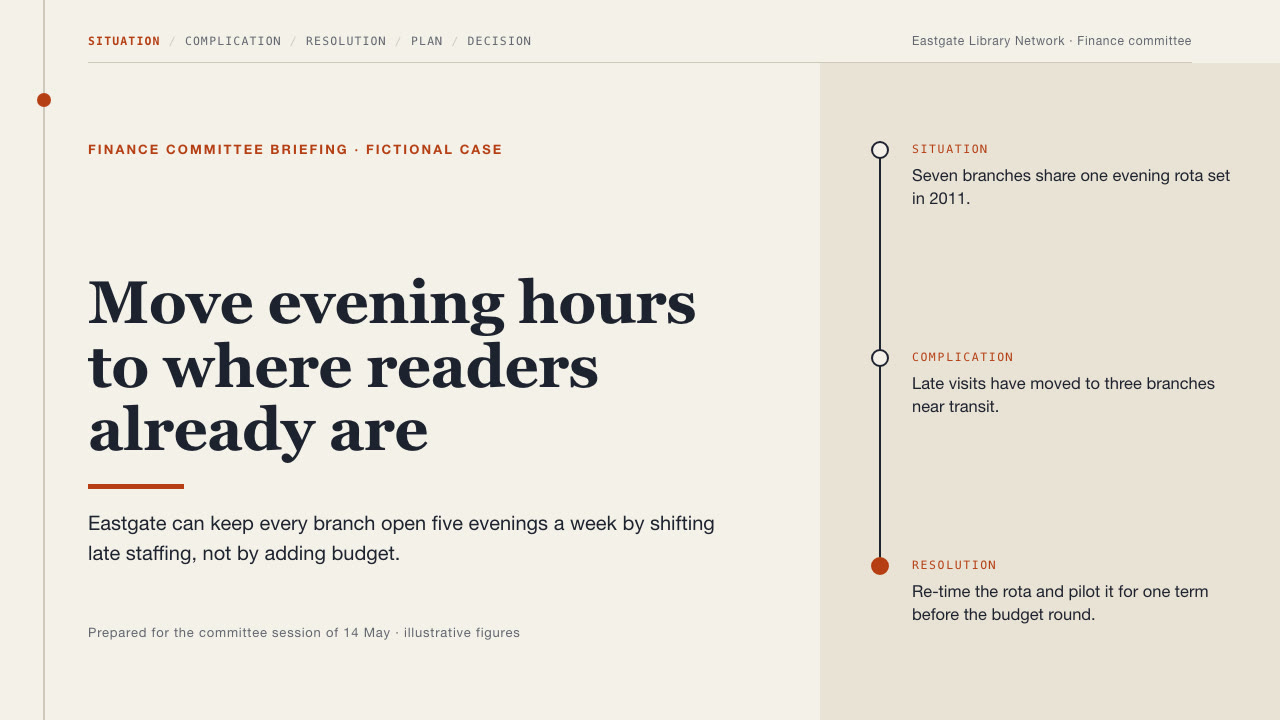
Bring an approved analysis with the facts, numbers and decision you need from the room. The Skill returns one offline HTML deck that edits in the browser and exports editable PowerPoint.
How it works
Plan the storyline
Your Agent turns the brief into plan.json: stage names for the storyline tracker, one recipe per page with a full-sentence action title, the evidence, assumptions with confidence levels, and speaker notes.
Build and check
build_deck.py builds one offline HTML file, check_deck.py checks page count, folios, notes and the stage tracker, and render_check.mjs renders and audits every page in Chrome.
Look and export
Look at every page, try edit, Smart layout, save and present, then export PowerPoint and run check_pptx.py against the HTML.
Frequently asked questions
Is the PowerPoint really editable?
Yes. Every slide holds native text, shapes, bar charts and tables with speaker notes; no slide is a flattened picture. Only the small icons are exported as pictures.
Which fonts does it use?
System fonts: Georgia, Helvetica Neue or Arial, Menlo, and PingFang SC or another system font for Chinese. No fonts are bundled; where a font is missing, the opening app substitutes it and line breaks can move.
Does it need a network or a paid service?
No. Building, editing, presenting and exporting run offline. Python 3.9+ builds the deck; python-pptx is only needed to check an exported PowerPoint, and Node with playwright-core and Chrome only for the browser check.
What was tested?
Both example decks were built from a fresh unzip of the package. Every page was inspected in Chrome and in a LibreOffice render of the exported PowerPoint, and edits made with python-pptx survived save and reopen. No other presentation app was opened.