Video
Films, motion graphics and photo effects your agent renders from a brief, a photo or a script, with every step already planned.
Explore VideoCommunicate results, proposals and decisions to clients and teams.
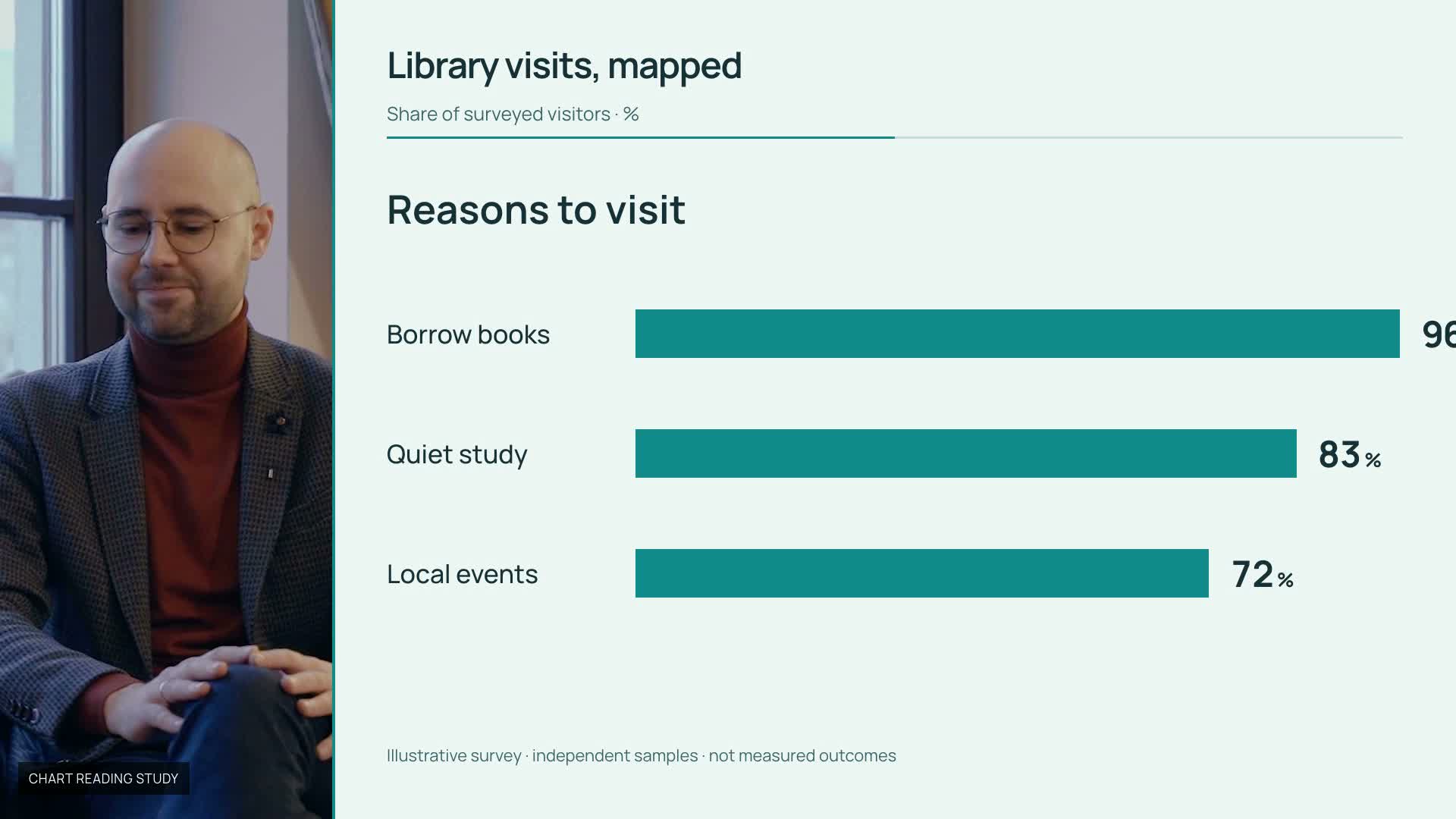
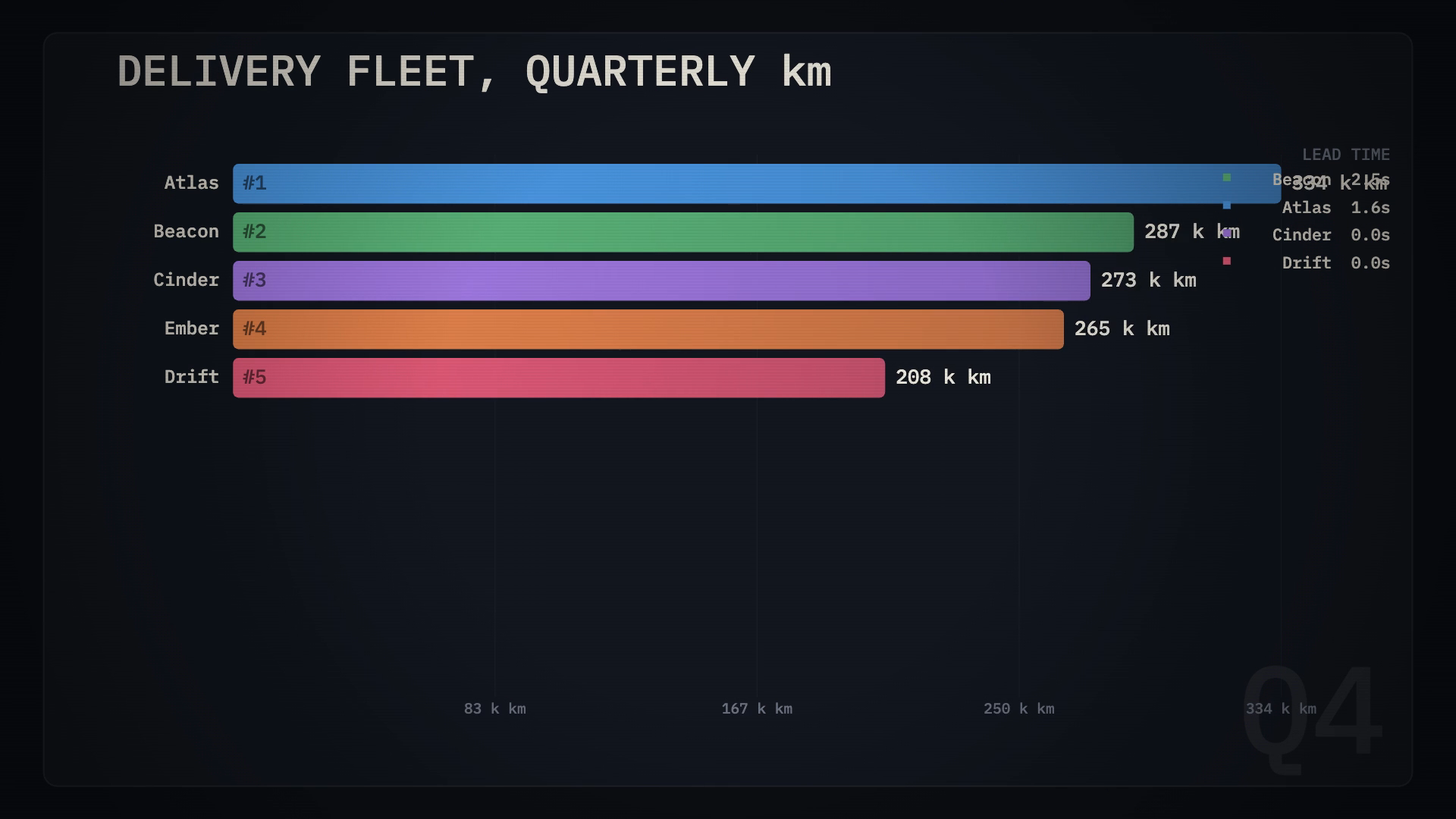
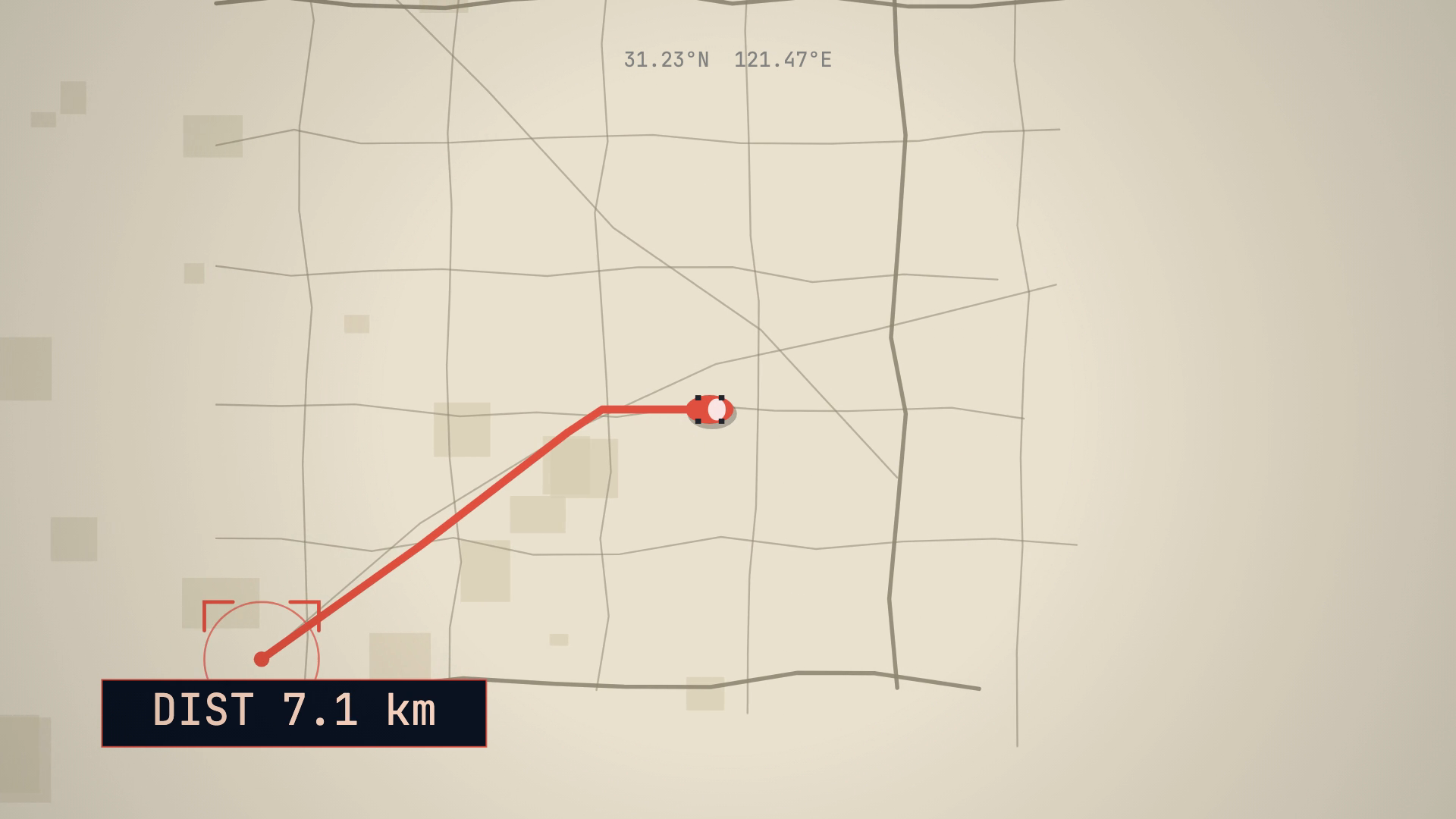
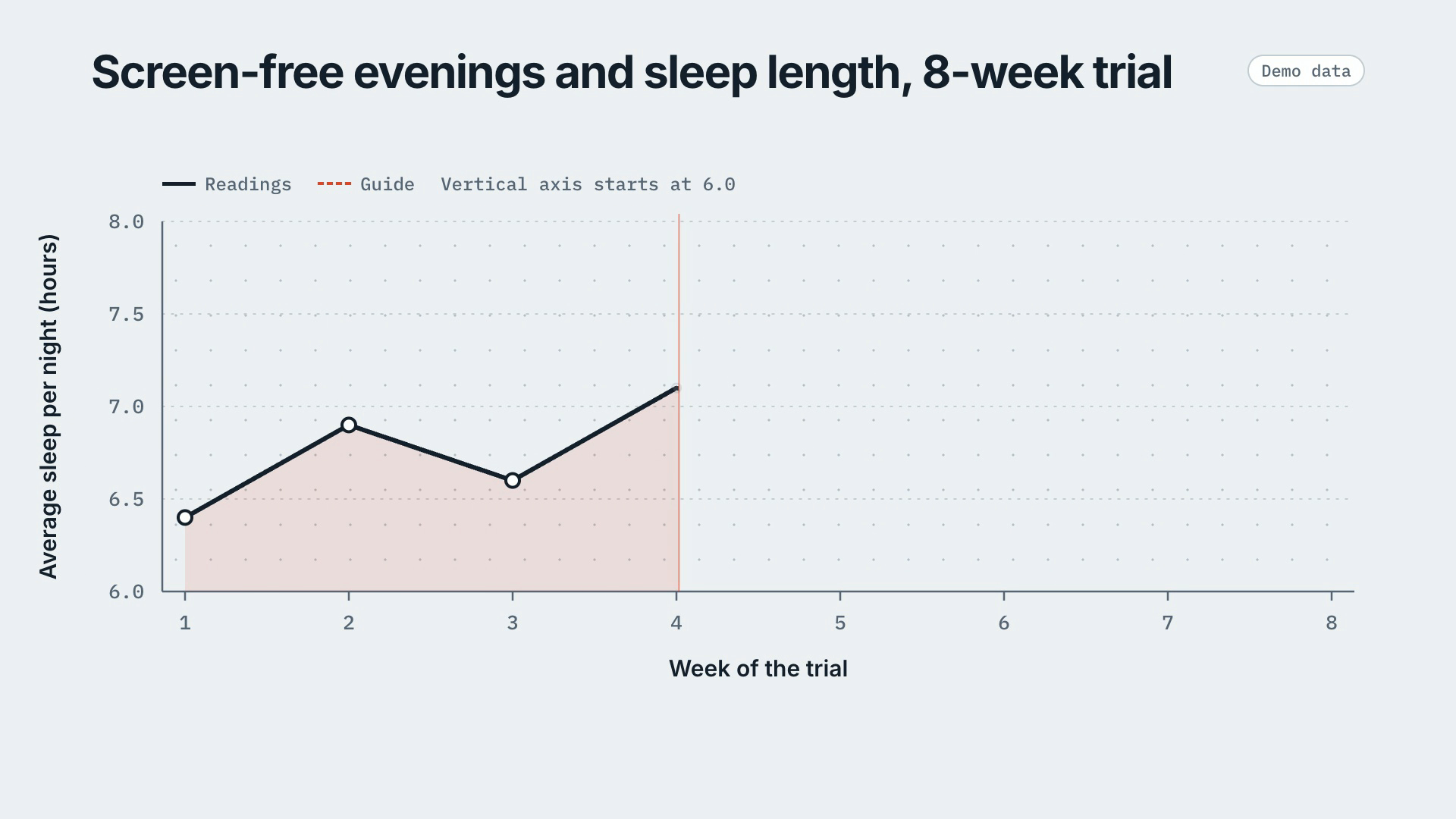




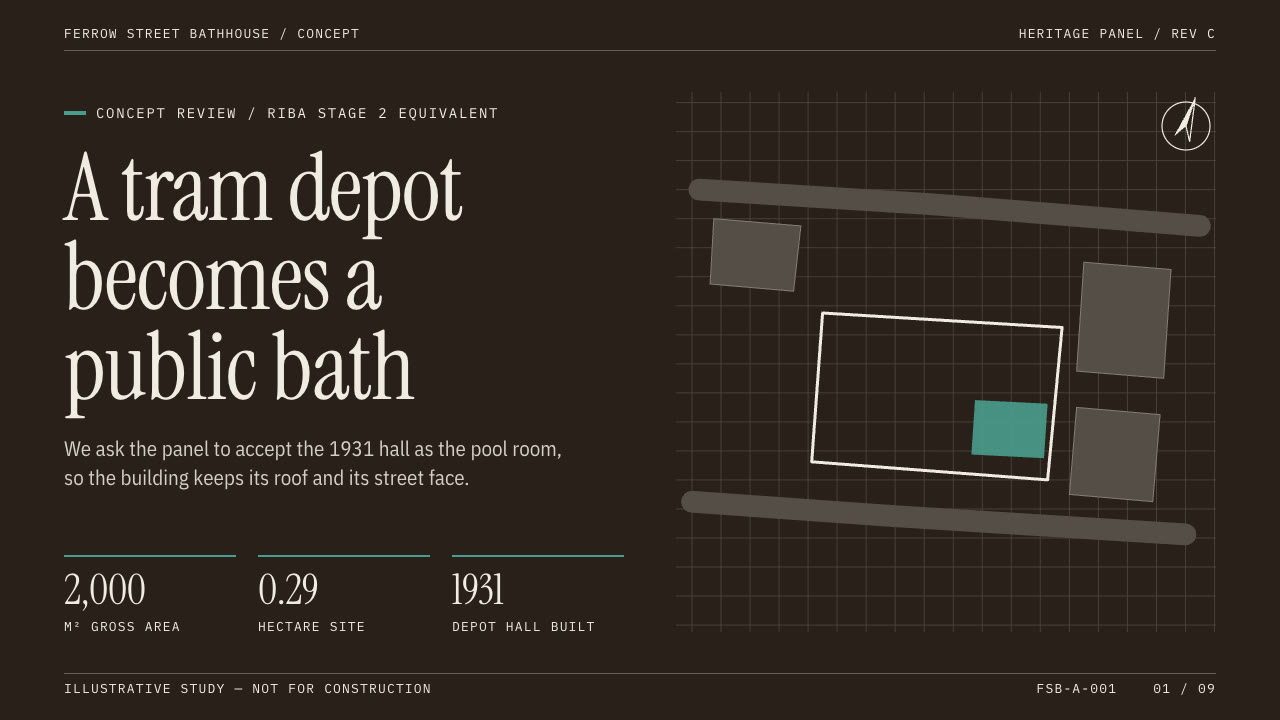



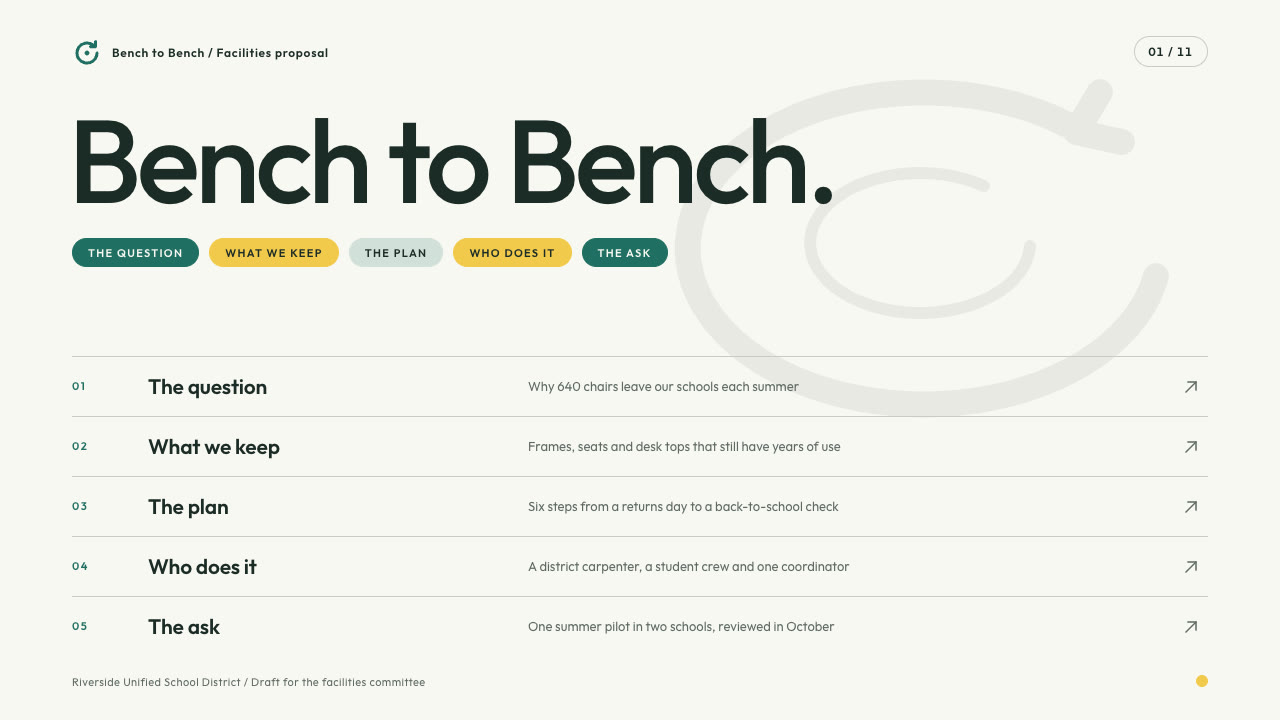

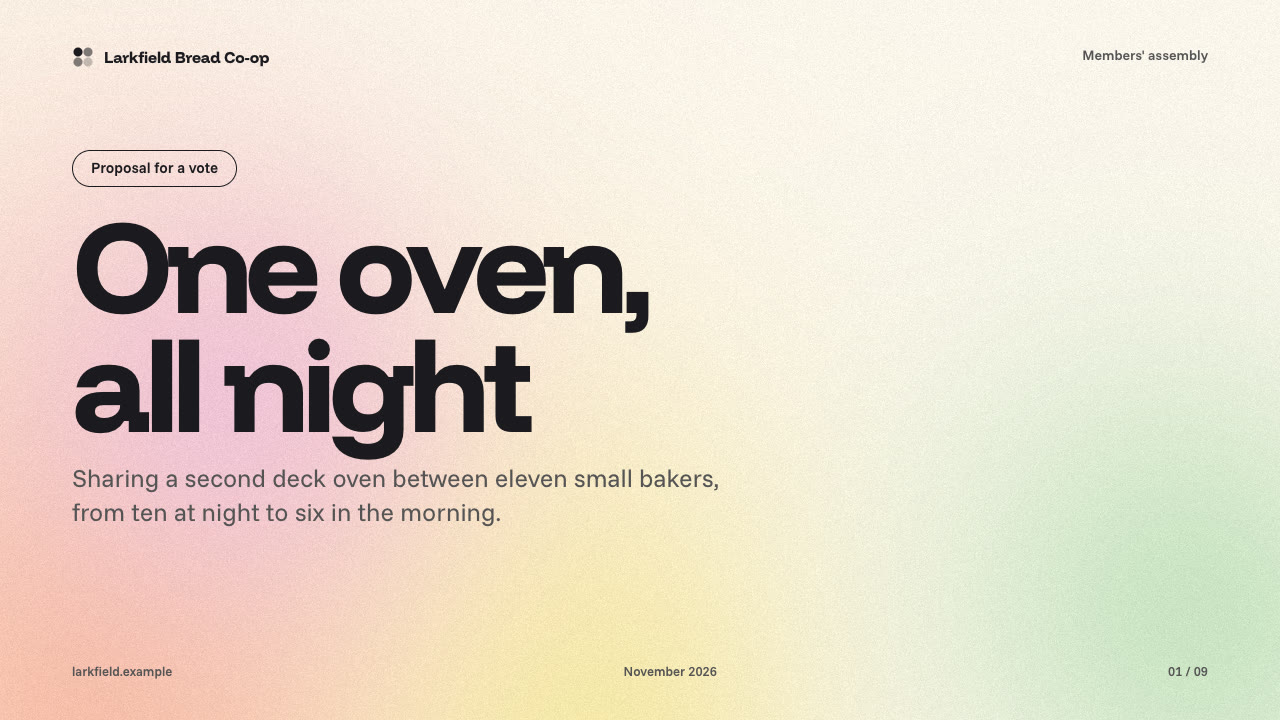
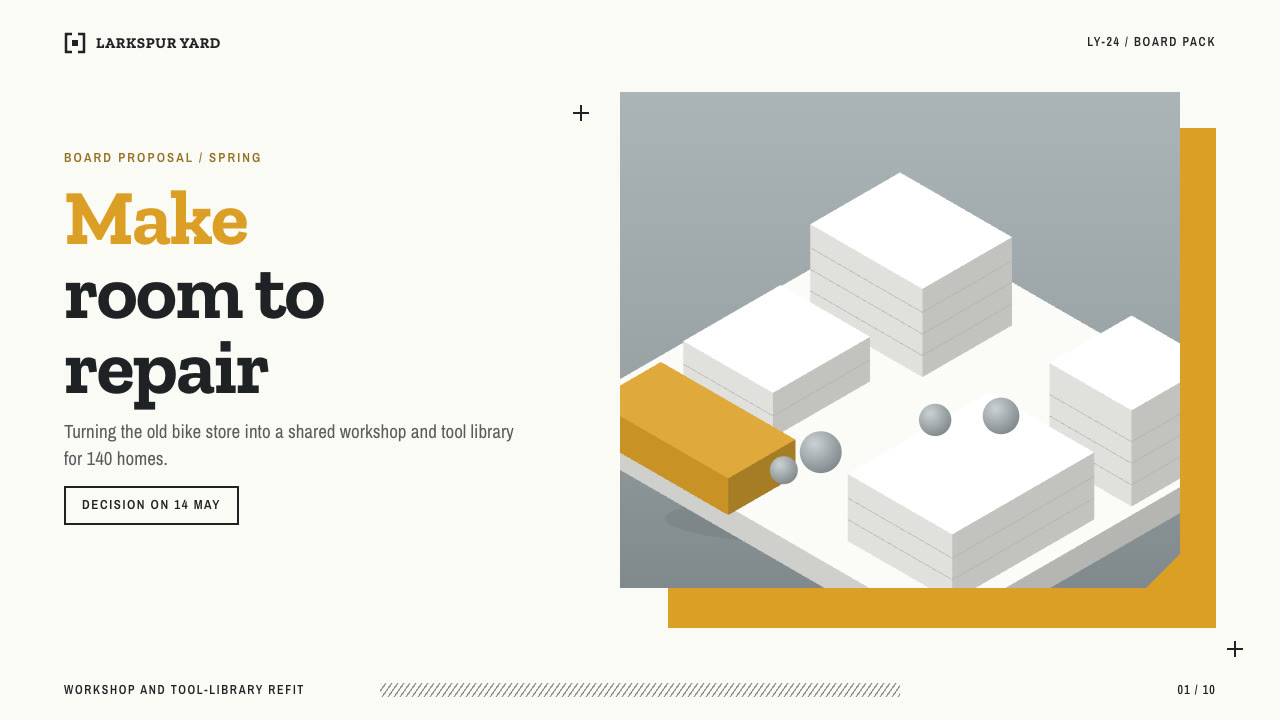

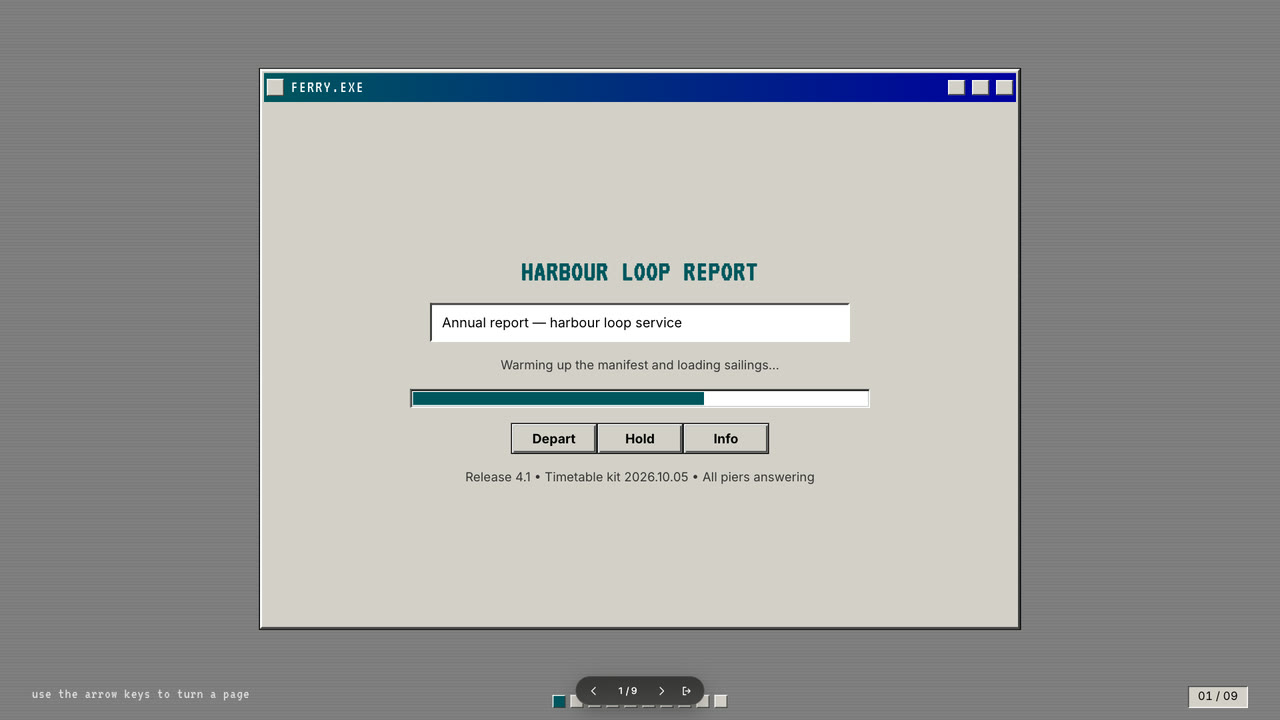
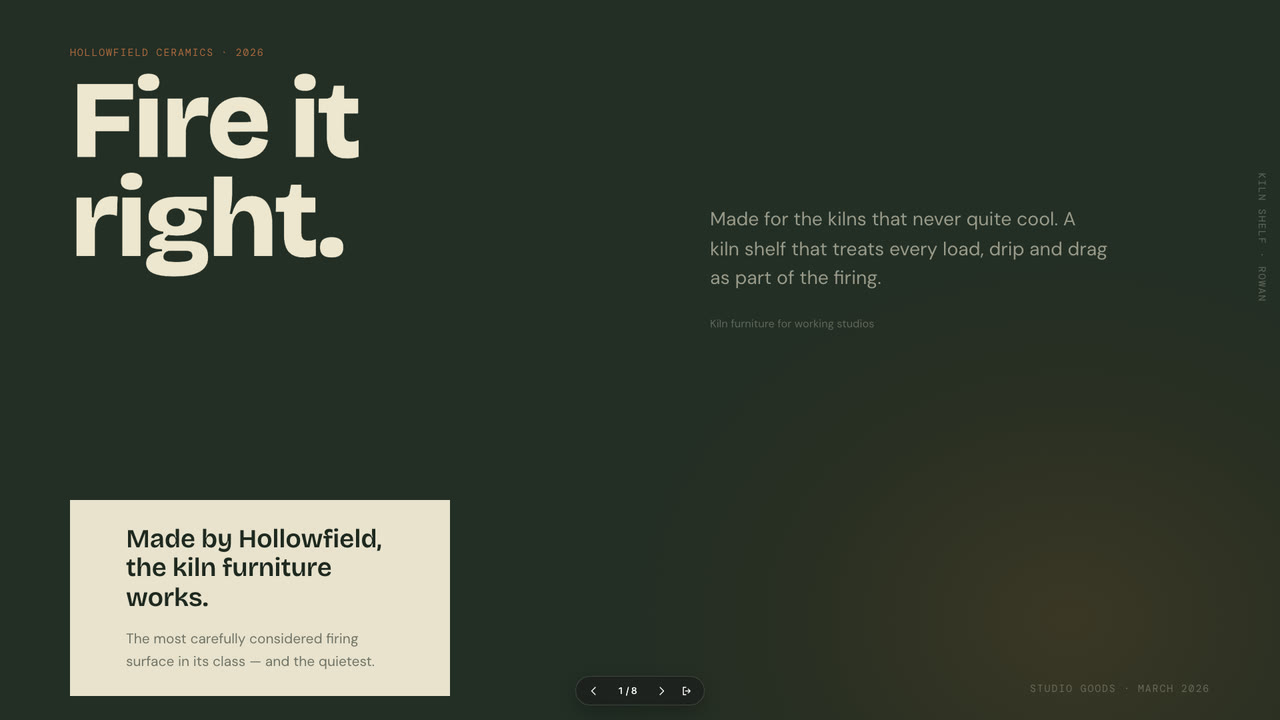
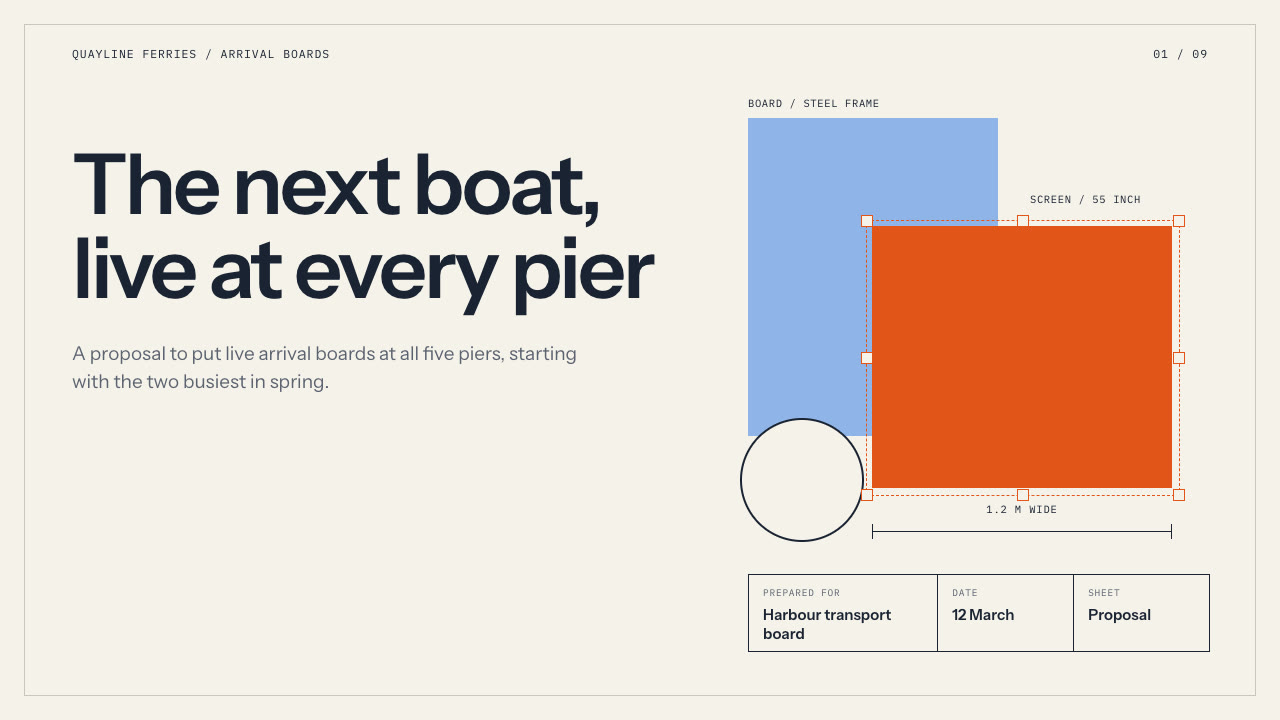
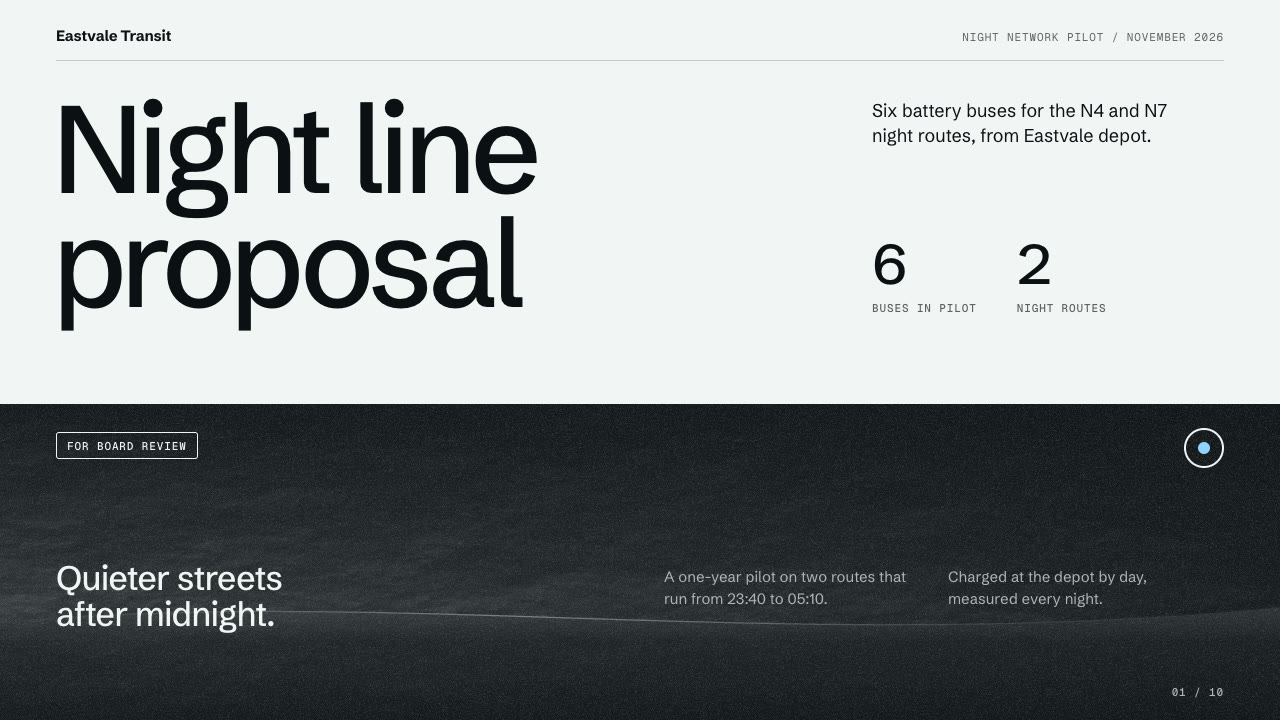
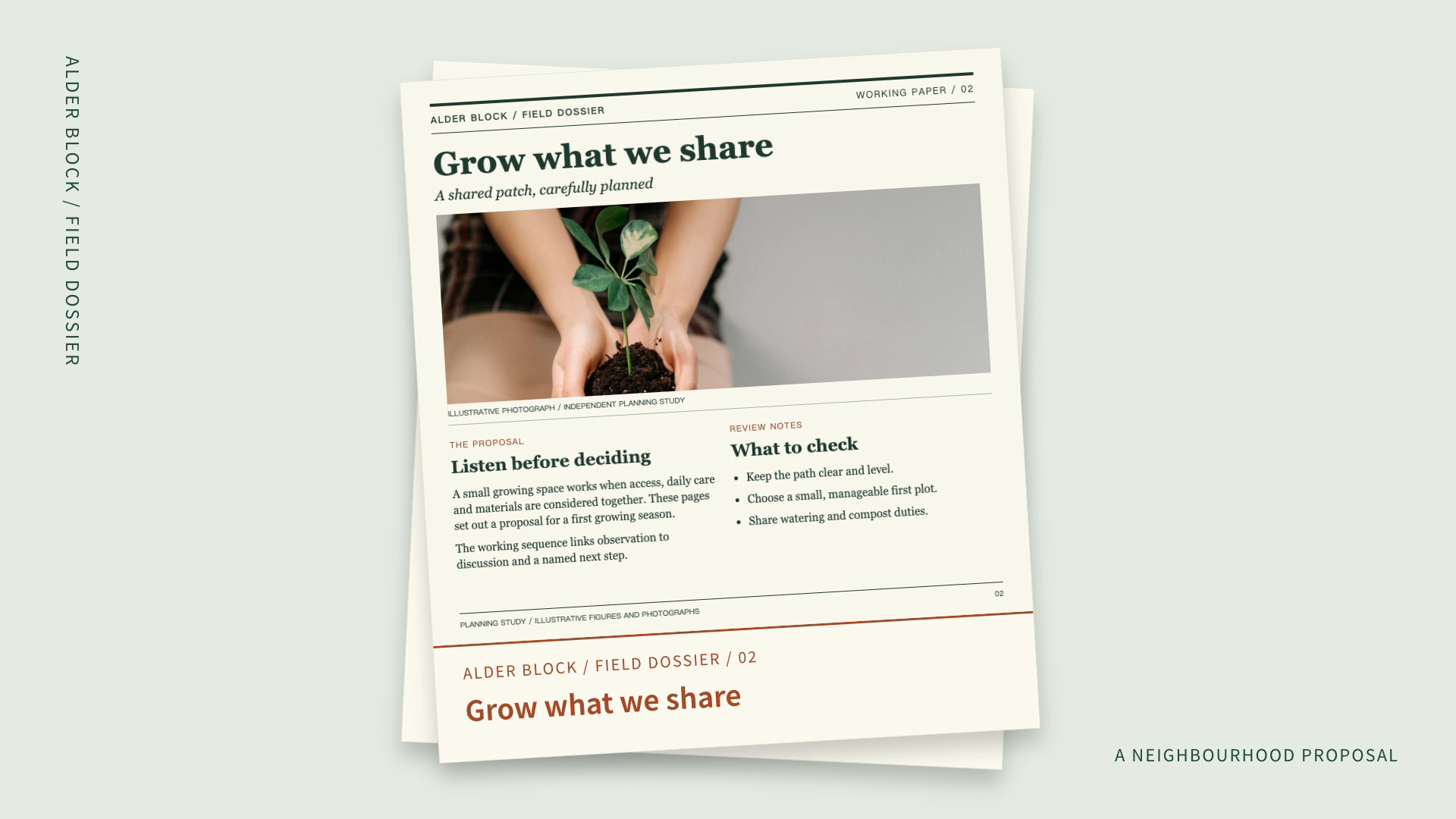

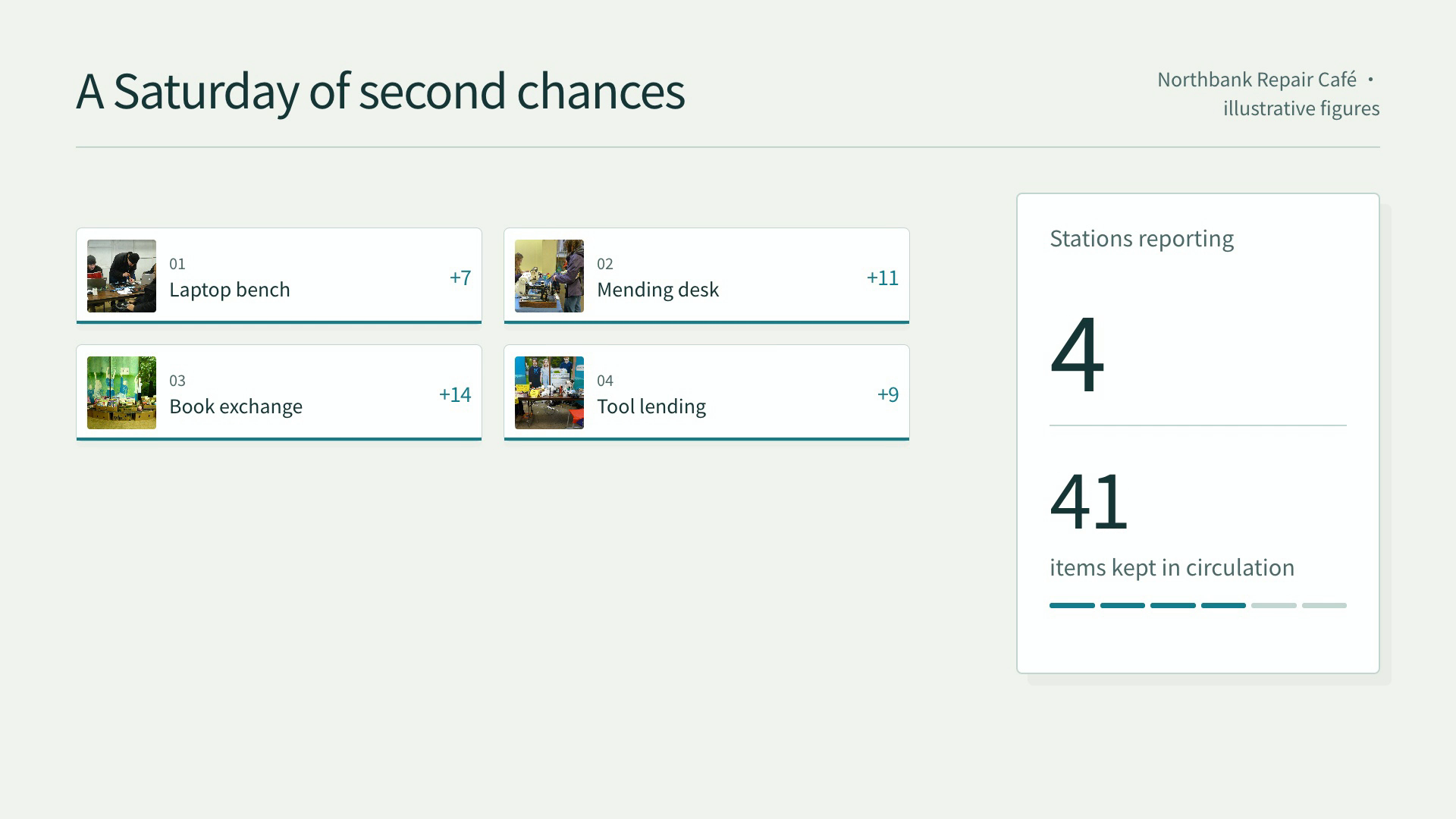
Communicate results, proposals and decisions to clients and teams.
Choose a workflow by its inputs and deliverables. The detail page tells you what to prepare and how to run it.
Start with a task, then explore the possibilities.
Films, motion graphics and photo effects your agent renders from a brief, a photo or a script, with every step already planned.
Explore VideoPitch, plan and board decks your agent writes from a brief: one offline HTML deck that edits in the browser and exports editable PowerPoint.
Explore PresentationsLanding pages, portfolios, stores and dashboards your agent builds as one HTML site, from a brief or a ready-made template.
Explore Web & HTMLSocial cards, posters and infographics your agent designs and generates through SandBase, plus the checks that prove which image model you are really getting.
Explore ImagesCompare the inputs and deliverables before you begin.
| What you have | What to look for | Next step |
|---|---|---|
| A clear brief | Communicate results, proposals and decisions to clients and teams. | Browse this collection |
| Source material | Check the chosen Skill’s required inputs and which details it can preserve. | Read the Skills guide |
| A different output | Films, motion graphics and photo effects your agent renders from a brief, a photo or a script, with every step already planned. | Video |
Compare the example, inputs and deliverables against your brief.
Communicate results, proposals and decisions to clients and teams.
Follow the Skill’s instructions and check the output in its intended context.
A few things to know before you start.
Communicate results, proposals and decisions to clients and teams. Compare the actual example and deliverables with your intended result.
Communicate results, proposals and decisions to clients and teams.
This depends on the Skill. Check whether it delivers source files, rendered media or an interactive artifact, and which tools are needed to edit it.
Review the Skill license, the model’s terms and the rights to your input media. A public example is not a blanket commercial license.