Banner Profile Slides
Make organisation profiles such as partner briefings, company or cooperative introductions, investor updates and onboarding decks: light pages with one strong colour, titles in a banner with a slanted cut, slope-cut pictures to the page edge, figures, a process, a bar chart and a native table.
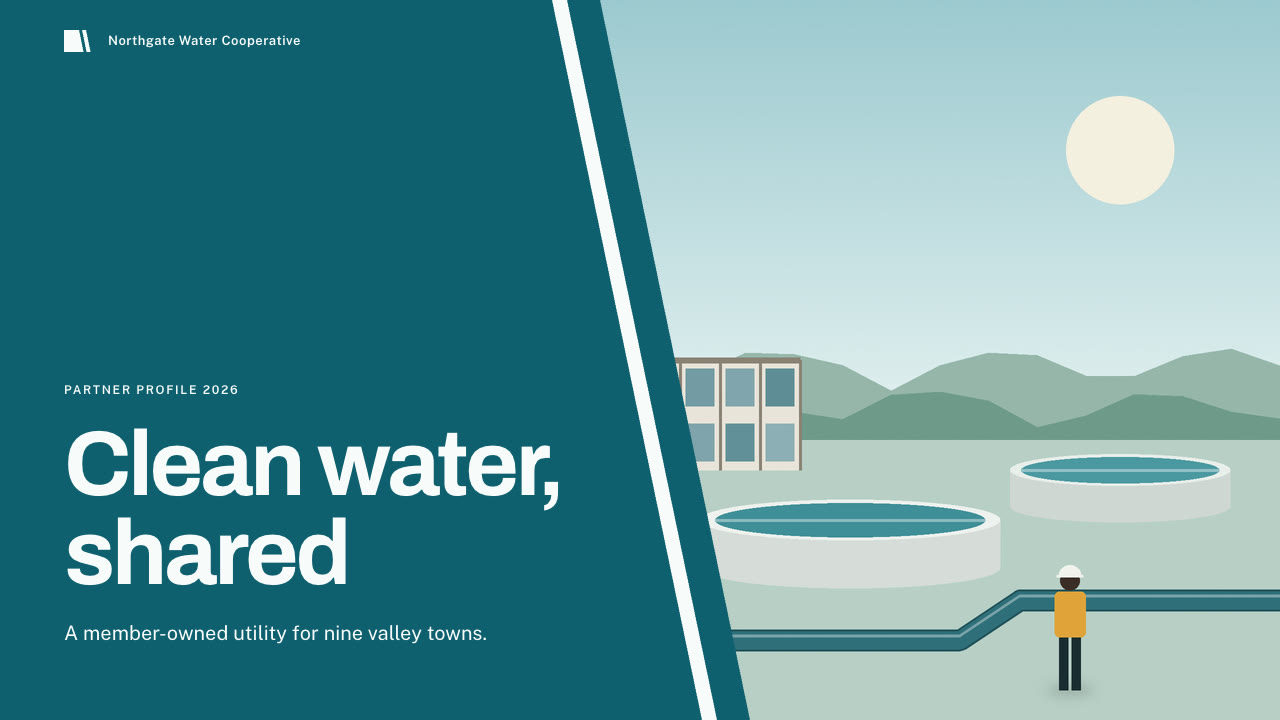
Bring who you are, the audience, the numbers to use exactly, your services and the page count, plus your own pictures. The Skill returns one offline HTML deck that edits in the browser and exports editable PowerPoint.
How it works
Brief and sequence
Your Agent asks for the topic, the audience, what should happen after the talk, the facts and numbers to use exactly and the page count, then gives every page one layout and picks one palette.
Pictures and build
You supply the pictures; bannerkit.py prepare expands icon names and chart data and bannerkit.py contrast checks the palette. It writes plan.json and settings.json, then runs kit.py compose, make-deck.py and verify-deck.py to build one offline HTML file.
Look and export
It opens every page in a browser and checks wraps, overlaps and labels, tries edit, undo, save and present, then exports PowerPoint and runs verify-pptx.py against the deck.
Frequently asked questions
Is the PowerPoint really editable?
Yes. Text, banner bands, cards, number squares, chart bars, gridlines and the table are native PowerPoint objects with speaker notes. Pictures keep their original image with a native crop; cuts, banner ends, strips and icons are small separate pictures. With every picture removed, all text, bands, cards and bars stayed in place.
Where do the pictures come from?
From you. The Skill does not make pictures; the example decks use flat illustrations drawn by code for these demos. The cover, cuts and banner ends are cut on the same slope around whatever you supply.
Which fonts does it use?
Archivo for titles and Public Sans for text, both under the SIL Open Font License and embedded in the HTML. Install both on the presenting machine; otherwise PowerPoint wraps change and a banner title can run under its slanted end. Chinese, Japanese and Korean use the system face.
What are the known limits?
Chart bars do not follow edited numbers; rebuild from the plan. Long chart labels wrap under the bars. The colour tab on the about and process pages fits a brand name of about 28 Latin or 14 CJK characters. Cuts over pictures are separate objects; move them with a picture you move or replace.
What was tested?
Both example decks were built from a fresh unzip of the package. Every page was inspected in Chrome and in a LibreOffice render of the exported PowerPoint, 31 browser interaction checks passed on each deck and 11 error-path checks passed, and python-pptx edits survived save and reopen. PowerPoint, Keynote and WPS were not opened.