Bevel Desk Slides
Make decks that read like a mid-90s workstation: every page a document window on a flat gray desktop, with a navy title bar, beveled chrome, group boxes, sunken wells, chunky progress bars and pixel-accent type.
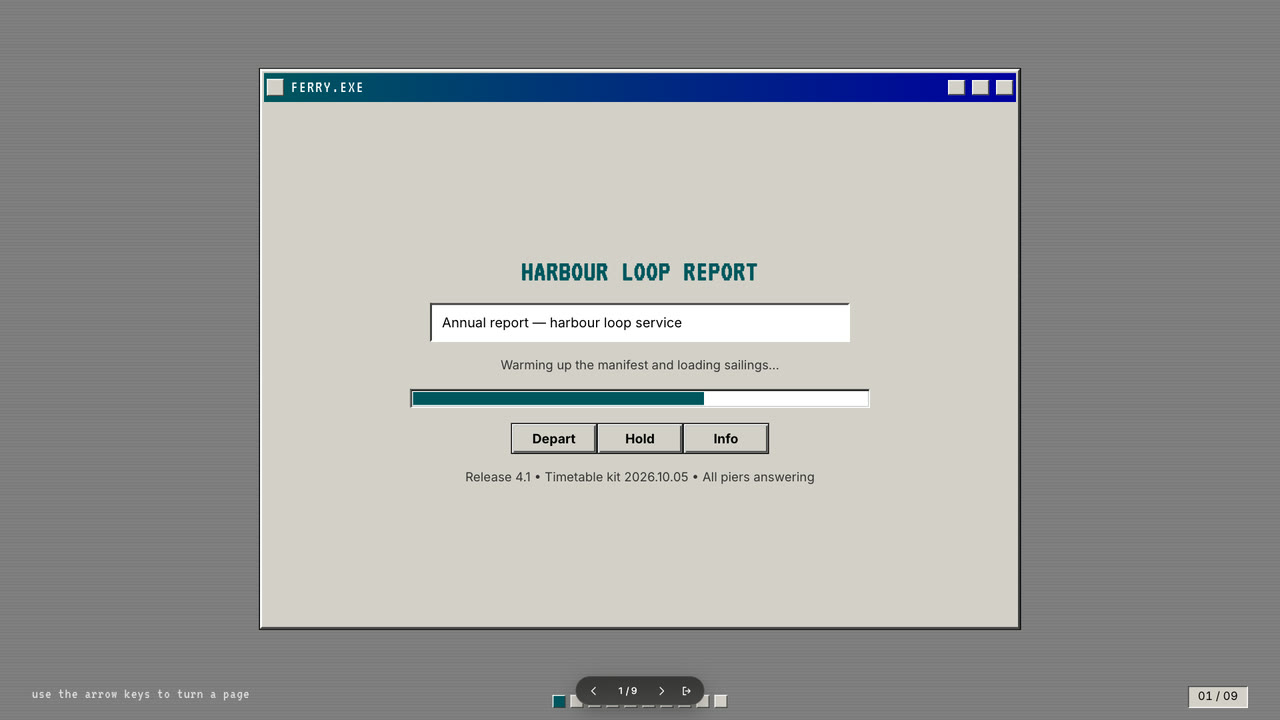
Bring the topic, the audience, the one decision the deck supports, the facts and numbers to use exactly, the page count and content language; your own pictures are optional. The Skill returns one offline HTML deck that edits in the browser and exports editable PowerPoint.
How it works
Brief and page order
The agent asks for the topic, the audience, the one decision the deck supports, the facts and numbers to use exactly, the content language and the page count, then assigns one of the ten layouts to each page and picks a palette.
Pictures and build
With no pictures of your own, scenes are described in art.json and drawn by bevel-art.py; the agent writes plan.json and settings.json, runs kit.py compose and make-deck.py to build the single HTML file, then looks at every page.
Check and PowerPoint
verify-deck.py checks the shell and deck rules; the agent edits a text in the browser, undoes, saves and presents. On request the file exports a native PowerPoint, verified with verify-pptx.py.
Frequently asked questions
Is the file really offline?
Yes. Everything — fonts, engine, pictures — is embedded in the one .html file. It opens, edits, presents and saves with no network.
Can I edit the PowerPoint afterwards?
Yes. Headings, metrics, group boxes, tree rows and table cells are exported as native PowerPoint text and shapes you can retype or restyle; the bevels and window chrome come as flat picture layers behind them.
Does it look like a specific operating system?
No. The look is deliberately generic 90s desktop: no real OS names, logos, flags, start buttons or system fonts. Window titles are fictional file names like PRESENT.EXE, and the title-bar buttons are plain geometric marks.