Native Shape Slides
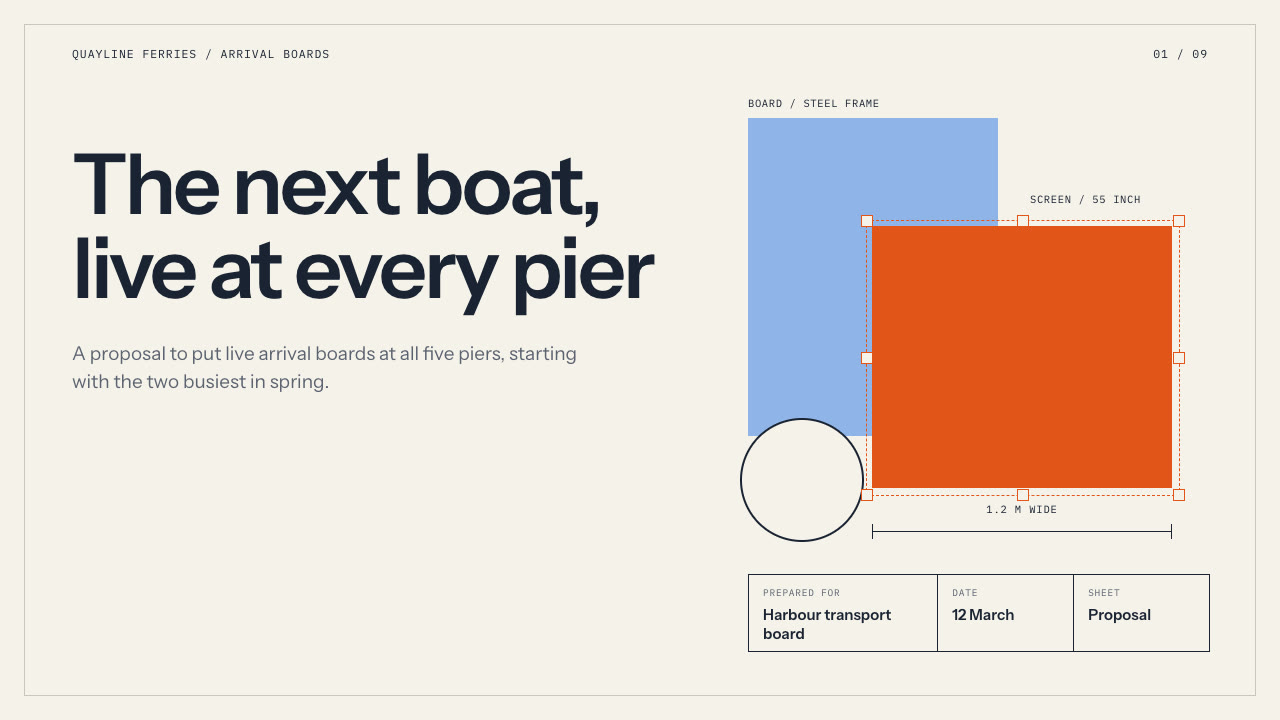
Make budget, strategy, launch and handoff decks that stay fully editable in PowerPoint: a technical-drawing look with paper sheets, a thin frame, a cover title block, dimension lines, mono object tags, native bars and tables, and an object ledger that proves no slide is a screenshot.
Bring the subject, the audience, the decision, the figures to use exactly and the page count. The Skill returns one offline HTML deck that edits in the browser and exports editable PowerPoint.
How it works
Brief and outline
Your Agent asks for the subject, audience, the decision, page count, language and the figures that must be used exactly, then gives every page one layout and one job, alternating light and dark sheets with one accent per page.
Build
It writes plan.json and settings.json, picks a palette, then runs kit.py compose, apply-palette.py, make-deck.py and verify-deck.py to build one offline HTML file with no sample text left.
Look, export and audit
It opens every page over local HTTP and checks wraps, overlaps, bar labels and page counters, tries edit, undo, save and present, exports PowerPoint, then runs verify-pptx.py and object-ledger.py --strict, which fails if a slide is a full-page picture.
Frequently asked questions
Is the PowerPoint really editable?
Yes. Headlines, labels, figures and speaker notes are native text boxes, the ledger is a native table, and frames, dimension lines, blocks and bars are native shapes. In the examples the only pictures are three small line icons; no slide is a full-page picture and no text is baked into an image.
What does the object ledger do?
object-ledger.py reads the exported PowerPoint and lists, per slide, the text boxes, shapes, tables and pictures, the fonts the file asks for and any full-slide picture. With --strict it fails on a full-slide picture, so a pasted screenshot is caught. It uses only the Python standard library.
Which fonts does it use?
Instrument Sans for headlines and text and IBM Plex Mono for tags and labels, both under the SIL Open Font License and shipped in the package. PowerPoint names these fonts, so install them on the presenting machine for matching line breaks. Chinese, Japanese and Korean text uses the system face.
What are the known limits?
There is no photography or illustration generator. Line icons export as small pictures. Layout geometry is fixed, so copy far over the budget runs into neighbouring blocks. Chinese line breaks can differ between the browser and the presentation app, most visibly around a marked phrase. Small text on the accent block reaches about 3.6 to 4.2:1 contrast.
What was tested?
Both example decks were rebuilt from a fresh unzip of the package and matched the published files byte for byte. Every page was inspected in Chrome and in a LibreOffice render of the exported PowerPoint, and python-pptx edits to text, a shape, a table cell and an icon survived save and reopen. PowerPoint itself was not opened.