Site Sequence Slides
Take an architecture or site-design proposal to a review panel like a drawing sheet: site, massing, plan and section, program, phasing and one clear decision.
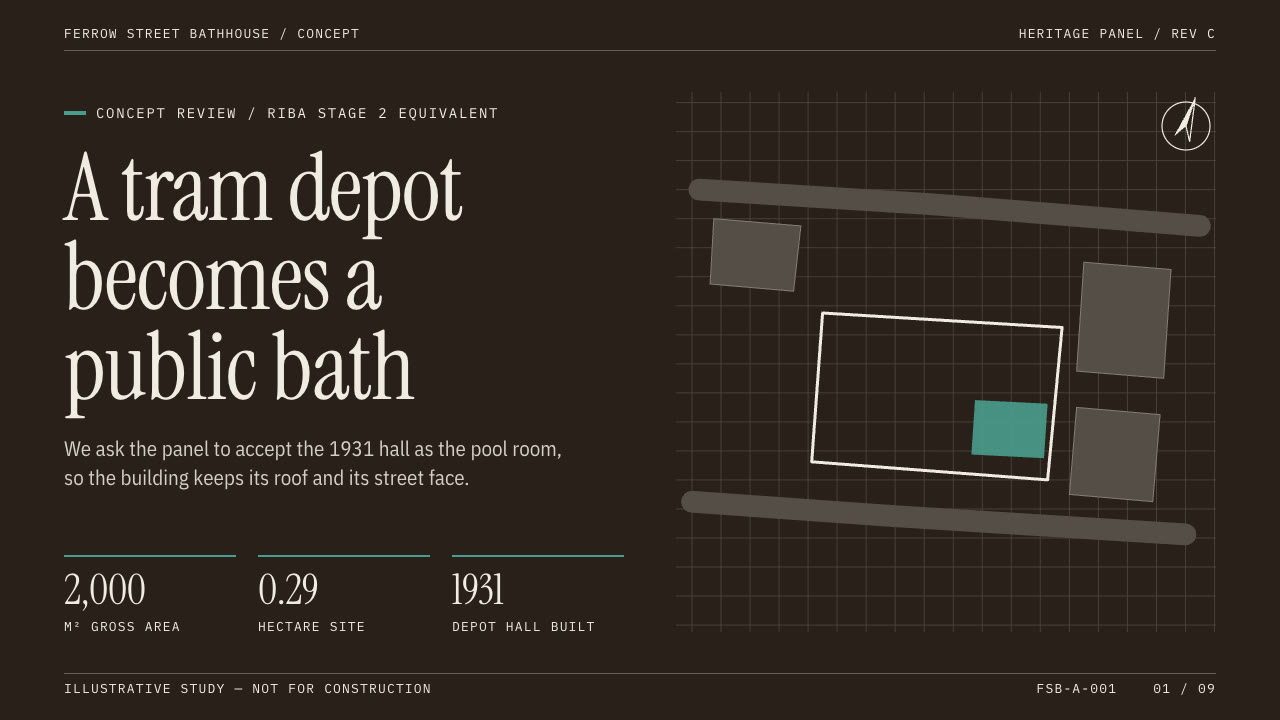
Bring a brief with the project, the audience, the decision you need and the dimensions and figures you can stand behind. The Skill returns one offline HTML deck that edits in the browser and exports editable PowerPoint.
How it works
Brief and sequence
Your Agent asks for the project, phase, audience, the one decision and the facts you can stand behind, then plans one spatial argument per page and picks a palette.
Drawings and build
site-drawings.py draws the site plan, massing, plan and section from the metre data in drawings.json (or you supply your own), kit.py composes the deck, make-deck.py builds one offline HTML file and verify-deck.py checks it.
Look and export
Look at every page in a browser, try edit, undo, save and present, then export PowerPoint and run verify-pptx.py against the deck.
Frequently asked questions
Is the PowerPoint really editable?
Yes. Text, program bands, the phasing timeline, material swatches, badges and tables are native PowerPoint objects with speaker notes; no slide is a flattened picture. Only the drawings (site, massing, plan, section) export as pictures that move, resize and can be replaced.
Are the drawings measured drawings?
No. They are diagrams of the numbers you give, not surveyed or CAD drawings, and every page says the study is preliminary. Their keys, levels and dimensions use the system monospace face; all other words stay editable text.
Which fonts does it use?
Instrument Serif for headlines and figures, IBM Plex Sans Condensed for text and IBM Plex Mono for labels, all under the SIL Open Font License and embedded in the deck. Chinese, Japanese and Korean use a system font. Install the three fonts for exact wrapping in a native presentation app.
What was tested?
Both example decks were built from a fresh unzip of the package. Every page was inspected in Chrome and in a LibreOffice render of the exported PowerPoint, and edits made with python-pptx survived save and reopen. No other presentation app was opened.